
In September 2012, Apple introduced the iPhone 5 with a redesigned body, thinner profile, and a new charging port: the Lightning connector. This marked the end of the 30-pin dock connector that had been a staple of Apple devices since 2003. For millions of users, this change meant outdated cables, adapters, and a wave of frustration. But behind the backlash was a strategic decision rooted in engineering, design, and long-term vision. Was it worth it? The answer lies in understanding Apple’s motivations, the real-world consequences, and how this shift influenced the future of mobile connectivity.
The End of an Era: Why the 30-Pin Connector Had to Go
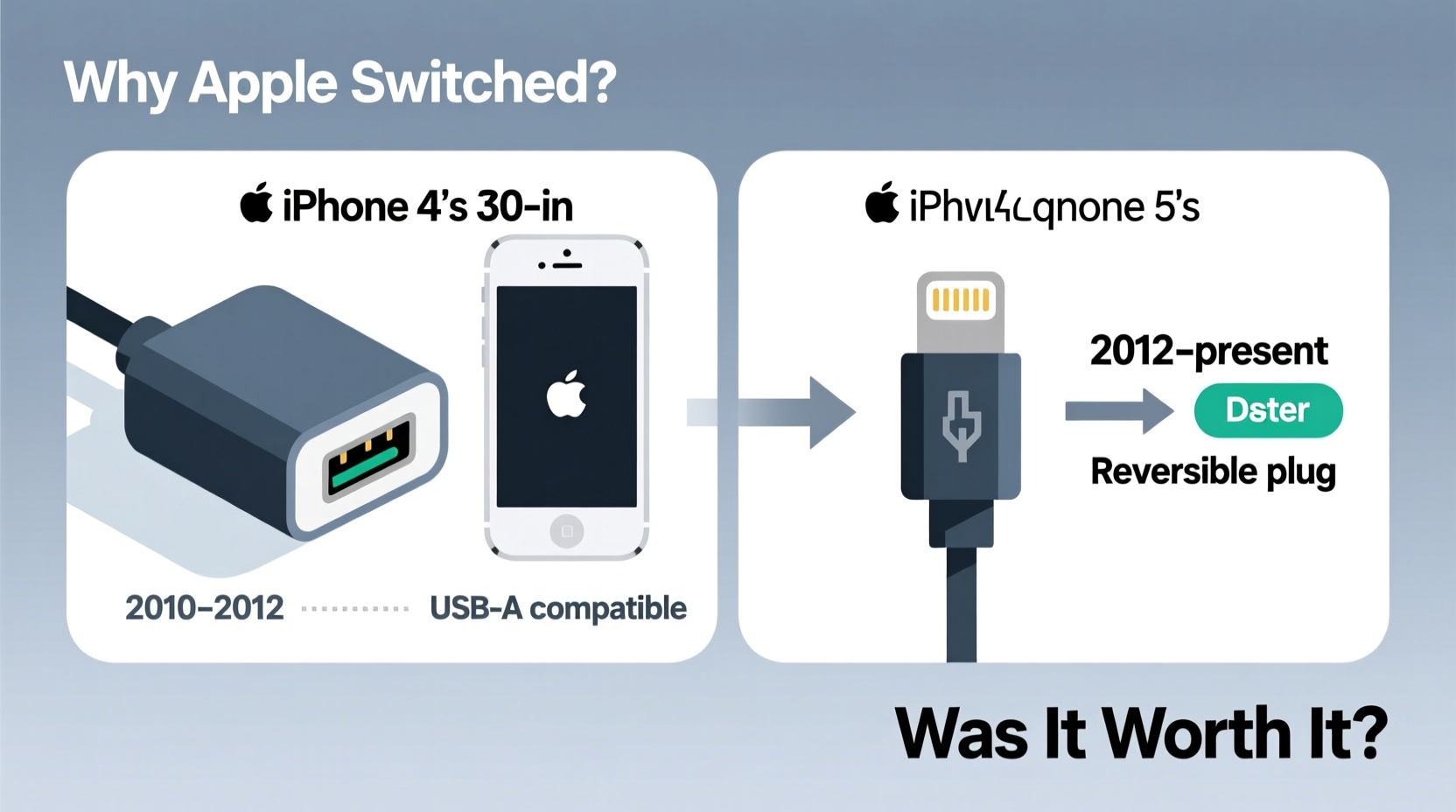
The 30-pin dock connector served Apple well for nearly a decade. It charged devices, synced data, supported audio output, and connected to countless accessories—from car stereos to speaker docks. However, by 2012, it was showing its age. The connector was large, bulky, and increasingly incompatible with the trend toward slimmer, more compact smartphones.
As smartphone designs evolved, internal space became precious. The 30-pin connector occupied significant room inside the device, limiting opportunities for battery expansion or additional components. Engineers at Apple needed a solution that was smaller, more durable, and capable of supporting future technologies. The Lightning connector—measuring just 7.6 x 3 mm—was less than half the size of its predecessor, freeing up critical internal space.
“Legacy ports can become anchors on innovation. When every millimeter counts, shrinking the connector wasn’t optional—it was essential.” — David Liu, Former Senior Hardware Engineer at Apple (2009–2016)
Design and User Experience Improvements
One of the most immediate benefits of the Lightning connector was its reversible design. Unlike the 30-pin or even USB-A connectors, Lightning could be plugged in either way—no fumbling in the dark or squinting at the cable orientation. This small but impactful feature improved daily usability and reduced wear and tear from incorrect insertion.
Beyond convenience, the Lightning port was also digitally intelligent. It contained an authentication chip (Apple’s MFi chip) that verified certified accessories, enhancing security and ensuring performance standards. While this led to higher prices for third-party cables, it also reduced risks from poorly made chargers that could damage devices or pose safety hazards.
Was the Transition Worth It? A Cost-Benefit Analysis
The switch came at a price. Overnight, users had to replace cables, car adapters, speaker docks, and other accessories. Apple offered a $29 adapter, but it was an added expense. Critics called the move greedy and environmentally irresponsible, citing e-waste from discarded 30-pin gear.
Yet, over time, the benefits outweighed the short-term inconvenience. The smaller port enabled thinner devices, better water resistance (due to tighter seals), and paved the way for future innovations like faster data transfer and digital audio output. The Lightning connector also became a standard across iPhones, iPads, and iPods, creating ecosystem consistency.
By 2020, Apple had sold over 2 billion devices using Lightning. That scale allowed for manufacturing efficiency, lower defect rates, and widespread accessory support. Third-party manufacturers adapted quickly, flooding the market with affordable—and eventually MFi-compliant—options.
Lightning vs. 30-Pin: Key Differences
| Feature | 30-Pin Connector | Lightning Connector |
|---|---|---|
| Size | Large (24.4 x 7.5 mm) | Compact (7.6 x 3 mm) |
| Reversible? | No | Yes |
| Data Transfer Speed | USB 2.0 (~480 Mbps) | USB 2.0 (same, later upgraded in some models) |
| Digital Intelligence | Limited | MFi chip for authentication |
| Ecosystem Longevity | 9 years (2003–2012) | Over 10 years and counting |
A Real-World Example: The Traveler’s Dilemma
Consider Sarah, a frequent traveler who upgraded from an iPhone 4S to an iPhone 5 in 2012. She owned multiple 30-pin accessories: a car charger, a hotel desk dock, and a portable battery pack. Suddenly, none worked with her new phone. Frustrated, she bought the adapter—but found it awkward and prone to disconnection during drives.
Within a year, however, Sarah noticed changes. New travel accessories adopted Lightning. Her next power bank had a built-in Lightning cable. Airlines began installing Lightning ports in seatbacks. By 2015, her entire ecosystem had transitioned. Looking back, she admitted the initial cost and hassle were offset by long-term reliability and compatibility across her devices.
Sarah’s experience mirrors that of millions. Short-term friction gave way to a more unified, future-ready ecosystem.
Environmental Impact and Sustainability Concerns
Critics rightly pointed to the environmental cost. Millions of functional 30-pin accessories were discarded or rendered useless. A 2013 Greenpeace report estimated that the transition generated over 20,000 tons of e-waste globally.
However, Apple argued that the long-term reduction in material usage and energy efficiency justified the shift. Smaller ports require less raw material, and the durability of Lightning cables (when properly used) reduces replacement frequency. Moreover, Apple later introduced recycling programs and began phasing out chargers entirely from iPhone boxes—starting in 2020—as part of broader sustainability efforts.
The Lightning transition, while not perfect, set a precedent: technological progress often requires breaking compatibility to enable greater efficiency and innovation.
Step-by-Step: How to Manage Connector Transitions Smoothly
When tech companies update hardware standards, users can minimize disruption with proactive planning. Here’s how:
- Inventory your accessories: List all devices using the old connector (car chargers, speakers, etc.).
- Prioritize replacements: Replace high-use items first (e.g., bedside charger).
- Use adapters wisely: Keep one for legacy gear, but don’t rely on it long-term.
- Buy MFi-certified cables: Avoid cheap knockoffs that fail prematurely.
- Recycle old gear: Use manufacturer take-back programs or local e-waste facilities.
FAQ
Why didn’t Apple keep the 30-pin connector?
The 30-pin connector was too large for modern slim devices. Its size limited internal design flexibility and couldn’t support newer features like advanced diagnostics or secure accessory authentication.
Is Lightning better than USB-C?
For Apple’s ecosystem at the time, Lightning was optimized for size and durability. However, USB-C offers faster charging, higher data speeds, and universal compatibility. Apple has since begun adopting USB-C, starting with iPads and the iPhone 15 series, due to regulatory pressure and industry standards.
Will my old Lightning cables work with new iPhones?
Yes—until Apple fully transitions to USB-C. The iPhone 15 (2023) replaced Lightning with USB-C, marking another shift. Existing Lightning accessories will require adapters or upgrades moving forward.
Final Verdict: Was It Worth It?
Retroactively, yes—the Lightning transition was worth it. It enabled sleeker designs, improved user experience through reversibility, enhanced accessory security, and laid the groundwork for a decade of innovation. While the environmental and financial costs were real, they were mitigated over time by longevity, ecosystem cohesion, and eventual moves toward sustainability.
Apple’s decision reflected a core philosophy: prioritize long-term advancement over short-term comfort. The Lightning connector wasn’t just a new port—it was a signal that mobile technology was evolving beyond legacy constraints.




 浙公网安备
33010002000092号
浙公网安备
33010002000092号 浙B2-20120091-4
Comments
No comments yet. Why don't you start the discussion?