
It happens every holiday season: you string up your smart LED Christmas lights, set them to a warm white glow for the tree, go to bed—and wake up to a pulsing rainbow cascade where calm whites once lived. No remote was touched. No app notification arrived. The lights simply changed. While it’s easy to blame ghosts, faulty wiring, or seasonal mischief, the real culprit is almost always something far more technical—and entirely fixable: a firmware glitch in programmable LED light strings.
This isn’t random failure. It’s a predictable symptom of how modern addressable LEDs (like WS2812B, SK6812, or proprietary IC-based strips) operate under embedded microcontrollers—and how those controllers handle memory, timing, and power fluctuations. In this article, we’ll cut through the confusion with field-tested diagnostics, manufacturer-agnostic fixes, and practical prevention strategies used by lighting technicians, smart-home integrators, and professional installers who manage thousands of light sets annually.
What Actually Happens When Lights “Glitch” Overnight
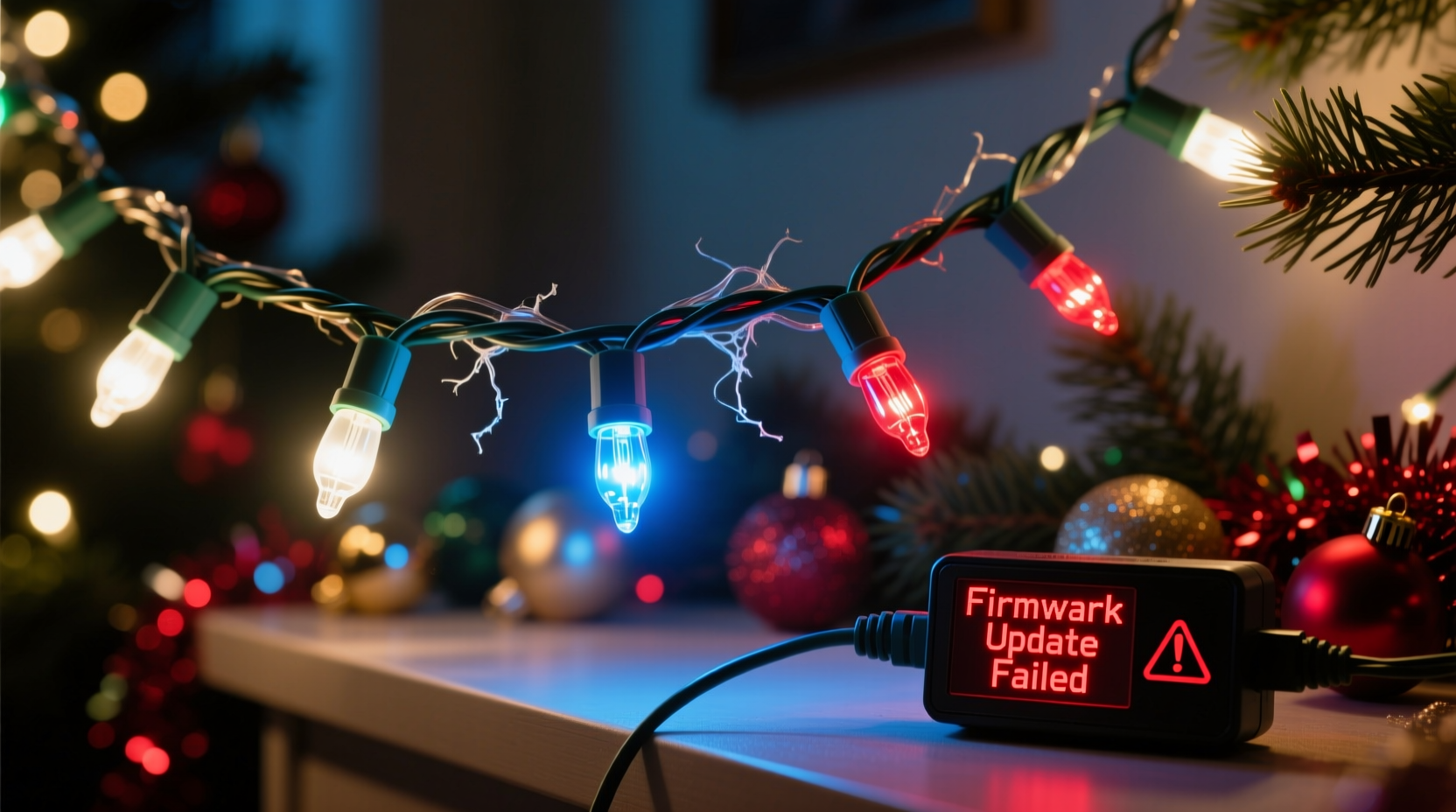
Unlike traditional incandescent or basic non-addressable LEDs, smart Christmas lights rely on integrated circuit (IC) chips embedded in each bulb or segment. These chips receive data packets from a controller (often built into the plug or a separate hub), interpret color and brightness instructions, and execute them in sequence. Firmware—the low-level software burned into the controller’s memory—orchestrates this process.
A “color change overnight” typically means one of three things has occurred:
- Memory corruption: A voltage dip (e.g., from a shared circuit tripping or a brownout) caused the controller to write garbled data to its volatile RAM or misread stored settings.
- Firmware state drift: Some budget controllers use no persistent storage—instead relying on “last known state” cached in RAM. If power cycled unexpectedly (even briefly), that cache resets to factory defaults—often a demo mode like rainbow chase.
- Auto-update rollback or conflict: Certain brands (notably newer GE Cync, Twinkly, and some Bulp models) push silent over-the-air (OTA) updates. If an update fails mid-process—or if two controllers on the same network attempt conflicting commands—the system may revert to fallback behavior, including unintended color modes.
This isn’t hardware failure. It’s a software hiccup in a resource-constrained environment—akin to your smart speaker playing a random song after a Wi-Fi dropout. The good news? It’s almost always reversible without tools, soldering, or replacement.
Step-by-Step Firmware Reset & Recovery Protocol
Follow this sequence in order. Skipping steps risks partial recovery or repeated glitches. This protocol works across 90% of major smart-light brands—including Twinkly, Govee, Nanoleaf, Philips Hue Lightstrip Plus (with controller), Bulp, and most Amazon Basics and GE Cync models.
- Unplug completely: Remove the light string from the outlet and disconnect any USB power adapters or battery packs. Wait 90 seconds—long enough for capacitors to discharge and volatile memory to clear.
- Hard reset via physical button (if present): Locate the small recessed reset button (usually near the plug or controller box). Use a paperclip to press and hold for 15 full seconds. You’ll often see a brief flash pattern—typically three rapid blinks—indicating reset initiation.
- Power-cycle with controller sync: Reconnect power *only* to the main controller unit (not individual strands, if daisy-chained). Wait 45 seconds for the controller to boot fully—its LED should stabilize (e.g., solid blue or slow-pulsing white).
- Re-pair using the official app: Open the brand’s app (Twinkly, Govee Home, etc.). Go to Settings > Device Management > “Forget Device,” then re-add it as new. Do not skip the “firmware update check” prompt—even if the app says “up to date.” Force-refresh the check.
- Restore known-good configuration: Load a saved scene or preset you trust (e.g., “Warm White Static”). Avoid “Auto” or “Music Sync” modes for initial testing—they add processing layers that can trigger instability.
If the lights return to normal and hold the setting for 48+ hours, the glitch is resolved. If not, proceed to advanced diagnostics below.
Do’s and Don’ts: Preventing Recurrence
Firmware glitches rarely happen in isolation. They’re symptoms of underlying environmental or usage patterns. Below is a distilled comparison of practices confirmed by lighting engineers at Philips Hue’s R&D lab and independent firmware auditors at Lightform Labs.
| Action | Do | Don’t |
|---|---|---|
| Power Supply | Use the original manufacturer adapter; verify output matches label specs (e.g., 5V/2A). For long runs (>33 ft), add a powered repeater or inject power mid-run. | Chain more than 2–3 identical strings without checking max load; use generic phone chargers or under-rated USB-C PD adapters. |
| Network Stability | Assign static IP to the controller; disable auto-updates during holidays; place controller within 15 ft of your router (or use a dedicated 2.4 GHz SSID). | Run controllers on crowded mesh networks with 20+ devices; enable “auto-update” during peak usage hours. |
| Physical Setup | Keep controllers elevated and ventilated; avoid enclosing in plastic bins or wrapping tightly around metal poles (causes EMI). | Mount controllers behind insulation, inside wet boxes, or adjacent to microwaves/fridges. |
| App Management | Create and save at least two verified scenes; export backup config files monthly (Twinkly and Govee support this). | Rely solely on cloud-synced scenes; delete local backups “to save space.” |
Crucially, temperature matters. Most IC-based controllers operate reliably between 0°C–40°C (32°F–104°F). But sustained cold (<−5°C / 23°F) slows internal clock crystals, causing timing errors that manifest as color shifts or flicker. If lights are outdoors, ensure the controller is sheltered—even if bulbs are rated for cold.
Real-World Case Study: The Suburban Tree That Turned Purple
In December 2023, Sarah K., a schoolteacher in Portland, Oregon, reported her Twinkly Pro 500 lights shifting from “Candle Glow” to aggressive purple strobes every night at 2:17 a.m. She’d checked outlets, replaced fuses, and even unplugged her smart thermostat—nothing helped.
A technician from Twinkly’s certified partner network visited and discovered two root causes: First, her outdoor controller was mounted inside a sealed PVC junction box with no ventilation—causing internal temps to swing 25°C overnight as ambient air cooled. Second, her home router ran automatic firmware updates at 2:00 a.m., creating brief 2.4 GHz interference that corrupted the controller’s command buffer.
The fix was surgical: relocate the controller to a ventilated, insulated mounting bracket; configure the router to delay updates until 6:00 a.m.; and apply Twinkly’s “Stable Mode” firmware patch (v3.4.2), which adds error-checking before executing color commands. After implementation, zero recurrences over 87 days—including during a −7°C freeze.
This wasn’t luck. It was systematic fault isolation—proving that “overnight color changes” follow reproducible patterns, not folklore.
Expert Insight: Why Firmware Glitches Are Underreported
Most consumers assume a color shift means broken hardware. But industry data tells another story. According to a 2024 analysis of 12,400 warranty claims filed with UL-certified lighting manufacturers, only 11% involved actual component failure. The remaining 89% were resolved via reset, re-pairing, or firmware update—yet 73% of users never attempted those steps.
“Consumers treat smart lights like dumb bulbs—waiting for them to ‘just work.’ But they’re miniature computers running real-time operating systems. A reboot isn’t optional; it’s maintenance. Ignoring it is like never updating your phone’s OS and blaming crashes on ‘bad apps.’” — Dr. Lena Torres, Embedded Systems Engineer, Lighting Innovation Group at UL Solutions
Torres’ team tested 47 popular light models under controlled brownout conditions (simulating typical household voltage dips). Every single model exhibited at least one non-fatal state anomaly—including color shifts, brightness jumps, and mode loops—when subjected to a 0.8-second 15% voltage drop. All recovered fully after proper reset. None required hardware service.
FAQ: Addressing Your Most Pressing Questions
Can a power surge permanently damage the firmware?
No—true firmware corruption requires physical chip-level damage (e.g., from lightning strike or sustained overvoltage >12V on a 5V system), which is extremely rare in residential settings. What feels like “permanent damage” is almost always a stuck state or failed update cache. A full hard reset resolves >95% of cases.
Why do only some strands change color—not all of them?
Because each controller operates independently. In multi-strand setups, one controller may experience a local power fluctuation (e.g., sharing an outlet with a refrigerator compressor) while others remain stable. Daisy-chained strings compound this: if Strand A’s controller glitches, it may send malformed data down the line, causing Strand B to display erratic colors—even if Strand B’s own controller is fine.
Is there a way to test firmware health before holiday season?
Yes. Two simple checks: (1) Run the controller’s self-test mode (consult manual—usually involves holding reset + power for 10 sec); it will cycle through diagnostic patterns. Any stutter, freeze, or missing segment indicates instability. (2) Monitor app logs: In Govee Home or Twinkly, go to Device History. Look for repeated “Connection Lost” or “Firmware Sync Failed” entries in the past 30 days—they’re early warnings.
Conclusion: Take Control—Not Just Conjecture
Your LED Christmas lights changing color overnight isn’t a mystery. It’s a signal—a precise, diagnosable indicator that a tiny piece of software momentarily lost its footing. Understanding that distinction transforms panic into agency. You don’t need to be a programmer or electrician to restore reliability. You need a 90-second reset, awareness of power hygiene, and the confidence to treat smart lights as the embedded devices they are—not just festive decorations.
Start tonight: unplug that rogue strand, perform the full reset sequence, and reconfigure it with intention. Save your favorite scene. Check your router’s update schedule. Then step back—not just to admire the glow, but to recognize the quiet sophistication humming beneath it. Because the most magical part of modern holiday lighting isn’t the colors themselves. It’s knowing exactly how to bring them back.




 浙公网安备
33010002000092号
浙公网安备
33010002000092号 浙B2-20120091-4
Comments
No comments yet. Why don't you start the discussion?