
It’s a familiar frustration: you’ve just upgraded to a 500 Mbps fiber-optic connection, only to find that downloading the latest AAA title still takes hours. Despite blazing-fast speeds promised by your ISP, games like Elden Ring, Call of Duty, or Starfield seem to crawl across your bandwidth. What gives? The truth is, download speed alone doesn’t tell the whole story. Behind the scenes, multiple technical and logistical factors influence how quickly a game lands on your hard drive—even when your internet appears to be performing at peak capacity.
Understanding Bandwidth vs. Real-World Download Performance
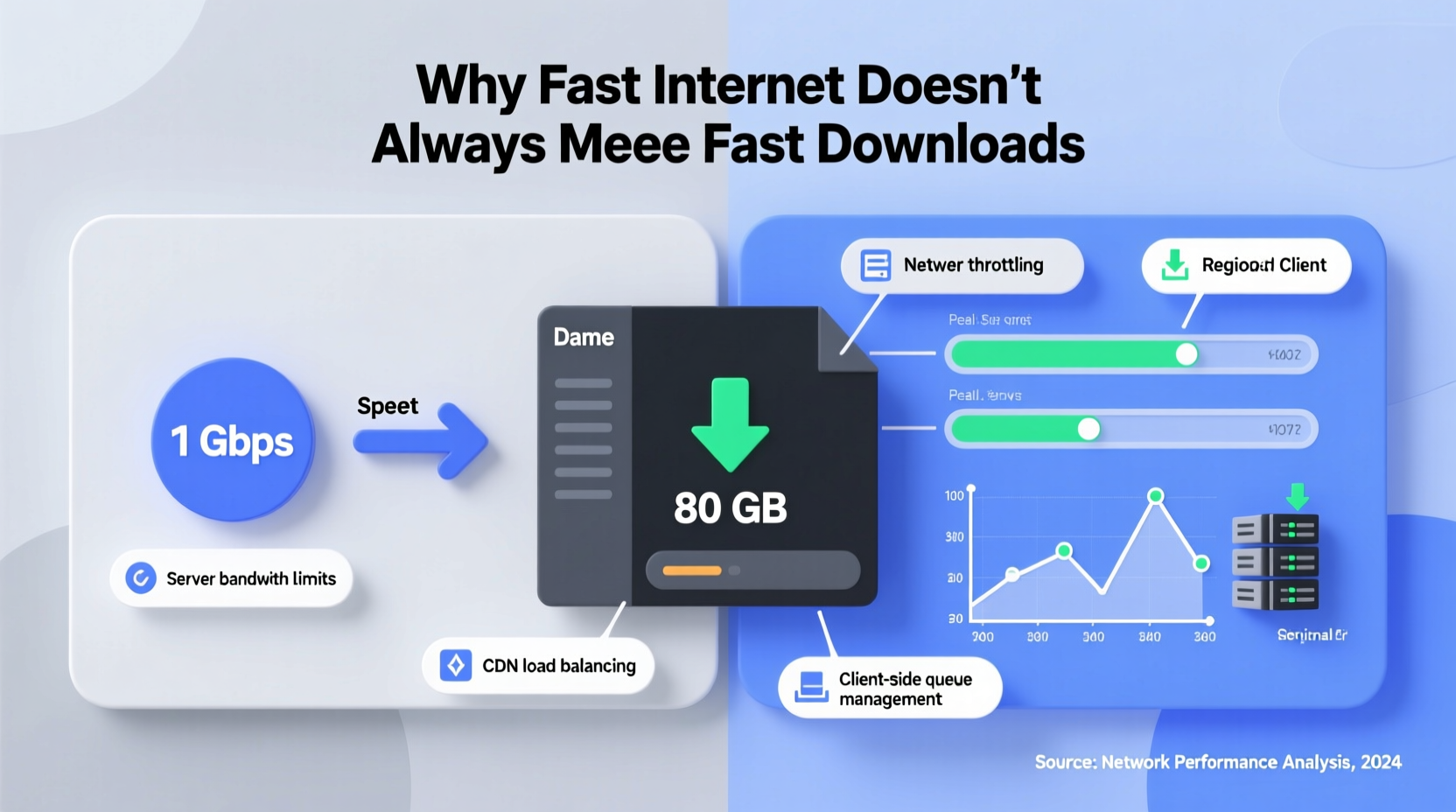
Bandwidth, measured in megabits per second (Mbps), indicates the theoretical maximum amount of data your connection can transfer in a given second. But real-world performance rarely matches this ideal. Think of bandwidth like a highway—more lanes allow more cars to travel simultaneously, but traffic jams, construction zones, and slow vehicles can still delay your arrival.
When you initiate a game download from platforms like Steam, PlayStation Network, or Xbox Live, your device connects to a remote server hosting the game files. Even with high bandwidth, several bottlenecks can throttle effective throughput:
- Server-side limitations: The platform’s distribution servers may limit bandwidth per user to manage load during peak times.
- Network hops: Data travels through multiple routers and networks between you and the source server. Congestion at any point can slow transmission.
- Content Delivery Network (CDN) proximity: If you're far from a CDN node, latency increases and efficiency drops.
- Background processes: Automatic updates, cloud syncs, or other devices on your network consume shared bandwidth.
For example, a 100 GB game should theoretically download in about 27 minutes on a consistent 500 Mbps connection. In practice, users often report download times exceeding 2–3 hours due to these variables.
The Role of Content Delivery Networks (CDNs)
Game distributors rely heavily on CDNs—geographically distributed networks of proxy servers and data centers—to deliver large files efficiently. Instead of pulling data directly from a central server in California, your console or PC might connect to a nearby CDN node in Chicago or Toronto.
However, not all CDNs are created equal. Some regions have sparse coverage, forcing downloads to route through distant hubs. Additionally, CDNs may prioritize certain types of traffic or cap bandwidth based on demand. During major game launches—such as Final Fantasy XVI or Hogwarts Legacy—thousands of users simultaneously accessing the same CDN can lead to throttling.
A study by Cloudflare in 2023 found that peak-hour download speeds for gaming platforms dropped by an average of 38% compared to off-peak times, primarily due to CDN saturation. This means your \"fast\" internet isn't slow—it's simply hitting infrastructure limits beyond your control.
“Even with gigabit connections, users near the edge of a CDN region experience significantly higher latency and lower throughput.” — Dr. Lena Torres, Network Infrastructure Analyst at MIT Internet Policy Research Group
Platform-Specific Throttling and Update Mechanisms
Major platforms implement their own strategies for managing downloads, which can inadvertently slow things down:
- Steam: Valve uses peer-to-peer (P2P) sharing to reduce server load. While this helps distribute bandwidth, it can introduce variability depending on how many seeders are available.
- Xbox & PlayStation: These consoles often stagger large patches and updates to prevent system overload. They may also limit concurrent downloads to preserve stability.
- Origin/EA App: Historically criticized for inefficient patching algorithms, EA has improved but still lags behind competitors in download optimization.
Moreover, digital storefronts frequently compress and encrypt game files before distribution. When downloaded, these files must be decompressed and verified—a process that occurs *after* the download completes but contributes to perceived slowness. On some systems, installation time rivals or exceeds download duration.
Do’s and Don’ts of Game Download Management
| Action | Recommended? | Reason |
|---|---|---|
| Use Ethernet instead of Wi-Fi | ✅ Yes | Reduces latency and packet loss |
| Pause and resume downloads frequently | ❌ No | Can reset CDN prioritization |
| Enable background downloads | ✅ Yes | Utilizes idle bandwidth |
| Download during weekday afternoons | ❌ No | Higher network congestion |
| Verify game files pre-download | ✅ Yes | Prevents corruption-related redownloads |
Hardware and Local Network Factors
Your home network setup plays a critical role in download performance. Even with excellent external bandwidth, internal limitations can create chokepoints:
- Router capabilities: Older routers may not support modern standards like Gigabit Ethernet or Wi-Fi 6, capping throughput below your plan’s potential.
- Disk write speed: Consoles and PCs must write incoming data to storage. A slow HDD (e.g., 5400 RPM) can bottleneck transfers, making downloads appear sluggish even if data arrives quickly.
- Storage fragmentation: On traditional hard drives, fragmented free space forces the system to work harder during writes, slowing overall progress.
- NAT and firewall settings: Overly restrictive configurations can interfere with optimal routing and retransmission efficiency.
A real-world case illustrates this: Sarah, a gamer in Denver, upgraded her internet from 100 Mbps to 600 Mbps but saw no improvement in download times. After investigation, she discovered her five-year-old router couldn’t handle speeds above 200 Mbps over Wi-Fi. Replacing it with a Wi-Fi 6 model reduced her average download time for 80 GB games by 57%.
Step-by-Step Guide to Faster Game Downloads
Follow this practical sequence to minimize download times and make better use of your existing connection:
- Test your actual speed: Use tools like Fast.com or Speedtest.net to verify you’re receiving the bandwidth you pay for. Run tests at different times of day.
- Restart your router and modem: Power cycling clears temporary congestion and resets faulty connections.
- Switch to wired connection: Use an Ethernet cable to link your device directly to the router.
- Close bandwidth-heavy apps: Stop streaming, video calls, cloud backups, or other downloads running in the background.
- Change DNS settings: Use public DNS services like Google (8.8.8.8) or Cloudflare (1.1.1.1) for faster domain resolution.
- Adjust platform settings: On Steam, enable “Download rate limit” only if needed; on consoles, ensure automatic updates are scheduled for off-hours.
- Select regional servers: Some platforms let you manually choose a preferred CDN region—pick the closest one geographically.
- Upgrade hardware: Consider replacing outdated routers or upgrading internal storage to an SSD for faster write speeds.
Mini Case Study: The Midnight Download Strategy
James, a competitive gamer in Seattle, was frustrated by inconsistent download speeds on his 300 Mbps plan. He routinely waited 4+ hours for new patches, missing early access windows. After monitoring his connection with GlassWire, he noticed his effective download speed peaked between 2 AM and 5 AM—dropping from 45 Mbps during the evening to just 12 Mbps.
He adjusted his habits: scheduling all major downloads overnight using his console’s built-in timer functions. Within a week, he consistently completed 100 GB downloads in under 90 minutes. His insight? “The fastest internet isn’t always about speed tiers—it’s about timing.”
Frequently Asked Questions
Why does my game show 'Downloading' but the progress bar barely moves?
This often occurs during verification or post-download processing. Modern platforms sometimes display “downloading” while actually verifying file integrity or preparing assets for installation. Check your task manager or network monitor—if no data is transferring, the system may be working locally, not downloading.
Can I speed up downloads by using a VPN?
Rarely—and usually the opposite. Most VPNs add encryption overhead and extra routing hops, reducing effective speed. However, in rare cases where a platform routes you to a distant CDN, a well-placed VPN server might improve routing. This is unpredictable and not recommended for consistent gains.
Does pausing and resuming a download affect its speed?
Yes. Each pause/resume cycle may force the client to reconnect to a different server or CDN node. Some platforms apply temporary throttling after frequent interruptions to discourage abuse. Avoid unnecessary pauses for best performance.
Optimizing for the Future: What’s Changing?
The industry is evolving to address slow downloads. Microsoft’s Xbox Velocity Architecture and Sony’s PS5 SSD streaming technology focus not just on faster loading, but smarter data delivery. Techniques like:
- Delta patching: Only downloading changed portions of a game instead of full updates.
- Prioritized asset streaming: Loading essential gameplay files first while background assets install later.
- Edge computing integration: Distributing compute power closer to users to reduce latency and improve CDN responsiveness.
These innovations won’t eliminate download times entirely, but they shift the burden from pure bandwidth to intelligent delivery—making large files feel faster even if they aren’t.
Conclusion: Take Control of Your Download Experience
Fast internet is necessary—but not sufficient—for quick game downloads. True optimization requires understanding the entire ecosystem: from CDN behavior and platform policies to local hardware and timing. By diagnosing bottlenecks and applying targeted fixes, you can reclaim hours lost to waiting.
Start today: test your connection, switch to Ethernet, schedule downloads overnight, and upgrade aging equipment. Small changes compound into dramatic improvements. And next time a 150 GB update looms, you’ll be ready—not just with speed, but with strategy.




 浙公网安备
33010002000092号
浙公网安备
33010002000092号 浙B2-20120091-4
Comments
No comments yet. Why don't you start the discussion?