
In recent years, a growing number of gamers have made the switch from full-sized keyboards to compact 60 percent models—often removing essential keys like the arrow cluster, function row, and numpad in the process. At first glance, it seems counterintuitive: why would someone give up convenience for a sleeker look? Yet beneath the surface, this shift is driven by more than just visual appeal. The decision reflects deeper considerations around ergonomics, desk efficiency, customization, and even competitive advantage.
While aesthetics play a role, the real story lies in how modern gaming environments are evolving. Gamers aren’t simply chasing minimalism—they’re optimizing their setups for speed, comfort, and long-term usability. Understanding this trend requires unpacking what a 60% keyboard actually is, how it changes user behavior, and why so many players find it worth the trade-offs.
What Is a 60 Percent Keyboard?
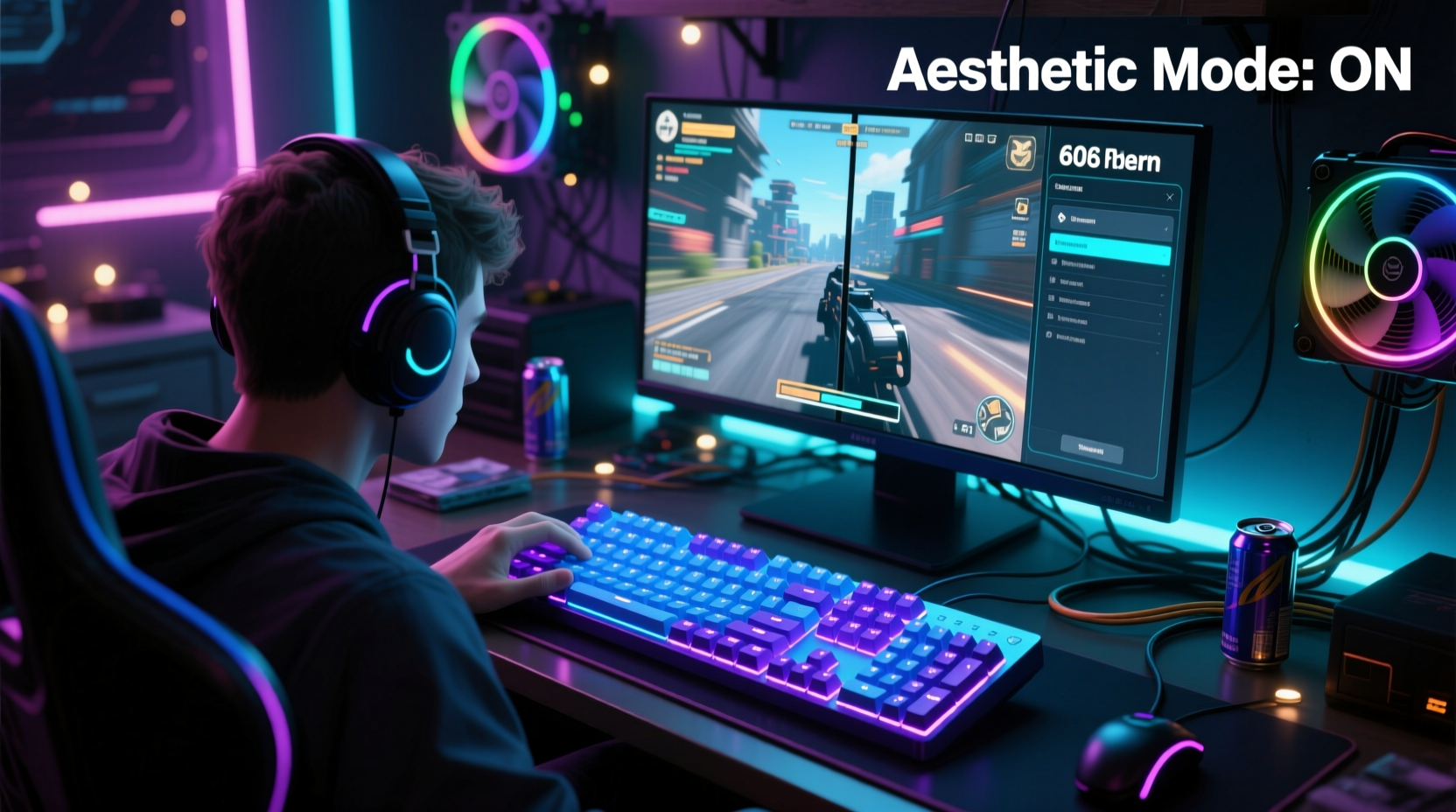
A 60 percent (or 60%) keyboard is a compact mechanical keyboard layout that retains only the core alphanumeric keys, modifiers, and basic navigation controls—typically eliminating the function row (F1–F12), number pad, arrow keys, and navigation cluster (Insert, Delete, Home, End). What remains is roughly 60% of a standard 104-key layout, hence the name.
Despite its reduced footprint, a 60% board maintains full typing functionality through the use of layered key functions. By holding a dedicated “Fn” key, users access secondary commands mapped to existing keys. For example, pressing Fn + I, J, K, L might activate up, left, down, and right arrow inputs. This layering system enables complete control without permanent physical keys.
The design originated in the enthusiast mechanical keyboard community but has gained traction among professional gamers, streamers, and productivity-focused users who value space efficiency and intentional design.
Beyond Aesthetics: Functional Advantages for Gamers
It’s easy to assume that gamers choose 60% keyboards purely for their clean, minimalist appearance. While visual appeal matters—especially for streamers and content creators—the functional benefits are often the primary motivator.
- Improved Ergonomics: With no number pad, the keyboard sits closer to the center of the desk, allowing mice to be placed nearer to the body. This reduces shoulder strain and promotes a more natural arm position during extended gaming sessions.
- Greater Desk Real Estate: Competitive gamers often use large mouse pads, multi-monitor setups, or peripheral devices like macro pads and audio controllers. Removing unnecessary keys frees up critical space.
- Faster Hand Transitions: On smaller boards, hand movement between WASD and mouse is minimized, improving reaction time and reducing fatigue.
- Portability: For esports players attending tournaments or LAN events, a compact keyboard is easier to transport and set up quickly.
- Customization: Most 60% keyboards are built for modding—users can swap switches, keycaps, and firmware to tailor the feel and response to their exact preferences.
These advantages accumulate over hours of gameplay. In fast-paced titles like *CS:GO*, *Valorant*, or *Overwatch*, even minor improvements in reach or comfort can translate into tangible performance gains.
“Compact keyboards force intentionality. Every key press becomes deliberate, which trains better muscle memory.” — Jordan Lee, Esports Performance Coach
The Trade-Off: Losing Arrow Keys and Function Rows
The most controversial aspect of 60% keyboards is the absence of dedicated arrow keys. Traditionalists argue that removing such commonly used inputs hampers usability, especially in games relying on precise directional input or menu navigation.
However, most modern games map primary movement to WASD, rendering arrow keys redundant for core gameplay. In fact, having them physically present can encourage poor hand positioning—forcing fingers off the home row and increasing travel distance.
For situations where arrow keys are needed—such as navigating in-game menus, editing text, or using creative software—layers solve the problem efficiently. Once users adapt, accessing arrow functions via Fn combinations becomes second nature.
Still, the transition isn't seamless for everyone. Users heavily reliant on function keys (e.g., F5 to refresh, F11 for fullscreen) or those working across multiple applications may experience an initial learning curve.
Real Example: From Skeptic to Advocate
Consider Mark, a semi-professional *Rainbow Six Siege* player who spent years using a full-sized RGB keyboard. After developing mild wrist discomfort from prolonged play, he experimented with a 60% board recommended by a teammate. Initially frustrated by missing keys, he spent two weeks reprogramming common shortcuts and adjusting his hand posture.
Within a month, Mark noticed reduced forearm tension and faster transitions between keyboard and mouse. He also found himself using fewer wrist motions overall, leading to improved aim stability. Today, he uses the same 60% keyboard both for competition and streaming—crediting the change not just for comfort, but for sharpening his focus during matches.
Design vs. Utility: Finding the Balance
Aesthetics do matter—but not in the way critics assume. For many gamers, visual minimalism isn’t about looking trendy; it’s about creating a distraction-free environment. Cluttered desks with oversized peripherals can subconsciously increase cognitive load, while clean, purpose-built setups promote mental clarity.
Moreover, 60% keyboards often feature premium materials—aluminum cases, custom keycaps, silent switches—that enhance both durability and tactile satisfaction. These elements contribute to a sense of ownership and personalization, which enhances engagement and enjoyment.
Yet, aesthetics should never override functionality. The best setups balance form and purpose. That’s why top-tier 60% boards prioritize build quality, switch options, and programmability—not just slim profiles.
Checklist: Is a 60% Keyboard Right for You?
- ✅ Do you primarily use WASD for movement in games?
- ✅ Are you experiencing wrist or shoulder strain from wide keyboard layouts?
- ✅ Do you value desk space and clean cable management?
- ✅ Are you open to learning new key combinations for navigation?
- ✅ Do you enjoy customizing your gear (keycaps, lighting, macros)?
- ✅ Do you frequently travel with your setup for tournaments or co-op play?
If you answered yes to most of these, a 60% keyboard could significantly improve your gaming experience.
Comparison Table: Full-Size vs. 60% Keyboard Features
| Feature | Full-Size Keyboard | 60% Keyboard |
|---|---|---|
| Key Count | 104+ keys | ~61 keys |
| Arrow Keys | Dedicated, always accessible | Accessed via Fn layer |
| Numpad | Yes | No |
| Desk Footprint | Large (~17–18 inches) | Compact (~12 inches) |
| Ease of Use (Beginner) | High – no learning curve | Moderate – requires adaptation |
| Ease of Use (Experienced) | Standard | High – optimized layout |
| Portability | Low | High |
| Customization Options | Limited (mostly pre-built) | Extensive (QMK/VIA support) |
| Typing Efficiency (Text-heavy tasks) | Excellent | Good (with practice) |
| Gaming Ergonomics | Poorer hand alignment | Superior central positioning |
Step-by-Step Guide to Transitioning to a 60% Keyboard
Moving to a 60% layout requires adjustment. Follow these steps to make the transition smooth and effective:
- Choose the Right Model: Start with a reputable brand offering QMK or VIA firmware support (e.g., Ducky One 3, Keychron Q1, Epomaker SK61). Avoid non-programmable budget models.
- Learn the Default Layer Map: Study how arrow keys, F-keys, and media controls are accessed via the Fn key. Print a quick-reference guide if needed.
- Reprogram for Your Needs: Remap frequently used functions (like volume control or macros) to easily accessible positions using open-source tools.
- Practice Daily Navigation: Spend 15–20 minutes daily typing and navigating menus using only the 60% layout. Focus on building muscle memory.
- Adjust Your Desk Setup: Center the keyboard, align your monitor, and ensure your mouse is within comfortable reach to maximize ergonomic benefits.
- Give It Two Weeks: Allow at least 14 days before deciding whether the switch works for you. Initial discomfort usually fades with consistency.
FAQ: Common Questions About 60% Keyboards
Can I still use shortcuts like Ctrl+C, Ctrl+V, and Alt+Tab?
Absolutely. All standard modifier combinations work identically on 60% keyboards. Copy, paste, switching apps, and other essential shortcuts remain fully functional.
How do I type numbers quickly without a numpad?
The top-row number keys serve the same purpose. For frequent numeric input, consider using a separate standalone numpad or enabling a temporary numpad layer via firmware customization.
Are 60% keyboards good for non-gamers?
Yes, especially for writers, coders, and remote workers who value portability and clean workspaces. Programmers often appreciate the ability to create custom layers for IDE commands or terminal shortcuts.
Conclusion: Form Meets Function in Modern Gaming
The rise of 60% keyboards among gamers isn’t a fleeting fashion trend—it’s a reflection of how digital lifestyles are maturing. Players are no longer satisfied with bulky, one-size-fits-all peripherals. They demand tools that align with their physical needs, performance goals, and personal expression.
Losing arrow keys isn’t a sacrifice; it’s a recalibration. It challenges users to rethink how they interact with their machines and rewards them with greater precision, comfort, and control. When aesthetics are rooted in intentionality rather than superficiality, they become part of a larger philosophy: doing more with less.
If you’ve been curious about downsizing your keyboard, now is the time to explore. Whether you're battling in ranked matches or building a serene workspace, a 60% keyboard might be the upgrade that transforms not just your setup, but your entire approach to gaming.




 浙公网安备
33010002000092号
浙公网安备
33010002000092号 浙B2-20120091-4
Comments
No comments yet. Why don't you start the discussion?