
There’s nothing more frustrating than hanging your favorite string of LED Christmas lights, only to see them flicker erratically—like a strobe light at a holiday party gone wrong. While LED lights are known for their energy efficiency and long lifespan, flickering remains a surprisingly common issue. The good news? In most cases, you don’t need to replace the entire strand. Understanding the root causes and applying targeted fixes can restore that warm, steady glow in minutes.
Flickering isn’t just an eyesore—it can indicate deeper electrical issues or compatibility problems. More importantly, many solutions require no technical expertise, special tools, or additional purchases. With a few smart troubleshooting steps, you can diagnose and resolve the problem safely and effectively.
Understanding Why LED Lights Flicker
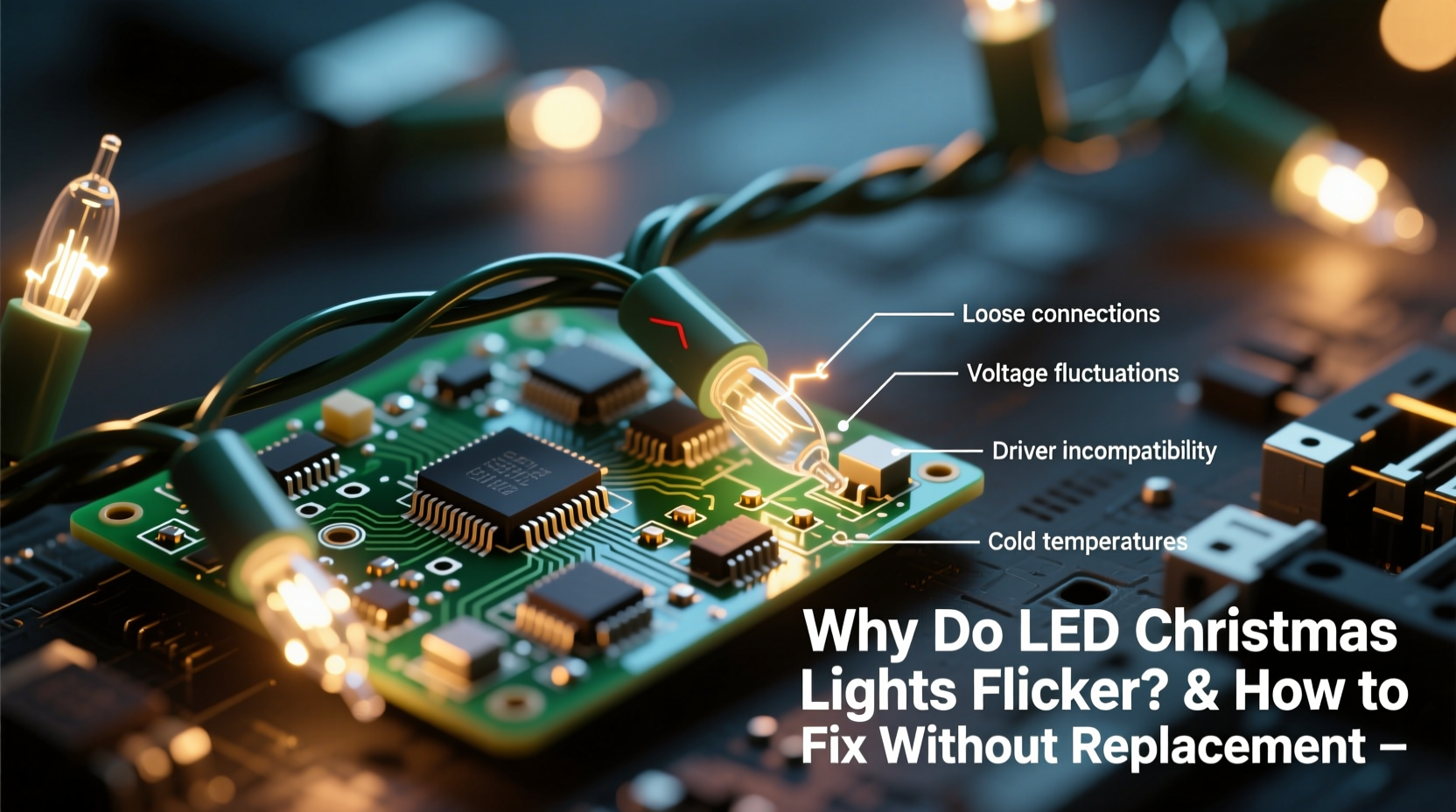
Unlike traditional incandescent bulbs, LED (light-emitting diode) technology operates on low voltage and requires precise current regulation. Any disruption in power delivery or mismatched components can cause visible flickering. This behavior is often misunderstood as a sign of failure, but it’s usually symptomatic of something else entirely.
The most common culprits include incompatible dimmer switches, voltage fluctuations, poor connections, or interference from controllers and timers. Because LEDs consume so little power, they’re especially sensitive to minor inconsistencies that wouldn't affect older bulb types.
“LEDs react instantly to changes in current. Even microsecond gaps in power can appear as flicker to the human eye.” — Dr. Alan Reyes, Electrical Engineer & Lighting Specialist
This sensitivity means flickering isn’t always about broken bulbs—it’s often about how the system delivers electricity. Identifying the source starts with isolating variables: power source, control devices, physical connections, and environmental factors.
Common Causes of Flickering and How to Diagnose Them
Before attempting fixes, pinpointing the cause saves time and prevents unnecessary disassembly. Here’s a breakdown of the top reasons LED Christmas lights flicker—and how to test each one.
1. Incompatible Dimmer Switches
Many homes use dimmer switches to adjust lighting ambiance. However, standard dimmers are designed for high-wattage incandescent bulbs. When used with low-draw LEDs, they often fail to regulate current smoothly, causing flickering or pulsing.
2. Loose or Corroded Connections
Outdoor strands are exposed to moisture, temperature swings, and physical wear. Over time, connectors between sections can loosen or corrode, creating intermittent contact. This leads to flickering that may come and go with wind or movement.
To check: Gently wiggle each connection point while the lights are on. If flickering changes during movement, inspect for dirt, bent pins, or cracked housings.
3. Voltage Drop in Long Runs
When multiple strands are daisy-chained beyond manufacturer limits, resistance builds up along the wire. The result? Reduced voltage at the end of the chain, causing LEDs to dim or flicker unpredictably.
Most manufacturers recommend no more than three to four strands linked together. Exceeding this limit strains the circuit, especially if using lower-gauge wiring.
4. Faulty or Low-Quality Power Adapters (for plug-in sets)
Some LED strings use external transformers or AC adapters. If the adapter is damaged, underrated, or overheating, it may deliver unstable output. This instability directly affects LED performance.
Check the label: Ensure the adapter matches the voltage and amperage requirements listed on the light set. A mismatch—even slight—can cause flicker.
5. Interference from Timers or Controllers
Digital timers, smart plugs, or remote-controlled light modules sometimes send pulsed signals instead of clean power. These pulses, meant to conserve energy or enable dimming, appear as flicker in sensitive LEDs.
Test: Bypass the timer temporarily. Plug the lights directly into the wall. If flickering stops, the controller is interfering.
Step-by-Step Guide to Stop Flickering Without Replacement
You’ve diagnosed the issue—now here’s how to fix it systematically. Follow these steps in order to resolve flickering without discarding functional lights.
- Unplug and Inspect All Connections
Start at the plug and follow the strand to the end. Check every male-female connector for debris, corrosion, or bent metal contacts. Clean with a dry cloth or cotton swab dipped in isopropyl alcohol if needed. - Separate Daisy-Chained Strands
Disconnect all linked strings. Plug in one section at a time to identify whether flickering occurs in isolation. If only certain combinations flicker, voltage drop or overload is likely. - Bypass Control Devices
Remove any timers, remotes, or smart outlets from the circuit. Plug the lights directly into a wall outlet. If the flicker disappears, consider replacing the controller with an LED-compatible model. - Use a Dedicated Outlet
Plug the lights into an outlet not shared with high-power appliances (e.g., refrigerators, space heaters). Shared circuits can introduce surges or sags that affect sensitive electronics. - Install an LED-Compatible Dimmer (if applicable)
If you must use dimming, replace old triac-based dimmers with trailing-edge (ELV) dimmers designed for low-wattage LEDs. These provide smoother phase-cutting and reduce flicker risk. - Add a Snubber Circuit (Advanced Fix)
For persistent flicker caused by induced voltage or ghost current, install a snubber—a small capacitor-resistor module—across the circuit. It absorbs residual energy and stabilizes current flow. Available online for under $5, it’s a permanent fix for stubborn cases.
Troubleshooting Table: Flicker Cause vs. Solution
| Symptom | Likely Cause | Solution |
|---|---|---|
| Flickers only when dimmed | Incompatible dimmer switch | Replace with LED-rated dimmer or avoid dimming |
| Flickers intermittently outdoors | Moisture in connectors | Seal joints with dielectric grease or waterproof tape |
| End of strand flickers | Voltage drop from overloading | Limit daisy chains; use separate circuits |
| Flickers with timer plugged in | Pulsed signal from controller | Use mechanical timer or bypass module |
| Lights pulse slowly when off | Ghost voltage from illuminated switches | Install snubber or disconnect neutral feedback |
Mini Case Study: Restoring a Flickering Porch Display
Marie from Portland had a cherished 100-bulb LED icicle light set that began flickering wildly after two seasons. She assumed the lights were failing and nearly replaced them—until she noticed the flicker stopped when unplugged from her outdoor smart timer.
She tested the strand on a direct outlet: steady light. The issue was the timer’s energy-saving mode, which sent micro-pulses to detect load. Her LED set interpreted these as power signals, causing rhythmic blinking. She switched to a basic mechanical timer with physical gears, eliminating the pulses. Total cost: $12. Result: flicker-free display for the holidays.
This case highlights how external devices—not the lights themselves—are often the real problem.
Preventive Checklist: Keep Your LED Lights Steady Year After Year
- ✔️ Store lights coiled loosely in a dry container, not tangled
- ✔️ Label each strand with its voltage and max daisy-chain length
- ✔️ Use dielectric grease on outdoor connectors before installation
- ✔️ Test lights indoors before hanging outdoors each season
- ✔️ Replace frayed wires or cracked plugs immediately
- ✔️ Avoid mixing brands or wattages in a single run
- ✔️ Install surge protectors for outdoor circuits
Frequently Asked Questions
Can cold weather cause LED Christmas lights to flicker?
Cold itself doesn’t cause flicker, but thermal contraction can loosen connections. Additionally, some low-quality drivers or capacitors perform poorly in freezing temperatures. If flickering appears only in winter, inspect for micro-gaps in wiring and ensure all seals are intact.
Why do my LED lights flicker even when new?
Even brand-new LED strings can flicker due to incompatible power sources or faulty batches. Always test new lights before installation. Some budget sets use substandard rectifiers that don’t smooth AC ripple effectively, leading to 50/60 Hz flicker. Return or exchange if the issue persists on a clean circuit.
Is flickering dangerous?
Occasional flicker is usually harmless, but persistent or worsening flicker can indicate wiring faults, overloaded circuits, or fire risks—especially with damaged insulation or overheating adapters. If you notice burning smells, discoloration, or buzzing sounds, unplug immediately and inspect thoroughly.
Conclusion: Preserve Your Lights and Peace of Mind
Flickering LED Christmas lights are rarely a death sentence. With a methodical approach, most issues can be resolved without spending a dime on replacements. From checking simple connections to upgrading outdated dimmers, the solutions are accessible to anyone willing to troubleshoot.
These lights represent more than decoration—they carry memories, effort, and seasonal joy. Preserving them isn’t just economical; it’s part of maintaining tradition. By understanding the technology and treating your setup with care, you ensure reliable performance year after year.




 浙公网安备
33010002000092号
浙公网安备
33010002000092号 浙B2-20120091-4
Comments
No comments yet. Why don't you start the discussion?