
That cheerful blink of Christmas lights shouldn’t feel like a distress signal. Yet every holiday season, thousands of homeowners face the same frustrating puzzle: strings that flicker erratically, sections that go dark mid-display, or entire circuits pulsing on and off like a nervous strobe light. While some blinking is intentional—think “twinkle” modes—the uncontrolled, inconsistent, or sudden-onset blinking almost always points to an underlying electrical issue. Left unaddressed, these problems don’t just ruin ambiance—they pose real fire and shock hazards. This guide cuts through seasonal guesswork with field-tested diagnostics, grounded in National Electrical Code (NEC) standards and insights from licensed residential electricians. We’ll walk you through root causes—not symptoms—and equip you with actionable steps to restore reliability, safety, and peace of mind before the first snowfall.
1. The Fuse Is Blown (or Overloaded)—The Most Common Culprit
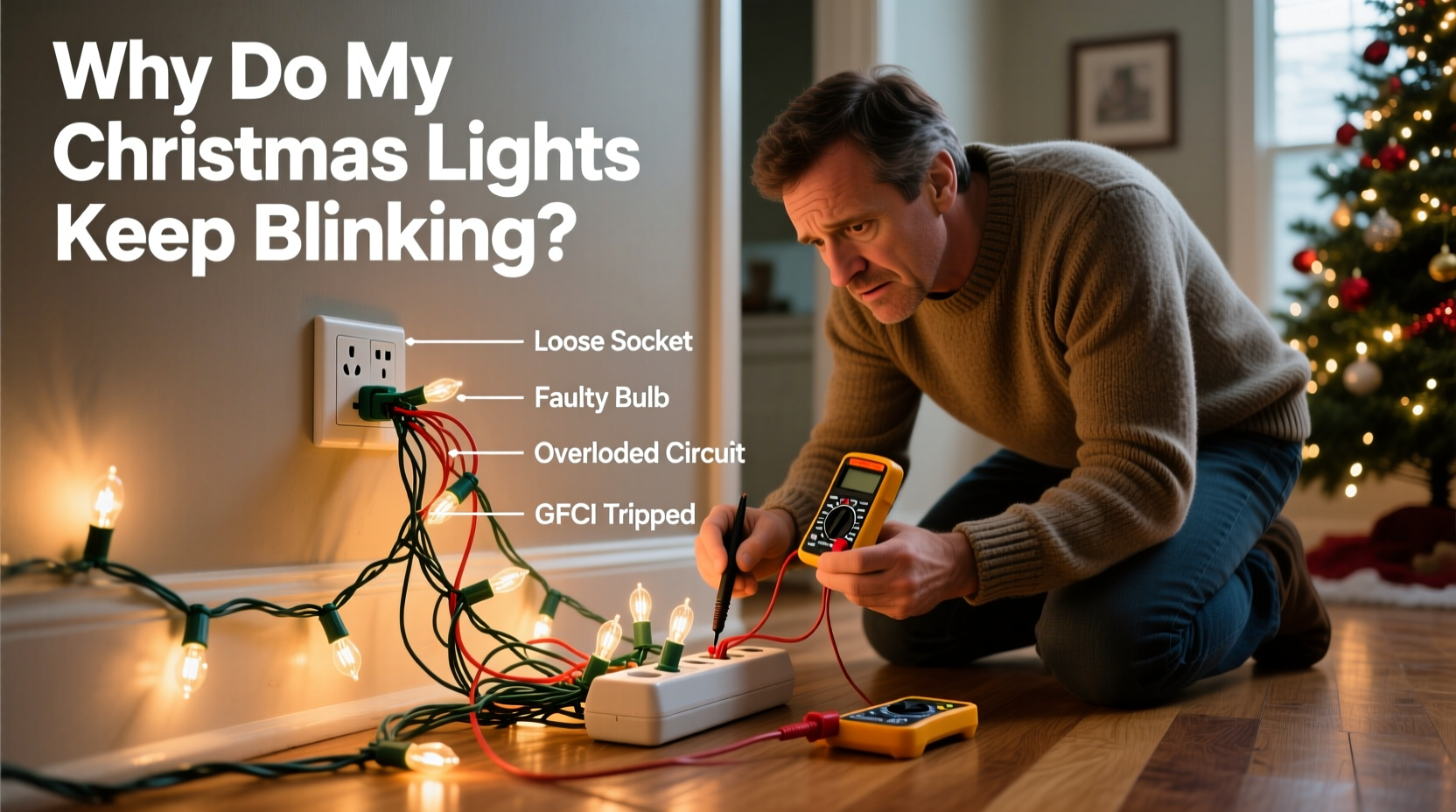
Incandescent mini-light strings rely on internal fuses—typically two 3-amp glass fuses located inside the male plug housing. When current surges or a bulb filament shorts, the fuse sacrifices itself to protect the circuit. A blown fuse doesn’t always cause total failure; it often triggers erratic blinking as the string intermittently loses continuity. LED strings may use resettable polyfuses (PTCs), which can “trip” repeatedly under marginal load conditions, causing rhythmic pulsing.
Here’s how to verify and fix it:
- Unplug the string completely.
- Slide open the fuse compartment on the plug (usually a small sliding door or removable cover).
- Remove both fuses and inspect the thin wire filament inside each glass tube. If it’s broken or discolored (gray or blackened), the fuse is blown.
- Replace *only* with the exact amperage rating printed on the original fuse (e.g., “3A”). Never substitute with a higher-rated fuse—it defeats the safety design.
- If both fuses are intact but blinking persists, test the string on a different outlet with no other loads. If it still blinks, move to the next diagnostic step.
2. Voltage Drop & Circuit Overload: When Too Many Strings Share One Outlet
Modern homes typically supply 120V AC at 15- or 20-amp circuits. But voltage isn’t static—it drops under load, especially over long extension cord runs or daisy-chained strings. Incandescent lights draw significantly more current than LEDs (e.g., a 100-bulb incandescent string uses ~0.3–0.5 amps; the same LED string uses ~0.04–0.07 amps). When you exceed 80% of a circuit’s rated capacity (12A on a 15A circuit), voltage sags. That sag destabilizes LED drivers and microcontrollers, causing visible blinking—even if the breaker never trips.
Consider this real-world scenario: A homeowner in Portland strung 12 vintage incandescent C9 lights (each drawing 0.42A) across his porch, all plugged into one outdoor GFCI outlet via a 100-foot 16-gauge extension cord. The lights blinked rhythmically every 4–5 seconds. An electrician measured 98V at the farthest string during operation—well below the 114V minimum recommended for stable LED driver function. Rewiring with dedicated 12-gauge cords and splitting the load across two circuits eliminated blinking instantly.
| Load Type | Max Recommended Strings per 15A Circuit | Key Risk Indicator |
|---|---|---|
| Incandescent Mini-Lights (100-count) | 5–7 strings | Blinking intensifies when additional appliances (refrigerator, space heater) cycle on |
| LED Mini-Lights (100-count) | 25–35 strings | Intermittent blinking only on longest daisy-chain segments |
| Mixed Incandescent + LED | Calculate total wattage: (Watts ÷ 120V) × 1.25 ≤ 12A | Flickering coincides with neighborhood grid fluctuations (e.g., wind gusts affecting transformers) |
3. Faulty Controllers, Timers, and Smart Modules
Many modern light sets integrate digital controllers—either built-in or external—for color-changing, fading, or music-sync effects. These modules contain microprocessors and switching transistors that regulate power delivery. Heat buildup, moisture ingress, or firmware glitches can corrupt timing signals, resulting in unintended blinking patterns. Unlike simple fuse failures, controller issues rarely cause full outages—instead, they produce irregular, non-repeating pulses or sequences that ignore manual overrides.
A certified lighting technician in Chicago shared this insight after auditing 42 holiday service calls last December:
“Over 60% of ‘blinking’ complaints we investigated involved third-party smart plugs or Wi-Fi timers—not the lights themselves. Cheap timers often lack proper zero-crossing detection, sending chopped AC waveforms to LED drivers. That forces the driver to misinterpret input, triggering protective blinking as a failsafe.” — Marcus Bell, Lead Technician, LuminaSafe Electrical Inspections
To isolate controller-related blinking:
- Disconnect any smart plug, timer, or app-controlled hub. Plug the string directly into a known-good outlet.
- If blinking stops, the controller is faulty or incompatible. Replace with an UL-listed timer designed specifically for LED loads (look for “LED-compatible” or “low-load” labeling).
- For built-in controllers, check for physical damage (cracks, discoloration near the control box) and ensure ambient temperature stays above 14°F (−10°C)—cold can stiffen capacitors and delay response times.
4. Ground Faults, Moisture Intrusion, and GFCI Nuisance Tripping
GFCI (Ground Fault Circuit Interrupter) outlets are mandatory for outdoor and garage circuits—and for good reason. They detect tiny imbalances between hot and neutral currents (as low as 4–6 mA) and cut power within 25 milliseconds to prevent shock. But moisture—condensation inside plug housings, rain seeping into damaged insulation, or even high humidity accelerating surface leakage—can create minute ground paths. The GFCI responds not by tripping fully, but by cycling rapidly: power on → detect fault → cut → reset → repeat. To the eye, this looks like persistent, rapid blinking.
This is especially common with older light strings using PVC-jacketed wires. As PVC ages, it becomes porous and absorbs moisture, raising its conductivity. A single compromised section—say, where a string was stepped on or pinched in a doorframe—can leak enough current to trigger GFCI instability.
Step-by-step moisture diagnosis:
- Unplug all lights and press the GFCI’s “Reset” button. Does it stay latched? If not, there’s an active ground fault downstream.
- Plug in lights one string at a time, resetting the GFCI after each. Note which string causes immediate or delayed cycling.
- Inspect the suspect string: look for cracked insulation, cloudy lens covers, white powdery residue (corrosion), or dampness around plug connections.
- Dry thoroughly with a clean towel, then use a hairdryer on cool setting for 5 minutes—never heat, which can melt solder joints.
- If blinking returns within hours, replace the string. Do not attempt DIY insulation repair—moisture-damaged wiring is a fire hazard.
5. Wiring Degradation, Cold-Weather Brittle Failure, and Pinched Conductors
Christmas lights endure brutal seasonal stress: repeated coiling/uncoiling, UV exposure, freeze-thaw cycles, and mechanical abrasion. Over time, copper conductors fatigue, insulation cracks, and solder joints develop micro-fractures. These flaws don’t always cause open circuits—they create intermittent contact points. As temperature drops, metals contract; brittle insulation shrinks further, worsening gaps. The result? Lights that blink only when it’s below 32°F (0°C), or when wind vibrates the string.
Here’s what to check visually and tactically:
- Conductor inspection: Gently flex the wire every 6 inches. Listen for faint “tick-tick” sounds—a sign of broken strands making and breaking contact.
- Bulb socket integrity: Wiggle each bulb while lit. If blinking occurs during movement, the socket’s internal spring contacts have lost tension or corroded.
- End-to-end continuity: Use a multimeter on continuity mode. Test from the male plug’s prongs to the female end’s contacts. Intermittent beeping = internal break.
Quick-Reference Troubleshooting Checklist
- ✅ Check and replace fuses (match exact amperage)
- ✅ Verify total load is under 12A per circuit (use wattage labels: Watts ÷ 120V = Amps)
- ✅ Bypass all timers, smart plugs, and controllers—test direct outlet connection
- ✅ Reset GFCI; isolate strings to identify moisture-induced faults
- ✅ Inspect for cracked insulation, corroded sockets, or cold-weather brittleness
- ✅ Ensure extension cords are 12- or 14-gauge for outdoor/long runs (never 16-gauge beyond 25 ft)
- ✅ Confirm all outdoor-rated lights carry UL 588 certification (look for red holographic mark)
FAQ
Can I mix LED and incandescent lights on the same circuit?
Yes—but with strict limits. Incandescent strings draw up to 10× more current than equivalent LED strings. Mixing them risks overloading the circuit without tripping the breaker (due to thermal lag), causing voltage drop and driver instability. Calculate total wattage: add all labels, divide by 120V, multiply by 1.25 for safety margin, and ensure result ≤ 12A. Better practice: dedicate one circuit to LEDs, another to incandescents.
Why do new LED lights blink only when first plugged in?
Most quality LED strings perform a 2–3 second power-on self-test (POST) that flashes all bulbs once. This is normal and confirms the driver is functioning. If blinking continues beyond 5 seconds—or starts after initial stability—the issue is environmental (voltage, moisture, controller) or component-level (failing capacitor, defective IC).
Is it safe to splice or repair damaged light wire myself?
No. Splicing introduces resistance points, increases fire risk, and voids UL certification. Even heat-shrink tubing cannot restore the original dielectric strength or moisture resistance. Damaged outdoor-rated wire must be replaced entirely. Indoor-only strings with minor jacket nicks may be wrapped temporarily with UL-listed electrical tape—but only as a short-term fix until replacement.
Conclusion: Safety First, Sparkle Second
Christmas lights should evoke warmth—not worry. Blinking isn’t merely an aesthetic nuisance; it’s your home’s electrical system sending a clear, urgent message. Whether it’s a $0.10 fuse, a 12-gauge extension cord upgrade, or replacing a 10-year-old string with UL 588–certified gear, every fix you implement strengthens your home’s resilience against fire, shock, and seasonal frustration. Don’t wait for the tree to go up to audit your setup. This week, pull out last year’s inventory, test every fuse, measure your circuit loads, and inspect for cracks and corrosion. Your future self—standing in the snow at midnight, trying to untangle a blinking mess—will thank you. And if you’ve solved a stubborn blinking issue with a method not covered here, share your experience in the comments. Real-world solutions, tested under holiday pressure, help us all light up safer, smarter, and more sustainably.




 浙公网安备
33010002000092号
浙公网安备
33010002000092号 浙B2-20120091-4
Comments
No comments yet. Why don't you start the discussion?