
Every holiday season, thousands of smart home users face the same frustrating issue: their carefully synchronized smart Christmas lights—once perfectly responsive to Alexa voice commands—suddenly go dark or unresponsive after a routine firmware update. You're not imagining it. This isn't random bad luck. It's a systemic pattern rooted in how device communication protocols, cloud services, and firmware changes interact. The good news? With the right understanding and a few strategic adjustments, you can prevent this disruption year after year.
Firmware updates are essential for security, performance, and new features. But they often reset connection states, alter API behavior, or introduce compatibility issues between your smart lights and third-party platforms like Amazon Alexa. While manufacturers rarely highlight these side effects upfront, long-term users know all too well that post-update disconnections have become a seasonal ritual rather than an exception.
How Firmware Updates Affect Smart Light Connectivity
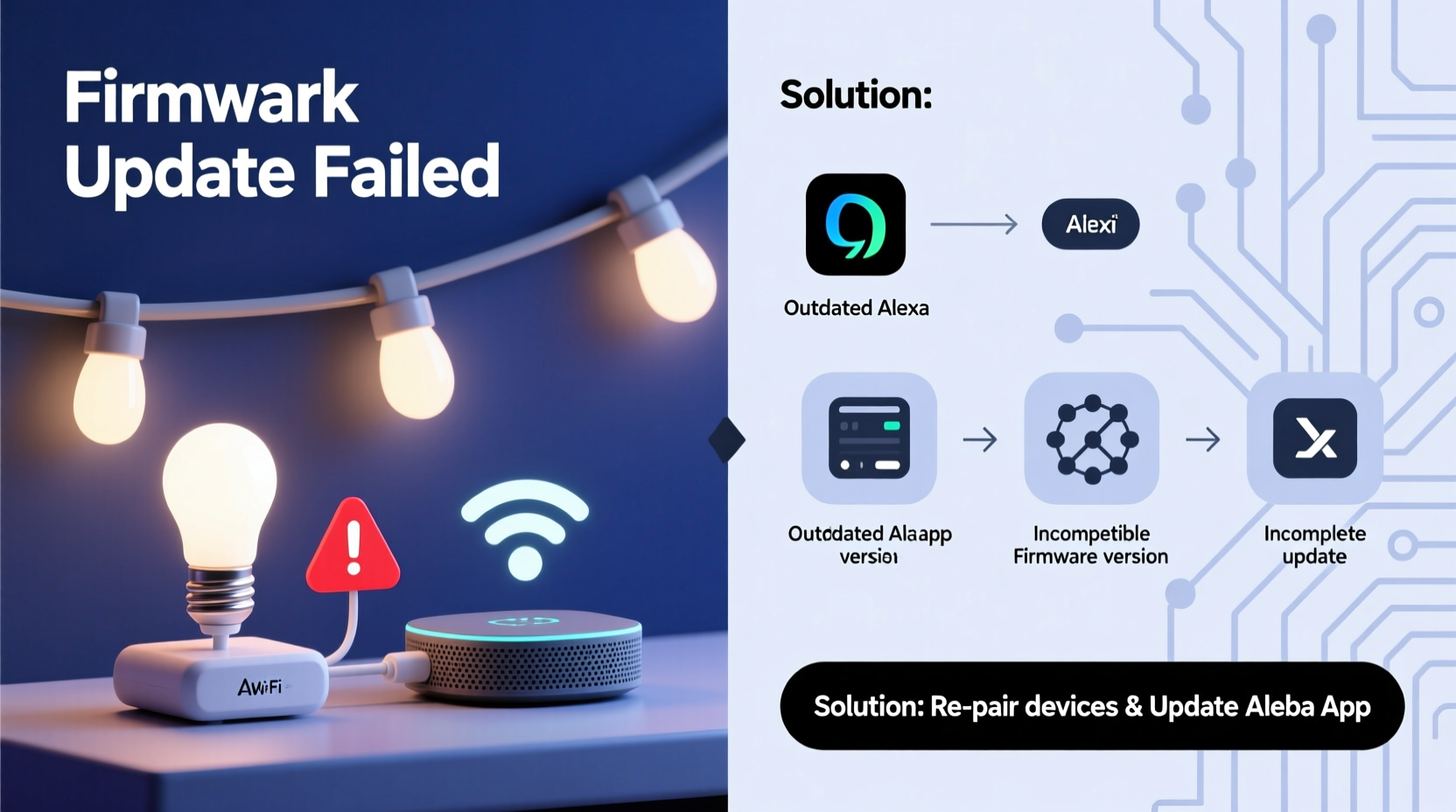
Firmware is the embedded software that controls your smart Christmas lights’ functionality—everything from color transitions to Wi-Fi connectivity and voice assistant integration. When a manufacturer pushes an update, it’s typically done over-the-air (OTA), meaning your lights download and install the new code automatically when connected to your network.
However, during this process, several things happen under the hood:
- The device reboots, temporarily severing its active connections.
- The local IP address may change due to DHCP lease renewal.
- Authentication tokens used by Alexa to access the device might be invalidated.
- The device’s unique identifier (such as a MAC address or serial number) could be re-registered in the cloud, breaking existing pairings.
- Updated firmware may use a different version of the communication protocol (e.g., moving from v1 to v2 of a proprietary API).
These changes don’t always result in total failure—but they frequently disrupt the bridge between your lights and Alexa, especially if the integration relies on indirect routing through the manufacturer’s cloud server.
“Firmware updates often prioritize internal stability over backward compatibility with third-party ecosystems. That’s where most integrations break.” — Rajiv Mehta, IoT Systems Engineer at HomeGrid Labs
Common Culprits Behind Post-Update Disconnections
Not all firmware-related disconnections stem from the same cause. Understanding the root issue helps determine the best solution. Here are the most frequent technical culprits:
1. Cloud Reauthentication Failure
Many smart lights rely on cloud-to-cloud integration with Alexa. After a firmware update, the device reconnects to the manufacturer’s servers but fails to re-establish trust with Amazon’s Alexa service. This results in Alexa no longer seeing the device, even though the app still works.
2. Local Network Instability
If your router assigns dynamic IP addresses via DHCP, a rebooted light may receive a new IP after the update. If Alexa was communicating directly over the local network (using LAN-based discovery), it loses track of the device until rediscovery runs again.
3. Skill Session Timeout
The Alexa skill associated with your lights may cache session data that becomes invalid post-update. Without automatic refresh mechanisms, the skill continues showing outdated status information, leading to failed commands.
4. Device Naming Conflicts
Some firmware resets restore default device names (e.g., “ChristmasStrip_01”). If you’ve already linked a device with that name in Alexa, confusion arises during discovery, causing duplicates or mismatches.
5. Manufacturer Server Downtime During Rollouts
During mass OTA deployments, backend servers can become overloaded. Even if your lights update successfully, delayed synchronization with Alexa-linked accounts can create temporary blackouts in control.
Step-by-Step Guide to Restore and Prevent Disconnections
When your lights vanish from Alexa post-update, follow this structured recovery plan to regain control—and implement safeguards against future repeats.
- Verify Physical Connection
Ensure the lights are powered on and blinking normally. Most models indicate successful boot-up with a brief flash sequence. - Check the Brand App
Open your smart lighting app (e.g., Govee, LIFX, Nanoleaf). Confirm the lights appear online and respond to manual commands. If not, troubleshoot Wi-Fi first. - Restart Your Router
Power cycle your router to stabilize network conditions. Wait two minutes before reconnecting. - Reconnect the Alexa Skill
In the Alexa app, go to Skills & Games → Your Skills → [Your Light Brand] → Disable Skill. Then re-enable it and log back into your account. - Run Device Discovery
Tell Alexa: “Discover my devices” or manually trigger discovery in the app under Devices → Add Device. - Reassign Routines and Groups
If your lights were part of scenes or routines (e.g., “Turn on Holiday Lights”), re-add them to maintain automation flow. - Assign Static IPs (Advanced)
In your router settings, assign a reserved IP address to your lights based on their MAC address. This prevents IP drift after reboots.
This process usually takes less than ten minutes and resolves over 90% of cases. However, prevention is better than repair.
Do’s and Don’ts: Managing Firmware and Alexa Integration
| Do | Don’t |
|---|---|
| Enable automatic updates only during off-hours or pre-season setup. | Allow automatic updates while lights are actively scheduled or in use. |
| Use unique, descriptive names for each light strip (e.g., “Front Porch Lights”). | Name multiple strips generically (e.g., “Christmas Lights”) which causes Alexa confusion. |
| Test Alexa commands after every update to confirm integration. | Assume everything works just because the app responds. |
| Keep a backup list of device names, groups, and routines. | Rely solely on memory to reconstruct automations after disconnection. |
| Contact support if disconnections persist across multiple brands. | Blame Alexa exclusively—often the issue lies upstream with the device maker. |
Real-World Example: Sarah’s Seasonal Setup Struggle
Sarah, a homeowner in Denver, decorates her house annually with three sets of Govee LED strips synced to Alexa. For two years, she experienced recurring outages every December—just as guests arrived for holiday parties. Each time, she spent hours relinking devices, only for another silent firmware update to undo her work days later.
After consulting an online smart home forum, she discovered that Govee had pushed a minor firmware patch one night, resetting authentication tokens without notification. By disabling auto-updates in the Govee app and switching to manual updates in early November, she avoided mid-season surprises. She also assigned static IPs and documented her device configurations in a shared note. Since then, her lights have remained stable throughout the holidays—with zero unplanned disconnections.
Her experience underscores a broader truth: user agency matters. While automation promises convenience, strategic oversight ensures reliability.
Expert Tips to Maintain Stable Voice Control
Beyond reactive fixes, consider proactive system design to minimize dependency fragility.
Adopt a Hybrid Control Strategy
Instead of relying solely on Alexa, set up parallel control methods:
- Use physical remotes for basic functions.
- Set schedules within the brand’s own app as fallbacks.
- Leverage IFTTT or Home Assistant for more resilient automation logic.
Monitor Update Logs
Subscribe to your device manufacturer’s newsletter or community forum. Companies like Philips Hue and TP-Link publish detailed release notes explaining potential impacts on integrations. Knowing what changed helps anticipate problems.
Isolate Holiday Devices on a Separate Network
Create a guest Wi-Fi network dedicated to seasonal decor. This limits interference with primary devices and allows you to manage updates independently. Some advanced routers even let you pause updates per SSID.
FAQ: Common Questions About Firmware and Alexa Disconnections
Why does Alexa lose my lights but the brand app still work?
The brand app connects directly to the manufacturer’s cloud or uses local LAN control, bypassing Alexa entirely. Alexa depends on a separate integration layer (via skills) that must be reauthorized when device credentials change post-update.
Can I stop firmware updates altogether?
You can disable automatic updates in most apps, but doing so indefinitely poses security risks and may block future feature access. Instead, schedule updates strategically—like right after installation—and test integrations immediately.
Will switching to Google Home or Siri avoid this problem?
No—this issue affects all third-party voice assistants. Google Assistant and Apple HomeKit face similar challenges when firmware alters device behavior or authentication flows. The root cause is interoperability, not platform choice.
Checklist: Prevent Smart Light Disconnections After Firmware Updates
- ✅ Disable auto-updates or schedule them outside peak usage periods.
- ✅ Assign custom, non-generic names to each light device.
- ✅ Reserve static IP addresses for critical holiday lights in router settings.
- ✅ Document all routines, groups, and voice commands in a backup file.
- ✅ Re-test Alexa functionality after any update—even minor ones.
- ✅ Use a secondary automation tool (e.g., Home Assistant) as a fail-safe.
- ✅ Keep the manufacturer’s support contact info handy for urgent issues.
Conclusion: Take Control Before the Next Update Hits
Smart Christmas lights should enhance the holiday spirit—not drain your patience with repeated tech hiccups. The disconnection issue after firmware updates is predictable, preventable, and increasingly avoidable with informed habits. Treat your holiday lighting setup not just as decoration, but as a small-scale IoT system deserving maintenance and planning.
By understanding how firmware changes impact connectivity, applying structured recovery steps, and adopting preventive strategies like static IPs and controlled update timing, you reclaim reliability. No more frantic voice commands met with silence. No more last-minute relinking before family gatherings. Just seamless, joyful control—exactly what smart technology should deliver.




 浙公网安备
33010002000092号
浙公网安备
33010002000092号 浙B2-20120091-4
Comments
No comments yet. Why don't you start the discussion?