
Wireless earbuds promise freedom from cords and seamless audio experiences—especially during phone calls. Yet many users face a frustrating reality: mid-call dropouts, intermittent static, or sudden disconnections that disrupt conversations. These issues aren’t random glitches; they stem from specific technical and environmental factors. Understanding the root causes and applying targeted fixes can restore reliability and make your earbuds dependable again.
Bluetooth technology has advanced significantly, but it still operates within physical and digital constraints. When you're on an important call and your earbud cuts out, it’s not just inconvenient—it undermines trust in the device. The good news is that most disconnection problems are fixable with the right approach. This guide dives deep into the common reasons behind unstable connections and provides actionable steps to ensure consistent, high-quality audio during every call.
Common Causes of Wireless Earbud Disconnections During Calls
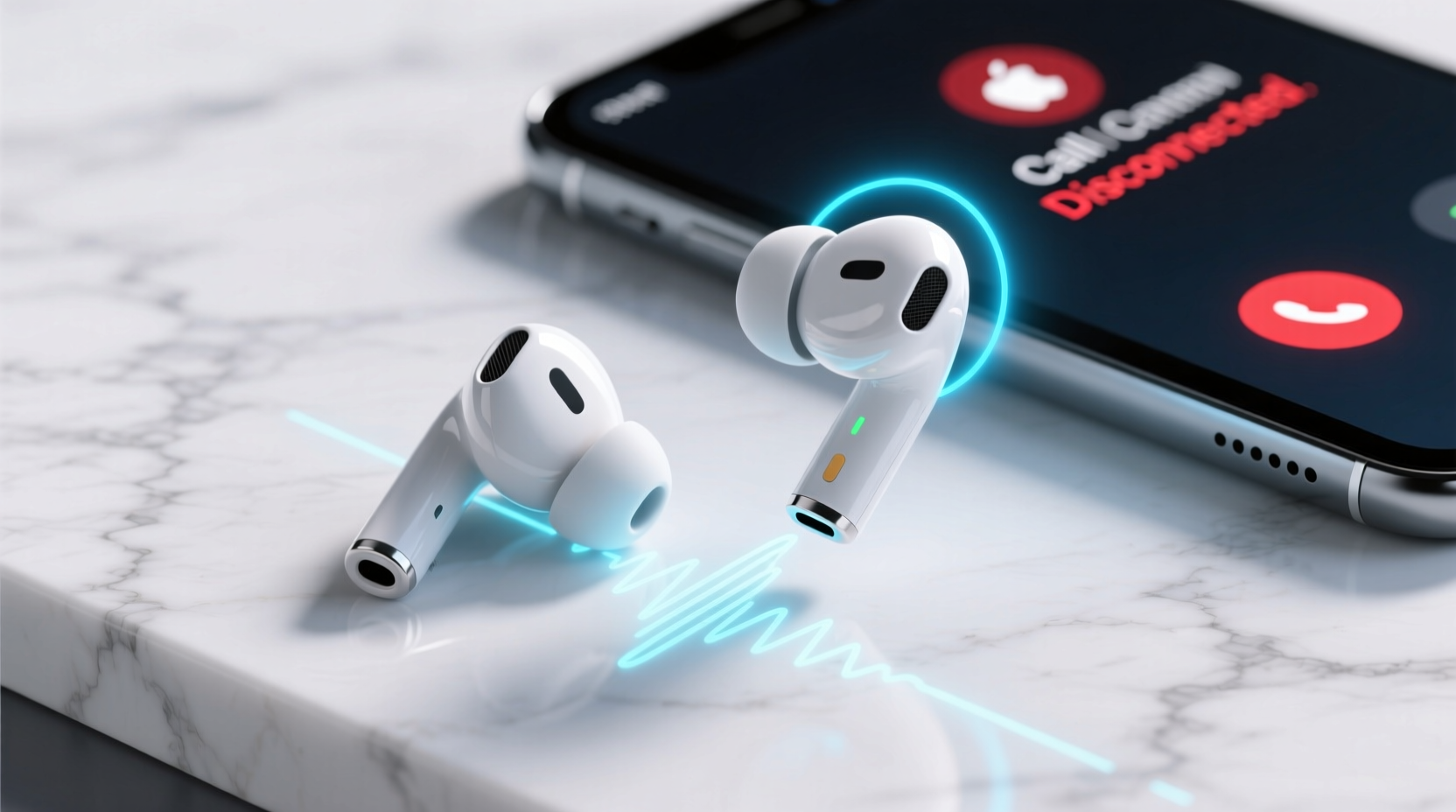
Unlike music playback, voice calls place different demands on Bluetooth connectivity. Call audio requires real-time two-way transmission (your voice to the other person, theirs back to you), often using lower-bandwidth codecs optimized for clarity over fidelity. This makes call sessions more vulnerable to interference and instability.
- Signal Interference: Wi-Fi routers, microwaves, cordless phones, and even neighboring Bluetooth devices can interfere with the 2.4 GHz frequency band used by most earbuds.
- Distance and Obstructions: Moving too far from your phone or placing walls, furniture, or even your body between the earbuds and source device weakens the signal.
- Battery Imbalance: If one earbud has significantly lower charge than the other, it may disconnect prematurely or struggle to maintain sync.
- Firmware Bugs: Outdated or buggy firmware can cause erratic behavior, especially during call handling protocols.
- Poor Bluetooth Profile Support: Some earbuds lack full support for HFP (Hands-Free Profile) or use outdated versions, leading to unstable microphone and speaker routing.
- Phone OS Limitations: Background app restrictions, power-saving modes, or Bluetooth stack inefficiencies in certain Android or iOS versions can interrupt audio streams.
Step-by-Step Guide to Stabilize Your Earbud Connection
Fixing call disconnections isn't about guessing—it's about systematically eliminating variables. Follow this sequence to identify and resolve the core issue.
- Power Cycle Your Devices: Turn off your earbuds, shut down your phone, then restart both. This resets the Bluetooth stack and clears stale connections.
- Re-pair the Earbuds: Go to your phone’s Bluetooth settings, forget the earbud device, then re-pair them from scratch. This ensures a clean connection handshake.
- Check for Firmware Updates: Use the manufacturer’s app (e.g., Sony Headphones Connect, Samsung Galaxy Wearable, Apple AirPods firmware updates via iOS) to install the latest firmware.
- Test with Another Device: Pair the earbuds with a different smartphone or tablet. If the problem persists, the issue lies with the earbuds. If not, your primary phone may be at fault.
- Disable Battery Optimization for Bluetooth Apps: On Android, go to Settings > Apps > [Bluetooth App] > Battery > set to “Unrestricted.” Prevents the system from killing background processes mid-call.
- Limit Signal Interference: Move away from routers, smart home hubs, or microwave ovens. Even fluorescent lights can emit electromagnetic noise.
- Reset Earbuds to Factory Settings: Refer to the user manual—usually involves holding the case button for 10–15 seconds until LEDs flash. Wipes corrupted pairing data.
Real Example: Office Worker Solves Daily Call Drops
Jamal, a project manager in Toronto, relied on his wireless earbuds for daily Zoom and Teams meetings. He experienced frequent dropouts every 5–10 minutes, especially when walking around his apartment. After testing multiple fixes, he discovered his Wi-Fi router—placed directly beside his desk—was operating on the 2.4 GHz band and overlapping with his earbuds’ frequency. By switching his router to 5 GHz for main devices and enabling \"coexistence mode\" in his earbud app, Jamal eliminated disconnections entirely. His solution wasn’t replacing hardware—it was adjusting his environment.
Do’s and Don’ts: Bluetooth Stability Best Practices
| Do’s | Don’ts |
|---|---|
| Maintain at least 50% battery on both earbuds before long calls | Use only one earbud for calls if stereo sync is unstable |
| Keep your phone in your front pocket or on the table during calls | Place your phone in a bag or another room while talking |
| Update firmware monthly through the official app | Ignore firmware update notifications for weeks |
| Store earbuds in their case when not in use to preserve calibration | Leave earbuds exposed on surfaces where they can get dirty or misaligned |
| Use wired mode (if available) in high-interference environments | Assume all disconnections are due to defective hardware |
Expert Insight: What Engineers Say About Bluetooth Reliability
“Many call drops stem from asymmetric data handling—microphone input from one earbud has to sync perfectly with audio output on both. Any latency or packet loss breaks the loop. Modern solutions like Bluetooth LE Audio and LC3 codec will reduce this, but today’s users must manage expectations and optimize their setup.” — Dr. Lena Torres, Senior RF Engineer at Nordic Semiconductor
This insight highlights a key limitation: current Bluetooth standards prioritize efficiency over flawless duplex communication. While future advancements will improve this, users today must work within existing constraints.
Troubleshooting Checklist: Fix Earbud Call Disconnections
- Restart phone and earbuds
- Forget device in Bluetooth settings and re-pair
- Check for firmware updates via manufacturer app
- Ensure both earbuds are fully charged
- Disable battery saver or adaptive battery modes
- Move away from known sources of interference
- Test with a second phone or tablet
- Perform factory reset on earbuds
- Contact manufacturer support if issue persists
Advanced Fixes for Persistent Problems
If basic troubleshooting fails, consider deeper technical adjustments:
Switch Bluetooth Codecs (Android Only)
On rooted Android devices or those with developer options enabled, you can force preferred codecs. For example, preferring SBC or AAC over LDAC in noisy environments can improve stability—even if it reduces audio quality.
To access: Settings > About Phone > Tap “Build Number” 7 times to enable Developer Options > Return to Settings > System > Developer Options > Bluetooth Audio Codec.
Use Mono Mode for Critical Calls
If one earbud consistently disconnects, switch to mono audio. On iPhone: Settings > Accessibility > Audio/Visual > Turn on “Mono Audio.” On Android: Settings > Accessibility > Hearing enhancements > Mono audio. Then use only the more stable earbud. It’s a workaround, but effective for uninterrupted communication.
Limit Background Apps
Some apps aggressively use Bluetooth or location services, causing conflicts. Disable auto-start permissions for non-essential apps. On Samsung devices, use “Device Care” to monitor background activity. On iPhones, disable unnecessary background app refresh.
When Hardware May Be the Issue
Sometimes, no amount of tweaking resolves the problem. Signs that your earbuds may be faulty include:
- One earbud consistently fails to connect, even after reset
- Microphone works intermittently despite clean contacts
- LED indicators behave erratically (flashing red, pulsing without cause)
- Physical damage to charging pins or internal mesh grilles
In such cases, contact the manufacturer. Many brands offer warranty replacements for defects within 1–2 years. Third-party repair services can also replace worn-out batteries or fix internal antenna issues—common culprits in older models.
Frequently Asked Questions
Why do my earbuds disconnect when I move my head?
This often happens due to poor antenna placement inside the earbud. Movement can temporarily block the signal path between the primary earbud (which communicates with the phone) and the secondary one. Keeping your phone closer—ideally in front of you—reduces this effect. Also, ensure the earbuds fit snugly so internal sensors don’t误trigger motion-based disconnections.
Can software updates cause new connection issues?
Yes. While updates usually fix bugs, they can occasionally introduce new ones—especially if the firmware isn’t thoroughly tested across all phone models. If disconnections started immediately after an update, check online forums for similar reports. Manufacturers often release patches within weeks. In the meantime, avoid updating until stability is confirmed.
Do cheaper earbuds disconnect more often?
Not necessarily—but budget models often use older Bluetooth chips (like 4.2 instead of 5.0 or 5.3) and lack advanced interference management. They may also skip features like multipoint connectivity optimization or adaptive bitrate control. That said, well-designed sub-$100 models from reputable brands (e.g., Anker Soundcore, OnePlus Buds) perform reliably when properly maintained.
Conclusion: Take Control of Your Connection
Stable wireless earbud performance during calls isn’t magic—it’s a product of informed usage, regular maintenance, and environmental awareness. Most disconnection issues are solvable without spending money on new gear. By understanding how Bluetooth works, minimizing interference, keeping firmware current, and following a structured troubleshooting process, you can transform an unreliable audio experience into a dependable one.
The next time your earbuds cut out mid-sentence, don’t reach for the charger or blame the brand. Instead, apply the steps outlined here. Diagnose, adjust, and reclaim control. Your earbuds are capable of better—now you have the knowledge to unlock it.




 浙公网安备
33010002000092号
浙公网安备
33010002000092号 浙B2-20120091-4
Comments
No comments yet. Why don't you start the discussion?