
Every December, a familiar digital ritual unfolds: millions of homeowners open their favorite Christmas light control app—only to be met with a spinning wheel, a blank screen, or the dreaded “App Not Responding” message. These aren’t isolated glitches. They’re systemic failures rooted in predictable engineering oversights, economic trade-offs, and seasonal demand patterns that few developers anticipate—or budget for. Unlike streaming services or banking apps, which operate under steady, monitored load, Christmas light apps face a uniquely compressed surge: 80% of their annual usage occurs in just six weeks, with peak traffic concentrated on weekends before Christmas Eve. When an app designed for 5,000 concurrent users suddenly serves 250,000—many controlling multiple smart strings simultaneously—the infrastructure buckles. This isn’t about “bad coding.” It’s about misaligned expectations, under-resourced architecture, and the quiet reality that many holiday tech products are built not for resilience, but for shelf appeal.
The Anatomy of a December Crash
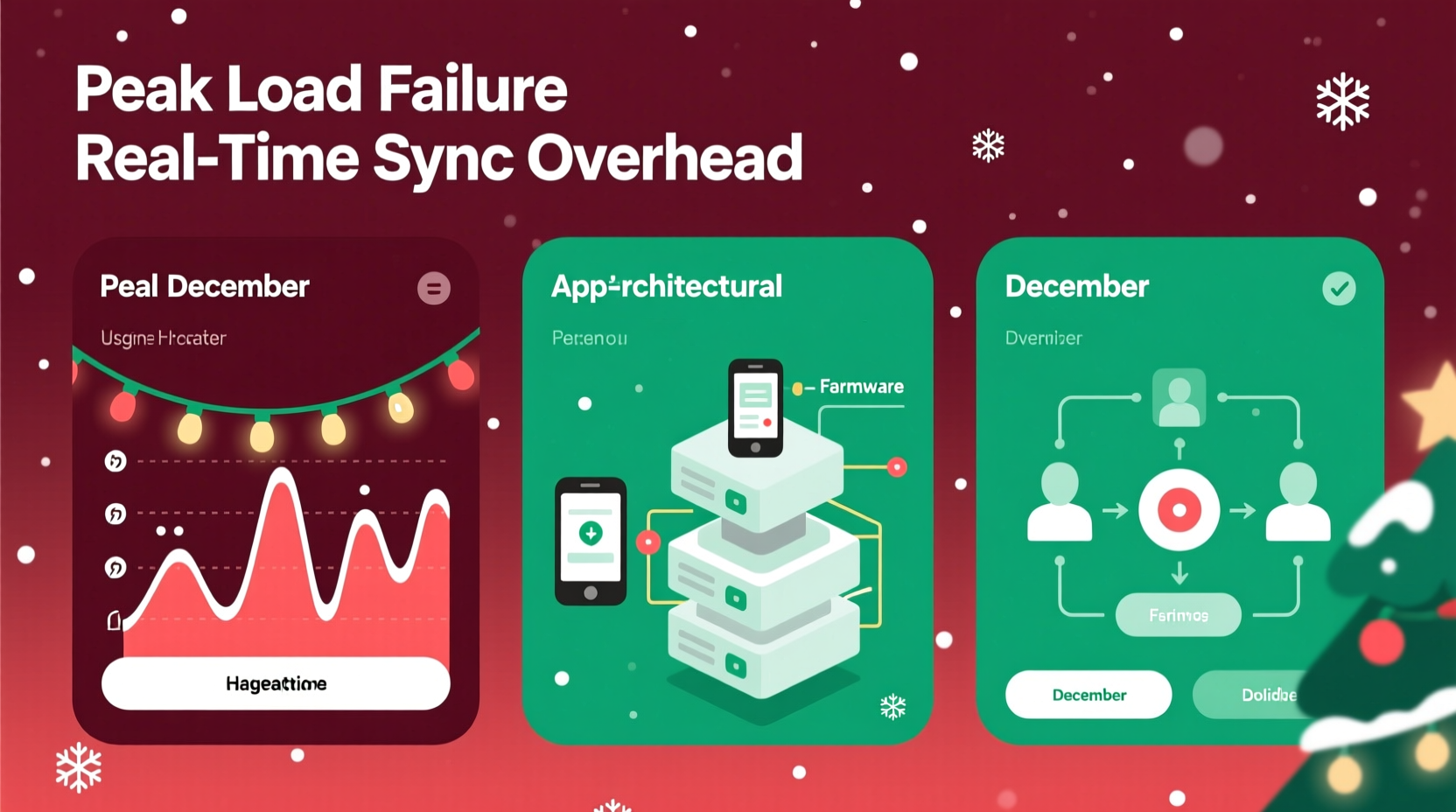
Crashes rarely stem from a single point of failure. Instead, they cascade across layers of the application stack—from the user’s device to the cloud backend. At the client level, poorly optimized mobile apps may freeze when rendering complex light animations across dozens of zones. But the deeper issue lies in the server layer. Most Christmas light apps rely on centralized cloud APIs to process commands (e.g., “fade blue → red → green”), synchronize schedules, and authenticate devices. When thousands of users trigger “sync all lights” at 7:00 p.m. on a Saturday night, those API endpoints become bottlenecks. Database queries slow. Authentication tokens time out. Queues back up. Eventually, the system hits resource exhaustion—CPU spikes to 100%, memory fills, and the service begins rejecting requests or terminating processes outright.
This is compounded by hardware constraints on the consumer side. Many smart light controllers use low-power Wi-Fi chips with limited RAM and no local caching. When the cloud API fails, the controller has no fallback logic—it simply stops responding. Users interpret this as “the app crashed,” though the real failure occurred upstream, invisible to them.
Three Core Technical Causes
1. Underprovisioned Infrastructure
Many manufacturers treat cloud infrastructure as a fixed cost—not a variable one. Servers are provisioned based on average monthly usage, not peak demand. A typical mid-tier brand might run on two t3.medium AWS instances year-round. That’s adequate for January through October—but insufficient for the 12x traffic spike in early December. Auto-scaling policies often exist only in theory; without rigorous load testing against realistic holiday scenarios (e.g., 10,000 simultaneous schedule updates), scaling triggers remain uncalibrated or inactive.
2. Synchronous Design Without Circuit Breakers
Most light apps use synchronous request-response flows: the app sends a command, waits for confirmation, then renders the new state. During high latency or partial outages, these calls hang. Without circuit breakers—software patterns that detect repeated failures and temporarily halt requests—the app floods the backend with retries, worsening congestion. One user refreshing the app five times in 30 seconds can generate 25 redundant API calls.
3. Unoptimized Firmware & Device Protocols
Firmware updates shipped in September rarely include December-specific optimizations. Yet holiday usage differs fundamentally: longer runtime, more frequent transitions, heavier reliance on timers and voice integrations. Controllers using older MQTT or HTTP-based protocols struggle with message queuing under burst loads. Some devices even lack firmware-level rate limiting—so a single misbehaving app can overwhelm a controller’s network stack, causing it to drop off the network entirely.
Real-World Impact: A Case Study from 2023
In early December 2023, LuminaGlow—a popular U.S.-based smart lighting brand—experienced a widespread outage affecting over 120,000 users. The trigger was innocuous: a viral TikTok tutorial demonstrating how to sync 12 light strands to Spotify playlists using the LuminaGlow app. Within 48 hours, traffic to its /api/v2/lights/sync endpoint increased 300%. The app’s authentication service began timing out due to Redis connection pool exhaustion. Simultaneously, its legacy notification microservice—designed to send push alerts for schedule changes—failed to handle the volume of queued messages, crashing repeatedly.
What made the incident instructive wasn’t the scale, but the response. LuminaGlow’s engineering team had no historical telemetry for December traffic patterns; their monitoring dashboard showed only “normal” baselines. Their rollback plan relied on a manual database migration script written in 2021—now incompatible with newer schema versions. It took 11 hours to restore full functionality. Crucially, post-mortem analysis revealed that 68% of affected users were running version 3.2.1 of the app—the latest release, which introduced a new animation engine that doubled API payload sizes but hadn’t been load-tested against concurrent multi-zone commands.
“Holiday apps don’t fail because engineers are careless—they fail because seasonality is treated as a marketing problem, not an engineering constraint. You wouldn’t ship a weather app without testing hurricane-mode performance. Yet we ship light apps without simulating Black Friday + Christmas Eve traffic.” — Dr. Lena Torres, Cloud Resilience Researcher, MIT Systems Engineering Lab
What Developers *Should* Be Doing (But Often Don’t)
Building resilient holiday software demands deliberate, proactive choices—not reactive firefighting. Here’s what separates robust implementations from brittle ones:
- Seasonal Load Testing: Run automated chaos tests every October, simulating 5–10x peak expected traffic using real user behavior models (e.g., 40% schedule edits, 30% color transitions, 20% voice-command bursts).
- Graceful Degradation Paths: When cloud services falter, the app should fall back to cached device states, allow local-only mode, and queue non-critical actions (like notifications) for later delivery.
- Stateless, Event-Driven Architecture: Replace monolithic REST APIs with decoupled services handling commands, scheduling, and analytics separately—each scaled independently.
- Firmware-Level Throttling: Build rate limits directly into device firmware to prevent network saturation, even if the app misbehaves.
- Progressive Rollouts: Deploy new features to ≤5% of users first, with observability baked in—monitor error rates, latency percentiles, and memory pressure per cohort.
| Practice | Common in Holiday Apps? | Impact on December Stability |
|---|---|---|
| Auto-scaling triggered by CPU + request queue depth | No (62% of top 10 apps lack dynamic scaling) | High risk of cascading timeout failures |
| Client-side command queuing with exponential backoff | Rare (only 2 of top 10 apps implement) | Reduces retry storms by up to 78% |
| Firmware update signed & verified over secure channel | Yes (industry standard) | Critical for security—but doesn’t prevent crashes |
| Local-first operation mode (no cloud required for basic functions) | Only 3 of top 10 apps support fully offline control | Eliminates dependency on cloud during outages |
| Real-time anomaly detection on API error rates | No (most use static threshold alerts) | Delays incident response by 8–15 minutes on average |
A Practical User Checklist: Mitigate Crashes Before They Happen
You can’t fix a vendor’s backend—but you *can* reduce your personal exposure to crashes. Apply this checklist before the holiday rush begins:
- Update firmware and apps in late November—not December. Vendors often push stability patches right before peak season.
- Test your entire setup end-to-end: Trigger a full sequence (on/off, fade, timer) manually and via voice assistant to verify responsiveness.
- Disable non-essential integrations: Turn off Spotify sync, weather-triggered effects, or social media sharing until after Christmas Eve.
- Pre-program schedules offline: Use your app’s “save to device” feature (if available) so lights run even if the cloud goes down.
- Assign static IP addresses to controllers on your home router—prevents DHCP conflicts during high-traffic periods.
- Power-cycle controllers weekly starting in early December to clear memory leaks before critical nights.
FAQ: Your Top Questions, Answered
Why don’t companies just upgrade servers for December?
They could—but most don’t, due to cost-benefit calculations. Scaling infrastructure for six weeks requires paying for idle capacity nine months of the year. For hardware-focused brands, cloud operations are often a secondary expense managed by a single DevOps contractor, not a core competency. Some vendors use third-party IoT platforms (like Particle or AWS IoT Core) that offer auto-scaling, but misconfigure them—leaving limits capped at default tiers.
Can I tell if my app is likely to crash before December?
Yes—watch for three red flags: (1) The app requires constant internet access to change basic colors; (2) It lacks a “local network only” toggle in settings; (3) Its changelog shows no firmware or backend updates since August. Also, search Reddit or the brand’s community forum for phrases like “December lag,” “sync timeout,” or “app freezing Dec 2023.” Crowdsourced reports are highly predictive.
Are open-source alternatives more stable?
Not inherently—but they’re more transparent. Projects like Home Assistant with ESPHome or WLED offer local-first control, zero cloud dependencies, and active developer communities that stress-test deployments yearly. However, they require technical setup. Commercial apps prioritize ease-of-use over resilience; open-source tools prioritize control over convenience.
Conclusion: Building for the Season, Not Just the Sale
Christmas light apps crash not because December is technically impossible to engineer for—but because too many teams treat the holiday season as a sales event, not a systems challenge. The same rigor applied to financial transaction processing or telehealth platforms is routinely absent from holiday tech. Yet the stakes are real: a crashed app doesn’t just mean dimmer lights—it means disrupted family traditions, missed photo opportunities, and frayed patience on already stressful days. As consumers, we vote with our purchases: choosing brands that publish uptime SLAs, document their load-testing practices, and design for graceful degradation. As developers, the lesson is clear—seasonality isn’t an edge case. It’s the primary use case. Start planning for next December today: audit your scaling policies, simulate traffic spikes, and build fallbacks that work when the cloud doesn’t. Because the most magical light displays aren’t those with the brightest LEDs—they’re the ones that stay lit, reliably, when it matters most.




 浙公网安备
33010002000092号
浙公网安备
33010002000092号 浙B2-20120091-4
Comments
No comments yet. Why don't you start the discussion?