
Nothing disrupts holiday cheer like a strand of multicolor LED lights that flicker through red, blue, green, and purple without warning—especially when your tree is perfectly styled and your guests are about to arrive. This erratic behavior isn’t magic—it’s physics, programming, and sometimes, poor engineering, colliding in your living room. Unlike traditional incandescent strings where failure usually means “off,” modern programmable LED lights rely on microcontrollers, data protocols, and precise voltage regulation. When any part of that system misfires, you get unpredictable color shifts: a warm white section suddenly flashing neon pink, or half the garland cycling through rainbow modes while the rest stays static. Understanding *why* this happens—and how to systematically resolve it—isn’t just about convenience. It’s about safety, longevity, and preserving the intention behind your decorations: warmth, rhythm, and joyful control—not chaos.
How Programmable LED Lights Actually Work (and Where Things Go Wrong)
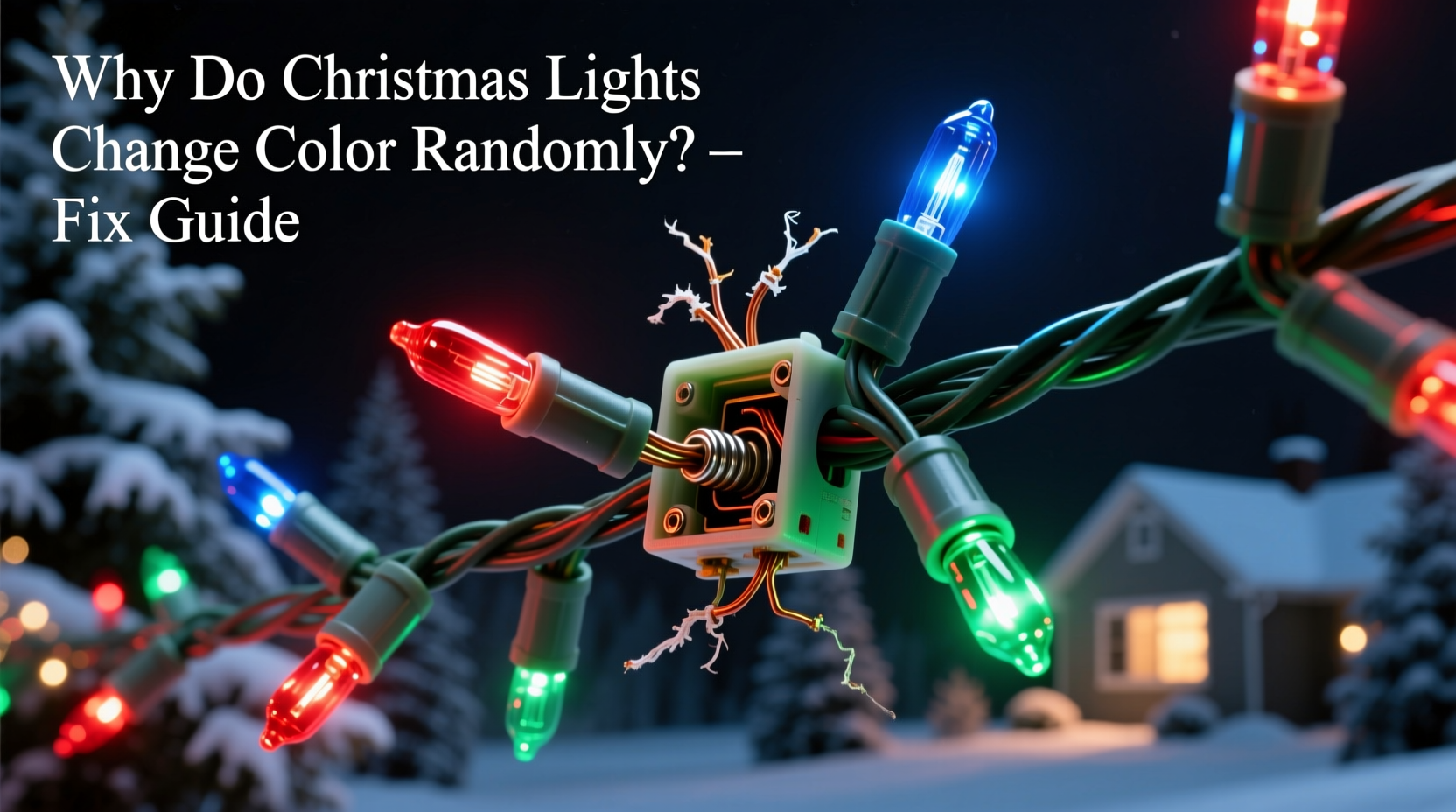
Most color-changing Christmas lights use addressable LEDs—commonly WS2811, WS2812B (NeoPixel), or similar chips—where each bulb contains its own tiny controller. These controllers receive digital signals from a central controller (often built into the plug or a separate box) telling them precisely which color and brightness to display at any given moment. The signal travels down the strand as a rapid sequence of timed electrical pulses. A single corrupted pulse—or even a minor voltage dip—can cause one or more LEDs to misinterpret instructions, skip frames, or reset mid-sequence. That’s why random color shifts often appear localized: three bulbs flash magenta while the rest hold steady amber. It’s rarely “the whole string is broken.” It’s usually a cascade effect starting at a point of weakness—like a cold solder joint, oxidized contact, or degraded capacitor.
Unlike older analog RGB strings (which used three separate wires for red, green, and blue channels and faded smoothly between colors), digital addressable lights operate on binary timing precision. A delay of just 0.5 microseconds can flip a command from “set to #FF5733” to “reset to default mode.” That sensitivity enables dazzling effects—but also makes them vulnerable to real-world conditions: temperature swings, power fluctuations, physical stress on wires, and cumulative wear.
5 Most Common Causes of Random Color Changes—and What They Really Mean
Random color behavior is almost always symptomatic—not random. Here’s what each pattern typically reveals:
- Intermittent shifts only when bending or jostling the strand: Physical break in the data line or loose connection inside a bulb housing.
- Colors drift toward blue or purple after 10–15 minutes of operation: Thermal drift in low-grade driver ICs; common in budget strings lacking thermal regulation.
- Entire sections (e.g., every 5th bulb) freeze on one color while others cycle: Data corruption downstream of a failed LED—addressable lights stop forwarding signals once one chip dies.
- Random resets to “rainbow chase” mode every few minutes: Faulty or underpowered controller unit, especially if using an unregulated wall adapter or sharing an outlet with high-draw appliances.
- Only the first 3–5 bulbs behave erratically, then normal operation resumes: Voltage drop across the strand due to undersized wiring or excessive length (>50 ft for non-amplified strings).
Step-by-Step Diagnostic & Repair Protocol
Follow this sequence methodically—skipping steps often leads to misdiagnosis and repeated frustration.
- Verify power source: Plug the strand directly into a dedicated, grounded outlet (no power strips or extension cords). Measure output voltage with a multimeter if possible: should be within ±5% of labeled input (e.g., 120V ±6V). If using a USB-powered controller, try a different port or a known-stable 5V/2A wall adapter.
- Isolate the controller: Disconnect the light strand from the controller box. Power the controller alone. If its indicator LED blinks erratically or fails to enter standby mode, replace the controller—not the lights.
- Test segment by segment: Starting at the plug end, unplug the first 10-bulb section. Plug the remaining strand in. If behavior stops, the fault lies in the removed section. Repeat, halving each time (binary search), until you locate the problematic bulb or connector.
- Inspect physical connections: Examine solder joints at both ends of suspect bulbs under bright light. Look for hairline cracks, dull gray discoloration (cold solder), or visible corrosion on copper contacts. Gently wiggle connectors while powered (at low risk—see safety note below) to reproduce intermittent faults.
- Bypass or replace the faulty node: For WS2812B-type lights, you can often desolder one malfunctioning LED and bridge its data-in to data-out with a short wire (effectively removing it from the chain). Use a fine-tip soldering iron and rosin-core solder—never acid flux. Re-test before reassembling.
Safety Note: Never perform live soldering or probing on AC-powered strings. Only test low-voltage DC strands (typically 5V or 12V) with appropriate isolation. If your lights plug directly into 120V, assume they contain internal step-down circuitry—treat as hazardous unless explicitly rated for user repair.
Do’s and Don’ts for Long-Term Reliability
| Action | Do | Don’t |
|---|---|---|
| Storage | Coil loosely in original box or hang vertically on padded hangers; store in climate-controlled space (40–75°F, <50% RH) | Wrap tightly around cardboard tubes; store in attic, garage, or plastic bins without desiccant |
| Cleaning | Wipe bulbs gently with microfiber cloth dampened with 70% isopropyl alcohol; dry immediately | Use window cleaner, vinegar, or abrasive cloths; submerge controllers in liquid |
| Installation | Use insulated clips (not metal staples); avoid sharp bends >90° at bulb bases | Nail or staple wires to wood; twist strands tightly around branches or railings |
| Operation | Run on a dedicated circuit; use a surge-protected outlet strip rated for LED loads | Plug multiple strands into one overloaded power strip; operate continuously for >8 hours/day |
| Troubleshooting | Keep a log: date, strand model, observed behavior, ambient temp/humidity | Assume “it’s just old”—most failures occur within first 2 seasons due to manufacturing defects |
Real-World Case Study: The “Flickering Fir” Incident
In December 2023, Sarah M., a lighting technician in Portland, OR, installed 12 strands of 100-bulb RGBW lights on her client’s 12-foot Douglas fir. By evening, the lower third cycled unpredictably—shifting from cool white to violet every 47 seconds—while the top two-thirds held steady. Initial assumptions pointed to heat buildup, but infrared thermography showed no hotspots above 32°C (90°F). Using the diagnostic protocol above, Sarah isolated the issue to the 37th bulb—the first one mounted at the trunk base. Closer inspection revealed moisture intrusion: condensation had pooled inside the bulb housing after a rainy afternoon, corroding the data-line contact pad. She replaced the bulb with a sealed IP65-rated unit, added silicone sealant to adjacent connectors, and rerouted the power feed away from direct rain exposure. The strand operated flawlessly for the remainder of the season. Crucially, she noted that the affected bulbs were from Lot #LX-8842—a batch later recalled by the manufacturer for inadequate potting compound. This case underscores how environmental exposure + marginal component quality creates failure points that mimic random behavior.
Expert Insight: What Industry Engineers Say
“Random color shifts in consumer LED strings are rarely software bugs—they’re hardware fatigue signatures. We see three dominant failure modes: electrolytic capacitor aging in controllers (causing voltage ripple), tin whisker growth on PCB traces (creating micro-shorts), and thermal cycling fatigue in wire bonds inside LED packages. Fixing one symptom without addressing root cause—like replacing a bulb but not upgrading the controller’s capacitors—delivers only temporary relief.” — Dr. Arjun Patel, Senior Hardware Engineer, Lumina Labs (12+ years designing architectural LED systems)
FAQ: Quick Answers to Persistent Questions
Can I mix different brands or models of color-changing lights on the same controller?
No. Even lights using the same protocol (e.g., WS2812B) may have different timing tolerances, refresh rates, or gamma correction tables. Mixing brands risks partial communication failure, leading to skipped pixels, color banding, or complete signal loss. Stick to one manufacturer, same product line, and same firmware revision.
Why do my lights work fine indoors but glitch outdoors—even with a weatherproof controller?
Temperature is the hidden variable. Below 0°C (32°F), electrolytic capacitors in controllers lose capacitance, causing voltage instability. Also, condensation forms inside non-hermetically sealed housings during day-night cycles, creating transient shorts. Use only lights rated for outdoor use *with explicit low-temp specs* (e.g., “operational down to -20°C”)—not just “weather-resistant.”
Is there a way to permanently disable the random mode and lock in one color?
Yes—if the controller supports manual mode selection. Most remotes or apps have a “solid color” or “static white” option. If not, physically disconnect the mode-selection wire (usually white or yellow) inside the controller housing—this forces default behavior. For advanced users: reflash the controller firmware with open-source alternatives like WLED, which allows full custom mode locking via web interface.
Prevention Is More Effective Than Repair
Once a strand develops random behavior, you’ve already lost reliability margin. The most cost-effective strategy isn’t waiting for failure—it’s building resilience from the start. Invest in strands with UL 588 certification (not just “UL listed”), which mandates rigorous fault testing including data-line noise immunity and thermal cycling. Choose controllers with aluminum heatsinks—not plastic enclosures—and look for “constant current” drivers (not simple resistors), which maintain stable brightness across voltage fluctuations. And critically: never daisy-chain more than the manufacturer’s stated maximum (e.g., “max 3 strands” means *exactly* 3—not 3.5). Each added segment increases signal degradation exponentially.
Also consider operational discipline. Run lights for 4–6 hours daily—not 24/7. Give controllers 2-hour cooldown periods between uses. Unplug entirely during extended absences. These habits reduce thermal stress on semiconductors by up to 40%, according to accelerated life testing data from the Lighting Research Center at Rensselaer Polytechnic Institute.
Conclusion: Regain Control—One Pixel at a Time
Random color changes aren’t a quirk of the season—they’re feedback. Your lights are signaling instability in power, data integrity, thermal management, or physical construction. Treating them as disposable ignores both their engineering sophistication and your right to predictable, joyful illumination. With systematic diagnosis, informed repair choices, and proactive maintenance, you transform frustration into mastery. You’ll spend less on replacements, reduce electronic waste, and gain confidence handling other smart-home devices. Most importantly, you reclaim the intention behind decoration: harmony, rhythm, and shared delight—not surprise. This holiday season, don’t just light up your home. Light it up *right*.




 浙公网安备
33010002000092号
浙公网安备
33010002000092号 浙B2-20120091-4
Comments
No comments yet. Why don't you start the discussion?