
Flickering Christmas lights are more than a seasonal annoyance—they’re a telltale sign of something amiss in your holiday lighting system. Unlike intentional twinkle modes built into premium LED strings, random, erratic flickering—where lights dim, pulse, or blink unpredictably across sections—indicates an underlying electrical or mechanical issue. This behavior isn’t just distracting; it can signal degraded insulation, overheating components, or even fire hazards. Understanding the root cause separates temporary troubleshooting from long-term safety. This article walks through the most common technical reasons behind unpredictable flickering, explains how to diagnose them without specialized tools, and delivers practical, tested solutions—whether you’re dealing with vintage incandescent strands, modern LED sets, or smart programmable lights.
1. Voltage Instability: The Hidden Culprit Behind Intermittent Flicker
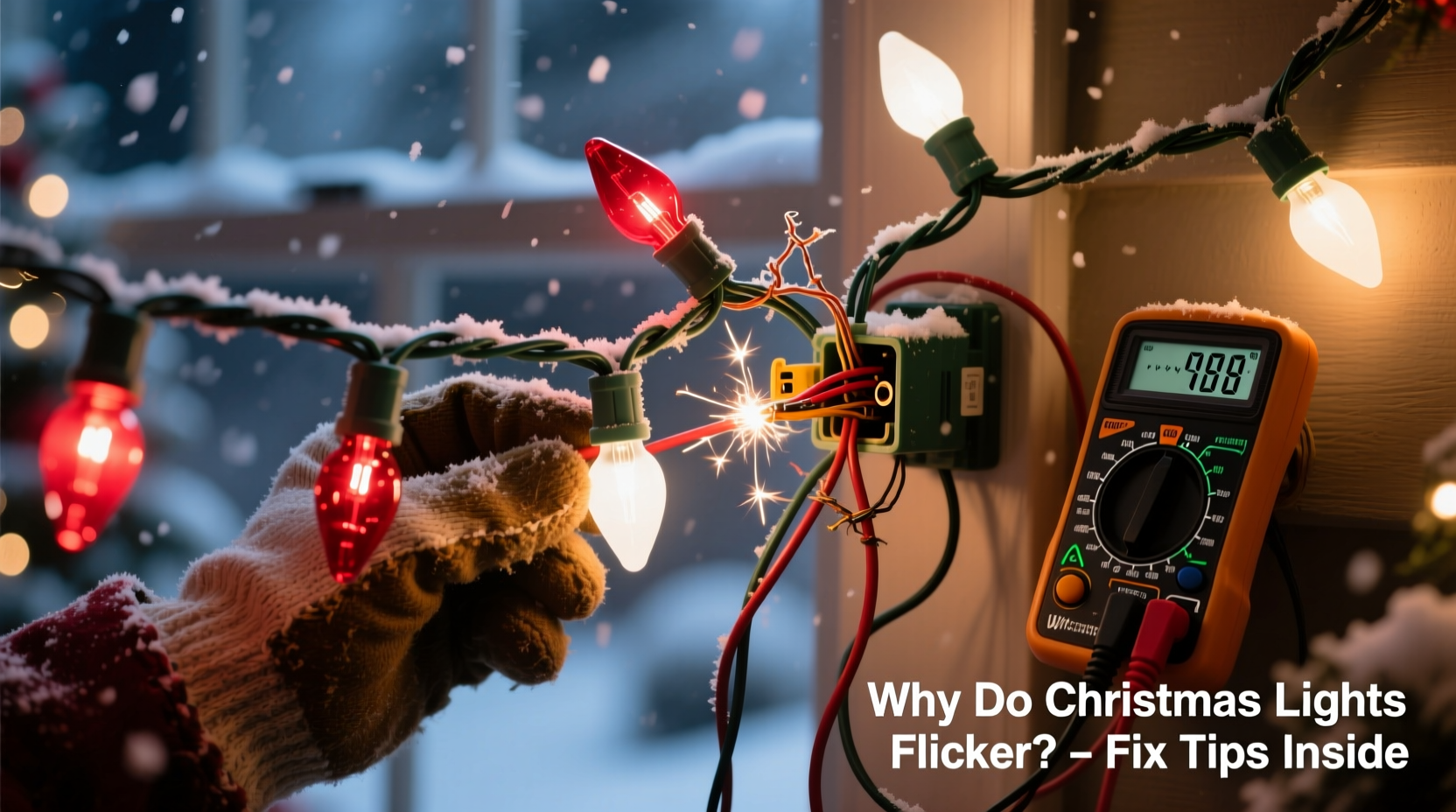
Voltage fluctuations are the leading cause of random flickering in residential Christmas light displays. Household circuits rarely deliver perfectly stable 120V AC. Minor sags occur when high-draw appliances cycle on—refrigerators compressors kicking in, HVAC systems starting up, or even power tools running in the garage. While most electronics tolerate brief dips, low-voltage LED drivers and older incandescent filaments react visibly: LEDs may strobe or dim momentarily; incandescents may glow faintly then surge brightly before settling.
Worse, many outdoor outlets share circuits with indoor loads. A neighbor’s electric vehicle charger operating on the same transformer phase can introduce ripple voltage that travels back through your home’s panel—especially noticeable on longer light runs (over 50 feet) or daisy-chained extensions. Modern LED strings use constant-current drivers sensitive to input variance; even a 3–5V drop can trigger protective dimming or reset cycles that appear as chaotic flicker.
2. Faulty or Degraded Bulbs and Sockets
In series-wired incandescent strings (still common in vintage or budget sets), a single failed bulb breaks the entire circuit. But many newer “shunt-wire” bulbs contain a tiny bypass filament designed to activate when the main filament burns out—keeping the rest of the strand lit. Over time, these shunts degrade. Instead of cleanly bridging the gap, they intermittently connect and disconnect, causing rapid, localized flickering. You’ll often see this as one or two bulbs blinking rapidly while the rest remain steady.
LED strings use parallel or hybrid wiring, but their sockets suffer similar wear. Corrosion from humidity, salt air (near oceans), or repeated plugging/unplugging creates micro-gaps in contact points. As the connection heats and cools, resistance fluctuates—producing visible pulsing. A telltale sign? Flickering worsens after the lights have been on for 15–20 minutes, as thermal expansion loosens marginal contacts.
Not all bulbs fail the same way. Clear incandescent bulbs often burn out silently; colored ones (especially red and blue) use dyed glass or coatings that absorb heat unevenly, accelerating filament fatigue and increasing flicker probability.
3. Wiring, Connectors, and Extension Cord Issues
Over 60% of diagnosed flicker cases trace back to physical connections—not the lights themselves. Here’s what commonly goes wrong:
- Damaged extension cords: Crimped, kinked, or UV-exposed cords develop internal conductor fractures. Current flow becomes intermittent, especially under load, causing rhythmic dimming.
- Loose plug prongs: Worn-out male plugs wobble in receptacles, creating arcing at the contact point—a dangerous condition that appears as sharp, irregular flashes.
- Mismatched gauge and length: Using a 16-gauge cord for a 100-foot run with 200+ LEDs drops voltage below the driver’s minimum operating threshold (typically 105V). The result? Unstable output and random stuttering.
- Water intrusion in connectors: Even IP44-rated outdoor connectors aren’t immune. Condensation builds overnight, forming conductive paths that short adjacent pins—causing erratic resets in smart LEDs or partial blackouts in analog sets.
“Most flicker complaints I investigate turn out to be connector-related—not bulb failure. A $2 weatherproof cap or a 30-second socket cleaning solves 7 out of 10 cases.” — Javier Mendez, Certified Electrical Inspector & Holiday Lighting Safety Advisor, NFPA Member
4. Smart LED Controllers and Compatibility Conflicts
Smart LED strings add complexity—and new failure modes. These lights rely on microcontrollers communicating via PWM (pulse-width modulation) signals to regulate brightness and color. Random flickering in smart sets almost always stems from one of three sources:
- Firmware bugs: Early-generation controllers (pre-2021) shipped with unstable timing loops. A firmware update—often available via manufacturer apps—resolves persistent strobing.
- Signal interference: Wi-Fi routers, Bluetooth speakers, or even nearby LED TVs emit electromagnetic noise that disrupts the low-voltage data line between controller and first bulb. Symptoms include segment-specific flicker or color shifts syncing to audio playback.
- Power supply mismatch: Many smart strings require regulated 5V or 12V DC input. Using an unregulated wall adapter—even if voltage reads correct off-load—can cause output ripple under dynamic load changes, triggering visible flicker.
Crucially, mixing smart and non-smart strings on the same circuit introduces ground-loop noise. The controller’s switching frequency couples into analog wiring, inducing phantom flicker downstream.
5. Step-by-Step Diagnostic & Repair Protocol
Follow this proven sequence to isolate and resolve flicker—no multimeter required for initial triage:
- Unplug everything. Let lights cool for 10 minutes. Heat accelerates intermittent faults.
- Inspect physically. Look for cracked sockets, bent pins, frayed wires near plugs, or discoloration (brown/black marks indicate arcing).
- Test one section at a time. If using multiple strands, unplug all but the first. Does flicker persist? If yes, the issue is in that strand or its power source.
- Swap the outlet. Move the working strand to a different circuit—ideally one not shared with refrigerators, furnaces, or chargers.
- Check extension cords. Replace with a known-good, heavy-duty (14-gauge), outdoor-rated cord no longer than necessary.
- Re-seat every bulb. Gently twist each bulb ¼ turn clockwise in its socket—even if it seems tight. Oxidized contacts often re-establish continuity this way.
- Clean socket contacts. Use a cotton swab dipped in isopropyl alcohol (91%) to wipe metal contacts inside sockets and on bulb bases. Let dry fully before reassembly.
- Update firmware. For smart lights: open the app, verify controller model, and install any pending updates—even if the app doesn’t flag them.
| Symptom | Most Likely Cause | Immediate Fix | Long-Term Prevention |
|---|---|---|---|
| Flicker only when wind blows | Loose outdoor connector or exposed wire movement | Secure cord with UV-resistant zip ties; seal connector with silicone caulk | Use IP67-rated junction boxes for all outdoor splices |
| Flicker intensifies after 15+ minutes | Thermal expansion in corroded socket or failing driver capacitor | Replace affected bulb/section; clean all sockets with alcohol | Store lights in climate-controlled space; avoid folding at sharp bends |
| Only first 3–5 bulbs flicker | Faulty controller or damaged data line (smart LEDs) | Reset controller (power-cycle 3x); replace first bulb if addressable | Use ferrite cores on data lines; keep away from RF sources |
| Flicker synchronized with refrigerator cycling | Voltage sag on shared circuit | Plug lights into dedicated outdoor circuit or use active voltage regulator | Install whole-house surge protector with voltage stabilization |
Mini Case Study: The Porch Light Paradox
When Sarah installed her new 300-bulb warm-white LED garland last December, she noticed flickering only between 7:00 and 7:15 p.m. nightly. It wasn’t constant—just brief pulses every 90 seconds. She replaced bulbs, checked outlets, and even bought a new extension cord, all without success. A neighbor suggested observing household activity during those pulses. Sarah discovered her porch light timer activated precisely at 7:00 p.m.—and its aging magnetic transformer drew a 12-amp inrush current. That surge overloaded the shared 15-amp circuit, dropping voltage just enough to destabilize her LED driver. Replacing the porch light with an electronic timer (inrush < 0.5A) eliminated the flicker instantly. Her case underscores a critical truth: flicker isn’t always about the lights—it’s about the ecosystem they operate within.
FAQ
Can I use LED lights with an old incandescent-only controller?
No. Incandescent controllers use simple triac-based dimming that chops AC waveform—fine for resistive filaments, but destructive to LED drivers. Attempting this often causes rapid, damaging flicker and can permanently disable the LED string’s internal electronics. Always match controller type to light technology.
Why do my new lights flicker only when it’s humid or raining?
Moisture lowers insulation resistance between conductors. In poorly sealed connectors or damaged cord jackets, humidity creates micro-shorts that intermittently ground part of the circuit. This forces current redistribution, causing visible dimming or blinking. Seal all connections with dielectric grease and use waterproof conduit for permanent outdoor runs.
Is flickering dangerous—or just annoying?
It depends on cause. Voltage-related flicker is usually safe but indicates inefficient power delivery. However, flicker caused by arcing (loose prongs, corroded sockets, or frayed wires) generates intense localized heat—up to 5,000°F at the arc point. This degrades insulation, ignites dust buildup, and poses real fire risk. Any flicker accompanied by buzzing, ozone smell, or visible sparks requires immediate disconnection and professional inspection.
Conclusion
Flickering Christmas lights aren’t a quirk of the season—they’re diagnostic signals. Each erratic pulse, dim, or flash communicates something specific about your electrical environment, component health, or installation integrity. Ignoring it invites inefficiency, premature failure, and, in worst cases, safety compromise. Armed with the insights here—voltage awareness, socket hygiene, smart compatibility rules, and systematic diagnostics—you’re equipped not just to silence the flicker, but to build a safer, more reliable, and genuinely joyful display. Don’t wait for next year. Grab your lights tonight, run through the step-by-step protocol, and reclaim the steady, warm glow that makes Christmas feel like home. Your peace of mind—and your family’s safety—is worth more than any shortcut.




 浙公网安备
33010002000092号
浙公网安备
33010002000092号 浙B2-20120091-4
Comments
No comments yet. Why don't you start the discussion?