
For many gamers, switching between a keyboard and mouse setup and a gamepad can feel like learning to play all over again. Even experienced players may find themselves struggling with aim, timing, or responsiveness when using a controller in games they’ve mastered with keyboard inputs. This isn’t just a matter of preference—it’s rooted in fundamental differences in input mechanics, human motor control, and game design assumptions. Understanding why certain games feel harder on a controller can help players adapt more effectively and developers create more balanced experiences across platforms.
The Mechanics of Input: Precision vs. Analog Control
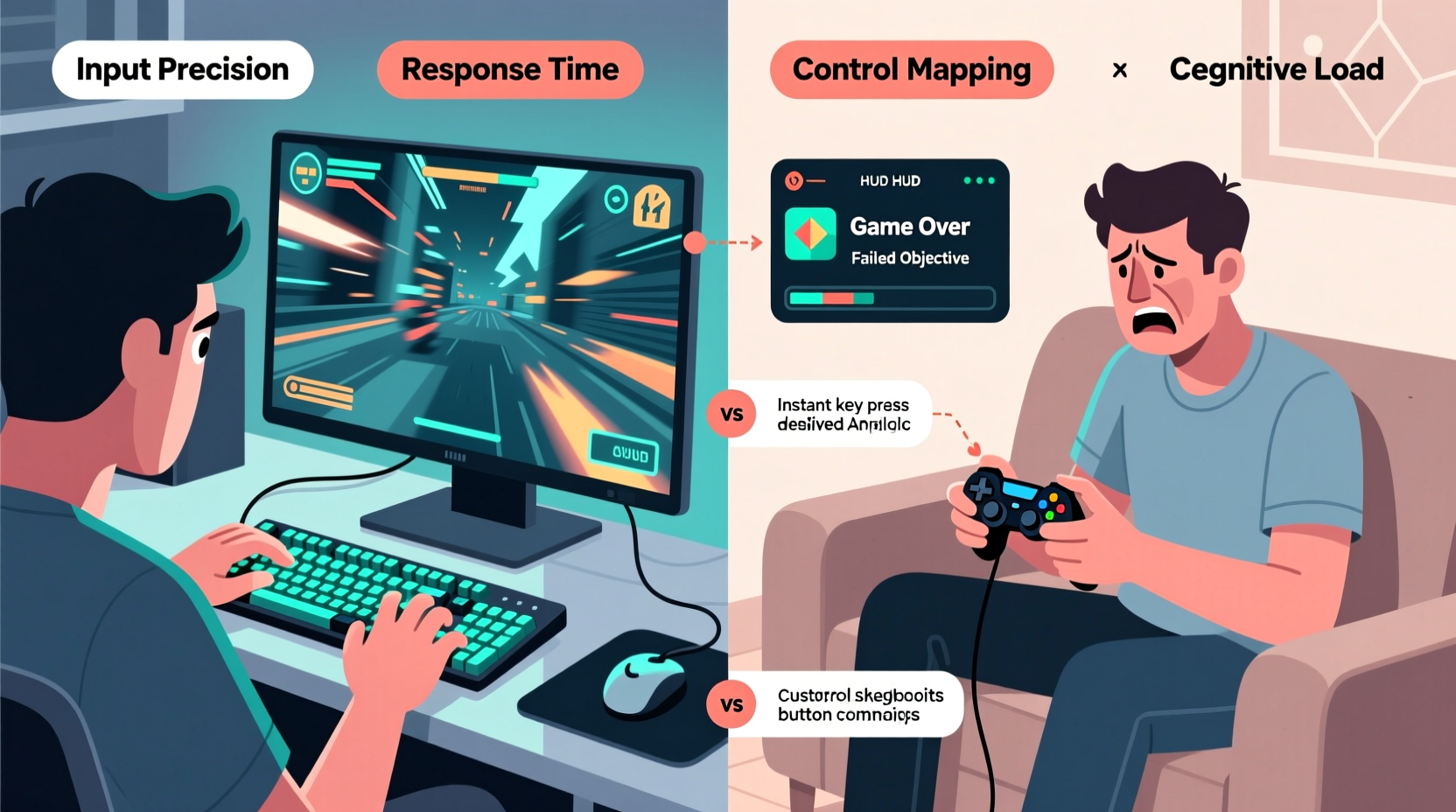
At the core of the difficulty lies how each input method translates physical movement into on-screen action. A keyboard operates on discrete inputs—each key press is binary, either activated or not. This makes actions like jumping, crouching, or reloading immediate and unambiguous. The mouse, meanwhile, offers high-precision analog input through direct positional tracking. Moving the mouse six inches to the right moves the cursor exactly that far on screen, enabling pixel-perfect targeting.
Controllers, by contrast, rely on analog sticks—small joysticks that detect directional pressure rather than absolute position. While they allow smooth movement and gradual acceleration, their precision is inherently limited. Small hand tremors, stick drift, or subtle misalignments can result in unintended camera movement or character direction. This becomes especially noticeable in fast-paced shooters where micro-adjustments determine whether you land a headshot or miss entirely.
Consider first-person shooters (FPS). On keyboard and mouse, a player can flick their wrist to snap to a target with extreme accuracy. On a controller, the same motion requires coordinated thumb pressure across a small radius, often resulting in overshooting or under-rotating. This difference in control fidelity directly impacts reaction time and consistency.
“Analog sticks are brilliant for fluid movement, but they’ll never match the spatial accuracy of a mouse. It’s physics versus ergonomics.” — Marcus Lin, Senior UX Designer at Apex Interactive
Game Design Bias: PC-Centric Development
Many modern games originate in PC-first development environments, where keyboard and mouse are the default. As a result, sensitivity curves, aiming assist logic, and even level geometry are often optimized for high-DPI mouse tracking and rapid key combinations. When these titles are ported to console or made cross-platform, the controller support is frequently an afterthought.
Take games like *Counter-Strike 2* or *Valorant*. These titles demand pixel-level precision and lightning-fast reflexes. Their competitive integrity relies on consistent input response—a standard easier to maintain with mouse hardware. While console versions exist, they often include aggressive aim assist to compensate for the controller’s limitations. However, this creates an uneven playing field and alters the intended gameplay experience.
Even in non-FPS genres, such as real-time strategy (RTS) or MOBAs, the absence of dedicated hotkeys and precise cursor control makes managing units or casting spells significantly more cumbersome on a controller. The UI layouts, designed around mouse navigation, don’t always translate well to button-based radial menus or d-pad traversal.
Muscle Memory and Cognitive Load
Switching input methods disrupts deeply ingrained muscle memory. After hundreds of hours using WASD for movement and the mouse for look/aim, your hands operate almost subconsciously. Replacing that with dual analog sticks forces your brain to rewire its motor pathways. This cognitive recalibration increases mental load, slowing reaction times and reducing coordination during the transition period.
Additionally, controllers consolidate inputs onto fewer buttons, requiring more complex combinations or menu layering. For example, on a keyboard, sprinting might be Shift, crouching Ctrl, and jumping Space—each easily accessible. On a controller, these functions are often mapped to shoulder buttons or triggers, which require finger stretching and reduced grip stability. This physical strain compounds fatigue during long sessions, further degrading performance.
A study conducted by the University of Waterloo in 2021 found that participants took an average of 37% longer to execute complex command sequences on controllers compared to keyboards, even after two weeks of daily practice. The researchers attributed this gap to increased cognitive overhead in mapping abstract button locations versus spatially consistent key positions.
Latency, Sensitivity, and Dead Zones
Technical factors also contribute to perceived difficulty. Input lag—the delay between pressing a button and seeing the result—can vary between devices. While modern wireless controllers have improved significantly, they still introduce slightly higher latency than wired keyboards due to Bluetooth or proprietary radio transmission.
Sensitivity settings are another critical factor. Mouse DPI (dots per inch) allows granular adjustment of pointer speed relative to hand movement. Controllers use sensitivity multipliers applied to analog stick output, but these often lack the same level of fine control. Many players report “stick wobble” or inconsistent turn rates because the sensitivity curve isn’t linear or fails to account for individual hand size and thumb strength.
Dead zones—the range of stick movement ignored to prevent drift—also affect responsiveness. Too large a dead zone makes the stick feel sluggish; too small, and idle drift throws off camera alignment. Default settings rarely suit everyone, yet most players never adjust them, leading to frustration.
| Factor | Keyboard/Mouse Advantage | Controller Challenge |
|---|---|---|
| Precision | Pixel-level cursor control | Limited by analog stick resolution |
| Input Speed | Near-instantaneous key registration | Slight wireless lag; analog ramp-up |
| Ergonomics | Fingers remain stationary over keys | Thumb fatigue from constant stick pressure |
| Customization | Full remapping, macros, layers | Restricted by hardware layout |
| Game Optimization | Native development environment | Often adapted post-launch |
Real-World Example: Adapting to Controller in Competitive Play
Jamal Rivera, a semi-professional *Apex Legends* player, initially competed exclusively on PC with mouse and keyboard. When he decided to try ranked matches on PlayStation to understand cross-platform dynamics, he was stunned by his performance drop. Despite identical game knowledge and战术 awareness, his kill count fell by nearly 60%, and his placement average dropped from top 20% to below 50%.
He spent three months adjusting settings: reducing vertical sensitivity, enabling gyro aiming on his DualShock, and re-mapping reload to a back button. He also practiced daily with aim trainers designed for controllers. Gradually, his accuracy improved, but he noted that even at peak adaptation, his flick shots remained less consistent than on PC. “It’s not that I’m worse,” he said. “It’s that the tool doesn’t let me express my skill the same way.”
This case illustrates that while adaptation is possible, the inherent constraints of controller input can cap performance ceiling in precision-dependent genres.
Actionable Tips for Smoother Controller Gameplay
While some disadvantages are unavoidable, players can take concrete steps to minimize the gap:
- Adjust dead zones: In-game or via third-party software, reduce inner dead zones to increase stick responsiveness.
- Enable aim assist: Don’t dismiss it as “handholding.” In many games, it’s essential for maintaining competitive parity.
- Use paddles or back buttons: Accessories that remap functions to rear triggers reduce finger travel and improve comfort.
- Train with controller-specific tools: Apps like *Aim Lab* now support controller modes that simulate real-game conditions.
- Optimize grip posture: Rest thumbs lightly on sticks with fingers curved over triggers—tension reduces accuracy.
Checklist: Optimizing Your Controller Setup
- Verify firmware is up to date for lowest latency
- Reduce analog stick dead zones in settings
- Increase aim assist strength (if allowed)
- Enable gyroscope aiming (if supported)
- Remap frequently used actions to back buttons
- Test multiple sensitivity values in short sessions
- Practice daily with targeted drills (e.g., tracking moving targets)
- Use a wired connection or low-latency wireless mode
FAQ: Common Questions About Controller Difficulty
Why do some games feel slower on controller even with high sensitivity?
High sensitivity can make the camera move quickly, but analog sticks often apply acceleration curves—meaning initial movement is slow, then ramps up. This breaks the 1:1 relationship between hand motion and screen response, creating a “floaty” sensation. True responsiveness requires both proper sensitivity and linear input curves.
Can I become as good on controller as on keyboard?
In some genres—like platformers, racing, or fighting games—controllers offer superior ergonomics and can yield equal or better performance. However, in precision-heavy FPS or RTS titles, the physical limitations of thumbsticks mean most players will never reach the same ceiling as mouse users. That said, skilled controller players can still compete effectively, especially with assist features enabled.
Does using a controller damage my competitiveness in cross-play games?
It can, depending on the title. Games without robust aim assist put controller players at a disadvantage against mouse users. Some developers address this with input-based matchmaking or restricted lobbies. Always check whether a game balances cross-play fairly before investing heavily in ranked progression.
Conclusion: Embracing the Right Tool for the Game
The perception that games are harder on controller than keyboard isn’t subjective—it’s grounded in biomechanics, engineering, and design history. Keyboards and mice offer unmatched precision and speed for tasks requiring fine motor control, while controllers excel in accessibility, comfort, and immersion for couch-based gaming. Recognizing these strengths helps players choose the best input method for each genre and optimize accordingly.
Rather than viewing one as superior, the future lies in adaptive design: games that dynamically adjust mechanics based on input type, and players who develop proficiency across platforms. Whether you prefer the tactical edge of a mouse or the tactile comfort of a gamepad, understanding the ‘why’ behind the challenge empowers smarter choices and better performance.




 浙公网安备
33010002000092号
浙公网安备
33010002000092号 浙B2-20120091-4
Comments
No comments yet. Why don't you start the discussion?