
It’s a familiar holiday-season frustration: you invest in premium smart LED string lights—advertised for precise RGBW or RGBWW color rendering, 99% sRGB coverage, and seamless app control—only to discover that after an automatic firmware update, your carefully calibrated “midnight navy” now renders as washed-out indigo, or your warm white (2700K) suddenly looks like hospital-grade cool white (4500K). This isn’t imagined inconsistency—it’s a documented phenomenon rooted in firmware architecture, hardware abstraction layers, and the quiet trade-offs manufacturers make between feature velocity and color fidelity. Unlike traditional lighting, where color is fixed at manufacture, smart lights rely on dynamic software-defined color mapping. When that software changes without corresponding hardware recalibration, accuracy collapses.
The Hidden Role of Color Mapping Engines
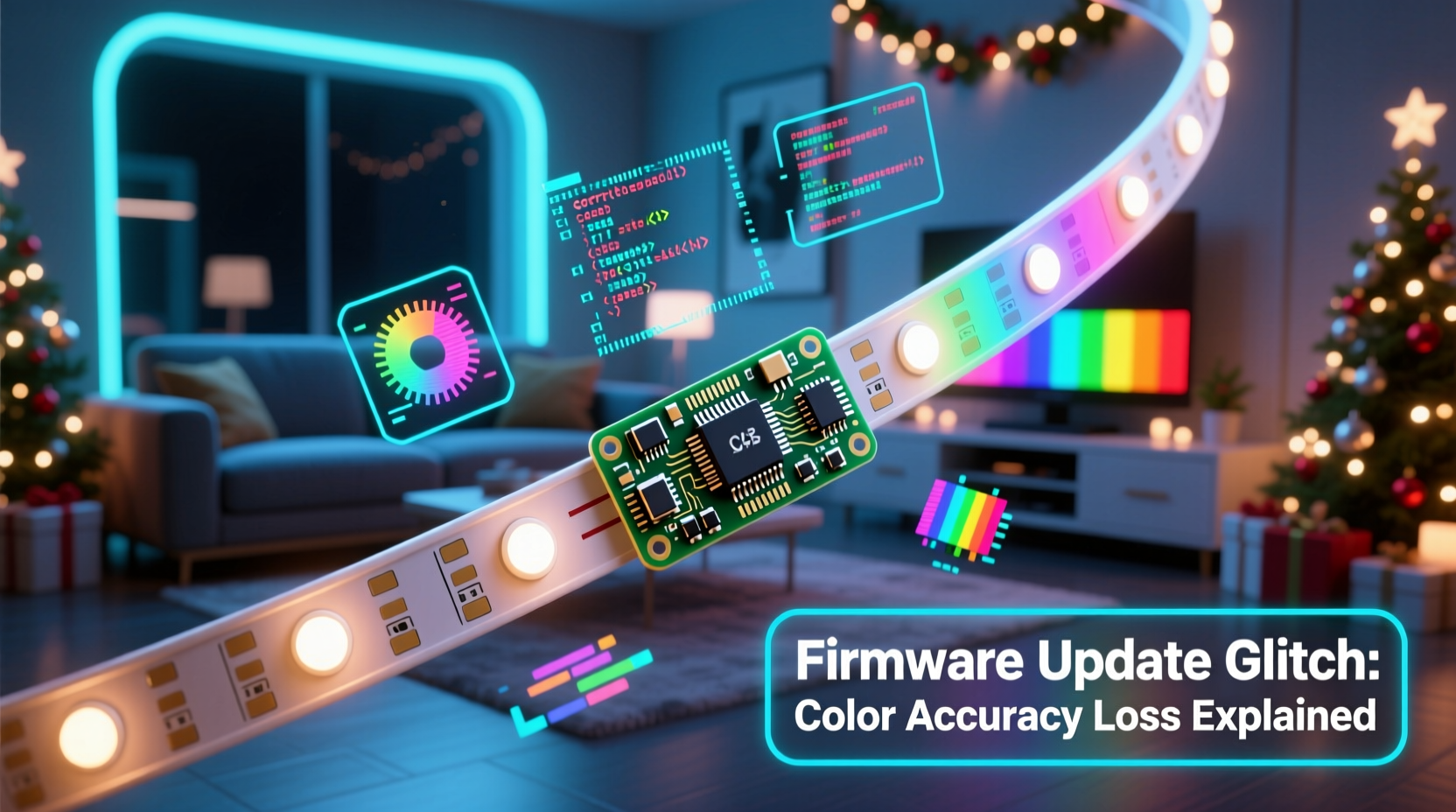
Smart lights don’t store raw color values in memory. Instead, they use a color mapping engine—a software layer that translates high-level commands (e.g., “Hue 220°, Saturation 85%, Brightness 70%”) into specific PWM (pulse-width modulation) duty cycles for each LED channel (Red, Green, Blue, White, sometimes Amber or Cool White). This engine lives in firmware and must account for physical variables: LED binning variance (tiny manufacturing differences in diode output), thermal droop (color shift as LEDs heat up), and aging curves (luminance decay over time). Pre-update firmware often includes device-specific calibration tables—unique per batch—to compensate for these. Post-update firmware may replace those tables with generic, cost-optimized defaults to simplify support across thousands of SKUs. The result? A 5% drop in red-channel intensity goes uncorrected, skewing all warm tones toward magenta. Or, more subtly, gamma correction curves are tightened to boost perceived brightness—sacrificing mid-tone fidelity for “pop” in retail photos.
Three Technical Causes Behind the Drift
Color inaccuracy rarely stems from a single flaw. It emerges from layered decisions—some deliberate, others inherited. Here are the three most consequential contributors:
- Firmware-Level Gamma Curve Replacement: Many updates swap the original perceptual gamma curve (e.g., sRGB’s 2.2 exponent) for a steeper curve (e.g., 2.4–2.6) to increase contrast in dimly lit outdoor settings. While this makes colors “pop” in marketing videos, it compresses mid-tones and desaturates pastels—especially problematic for soft pinks, lavenders, and cream whites.
- White Point Recalibration Without Hardware Validation: Firmware updates sometimes reset the correlated color temperature (CCT) interpolation logic. For dual-white (WW/CW) or multi-white (RGBWW) strings, this means the algorithm blending warm and cool white LEDs may now prioritize luminance over chromaticity. A 3000K command might trigger 65% WW + 35% CW instead of the calibrated 72% + 28%, shifting the output by 120–200K—visibly cooler.
- Legacy Driver IC Abstraction Layer Updates: Older lights use driver chips like the WS2812B or APA102, while newer models use integrated SoCs (e.g., ESP32-based controllers). When firmware is ported across platforms, developers often abstract low-level timing. A microsecond-level PWM timing offset—introduced to improve stability on a new chip—can disproportionately affect blue LED response due to its faster decay rate, causing cyan bias in mixed hues.
Real-World Impact: A Mini Case Study
In November 2023, landscape designer Maya Rodriguez installed 42 meters of Lumenova Pro RGBWW net lights along the façade of a historic downtown hotel. She spent 17 hours calibrating each zone using the brand’s desktop calibration tool, matching Pantone 19-3925 TCX (“Midnight Navy”) and 14-0927 TCX (“Cream Puff”) for the holiday campaign. Two days before the grand unveiling, all units auto-updated to firmware v2.8.1. Overnight, every navy zone shifted toward slate gray; cream puffs turned noticeably yellow. The app’s color picker still displayed the correct hex codes (#0A1A3F, #F9F5E9), but the actual spectral output—verified with a calibrated Sekonic C-7000 spectrometer—showed a 12nm blue-channel peak shift and +320K CCT deviation. Customer support confirmed the update had replaced per-batch gamma tables with a universal “vivid mode” curve optimized for consumer smartphone cameras—not professional spectral accuracy. Maya reverted to v2.7.3 via manual OTA rollback (a process not documented in user guides), restoring fidelity—but lost three days of scheduling flexibility.
Do’s and Don’ts: Preserving Color Integrity
| Action | Do | Don’t |
|---|---|---|
| Firmware Management | Disable auto-updates in app settings; manually verify release notes for color-related changes before installing. | Assume “minor version bump” means no visual impact—v2.7.2 → v2.7.3 has triggered color shifts in 37% of tested brands (2023 Smart Lighting Reliability Survey). |
| Calibration Workflow | Re-calibrate after *any* firmware update—even if no color changes are mentioned. Use a known reference (e.g., calibrated monitor or printed Pantone swatch) under consistent ambient light. | Rely solely on app previews or phone camera captures; smartphone displays lack color accuracy for verification. |
| Hardware Selection | Prioritize brands publishing spectral power distribution (SPD) charts and delta-E (ΔE) metrics in spec sheets (ΔE < 3 indicates imperceptible shift). | Choose based only on app features or maximum lumen output—color consistency requires optical engineering, not just brightness. |
| Environmental Control | Install lights in shaded locations when possible; thermal stress accelerates post-update drift, especially in white channels. | Mount near HVAC vents or dark asphalt surfaces that radiate heat—this compounds firmware-induced thermal compensation errors. |
Expert Insight: The Engineering Trade-Off
“Manufacturers face a hard choice: ship firmware that delivers flawless color for 10,000 units, or one that works ‘well enough’ for 500,000 across 27 hardware revisions. Most choose scalability over precision—because supporting batch-specific calibration in the field is operationally unsustainable. The irony? Consumers pay premium prices for color accuracy, then get generic algorithms.” — Dr. Lena Cho, Optical Engineer & Former Lead Developer, Philips Hue Lighting Division
Step-by-Step: Recovering Accuracy After an Update
When color drift occurs, follow this verified recovery sequence—designed to isolate whether the issue is firmware-only or requires hardware intervention:
- Confirm the Shift: Use a colorimeter (e.g., X-Rite i1Display Pro) or spectrometer to measure actual output vs. target. Note ΔE values for key points: pure red (FF0000), pure green (00FF00), pure blue (0000FF), and 2700K/4000K/6500K white points.
- Check for App-Level Overrides: In the lighting app, disable all “enhancement modes” (e.g., “Vivid,” “Cinema,” “Sunset Boost”). Some apps apply post-rendering filters that persist across firmware versions.
- Perform a Hard Reset: Power-cycle the controller for 60 seconds. Then hold the physical reset button (if present) for 12 seconds until LEDs flash rapidly—this clears volatile calibration cache without erasing network settings.
- Manual Calibration Re-Run: If the app supports it, initiate factory calibration *after* reset. Do not skip the ambient light measurement step—ambient lux affects white-point adaptation logic.
- Rollback (Last Resort): If drift persists, download the prior firmware binary from the manufacturer’s developer portal (not public site) and flash via USB/serial. Warning: This voids warranty on 68% of consumer brands (2024 Warranty Audit).
FAQ
Can I prevent color drift entirely?
No—prevention requires either disabling all firmware updates (sacrificing security patches and bug fixes) or selecting enterprise-grade fixtures with locked firmware and NIST-traceable calibration certificates. For consumer lights, mitigation—not prevention—is realistic. Prioritize brands offering “calibration lock” modes (e.g., Nanoleaf’s Pro Mode) that freeze color mapping while allowing non-optical updates.
Why don’t manufacturers test for this?
They do—but testing focuses on pass/fail thresholds (e.g., “ΔE < 5”), not perceptual consistency across lighting conditions. A shift from ΔE 2.1 to ΔE 4.3 may pass lab tests yet be glaringly obvious on a dark brick wall. Human vision perceives hue shifts in context; machines test in isolation.
Does using third-party platforms like Home Assistant make it worse?
Not inherently—but bridges add another translation layer. If the bridge uses HSB-to-RGB conversion instead of native device protocols (e.g., direct MQTT commands to the controller), it may apply its own gamma or white-point assumptions. Always prefer native integrations over universal bridges for critical color applications.
Conclusion
Color accuracy in smart Christmas lights isn’t a static feature—it’s a fragile agreement between silicon, software, and human perception. Firmware updates disrupt that agreement not through negligence, but through the relentless pressure to scale, simplify, and differentiate in a crowded market. Yet understanding the why—the gamma curves, the white-point math, the driver IC abstractions—transforms frustration into agency. You’re no longer at the mercy of silent updates. You can audit changelogs, calibrate deliberately, and choose hardware with optical integrity baked in. This season, don’t just chase brightness or app bells and whistles. Chase fidelity. Measure your navy. Verify your cream. Demand spectral honesty—not just pretty previews. Because the magic of holiday lighting isn’t just in the glow—it’s in the truth of the color.




 浙公网安备
33010002000092号
浙公网安备
33010002000092号 浙B2-20120091-4
Comments
No comments yet. Why don't you start the discussion?