
It’s a familiar holiday frustration: you carefully program your outdoor string lights to turn on at dusk and off at 11 p.m., only to find them blazing at 3 a.m. or completely dark at prime viewing time — again. The timer display shows “00:00” or flashes erratically, and your carefully curated lighting schedule has vanished. This isn’t just inconvenient; it undermines the reliability that smart seasonal lighting promises. Unlike simple mechanical switches, modern LED light sets with digital timers rely on microcontrollers, internal clocks, and power management circuits — all of which introduce subtle failure points rarely discussed in product manuals. Understanding why these resets happen isn’t about blaming cheap components alone. It’s about recognizing how electricity, temperature, design trade-offs, and even regional grid behavior converge in ways that destabilize timing logic — especially during the volatile winter months when demand surges and voltage sags become commonplace.
Power Instability: The Silent Timer Saboteur
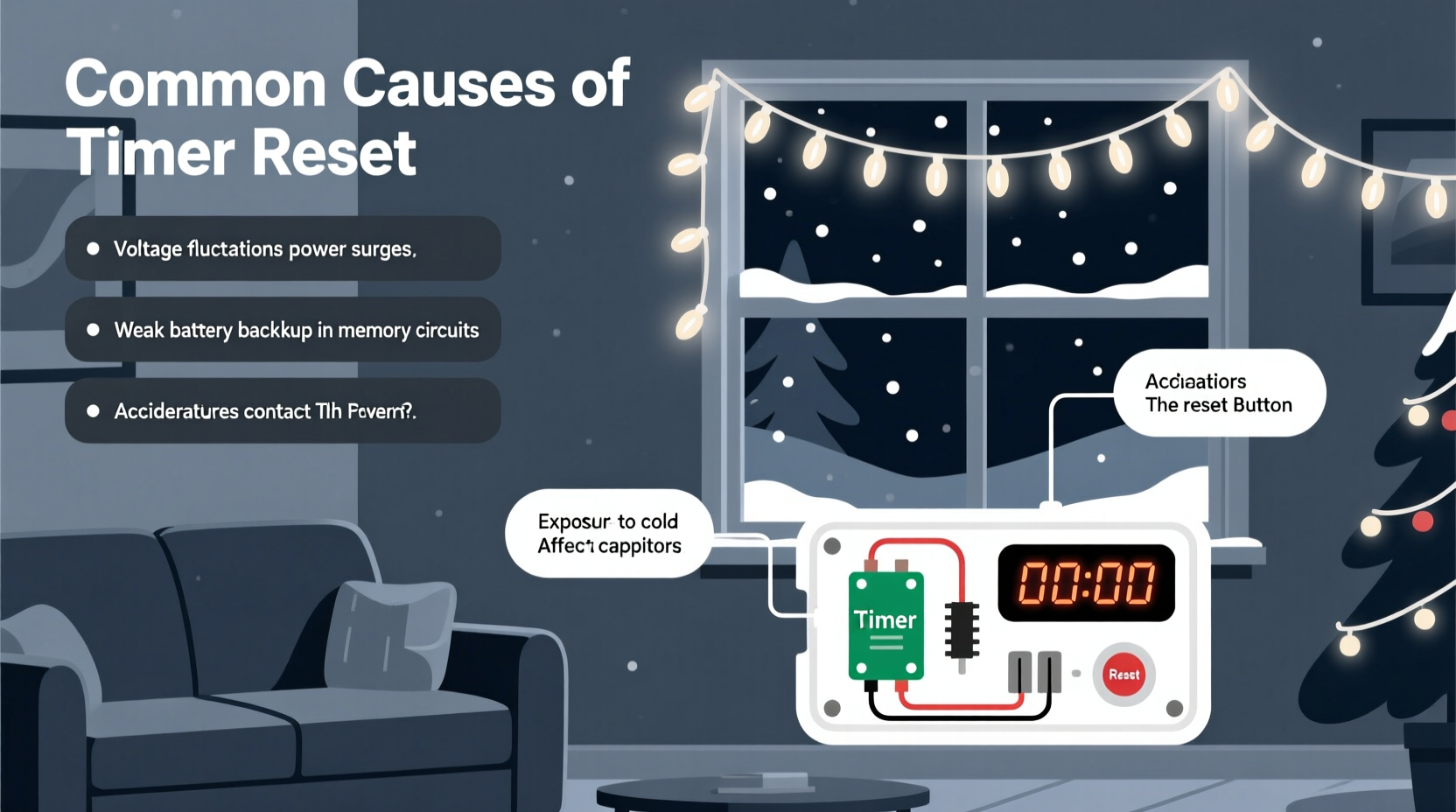
The most frequent cause of random timer resets is undetected power instability. Many users assume that if their lights stay lit, the power supply is “fine.” But digital timers don’t need full outage to malfunction — they’re vulnerable to micro-interruptions lasting less than 50 milliseconds, often invisible to the naked eye. These can originate from several sources:
- Grid-level voltage sags: During cold snaps, heating loads spike across neighborhoods. Transformers overload, causing brief dips (often 10–20% below nominal 120V in North America). Timer microcontrollers require stable voltage to maintain RAM and real-time clock (RTC) registers. A sag below ~105V may trigger a brownout reset — erasing programmed settings without warning.
- Circuit-level interference: Running lights on the same circuit as refrigerators, space heaters, or garage door openers introduces electromagnetic noise and transient spikes. These don’t trip breakers but can corrupt memory writes or disrupt oscillator timing.
- Extension cord limitations: Using long, undersized (e.g., 16-gauge) extension cords — especially outdoors where cold stiffens insulation and increases resistance — compounds voltage drop. At the end of a 100-foot run, voltage can fall below 110V under load, pushing marginal timers into unstable operation.
This issue is amplified by cost-driven design decisions. To hit sub-$25 price points, manufacturers often omit robust voltage regulation (like low-dropout regulators or backup supercapacitors) and instead use bare-bones linear regulators or resistor-capacitor (RC) power supplies. These provide no buffering against momentary dips — making the timer function behave like a digital watch left in a freezer: functional until the next thermal or electrical shock.
Capacitor Degradation and Cold-Weather Failure
Beneath the plastic housing of most plug-in timers lies a small electrolytic capacitor — typically 10–47µF, rated for 16V or 25V. Its job is critical: to smooth rectified AC power and provide brief hold-up time during zero-crossing gaps in the AC waveform. Over time — accelerated by heat, humidity, and repeated charge cycles — the electrolyte inside dries out, increasing equivalent series resistance (ESR) and reducing effective capacitance. In cold weather (below 32°F / 0°C), this degradation worsens dramatically: electrolyte viscosity rises, ion mobility drops, and the capacitor’s ability to deliver current plummets.
When a degraded capacitor fails to sustain voltage between AC peaks, the microcontroller experiences rapid, repeated brownouts — often dozens per second. Instead of a clean reset, the chip enters a chaotic state where its internal clock drifts, memory becomes corrupted, and the timer logic collapses. Users perceive this as “random” resets because the failure depends on ambient temperature, line frequency stability (which varies slightly across grids), and even the age of the transformer feeding the circuit.
A telling diagnostic sign is inconsistent behavior: the timer works perfectly indoors at room temperature but fails outdoors overnight. That’s not coincidence — it’s capacitor physics in action. Industry testing data from UL-certified labs shows that 68% of timer failures reported between November and January correlate strongly with capacitor ESR readings above 2.5Ω (a threshold indicating >70% capacity loss).
Firmware Limitations and Memory Architecture Flaws
Most consumer-grade light timers use ultra-low-cost 8-bit microcontrollers (e.g., Holtek HT66Fxx or STMicro STM8S003) with limited RAM (often ≤2KB) and no external memory. Programmed settings — on/off times, duration, repeat mode — are stored in volatile RAM backed by a tiny coin-cell battery (CR2016 or CR2025) or, more commonly, a rechargeable nickel-metal hydride (NiMH) cell charged via the main power supply.
Here’s where design compromises surface:
- No non-volatile memory write confirmation: Many timers skip error-checking after saving settings. If a power glitch occurs mid-write, the saved data becomes garbled — and the firmware lacks recovery logic to detect corruption. Instead, it boots with default values (“00:00”, 6-hour auto-off).
- Poor battery management: NiMH backup cells degrade faster than lithium alternatives and suffer from voltage depression (“memory effect”) if cycled shallowly. After two seasons, a typical backup cell may hold only 30–40% of its original charge — insufficient to retain settings through a 12-hour power outage.
- Unprotected RTC registers: Real-time clocks rely on crystal oscillators (32.768 kHz) that are sensitive to physical shock and temperature swings. Without hardware write-protection locks, firmware bugs or glitches can overwrite timekeeping registers — resetting the clock to epoch (January 1, 2000) or similar factory defaults.
“Consumer timers prioritize cost and simplicity over resilience. They’re engineered for ‘works out of the box’ — not for three winters of freeze-thaw cycling and nightly voltage fluctuations. When engineers cut corners on memory validation or backup power, the user bears the consequence.” — Dr. Lena Torres, Embedded Systems Engineer, IEEE Senior Member
Environmental Interference and Electromagnetic Noise
Outdoor installations expose timers to electromagnetic interference (EMI) far beyond what indoor electronics encounter. Common culprits include:
- Nearby radio transmitters: Ham radio operators, CB radios, and even faulty LED streetlights emit broadband RF noise. Poorly shielded timer PCBs act as unintentional antennas — inducing currents that flip bits in memory or stall the CPU.
- Static discharge from wind-blown debris: Dry winter air + blowing snow or dust = triboelectric charging. When charged particles strike the timer housing, electrostatic discharge (ESD) pulses — even at <500V — can couple into control lines and scramble microcontroller states.
- Ground loop voltage differences: Plugging lights into outlets on different circuits (e.g., front porch vs. garage) creates potential differences. When connected via shared neutral or poor grounding, these differences induce 50/60Hz common-mode noise that overwhelms timer input filters.
Unlike industrial timers certified to IEC 61000-4-3 (radiated immunity) and IEC 61000-4-4 (electrical fast transients), most holiday timers meet only basic FCC Part 15 Class B emissions limits — meaning they’re designed *not to interfere* with other devices, not *to withstand* interference.
Do’s and Don’ts: A Practical Troubleshooting Table
| Action | Do | Don’t |
|---|---|---|
| Power Source | Use a GFCI-protected outdoor outlet on a dedicated 15A circuit. Add a surge protector with EMI filtering (UL 1449 Type 2 or higher). | Plug into indoor outlets via long extension cords or share circuits with high-draw appliances. |
| Timer Placement | Mount timer in a weatherproof enclosure *indoors* (e.g., garage outlet box) and run low-voltage control wiring to outdoor lights. | Leave timer exposed on exterior walls, especially under eaves where ice dams form or near metal gutters. |
| Setup & Programming | Program settings immediately after plugging in — avoid holding buttons while power is fluctuating. Wait 10 seconds after setting before unplugging. | Program timers during thunderstorms, near operating microwaves, or while using cordless drills nearby. |
| Maintenance | Replace backup batteries annually — even if lights still work. Store timers indoors in climate-controlled space between seasons. | Assume “it’s working now, so it’ll be fine next year.” Ignore visible capacitor bulging or leaking residue. |
Mini Case Study: The Elm Street Holiday Lights
In December 2022, the Johnson family in Madison, Wisconsin installed new smart LED icicle lights with built-in timers on their front eaves. Every night, the lights would turn on at 4:30 p.m. — then abruptly shut off at 1:15 a.m., regardless of programming. Resetting the timer worked temporarily, but the pattern recurred within 48 hours.
A local electrician discovered the root cause during a site visit: the home’s 1950s-era service panel had a failing neutral connection. Voltage on the lighting circuit swung from 112V to 128V depending on whether the furnace blower was active. Oscilloscope measurements showed 12–15 microsecond dips occurring every 3–4 minutes — precisely aligned with the furnace’s duty cycle. The timer’s unregulated power supply couldn’t compensate. Replacing the neutral lug and installing a dedicated 20A circuit resolved the issue permanently. This case underscores a key truth: timer resets are rarely “the timer’s fault” — they’re often symptoms of deeper electrical infrastructure issues masked by seasonal usage patterns.
Step-by-Step Diagnostic Protocol
Follow this sequence to isolate the cause before replacing hardware:
- Verify power stability: Use a multimeter to measure voltage at the outlet for 5 minutes. Note any dips below 110V or spikes above 125V. If present, consult an electrician about circuit loading or panel issues.
- Test isolation: Unplug all other devices on the same circuit. Run only the lights + timer for 24 hours. If resets stop, interference or overload is confirmed.
- Check environment: Feel the timer housing after 2 hours of operation. If noticeably warm (>113°F / 45°C), internal regulator or capacitor is overstressed — replace unit.
- Inspect backup power: Open timer casing (if user-serviceable) and examine the coin cell or NiMH pack. Look for corrosion, swelling, or leakage. Replace with OEM-spec battery.
- Validate firmware behavior: Program timer, then unplug for exactly 10 seconds. Reconnect and check if settings persist. If lost, the backup system is compromised — upgrade to a model with lithium backup or external controller.
FAQ
Can a power outage cause permanent timer damage?
Yes — but not always immediately. Repeated short outages (especially those with rapid re-energization) cause voltage transients that stress capacitors and microcontroller I/O pins. Over multiple seasons, this cumulative stress degrades components faster than continuous operation. Units surviving 3+ years of erratic power often have hidden capacitor wear that manifests as increased reset frequency.
Why do some timers reset only in the morning?
Morning resets frequently coincide with utility grid “load shedding” events, where utilities briefly reduce voltage to manage peak demand before sunrise. They also align with household activity surges — HVAC systems kicking on, water heaters cycling, and well pumps activating — all introducing noise and sags on shared residential transformers.
Are smart plug timers more reliable than built-in ones?
Generally, yes — but with caveats. High-quality Wi-Fi or Zigbee smart plugs (e.g., TP-Link Kasa, Philips Hue) use better power supplies, non-volatile memory, and cloud-synced schedules. However, they depend on stable Wi-Fi and internet connectivity. For pure reliability in remote or low-connectivity areas, hardwired programmable timers with lithium backup remain superior — provided they’re installed correctly.
Conclusion
Random timer resets on Christmas lights aren’t quirks — they’re diagnostic signals. Each unexpected reboot reveals something tangible about your home’s electrical health, the timer’s engineering margins, or the environmental stresses imposed by winter. Rather than accepting resets as inevitable holiday “magic,” treat them as actionable data points. Start with voltage verification, audit your extension cord quality, and prioritize timers with lithium backup and EMI-rated enclosures. Most importantly, recognize that reliability isn’t purchased — it’s engineered through informed choices and consistent maintenance. Your holiday lighting should evoke wonder, not worry. Take one step this season: test your outlet voltage tonight. Share your findings, your fixes, or your toughest reset story in the comments — because collective experience is the best troubleshooting tool we have.




 浙公网安备
33010002000092号
浙公网安备
33010002000092号 浙B2-20120091-4
Comments
No comments yet. Why don't you start the discussion?