
It’s a familiar sight: your character dives into a lake, river, or flooded chamber in a video game—only to hover unnaturally above the surface like a misplaced raft. No splash, no submersion, just a slow, awkward drift mid-air. This isn’t intentional design; it’s a physics glitch rooted in the complex challenge of simulating real-world fluid dynamics in digital environments. While modern games boast stunning visuals and near-lifelike animations, water behavior often remains one of the most inconsistent elements. Understanding why this happens requires diving into the mechanics of game engines, collision detection, buoyancy modeling, and optimization trade-offs.
The Illusion of Water in Video Games
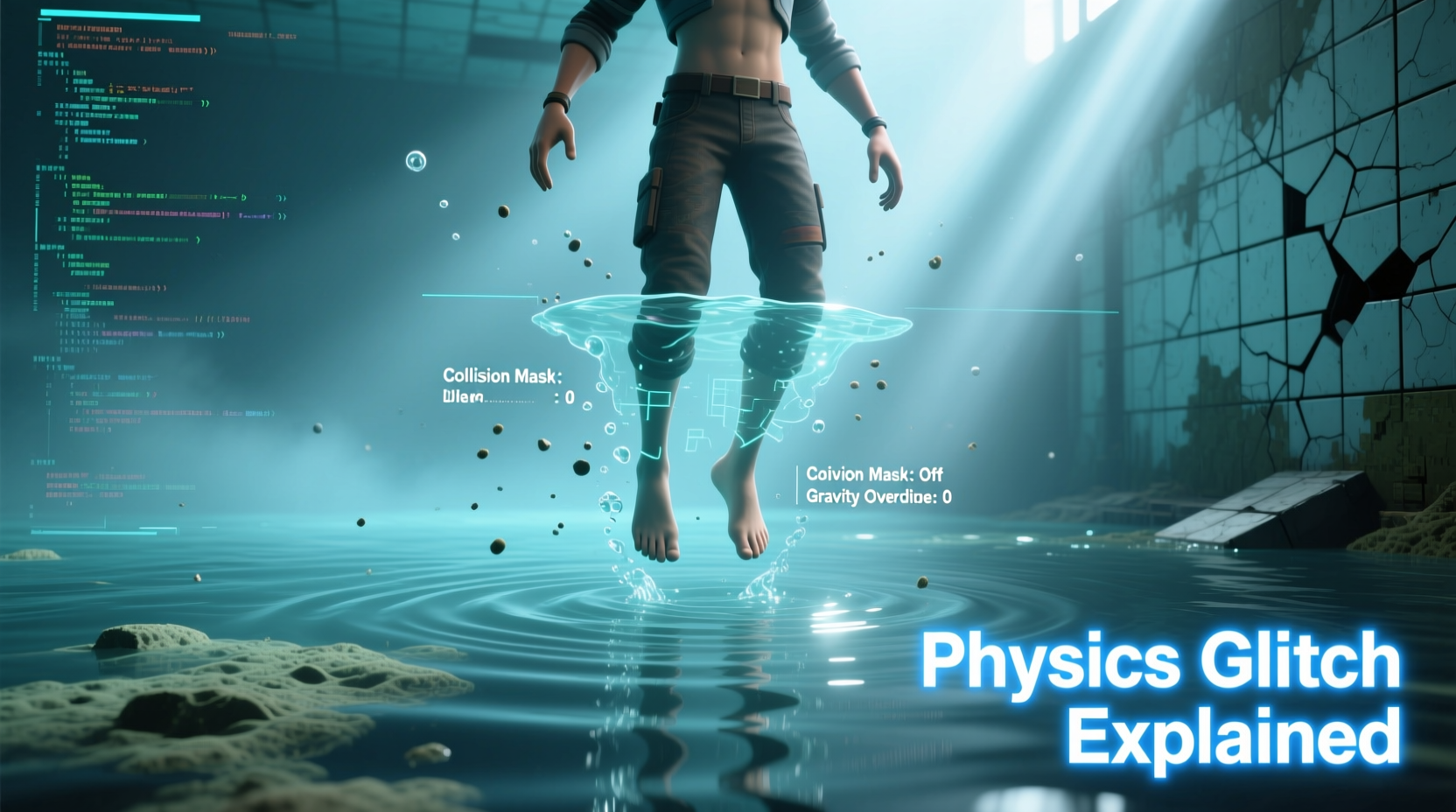
In most video games, water is more aesthetic than functional. It’s rendered as a flat plane with shaders that mimic reflections, ripples, and transparency. However, what players see is frequently disconnected from how the game engine interprets the space. The visual water surface may appear deep and immersive, but underneath, the engine might treat it as either a solid barrier, an invisible trigger zone, or not register it at all for physical interaction.
This disconnect stems from performance constraints. Simulating realistic fluid dynamics—like viscosity, turbulence, displacement, and buoyancy—for every object in real time would require immense computational power. Instead, developers use simplified approximations. Often, water zones are marked as “trigger volumes” that activate certain behaviors (e.g., swimming animations, reduced movement speed) without altering the actual physics applied to the character model.
Collision Detection and Hitbox Misalignment
One of the primary causes of floating characters is misaligned collision detection. In game physics, objects don’t interact based on their visual mesh but through invisible “collision boxes” or hitboxes. These are simplified geometric shapes (cubes, capsules, spheres) that approximate the character’s form for faster calculations.
When a character enters water, the engine checks whether the hitbox intersects with the water volume. But if the hitbox doesn’t fully register the depth of the water—or if the water boundary is poorly mapped—the system may never detect full submersion. As a result, gravity continues to apply normally, but upward buoyant forces aren’t triggered, leading to unnatural suspension.
Worse still, some games use separate systems for animation and physics. The animation might show a diving motion, but the physics engine hasn’t received the signal to switch modes. This creates a jarring mismatch: visually, the character appears underwater, but physically, they’re still treated as airborne.
“Simulating water accurately is one of the last frontiers in real-time game physics. We’re balancing visual fidelity with performance, and sometimes the compromise shows.” — Dr. Lena Torres, Senior Gameplay Engineer at Horizon Interactive
Buoyancy Simulation: When It’s Missing or Broken
True buoyancy follows Archimedes’ principle: an object submerged in fluid experiences an upward force equal to the weight of the displaced fluid. Implementing this in games would require tracking volume displacement per frame—an extremely costly operation. Most engines skip this entirely or replace it with binary states: “in water” = swim mode, “out” = walk mode.
Some advanced titles, like Subnautica or Assassin’s Creed: Odyssey, implement rudimentary buoyancy by adjusting gravity when a character is detected below the water surface. However, even these systems can fail when:
- The water level changes dynamically (e.g., tides or flooding).
- The character model clips through terrain beneath the water.
- Network lag affects position updates in multiplayer games.
In such cases, the buoyancy force may be applied inconsistently, causing the character to bob up and down erratically or remain suspended mid-depth.
Common Triggers of Buoyancy Glitches
| Trigger | Description | Example Scenario |
|---|---|---|
| Rapid Entry Speed | Diving too fast can bypass water detection triggers. | Jumping from a cliff into a lake skips the \"enter water\" state. |
| Modded or Custom Content | User-created assets may lack proper physics tags. | A modded character model ignores water interaction scripts. |
| Poorly Placed Water Volumes | Water collision zones don't align with visuals. | Surface appears deep, but detection layer is only 10cm thick. |
| Frame Rate Drops | Physics updates skip steps during lag spikes. | Character teleports past water threshold without triggering swim logic. |
Optimization vs. Realism: The Developer’s Dilemma
Game developers face constant pressure to deliver smooth performance across a wide range of hardware. A high-fidelity water simulation could drop frame rates significantly, especially in open-world games with large bodies of water. To maintain 60 FPS on consoles or mid-tier PCs, studios often sacrifice realism.
For example, instead of calculating fluid resistance on limbs during swimming, many games simply reduce overall movement speed and play a swimming animation. There’s no drag force, no momentum change based on direction—just a state switch. This efficiency-focused approach works most of the time but breaks down under edge cases, such as partial submersion or entering water at sharp angles.
Additionally, AI-controlled characters often use pathfinding algorithms that avoid water entirely unless scripted otherwise. When forced into aquatic environments, their navigation meshes may not account for three-dimensional movement, causing them to “walk” along the bottom or float aimlessly due to conflicting instructions.
Real-World Example: The Case of Red Dead Redemption 2
Red Dead Redemption 2 is celebrated for its attention to detail, including dynamic weather and realistic animal behavior. Yet, players have documented numerous instances where Arthur Morgan floats above rivers despite clear visual submersion. In one well-known scenario, attempting to cross a swollen stream after heavy rain results in the character hovering inches above the surface, legs pedaling in mid-air.
Analysis suggests this occurs because the game uses layered systems: a visual water surface, a separate audio-trigger zone, and a third physics layer for swimming. During intense weather events, water levels rise procedurally, but the physics volume doesn’t always update in sync. The character’s hitbox remains above the delayed collision boundary, so the game never activates true swimming physics. Instead, it defaults to a glide-like state—neither walking nor swimming—resulting in the infamous float.
Rockstar addressed several of these issues in patches, but the underlying problem highlights the difficulty of maintaining consistency across interconnected systems in a living world.
How Players Can Minimize the Issue
While players can’t fix core engine limitations, there are practical steps to reduce the frequency and impact of water physics glitches:
- Enter water slowly: Avoid jumping or sprinting into lakes and rivers. A controlled entry gives the game engine time to register the transition.
- Check for known bugs: Consult community forums or patch notes to see if the issue has been reported for a specific location or version.
- Adjust graphics settings: Lowering water quality can sometimes improve physics reliability by reducing rendering load.
- Use save reloads: If stuck floating, reloading a previous save often resets the physics context.
- Avoid modded content: Unofficial mods may interfere with native physics handling, especially those altering character models or movement.
Player Action Checklist
- ✅ Approach water calmly, avoid high-speed entries
- ✅ Watch for visual cues (splash effects, sound changes)
- ✅ Confirm swimming controls activate after entry
- ✅ Reload if character fails to submerge within seconds
- ✅ Report persistent bugs to developer support channels
Future of Water Physics in Gaming
Emerging technologies are beginning to address these longstanding limitations. NVIDIA’s Flow and WaveWorks systems allow for more accurate fluid simulations using GPU-accelerated computation. Similarly, middleware like PhysX and Havok Fluid offer better integration between visual water and physical response.
Procedural animation tools are also improving. Instead of relying solely on pre-recorded swimming motions, next-gen engines use inverse kinematics to adjust limb positions based on real-time resistance. This means characters could naturally adapt their strokes depending on water depth and flow—no more robotic paddling mid-air.
Additionally, machine learning is being explored to predict and correct physics anomalies before they become noticeable. By training models on thousands of player interactions, developers could anticipate edge cases and automatically adjust collision thresholds or buoyancy values on the fly.
Frequently Asked Questions
Why does my character float even when fully under water?
This usually happens when the game’s physics engine fails to register submersion due to hitbox misalignment or delayed trigger activation. Even if you look submerged, the system may still classify you as airborne, preventing buoyancy forces from applying.
Can I fix water physics glitches without restarting?
Sometimes. Try exiting the water and re-entering slowly. In multiplayer games, switching weapons or performing an emote might force a physics state refresh. However, if the glitch persists, a reload is often the most reliable solution.
Do all games have this problem?
No, but most do to some degree. Games specifically focused on underwater exploration—like Subnautica or Abzû—invest heavily in robust water physics. Open-world action games, where water is secondary, are more likely to cut corners for performance.
Conclusion: Embracing Imperfection in Virtual Worlds
The floating character glitch is more than a quirk—it’s a reminder of the immense complexity behind seemingly simple interactions in video games. Every splash, dive, and swim involves a delicate balance between art, engineering, and computational limits. While developers continue pushing toward more realistic simulations, players should recognize these moments not as failures, but as artifacts of an evolving craft.
As technology advances, we’ll likely see fewer of these oddities—but they’ll remain part of gaming’s legacy. For now, understanding the why behind the float empowers players to work around it and appreciate the invisible systems shaping their virtual experiences.




 浙公网安备
33010002000092号
浙公网安备
33010002000092号 浙B2-20120091-4
Comments
No comments yet. Why don't you start the discussion?