
Alexa’s glowing blue light ring is usually a reassuring sign—it means your device is responding to a command or processing audio. But when the blue light appears without prompting, it can be unsettling. You’re not imagining things: many Alexa users report their devices flashing blue at odd times—during quiet evenings, in the middle of the night, or while no one is near the speaker. This behavior isn’t always a glitch, but it does warrant attention. Understanding why your Alexa flashes blue randomly starts with knowing what the light signals mean, what triggers them, and how to manage both expected and unexpected activations.
What the Blue Light on Alexa Actually Means
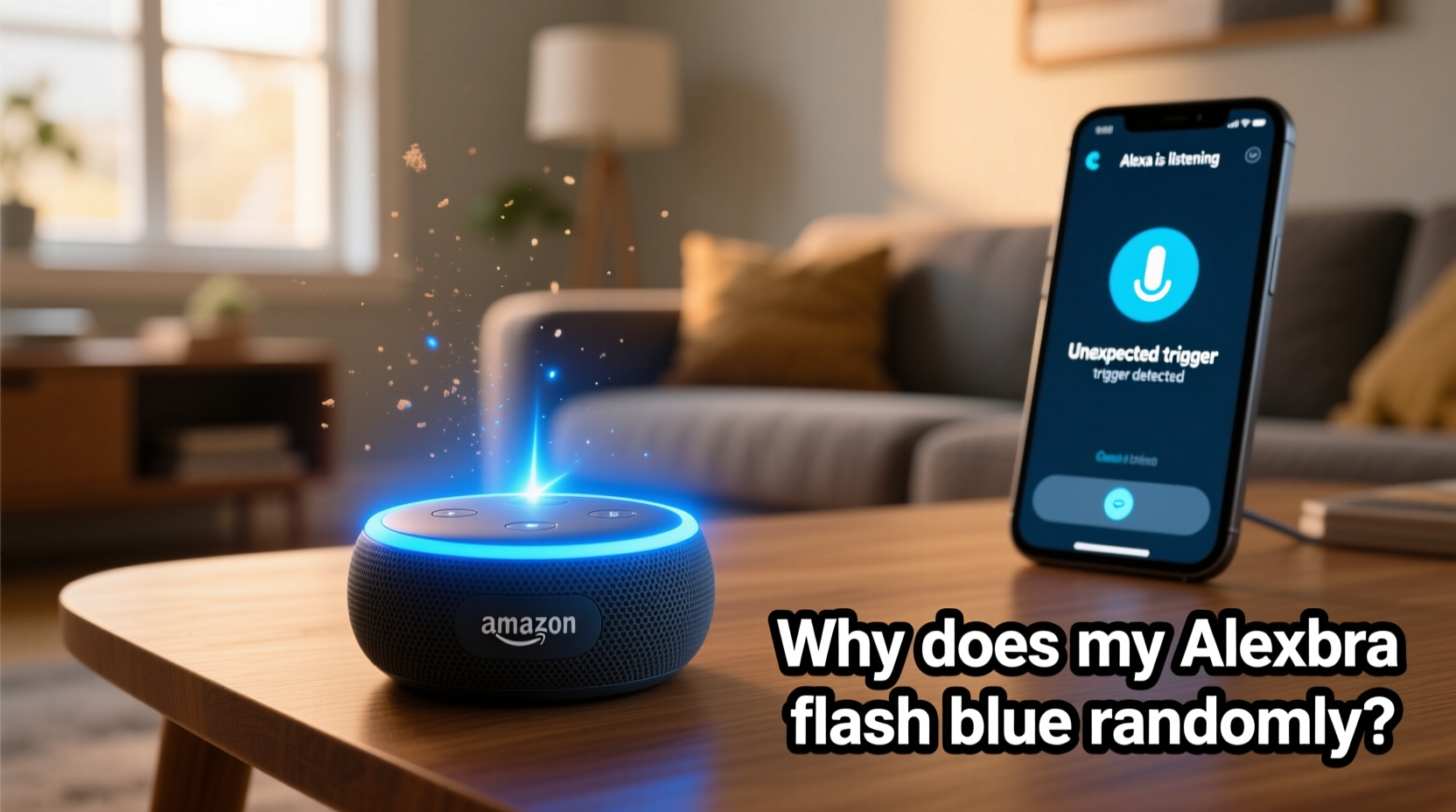
The blue light ring on Amazon Echo devices serves as a visual status indicator. Its behavior changes based on context:
- Spinning blue light: Alexa is starting up or connecting to Wi-Fi.
- Pulsing blue light (clockwise): Alexa is actively listening after hearing the wake word (e.g., “Alexa”).
- Full steady blue ring with a cyan section: Alexa is responding to a request—speaking or processing.
- Short blue pulse: A notification has arrived, such as a timer alert or message.
While these are standard behaviors, random or unexplained blue flashes often fall into two categories: legitimate but unnoticed triggers, or system-level anomalies. The key is determining whether the activation was user-initiated, environmentally triggered, or due to a software or hardware fault.
Common Unexpected Triggers That Activate Alexa
Alexa is designed to respond when it hears its wake word, but modern voice recognition isn’t perfect. False positives occur when ambient sounds resemble “Alexa” or other configured wake words like “Echo,” “Computer,” or “Ziggy.” These misfires can happen more frequently than users realize.
Environmental Sound Interference
Background noise from TVs, radio broadcasts, or even conversations can contain phonetic patterns that mimic the wake word. For example:
- A character on a TV show says “excellent,” which Alexa interprets as “Alexa.”
- A child laughs with a rising intonation that resembles the wake word’s cadence.
- Music with lyrics containing similar syllables (e.g., “I’ll exalt you”) triggers a response.
In one documented case, a family reported their Alexa activated every evening during a specific sitcom. After reviewing the Alexa app history, they discovered the device had recorded snippets of dialogue mistaken for commands. Changing the wake word to “Computer” resolved the issue immediately.
“Voice assistants are trained on vast datasets, but real-world acoustics introduce variability. False triggers are an expected trade-off for responsiveness.” — Dr. Lena Patel, Senior Researcher in Human-Computer Interaction, MIT Media Lab
Cross-Device Activation
If you own multiple Alexa-enabled devices, one device may activate another. For instance, if you ask Alexa on your Echo Dot to set a timer, nearby Echos might briefly light up in synchronization—even if they aren’t directly involved. This cascading effect can make it seem like a device turned on randomly when it was actually echoing a networked signal.
App and Notification Triggers
Alexa may flash blue when receiving silent notifications, especially if they’re tied to routines or smart home events. Examples include:
- A security camera detecting motion and sending an alert.
- A delivery update from Amazon triggering a brief chime and light pulse.
- A scheduled routine, such as “Good Morning,” activating lights or thermostats.
These events don’t always produce sound, particularly if the device is muted or volume is low, but the blue light still activates as part of the feedback loop.
How to Diagnose Unexplained Blue Light Activity
Before assuming your device is malfunctioning, verify whether the activation was legitimate. Follow this step-by-step diagnostic process:
- Open the Alexa App on your smartphone or tablet.
- Navigate to Activity (usually found under the More menu or via the clock icon).
- Review recent entries for any unrecognized voice recordings or commands.
- Check timestamps against when you noticed the blue flash.
- If a recording exists, play it back to determine the source—was it a genuine command, background noise, or false trigger?
- If no entry appears, the event may have been a system-level pulse (e.g., Wi-Fi reconnect) or a hardware anomaly.
This log provides transparency into Alexa’s behavior and helps distinguish between normal operation and potential issues.
Mini Case Study: The Midnight Flash
Sarah, a homeowner in Portland, noticed her kitchen Echo would flash blue around 2:17 a.m. nightly. No commands were issued, and her household was asleep. Concerned about privacy, she checked the Alexa app and found no recorded activity. She then reviewed smart home automations and discovered a forgotten routine: “At 2:17 a.m., check outdoor camera and send a silent status update.” Though the routine didn’t speak aloud, it triggered a brief blue pulse. Disabling the routine eliminated the light flash. The lesson? Silent automations still generate visual feedback.
Do’s and Don’ts: Managing Alexa Light Behavior
| Do | Don’t |
|---|---|
| Regularly review your Alexa Activity log for unrecognized triggers. | Ignore repeated unexplained activations—investigate them promptly. |
| Use the microphone off button when privacy is a concern. | Assume all blue lights mean Alexa is listening—some indicate system events. |
| Customize your wake word to reduce false positives (e.g., use “Computer” instead of “Alexa”). | Place Echo devices near TVs or radios without testing for interference. |
| Update device firmware regularly to benefit from improved voice recognition. | Disable all notifications just to stop light flashes—adjust settings selectively. |
| Test new routines silently before scheduling them overnight. | Assume hardware failure immediately—most cases are configuration-related. |
Step-by-Step Guide to Reduce Random Blue Flashes
If your Alexa continues to flash blue without explanation, follow this structured approach to minimize unwanted activations:
- Change the Wake Word
Go to the Alexa app > Devices > Echo & Alexa > [Your Device] > Wake Word. Choose a less common option like “Ziggy” or “Computer.” This reduces the chance of accidental triggering by media or speech. - Adjust Microphone Sensitivity (if available)
Some newer Echo models allow sensitivity tuning. Lowering it slightly can reduce responses to distant or faint sounds while maintaining usability. - Review and Edit Routines
Navigate to Routines in the Alexa app. Disable or modify any automated actions that could trigger silent visual feedback. Pay special attention to time-based or sensor-based triggers. - Check Smart Home Integrations
Devices like Ring cameras, motion sensors, or doorbells can prompt Alexa to notify you. Ensure these alerts require explicit confirmation before activating lights or sound unless necessary. - Factory Reset (Last Resort)
If the behavior persists across multiple settings changes, perform a factory reset. Press and hold the Action button for 25 seconds until the light ring turns orange. Reconnect the device and reconfigure settings carefully.
When to Suspect a Hardware or Software Issue
Occasional false triggers are normal, but consistent random flashing—especially when paired with erratic behavior like spontaneous reboots, garbled speech, or connectivity drops—may indicate deeper problems.
Potential causes include:
- Firmware bugs: Updates occasionally introduce regressions. Check Amazon’s support forums for known issues affecting your model.
- Overheating: Poor ventilation can cause instability. Ensure your Echo isn’t placed in enclosed cabinets or near heat sources.
- Power fluctuations: Using non-certified power adapters may lead to inconsistent performance.
- Mic or LED circuit failure: In rare cases, a faulty component may cause phantom lights even when the device is idle.
If diagnostics fail to resolve the issue and the device is under warranty, contact Amazon Support for a replacement.
FAQ
Is it normal for Alexa to flash blue when no one is talking?
Sometimes. It could be responding to a notification, routine, or a sound that resembled the wake word. Always check the Activity log to confirm. Persistent unexplained flashes should be investigated.
Can someone remotely access my Alexa and make it light up?
No. Alexa cannot be externally controlled by third parties unless you’ve shared access via an authorized service (like Amazon Household). Unauthorized remote activation is not possible with current security protocols.
Does a blue flash always mean Alexa is recording?
No. A brief blue pulse may indicate a system event, such as connecting to Wi-Fi or receiving a push notification, without initiating a recording. Only activations preceded by the wake word or manual button press result in voice capture.
Conclusion
Your Alexa flashing blue randomly isn’t necessarily a cause for alarm, but it shouldn’t be ignored either. Most cases stem from environmental triggers, overlooked routines, or suboptimal settings—not malfunctions or breaches. By understanding the meaning behind the blue light, auditing your device’s activity, and fine-tuning its responsiveness, you can maintain both functionality and peace of mind. Take control of your smart home experience: review your settings today, adjust your wake word if needed, and ensure every flash has a purpose.




 浙公网安备
33010002000092号
浙公网安备
33010002000092号 浙B2-20120091-4
Comments
No comments yet. Why don't you start the discussion?