
If you’ve ever been startled by your Amazon Echo suddenly lighting up and responding without being prompted, you’re not alone. Many Alexa users report their devices activating unexpectedly—sometimes in the middle of the night or during private conversations. While Alexa is designed to respond to voice commands starting with “Alexa,” unintended triggers can raise serious concerns about privacy and device control. The good news is that most of these issues are fixable with the right settings and awareness.
This guide breaks down the common reasons behind spontaneous Alexa activations, walks through critical privacy configurations, and provides actionable steps to regain control over your smart speaker. Whether it's a misheard word, a glitchy update, or an overlooked feature, understanding how Alexa listens—and when it shouldn’t—is key to using the device safely and confidently.
Common Reasons Alexa Turns On Unexpectedly
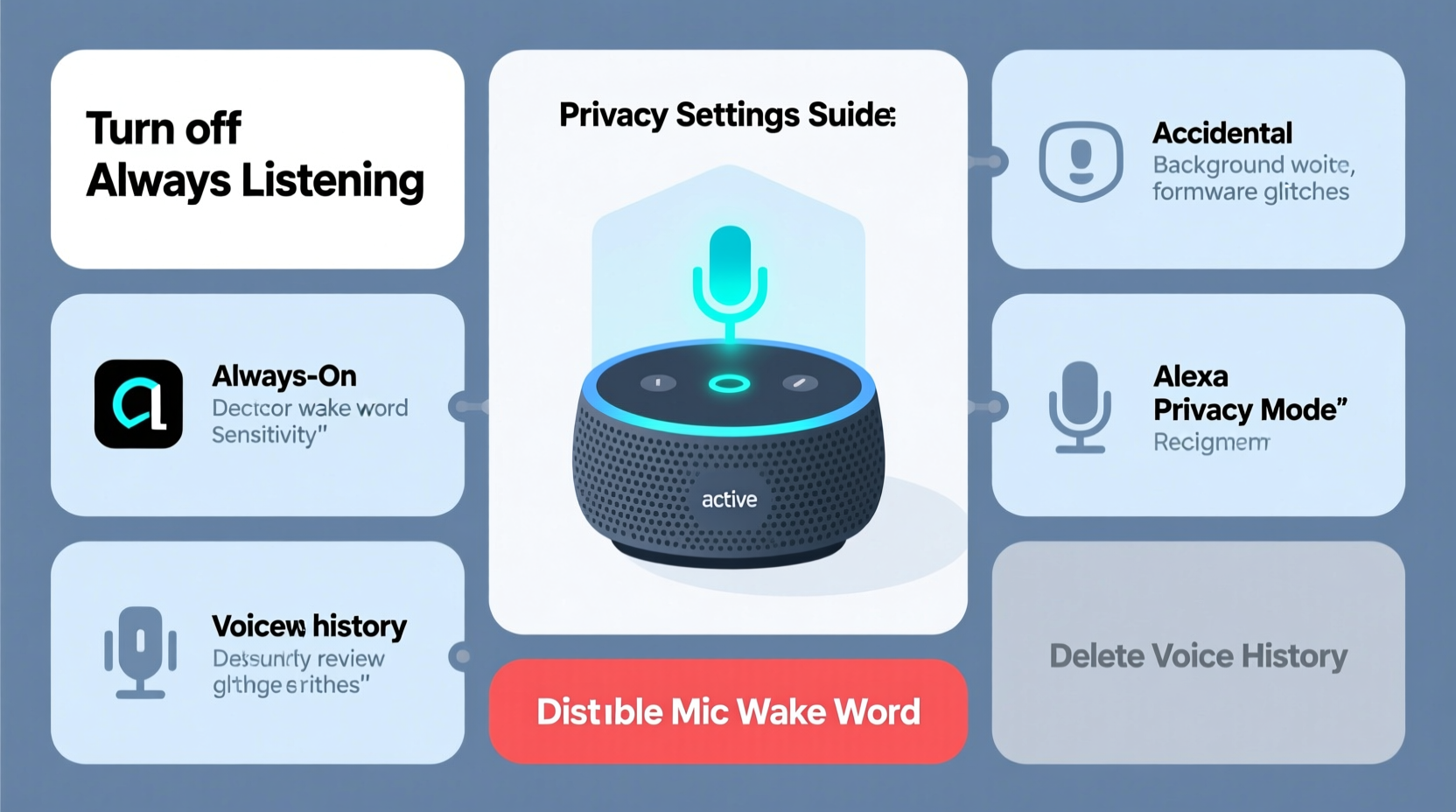
Alexa isn't always activated by mistake due to malfunction. Often, it’s responding to something it believes is a wake word. However, false triggers happen more often than users expect. Here are the primary causes:
- Wake word misinterpretation: Words like “election,” “Alex,” or “Alexis” can sound close enough to “Alexa” to trigger the device.
- Noise interference: Loud TV dialogue, music, or even pets barking may contain frequencies that mimic human speech patterns.
- Firmware glitches: After software updates, some Echo devices experience bugs that cause erratic behavior.
- Dropped connections: When Wi-Fi drops and reconnects, Alexa may reboot and briefly activate its microphone.
- Connected routines: Automated schedules or smart home integrations might unintentionally prompt responses.
- Drop In or announcements: If someone in your household uses Drop In or sends a broadcast, your device will light up automatically.
Step-by-Step: Securing Your Alexa Privacy Settings
Taking control starts with reviewing and adjusting your Alexa privacy settings. These aren’t always enabled by default, so proactive configuration is essential.
- Access Alexa Privacy Settings: Open the Alexa app, tap your profile icon, then go to Settings > Alexa Privacy.
- Review Voice History: This section shows every recorded interaction. Tap “Review Voice History” to listen, delete individual clips, or clear all data.
- Auto-Delete Recordings: Enable auto-deletion for added protection. Choose to erase recordings every 3 months or 18 months automatically.
- Disable Voice Purchasing: Under Settings > Voice Purchasing, turn off this feature unless absolutely needed. Require a PIN for any transaction.
- Manage Device Permissions: Go to Settings > App Permissions. Disable unnecessary access such as location history or contacts unless actively used.
- Turn Off Microphone When Not Needed: Press the physical microphone off button on top of your Echo device. A red ring indicates the mic is disabled.
- Limit Personalized Responses: In Alexa Privacy > Manage Your Alexa Data, disable “Improve Alexa’s ability to recognize your voice” if you prefer less voice profiling.
“Voice assistants collect vast amounts of ambient audio. Users should assume partial recording happens whenever the device is powered—even if not triggered.” — Dr. Lena Patel, Digital Privacy Researcher at MIT
Do’s and Don’ts: Best Practices for Alexa Privacy
| Do’s | Don’ts |
|---|---|
| ✅ Use the mute button at night or during sensitive conversations | ❌ Leave the microphone on in bedrooms or bathrooms |
| ✅ Regularly review and delete voice recordings | ❌ Assume Alexa only records after hearing the wake word |
| ✅ Set up voice profiles for personalized but controlled recognition | ❌ Share your Amazon account across multiple families |
| ✅ Update firmware regularly to patch security flaws | ❌ Allow unrestricted third-party skill permissions |
| ✅ Customize wake words to avoid common false triggers | ❌ Ignore notifications about new voice interactions |
Real-Life Example: A Family’s Wake-Up Call
The Thompson family in Portland began noticing odd behavior from their kitchen Echo Dot. It would randomly say, “I’m here,” or chime in the middle of dinner. At first, they dismissed it as background noise. But one morning, Alexa started playing music after no one had spoken. Concerned, they checked the Alexa app and discovered a voice recording labeled “Alexa, play jazz.” No one remembered saying it.
After investigating, they realized their nightly TV show—*The Blacklist*—often featured characters saying “Alex.” Though not identical to “Alexa,” the cadence and volume were enough to trick the device. They also found that “Drop In” was accidentally enabled from their teenager’s phone. By changing the wake word to “Echo,” disabling Drop In, and muting the device after 9 PM via a routine, they resolved both the false triggers and privacy risks.
Checklist: Secure Your Alexa in 7 Steps
Follow this checklist to ensure your Alexa device respects your privacy and operates reliably:
- ⬜ Change the wake word to something less commonly spoken (e.g., “Computer”)
- ⬜ Enable automatic deletion of voice recordings (3 or 18 months)
- ⬜ Turn off voice purchasing or set a 4-digit confirmation code
- ⬜ Physically mute the microphone when privacy is critical
- ⬜ Review recent voice history weekly for unexpected activations
- ⬜ Disable unused skills and revoke permissions for ones you don’t trust
- ⬜ Check for firmware updates monthly under Device Settings > About
When Hardware Might Be the Issue
Sometimes, the problem isn’t settings—it’s the device itself. Older Echo models, especially those exposed to dust, moisture, or physical damage, may develop hardware faults. A stuck button, faulty sensor, or internal short can cause random reboots or continuous listening mode.
If you've followed all software recommendations and still experience unexplained behavior:
- Unplug the device for 30 seconds and restart it.
- Test with a different power adapter and outlet.
- Reset the device to factory settings via the Alexa app or by holding the action button for 25 seconds.
- Contact Amazon Support for replacement if under warranty.
Persistent activation without any voice input could indicate a compromised unit. Consider replacing units older than 3–4 years, as newer models include enhanced privacy indicators and better noise filtering.
Frequently Asked Questions
Can Alexa record me even when it hasn’t been triggered?
Alexa devices are always listening for the wake word, but they don’t save audio until the wake word is detected. However, there have been rare cases where pre-wake-word snippets were stored due to errors. You can delete these manually or enable auto-delete to minimize risk.
How do I know if someone has accessed my Alexa remotely?
Check the Alexa app under Activity Log for any unfamiliar commands or device interactions. Also, review active sessions under your Amazon account settings. If you see unknown devices, log them out and change your password immediately.
Is it safe to keep Alexa in the bedroom?
It depends on your comfort level. While convenient for alarms and sleep sounds, having a listening device in a private space increases exposure. If kept in the bedroom, use the mute button at night and disable voice history storage for that device.
Final Thoughts: Taking Control of Your Smart Home Privacy
Your Alexa device should enhance your life—not disrupt your peace of mind. Unprompted activations are more than just annoying; they signal potential gaps in privacy management. By understanding how Alexa interprets sound, adjusting your settings proactively, and staying vigilant about permissions, you can enjoy the benefits of voice control without sacrificing confidentiality.
Technology evolves quickly, but user awareness must keep pace. Revisit your Alexa settings every few months. Teach household members how to mute the device and recognize signs of misuse. Remember: convenience should never come at the cost of consent.




 浙公网安备
33010002000092号
浙公网安备
33010002000092号 浙B2-20120091-4
Comments
No comments yet. Why don't you start the discussion?