
In the quiet of your home, a sudden, unprovoked laugh from your Amazon Echo device can send chills down your spine. You weren’t asking for a joke. No one else is speaking. And yet—Alexa just laughed. It’s not funny; it’s unsettling. This phenomenon has been reported by thousands of users across forums, social media, and tech support channels. The good news? While it may feel like something out of a sci-fi thriller, the cause is almost always technical—not sinister. Understanding what triggers these random laughs, whether due to glitches, misheard voice commands, or specific settings, is the first step toward regaining peace of mind in your smart home.
Understanding the Origins of Alexa’s Random Laughter
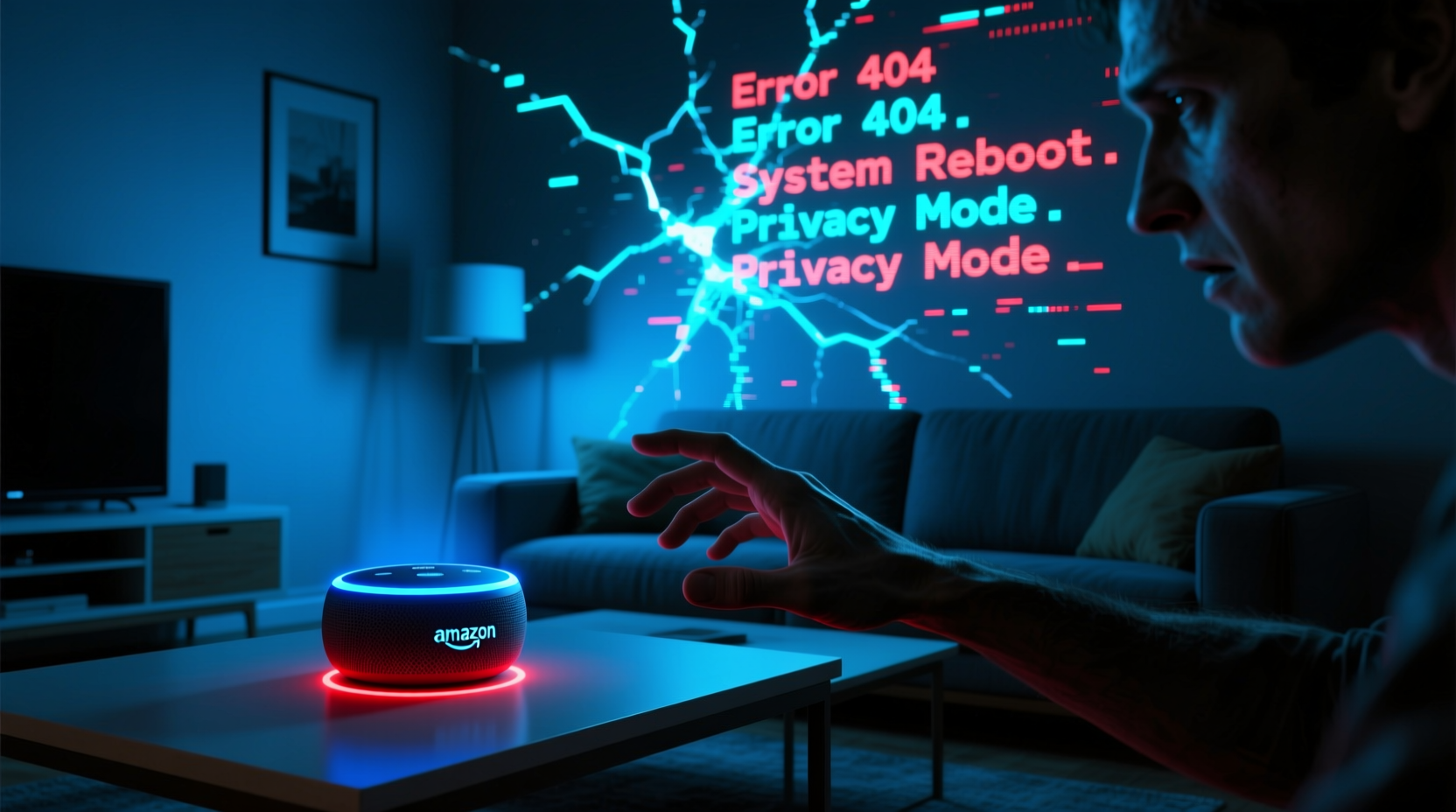
The infamous “creepy Alexa laugh” gained widespread attention in 2018 when numerous users reported their devices laughing unexpectedly. Some described it as a short chuckle, others as a full-on cackle that echoed through empty rooms. Amazon responded quickly, acknowledging the issue and issuing a software update to correct it. However, isolated incidents continue to surface, suggesting that while the worst of the glitch has been patched, underlying vulnerabilities in voice recognition and command processing remain.
Alexa’s laughter is typically triggered by one of two things: a misinterpreted voice command or a residual response from a previous interaction. For example, if someone says “Alexa, tell me a joke,” the assistant might respond with a joke followed by a canned laugh. If the system incorrectly registers a similar-sounding phrase—like “Alexa, launch” or even casual conversation—the same laugh could be activated unintentionally.
Voice assistants rely on complex machine learning models trained to recognize patterns in speech. These models are highly effective but not perfect. Background noise, accents, overlapping conversations, or even TV dialogue can confuse the wake word detection system. When Alexa thinks she hears “laugh” or a command associated with humor, she responds accordingly—even if no such request was made.
Common Triggers Behind the Unwanted Laugh
While the idea of an AI deciding to laugh on its own is disturbing, the reality is far more mundane. Below are the most frequent causes behind Alexa’s random laughter:
- Voice Misinterpretation: Phrases like “Alexa, what’s the weather?” or “Alexa, play jazz” may sound like “Alexa, laugh” to the device, especially in noisy environments.
- Background Media: TV shows, podcasts, or commercials featuring the word “Alexa” or laughter can activate your device remotely—a phenomenon known as “cross-device triggering.”
- Residual Audio Processing: After responding to a command, Alexa sometimes processes lingering sounds as new input, leading to erratic behavior.
- Firmware Bugs: Though rare post-2018, outdated or corrupted firmware can reactivate old responses, including unintended laughter.
- Custom Routines: User-created routines involving sound effects or jokes may include laughter clips that play under certain conditions.
One particularly notable case occurred when a commercial aired featuring a character saying, “Alexa, laugh.” Viewers’ devices at home responded in real time, creating a wave of confusion and concern. Amazon later confirmed the incident and adjusted its algorithms to better distinguish between real commands and media playback.
“Voice assistants operate in dynamic acoustic environments. Even small audio ambiguities can lead to unexpected behaviors.” — Dr. Lena Patel, Senior Researcher in Human-AI Interaction, MIT Media Lab
Step-by-Step Guide to Diagnose and Stop the Laughter
If your Alexa device keeps laughing without reason, follow this structured troubleshooting process to identify and eliminate the root cause.
- Check Your Device History: Open the Alexa app, go to Settings > History, and review recent interactions. Look for entries like “Alexa, laugh” or “Tell me a joke.” If you see them but don’t recall saying them, it confirms a false trigger.
- Review Custom Routines: Navigate to Automations > Routines in the app. Examine any routines involving sound effects, jokes, or notifications. Disable or edit those that include laughter.
- Update Firmware: Ensure your Echo device is running the latest software. In the Alexa app, go to Devices > Echo & Alexa > [Your Device] > About > Check for Software Updates.
- Adjust Microphone Sensitivity (if available): Some newer Echo models allow sensitivity tuning. Lowering it slightly can reduce false positives from distant sounds.
- Reboot the Device: Unplug your Echo for 30 seconds, then plug it back in. This clears temporary memory and resets active processes.
- Disable Laughter Responses: Say, “Alexa, stop laughing,” or use the app to disable specific skills or responses tied to humor.
- Perform a Factory Reset (last resort): Press and hold the microphone off button until the light ring turns orange, then release. This erases all settings and returns the device to default state.
After completing these steps, monitor your device for 24–48 hours. If the laughter persists, consider relocating the unit or contacting Amazon Support for deeper diagnostics.
Do’s and Don’ts: Managing Alexa Behavior Safely
| Do’s | Don’ts |
|---|---|
| Place Echo devices in central, quiet locations away from speakers or TVs. | Don’t place Echo near sources of loud or unpredictable audio (e.g., home theaters). |
| Regularly review voice history to catch false activations early. | Don’t ignore repeated odd behaviors—they often signal deeper issues. |
| Use voice confirmation for sensitive actions (e.g., “Alexa, turn off lights” requires verbal approval). | Don’t enable third-party skills that include random sound effects without reviewing permissions. |
| Teach household members proper command phrasing to minimize confusion. | Don’t shout or repeat commands rapidly—this increases misrecognition risk. |
| Enable Drop In notifications so you know when someone accesses your device remotely. | Don’t leave devices unattended in public or semi-public spaces where strangers might interact with them. |
Mini Case Study: The Midnight Laugh That Woke a Family
In suburban Ohio, Sarah Thompson woke at 2:17 a.m. to the sound of laughter coming from her living room. Her first thought was an intruder. She grabbed her phone, only to find her 8-year-old son standing in the hallway, equally frightened. They crept downstairs to discover the Echo Dot glowing softly, having just finished a canned laugh clip. No command had been given.
Sarah checked the Alexa app and found a recorded request: “Alexa, laugh like a robot.” She never said it. Her husband hadn’t either. Then she remembered watching a YouTube video earlier that day about AI quirks—where a presenter jokingly said, “Alexa, laugh like a robot,” and the camera caught the device responding.
The audio from the video had triggered her Echo. After disabling the routine linked to robotic voices and moving the device away from the TV, the incidents stopped. Sarah now reviews her Alexa history weekly and has disabled all non-essential sound-based skills.
Expert Insight: Why False Activations Happen
The core challenge lies in balancing responsiveness with accuracy. Alexa must be sensitive enough to hear you from across the room, yet discerning enough to ignore irrelevant sounds. This tightrope walk inevitably leads to occasional errors.
“False positives are a trade-off for convenience. We design systems to err on the side of activation rather than missing legitimate commands. But that means some phantom triggers will occur.” — Mark Reynolds, Former Lead Engineer at Amazon Alexa Voice Services
Amazon continues to refine its acoustic models using anonymized voice data to improve context awareness. For instance, newer versions of Alexa can detect whether a command comes from a live person or a recording—a feature introduced specifically to prevent media-induced activations.
FAQ: Common Questions About Alexa’s Random Laughter
Can Alexa laugh on its own without any input?
No. Alexa cannot initiate actions autonomously. Every response, including laughter, is triggered by a detected audio signal interpreted as a command. Even if no one spoke, background noise or electronic interference may have mimicked a valid phrase.
Is Alexa recording me all the time?
No. Alexa only begins recording after detecting the wake word (e.g., “Alexa”). Prior audio is not saved. Recordings are stored only after activation and can be reviewed or deleted via the Alexa app under Settings > Alexa Privacy > Review Voice History.
How do I permanently disable Alexa’s laugh response?
You can't delete the built-in laugh function entirely, but you can prevent it from being triggered. Avoid saying “Alexa, laugh” aloud, disable related skills, and ensure no routines include laughter. You can also say, “Alexa, stop,” immediately after an unwanted laugh to interrupt the sequence.
Conclusion: Regain Control of Your Smart Home Experience
The eerie laugh from your Alexa device isn’t a sign of artificial sentience—it’s a quirk of modern voice technology operating in imperfect conditions. By understanding how false triggers occur and taking proactive steps to manage your device’s environment and settings, you can eliminate unwanted behaviors and restore trust in your smart assistant. Technology should enhance your life, not unsettle it. With regular maintenance, thoughtful placement, and informed usage, your Alexa can remain a helpful companion without the creepy surprises.




 浙公网安备
33010002000092号
浙公网安备
33010002000092号 浙B2-20120091-4
Comments
No comments yet. Why don't you start the discussion?