
As the holiday season approaches, many households rely on Alexa to set the festive mood with cheerful Christmas carols. But nothing disrupts the spirit faster than when your smart speaker suddenly cuts off mid-carol—especially every time you flip on a light. This isn’t just bad luck; it’s likely a case of electromagnetic interference (EMI) or Wi-Fi disruption caused by your lighting system. The good news is that this issue is both diagnosable and fixable with a few targeted adjustments.
This article breaks down the technical reasons behind the interruption, explores real-world scenarios, and provides a step-by-step guide to restoring seamless music playback—even during peak holiday lighting displays.
Understanding the Root Cause: Why Lights Interrupt Alexa
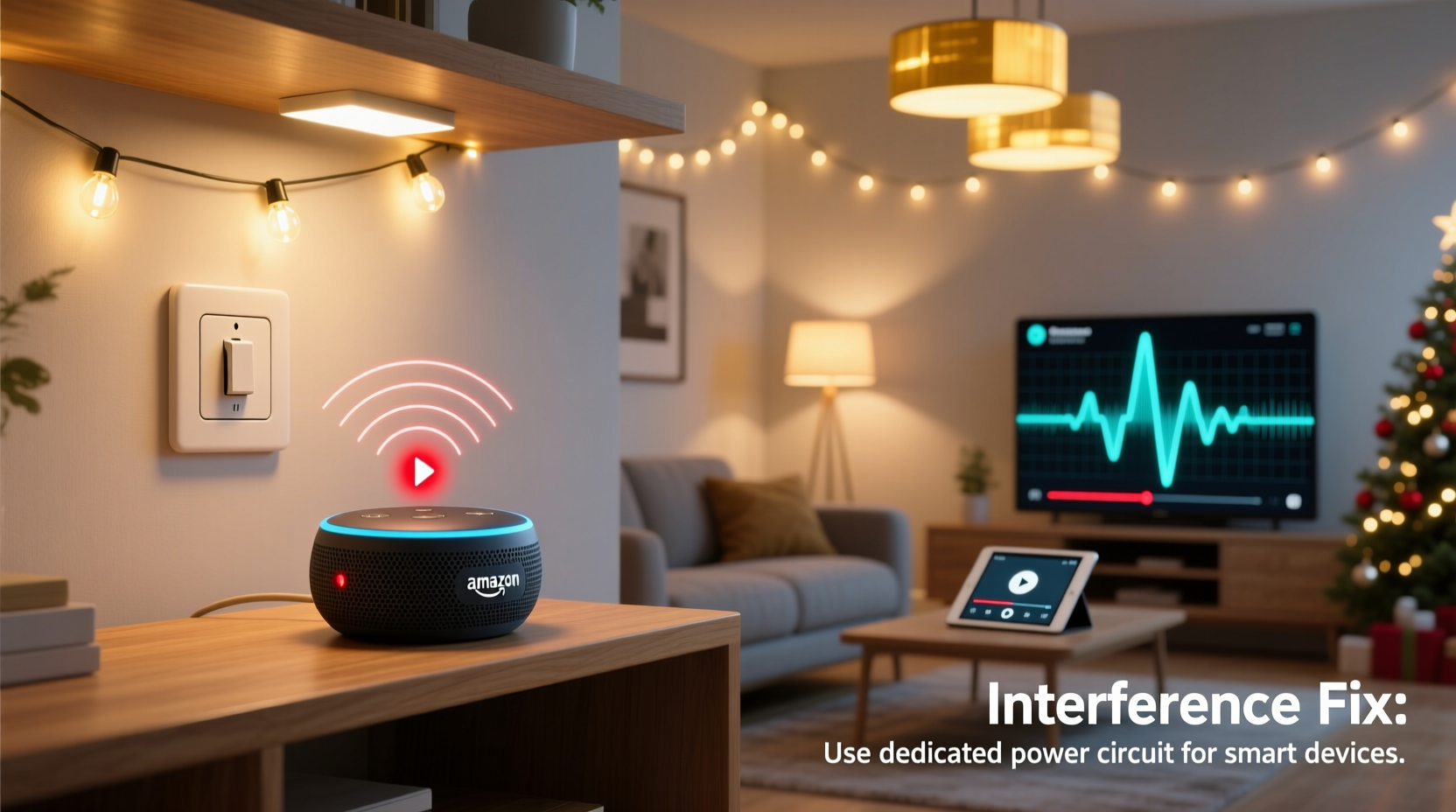
Alexa devices rely on a stable Wi-Fi connection to stream audio from cloud-based services like Amazon Music, Spotify, or iHeartRadio. When you turn on certain types of lights—particularly older LED strips, dimmable bulbs, or smart switches—these fixtures can emit electromagnetic interference (EMI) or cause power surges that disrupt nearby wireless signals.
The problem often stems from low-quality electronic components in cheaper LED drivers or dimmer circuits. These components don’t filter electrical noise properly, creating radio frequency interference (RFI) that overlaps with the 2.4 GHz band used by most Wi-Fi networks and Alexa devices. In some cases, the sudden draw of power when lights activate causes a micro-surge, momentarily affecting the router or connected devices.
“Many modern LED systems are cost-optimized at the expense of electromagnetic compatibility. That means they’re more likely to interfere with Wi-Fi, Bluetooth, and even AM radio signals.” — Dr. Lena Patel, Electrical Interference Specialist, IEEE Member
It's not always the lights themselves but their control mechanisms—like trailing-edge dimmers or non-certified smart hubs—that introduce instability into your home network environment.
Step-by-Step Guide to Diagnose and Fix the Issue
Resolving this issue requires isolating the source of interference and implementing targeted fixes. Follow this sequence to restore uninterrupted carol playback:
- Confirm the Pattern: Turn on your lights manually or via automation while Alexa plays music. Repeat several times to verify the interruption consistently occurs upon activation.
- Isolate the Culprit Light Circuit: Test individual light groups. Turn on only one set of lights at a time to identify which circuit triggers the dropout.
- Check Device Placement: Ensure your Alexa device and Wi-Fi router aren’t located near dimmer switches, power strips, or transformer boxes commonly found in under-cabinet lighting or outdoor displays.
- Switch to 5 GHz Wi-Fi (if possible): If your Echo supports dual-band Wi-Fi (e.g., Echo Dot 4th Gen or newer), connect it to your 5 GHz network. This band is less prone to EMI from household electronics.
- Use a Wi-Fi Analyzer App: Tools like NetSpot, Wi-Fi Analyzer (Android), or AirPort Utility (iOS) can help detect channel congestion. Switch your router to a less crowded channel (e.g., 1, 6, or 11 on 2.4 GHz).
- Update Firmware: Check for updates on your Alexa device, router, and smart lighting hub. Manufacturers often release patches that improve RF stability.
- Add a Ferrite Core: Clip a ferrite choke onto the power cable of the problematic light strip or transformer. This suppresses high-frequency noise.
- Install an EMI Filter: For persistent issues, consider installing a plug-in EMI/RFI filter between the noisy device and wall outlet.
Common Lighting Systems Known to Cause Interference
Not all lights are created equal. Some are far more likely to generate disruptive electrical noise than others. The table below outlines common holiday and household lighting types and their interference risk:
| Lighting Type | Interference Risk | Why It Happens | Solution |
|---|---|---|---|
| Cheap LED String Lights | High | Poorly shielded drivers emit RFI | Replace with FCC-compliant brands or add ferrite cores |
| Dimmable LED Bulbs (with trailing-edge dimmers) | Medium-High | Incompatible dimming creates electrical noise | Use leading-edge dimmers or non-dimmable bulbs |
| Smart Bulbs (Philips Hue, LIFX) | Low | Built-in shielding and stable firmware | Ensure firmware is updated |
| Halogen or Incandescent Lights | Very Low | No switching electronics | No action needed |
| Outdoor Holiday Displays | High | Long wires act as antennas; exposed transformers | Use surge protectors with EMI filtering |
The takeaway? Not all LEDs are problematic—but budget-friendly holiday sets often cut corners on electromagnetic compliance, making them prime suspects.
Real-World Example: The Case of the Silent Snowman Display
Consider the experience of Mark T., a homeowner in Portland who installed a new animated snowman display in his front yard. Each evening, he activated his outdoor lights and asked Alexa to play classic Bing Crosby carols. Within seconds of turning on the display, the music would stutter and disconnect.
He first assumed the issue was weak Wi-Fi. After moving his Echo Dot closer to the router and resetting both devices, the problem persisted. He then noticed the dropout occurred only when the snowman’s rotating base motor engaged—a clue pointing to mechanical interference.
Using a Wi-Fi analyzer app, Mark discovered severe signal degradation on channel 6 whenever the lights turned on. He switched his router to channel 1 and added a ferrite core to the power adapter of the display. He also replaced two faulty LED strips with UL-listed versions. The result? Smooth, uninterrupted carol playback for the rest of the season.
Mark’s story highlights how multiple factors—poor-quality LEDs, motorized components, and suboptimal Wi-Fi settings—can combine to create frustrating disruptions.
Checklist: Prevent Alexa Interruptions During Holiday Lighting
- ✅ Audit all holiday and indoor lighting for flickering or buzzing (signs of EMI)
- ✅ Connect Alexa devices to 5 GHz Wi-Fi if supported
- ✅ Update router firmware and Alexa software
- ✅ Use ferrite cores on power cords of suspect lighting
- ✅ Replace uncertified LED strings with reputable brands (look for FCC, CE, or UL marks)
- ✅ Position Alexa away from light switches, power supplies, and extension cords
- ✅ Consider using a Wi-Fi extender or mesh system to strengthen signal resilience
- ✅ Test lighting sequences before full holiday setup
Alternative Solutions and Long-Term Fixes
If basic troubleshooting doesn’t resolve the issue, consider these advanced strategies:
Upgrade to a Mesh Wi-Fi System
Systems like Google Nest Wifi, Eero, or TP-Link Deco use intelligent band steering and node handoff to maintain strong connections even in electrically noisy environments. Placing a node in the same room as your Alexa device can buffer against local interference.
Use Wired Backhaul for Smart Speakers
Newer Echo models (e.g., Echo Sub, Echo Show 15) support Ethernet via a USB-to-Ethernet adapter. A wired connection eliminates Wi-Fi interference entirely, ensuring uninterrupted streaming regardless of lighting activity.
Install Dedicated Circuits for Holiday Displays
For large outdoor setups, use a separate electrical circuit. This prevents shared line noise from affecting indoor electronics and reduces the chance of tripped breakers or voltage drops.
Switch to Battery-Powered Speakers for Critical Zones
In areas where interference is unavoidable (e.g., garage or patio), consider using a Bluetooth speaker paired directly to a tablet or phone. While it lacks Alexa voice control, it avoids Wi-Fi dependency altogether.
Frequently Asked Questions
Can LED lights really disrupt Wi-Fi and Bluetooth?
Yes. Poorly designed LED drivers switch current at high frequencies, emitting electromagnetic noise in the 2.4 GHz range—the same spectrum used by Wi-Fi and Bluetooth. Certified, high-quality LEDs include filters to minimize this, but inexpensive models often skip these components to reduce cost.
Why does Alexa pause instead of buffering or skipping?
Alexa treats audio interruptions as connectivity loss. When Wi-Fi signal strength drops below a threshold due to interference, the device assumes it’s offline and halts playback rather than attempting to buffer. This is a failsafe to prevent corrupted streams and excessive data usage.
Will turning off 2.4 GHz Wi-Fi solve the problem?
Only if all your devices support 5 GHz. Many smart home gadgets—including older Echo models—only work on 2.4 GHz. Disabling it would disconnect those devices. Instead, optimize your 2.4 GHz channel and reduce interference at the source.
Conclusion: Enjoy Seamless Holiday Music Without the Glitches
There’s no reason your holiday ambiance should be ruined by avoidable tech hiccups. The moment your lights come on and your favorite carol cuts out, it breaks the magic. But with a methodical approach—identifying interference sources, upgrading critical components, and optimizing your network—you can ensure smooth, joyful playback throughout the season.
Start by testing each light fixture, updating your devices, and reconfiguring your Wi-Fi setup. Small changes, like adding a $5 ferrite core or switching router channels, can make a dramatic difference. Your Alexa should enhance the holidays, not fight against your decorations.




 浙公网安备
33010002000092号
浙公网安备
33010002000092号 浙B2-20120091-4
Comments
No comments yet. Why don't you start the discussion?