
Waking up in the middle of the night to the sound of your Alexa device suddenly speaking can be unsettling, even alarming. You're not alone—many Amazon Echo users report their devices activating without command, especially during quiet hours. These random activations, often called \"false wake-ups,\" occur when Alexa misinterprets ambient sounds as its wake word. While not a hardware defect, this behavior stems from a mix of audio sensitivity, environmental noise, and software interpretation. Understanding the root causes and applying targeted fixes can restore peace to your nights and trust in your smart assistant.
Understanding How Alexa Listens
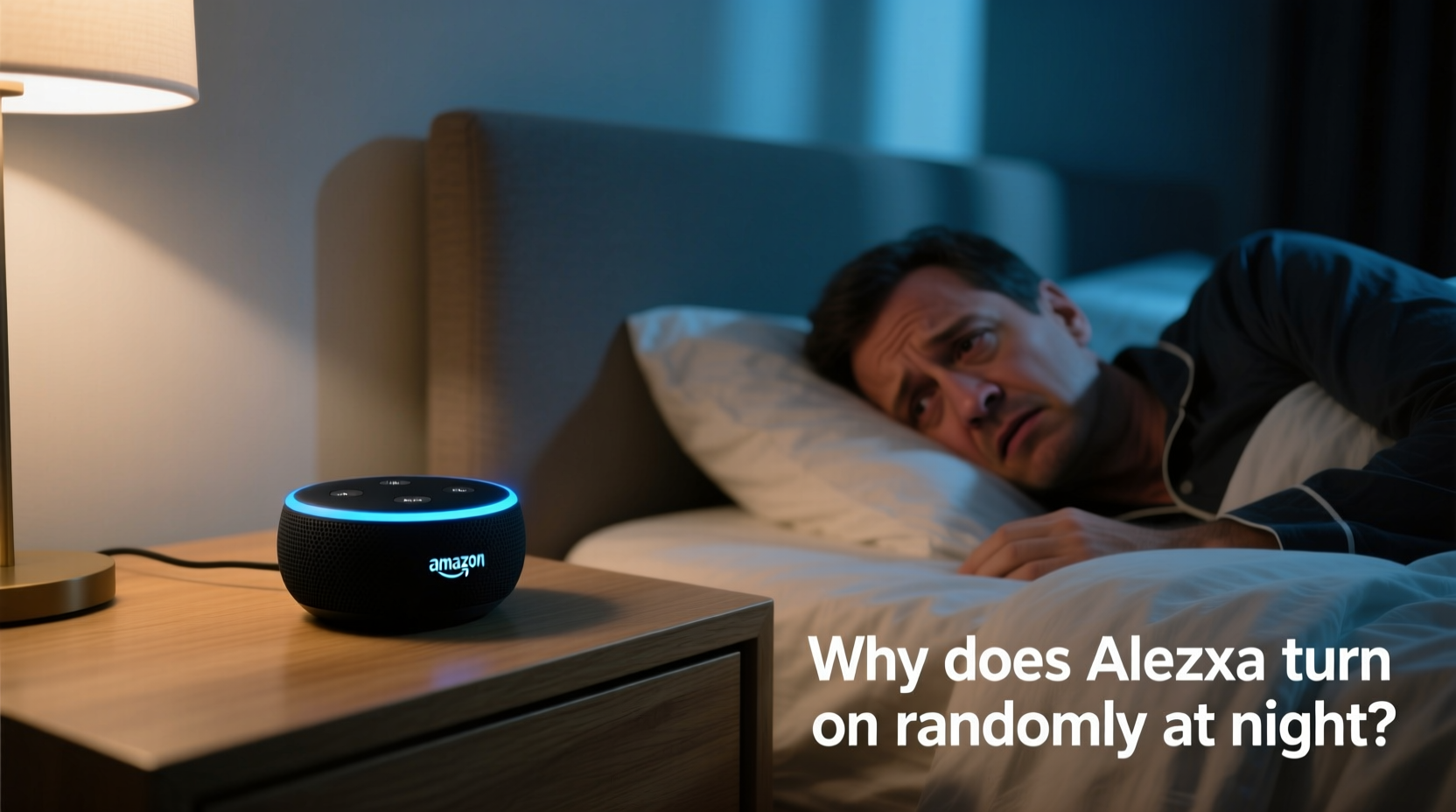
Alexa is designed to remain in a low-power listening state, constantly monitoring for its wake word—typically “Alexa,” though alternatives like “Echo” or “Computer” are available. The device uses on-device voice processing to detect phonetic patterns that resemble the wake word. When a match exceeds a confidence threshold, the microphone activates fully, sending audio to the cloud for processing.
This system works well in most environments but isn't foolproof. Background noises such as snoring, pet movements, creaking floors, or even certain TV frequencies can mimic parts of the wake word. Because nighttime is typically quieter, subtle sounds become more pronounced, increasing the likelihood of false triggers.
“Voice assistants rely on probabilistic models to detect wake words. In silent environments, the signal-to-noise ratio shifts, making incidental sounds more likely to be misclassified.” — Dr. Lena Patel, Senior Audio Engineer at VoiceTech Labs
Common Causes of Nighttime False Wake-Ups
False activations aren't random in the true sense—they’re predictable responses to specific stimuli. Identifying the source is the first step toward resolution.
- Ambient household noises: Pipes settling, refrigerator hums, or pets moving at night can produce tonal frequencies similar to “Alexa.”
- Electronic interference: Other smart devices emitting high-pitched sounds (e.g., inverters, chargers) may trigger the microphone.
- Poor microphone calibration: Dust buildup or improper placement can make the mic overly sensitive.
- TV or radio playback: Even if you’re asleep, background media with dialogue resembling the wake word can prompt activation.
- Multiple Echo devices: One device detecting the wake word may cause others to respond, creating a cascade effect.
Step-by-Step Guide to Stop False Activations
Resolving false wake-ups requires both environmental adjustments and technical tweaks. Follow this sequence for best results:
- Relocate Your Device: Move the Echo away from windows, vents, or appliances that generate noise. Place it at least 6 inches from walls to prevent echo distortion.
- Adjust Microphone Sensitivity: In the Alexa app, go to Settings > [Your Device] > Microphone Sensitivity. Lower the setting slightly to reduce responsiveness to faint sounds.
- Change the Wake Word: If “Alexa” is too commonly triggered, switch to “Computer” or “Echo.” This reduces phonetic overlap with everyday speech.
- Enable Do Not Disturb (DND): Schedule DND mode to automatically mute notifications and voice responses between 10 PM and 7 AM. During this time, lights will still glow upon detection, but no sound will play.
- Disable Unnecessary Routines: Review automated routines that might activate based on time or sensor input. A routine labeled “Good Morning” set to trigger at 3 AM due to a typo could explain unexpected behavior.
- Update Firmware: Ensure your Echo runs the latest software. Outdated firmware can contain bugs affecting voice detection accuracy.
- Test with Mic Off: Turn off the microphone entirely for one night using the physical button. If no activations occur, the issue is sound-related, not software-based.
Device Placement and Environmental Optimization
Where you place your Alexa matters just as much as its settings. Poor acoustics can distort sound input and increase false positives.
| Placement Scenario | Risk Level | Recommendation |
|---|---|---|
| Near kitchen appliances | High | Move to another room; motors emit harmonic frequencies |
| Inside a cabinet or enclosed shelf | Medium | Open shelving improves airflow and reduces echo |
| On a soft surface (bed, couch) | Medium | Use a hard, flat surface to stabilize mic input |
| Close to a TV or speaker | High | Maintain at least 5 feet distance |
| Bedside table (quiet room) | Low-Medium | Acceptable if DND is enabled and mic sensitivity adjusted |
In shared bedrooms, consider positioning the device farther from the bed. Even breathing patterns or sleep talking—especially phrases containing “excellent” or “alex”—can inadvertently trigger the device.
Mini Case Study: The Midnight Weather Report
Sarah, a teacher from Portland, began waking up to her Alexa announcing weather updates at 2:17 AM several times a week. No one was speaking, and her husband denied saying anything. After ruling out external intrusions, she reviewed her routines and found none scheduled at that time.
She tested the microphone-off theory and confirmed the alerts stopped. Next, she changed the wake word from “Alexa” to “Echo.” The alerts ceased completely. Upon closer inspection, she realized her CPAP machine emitted a brief tone each cycle that ended with a rising pitch closely resembling “A-lex-a.” By changing the wake word and enabling DND from 11 PM to 6 AM, Sarah eliminated the disruptions permanently.
This case illustrates how non-human sounds—even medical devices—can interact unexpectedly with voice assistants.
Tips to Prevent Future False Triggers
- Regularly clean the microphone mesh with a dry cotton swab to prevent dust-induced sensitivity.
- Avoid placing Echos in rooms with hard, reflective surfaces (tile, glass) that amplify sound reflections.
- If using multiple devices, assign different wake words to each to minimize cross-talk.
- Disable “Brief Mode” if enabled—it reduces verbal feedback but doesn’t stop wake-up detection.
- Turn off “Whisper Mode” at night; it increases mic sensitivity to catch whispered commands.
Checklist: Eliminate Alexa False Wake-Ups
Use this checklist over two evenings to systematically resolve the issue:
- ✅ Change the wake word to “Computer” or “Echo”
- ✅ Enable Do Not Disturb from 9 PM to 7 AM
- ✅ Lower microphone sensitivity in device settings
- ✅ Relocate device away from TVs, appliances, or windows
- ✅ Clean the top of the device to ensure unobstructed microphones
- ✅ Check for firmware updates in the Alexa app
- ✅ Disable unused routines involving voice triggers
- ✅ Test with the microphone turned off for one full night
Frequently Asked Questions
Can Alexa record me when it wakes up unintentionally?
Yes—but only after detecting what it believes is the wake word. Audio is processed locally first; only upon a positive match is a snippet sent to Amazon’s servers. You can review, delete, or auto-delete these recordings in the Alexa app under Settings > Alexa Privacy > Manage Your Voice Recordings.
Why does Alexa light up but not say anything?
This indicates a partial wake-word detection. The device heard something close to the wake word but didn’t confirm it strongly enough to initiate a response. It’s a built-in safeguard against false actions, though the light ring can still be disruptive in dark rooms.
Is it possible for Alexa to activate due to radio waves or Wi-Fi signals?
No. Alexa responds only to acoustic input through its microphones. Electromagnetic signals do not trigger voice detection. However, poorly shielded electronics may emit audible high-frequency noise that the mic can pick up.
Conclusion: Regain Control of Your Smart Home Experience
Your Alexa should enhance your life—not interrupt your sleep. Random activations at night are fixable with a combination of strategic placement, smart settings, and environmental awareness. Most issues stem not from flaws in the device, but from the complex interplay between sound, silence, and artificial listening. By methodically adjusting sensitivity, changing wake words, and using automation features like Do Not Disturb, you can maintain the benefits of voice control without sacrificing tranquility.




 浙公网安备
33010002000092号
浙公网安备
33010002000092号 浙B2-20120091-4
Comments
No comments yet. Why don't you start the discussion?