
When you press your car’s key fob to lock the doors and hear a sharp beep—once, twice, or even multiple times—it’s natural to wonder what’s happening. Is something wrong? Is the car alarmed? Or is this just normal behavior? For many drivers, the repeated beeping after locking their vehicle raises questions about security, functionality, and personal preference. The truth is, that beep isn’t random. It’s a designed feedback system with specific purposes, varying by make, model, and settings. Understanding why your car beeps when locked—and how to manage or disable it—is essential for both peace of mind and convenience.
This article breaks down the technical and practical aspects behind the beeping sound, explains its intended functions, explores common reasons for multiple beeps, and provides clear steps to modify or disable the feature if desired. Whether you're troubleshooting an unexpected noise or simply want a quieter locking experience, this guide delivers actionable insights grounded in automotive design principles and real-world usage.
What the Beep Means: Audible Feedback from Your Vehicle
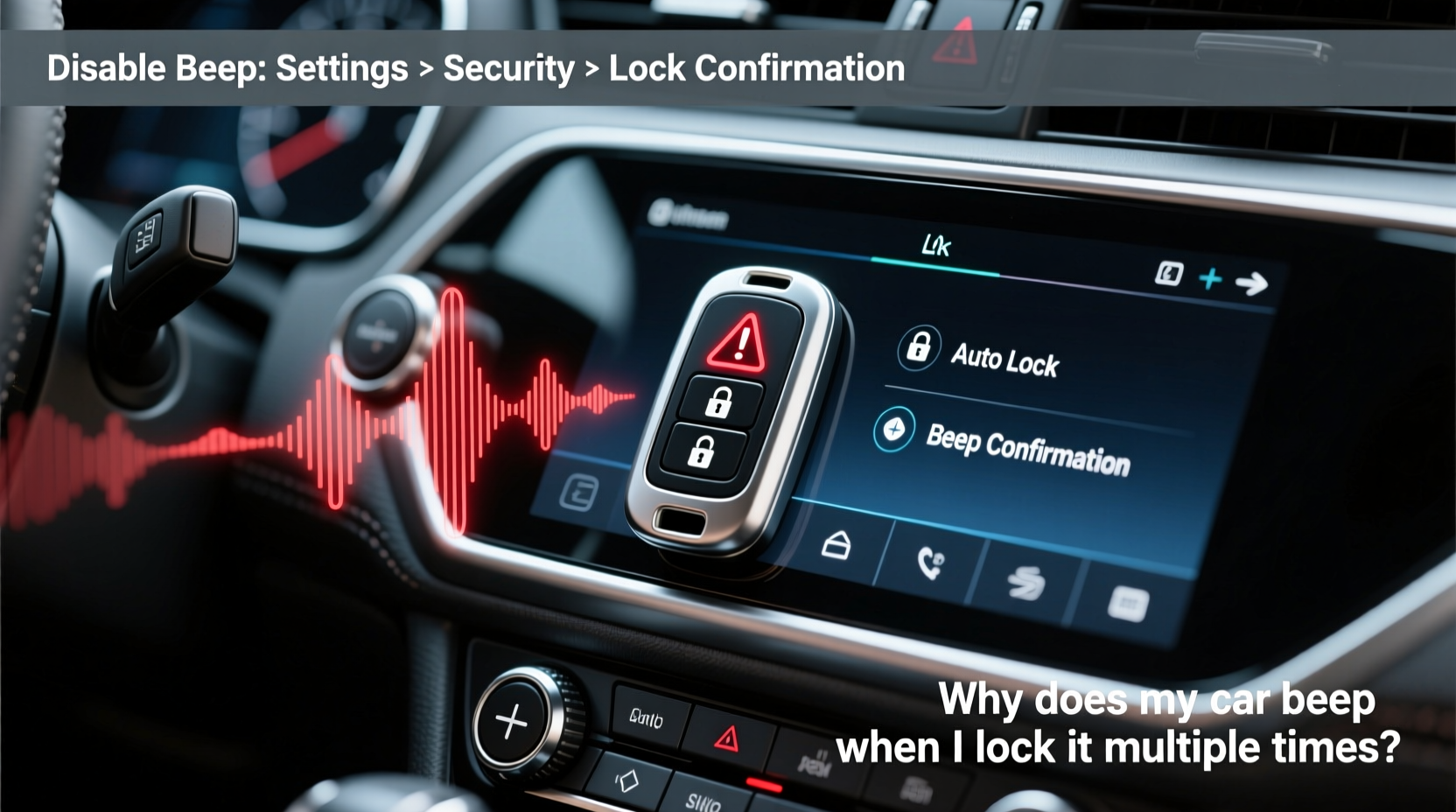
The beep you hear when locking your car is part of the vehicle’s auditory confirmation system. Most modern cars are equipped with chime systems that provide immediate sensory feedback when a command—like locking or unlocking the doors—is executed via the remote key fob. This audible signal serves several critical purposes:
- Confirmation of Action: Ensures the lock command was received and processed by the car’s central locking system.
- Security Assurance: Lets you know all doors are secured, especially useful in noisy environments where visual cues (like blinking lights) might go unnoticed.
- Theft Deterrence: A loud beep can alert nearby people and potentially deter would-be thieves attempting forced entry.
- System Diagnostics: In some cases, the number or pattern of beeps indicates a problem—such as an open door, trunk, or hood—that prevents full security engagement.
Manufacturers like Toyota, Honda, Ford, BMW, and others program these sounds differently. Some default to a single short chirp; others use two beeps to confirm all doors are locked. Multiple beeps—especially three or more—are often diagnostic signals rather than standard feedback.
Why Does My Car Beep More Than Once When Locked?
A single beep typically confirms successful locking. Two beeps usually mean all doors are confirmed shut and locked. But multiple beeps—three or more—can indicate one of several conditions, depending on your vehicle’s brand and configuration:
Common Causes of Multiple Beeps After Locking
- Open Interior Door or Trunk: Even a slightly ajar door triggers sensors that prevent full arming of the alarm system. The car responds with repeated beeps to alert the driver.
- Hood or Fuel Door Not Secured: On certain models (e.g., Subaru, Mazda), an unsecured hood sends a multi-beep warning.
- Key Left Inside the Vehicle: Some smart-key systems beep repeatedly if the fob is detected inside the car after locking, preventing accidental lockout.
- Alarm System Malfunction: Faulty sensors or wiring issues may cause erratic beeping patterns unrelated to actual door status.
- Aftermarket Alarm Integration: Aftermarket security systems often override factory settings and introduce custom beep sequences for arming/disarming.
“Repeated beeping after locking is rarely arbitrary. It's either user error—like an open door—or a sign of sensor conflict. Always rule out physical causes first.” — Mark Reynolds, ASE-Certified Automotive Technician
How to Disable or Adjust the Lock Beep: Practical Methods
If the beep feels unnecessary, disruptive, or too loud—especially in quiet neighborhoods—you may want to disable or modify it. Fortunately, most vehicles allow customization through built-in programming modes, menu settings, or dealership tools. Below are proven methods organized by vehicle type and complexity.
Method 1: Use Infotainment or Dashboard Settings (Newer Models)
Many cars manufactured after 2015 include onboard menus where audio alerts can be toggled. Access is typically found under:
- Settings → Vehicle → Chimes & Alerts
- Door Lock Settings → Lock Confirmation Sound
- Security → Horn Response on Lock
For example, Honda Civics and Accords let users disable the beep via the “Door Lock Sound” option in the main menu. Similarly, Toyota’s Entune system allows muting chimes under “Vehicle Settings.”
Method 2: Key Fob Programming Sequence (Most Common)
Some vehicles require a manual reprogramming sequence using the key fob and ignition switch. These vary widely but follow similar logic. Here’s a generalized version applicable to many Toyotas, Nissans, and Fords:
- Sit in the driver’s seat with all doors closed.
- Insert the key into the ignition and turn it to “ON” (do not start the engine).
- Within five seconds, press and hold the Unlock button on the key fob.
- While holding Unlock, press the Lock button three times within two seconds.
- Release the Unlock button. The doors will lock/unlock automatically, signaling programming mode.
- Press Unlock and Lock simultaneously for three seconds. This toggles the beep setting.
- Turn the ignition off. Test the fob to see if the beep has changed.
Note: Exact steps differ between models. Consult your owner’s manual for model-specific instructions.
Method 3: Fuse Removal (Permanent Disable Option)
For those who want to eliminate the beep entirely and don’t mind losing other chimes, removing the “Buzzer” or “Chime” fuse is a hardware-level solution. Locate the fuse box (usually under the dashboard or near the battery), identify the correct fuse (refer to the diagram on the fuse panel cover), and remove it. This silences all interior and exterior chimes, including low-fuel warnings and seatbelt reminders.
Comparison Table: Beep Behavior Across Popular Vehicle Brands
| Brand | Normal Beep Count (Lock) | Meaning of Multiple Beeps | Can Be Disabled? | Primary Method |
|---|---|---|---|---|
| Toyota | 1–2 beeps | Open door/trunk | Yes | Fob programming or dealer scan tool |
| Honda | 1 beep | Unlocked door or key inside | Yes | Infotainment menu |
| Ford | 1 beep (horn optional) | Hood open or alarm triggered | Yes | OBD-II programming or fob sequence |
| BMW | None (optional chime) | System fault or partial lock | Yes | iDrive settings or ISTA software |
| Subaru | 2 beeps | Hood not latched | Limited | Dealer or third-party module |
| Hyundai/Kia | 1 beep | Trunk open or sensor issue | Yes | Settings menu or scan tool |
Mini Case Study: Sarah’s Midnight Parking Puzzle
Sarah, a nurse working night shifts, began noticing her 2018 Toyota Camry would emit three loud beeps every time she locked it in her apartment complex parking lot. Concerned neighbors were waking up, and she worried someone might report her car as tampered with. Initially, she assumed the alarm was faulty. After checking doors and windows repeatedly, she discovered the trunk latch wasn’t engaging properly due to ice buildup during winter. Once cleared, the car returned to its standard two-beep confirmation. She later disabled the horn response entirely through a simple fob reprogramming method she found online, keeping only the subtle light flash as confirmation. Her story highlights how environmental factors and minor mechanical issues can trigger unexpected beeping—and how understanding the system leads to effective resolution.
Step-by-Step Checklist to Troubleshoot and Manage Beeping
Follow this structured checklist to diagnose and resolve unwanted beeping when locking your car:
- Verify All Doors Are Closed: Manually check driver, passenger, rear doors, trunk, and hood.
- Check for Obstructions: Ensure floor mats aren’t pressing against door switches or jamming mechanisms.
- Test Key Fob Battery: Weak batteries can cause incomplete signal transmission, leading to inconsistent responses.
- Review Owner’s Manual: Look up “door lock chime,” “horn confirmation,” or “audible alert settings.”
- Access Vehicle Settings Menu: Navigate infotainment system to adjust or mute chimes.
- Attempt Fob Reprogramming: Use manufacturer-specific sequence to toggle beep function.
- Scan for Error Codes: Use an OBD2 scanner to detect door sensor faults or communication errors.
- Consult Dealer or Mechanic: If beeping persists, a professional can diagnose wiring, BCM (Body Control Module), or alarm conflicts.
Frequently Asked Questions
Is it safe to disable the lock beep?
Yes, disabling the audible lock confirmation is generally safe. However, you lose instant feedback. To compensate, rely on visual cues—like flashing headlights or blinking LED indicators—commonly activated alongside locking. If you frequently park in poorly lit areas, consider keeping at least a soft chime enabled.
Why does my car beep twice when I lock it?
Two beeps typically confirm that all doors are securely closed and locked. This is standard on many Toyotas, Hyundais, and European models. It differentiates from a single beep, which may only confirm signal receipt without verifying door status.
Can a dying key fob battery cause strange beeping?
Absolutely. A weak battery may send incomplete signals, causing the car to partially execute commands. You might hear irregular beeps, delayed responses, or failure to lock despite pressing the button. Replace the CR2032 battery every 2–3 years or sooner if responsiveness declines.
Conclusion: Take Control of Your Car’s Soundscape
Your car’s beep is more than just noise—it’s a communication tool designed for safety and awareness. But like any technology, it should serve you, not disrupt your routine. Whether the multiple beeps are alerting you to a genuine issue or simply reflecting outdated defaults, you now have the knowledge to interpret and adjust them confidently. From checking door sensors to reprogramming fobs or accessing onboard menus, the power to customize your vehicle’s behavior is within reach.
Don’t tolerate unnecessary noise. Diagnose the cause, apply the right fix, and reclaim quiet confidence every time you walk away from your car. Small adjustments today lead to smoother, more personalized driving experiences tomorrow.




 浙公网安备
33010002000092号
浙公网安备
33010002000092号 浙B2-20120091-4
Comments
No comments yet. Why don't you start the discussion?