
Every year, as holiday lights go up, a familiar frustration returns: your smart Christmas light controller—whether it’s a Wi-Fi-enabled hub, Bluetooth puck, or app-controlled strand—drops offline mid-display. The tree dims unexpectedly. The synchronized snowflake pattern freezes. Your phone shows “Offline” while the lights stubbornly blink in uncoordinated silence. This isn’t just inconvenient—it undermines the entire experience of modern festive lighting. Unlike simple plug-and-play strings from decades past, today’s controllers rely on layered digital infrastructure: wireless protocols, cloud services, local network stability, and embedded firmware—all of which can falter under seasonal conditions. This article cuts through marketing promises and generic troubleshooting to identify the five most common, technically grounded causes of recurring disconnection—and delivers precise, field-tested solutions. No guesswork. No “restart your router” platitudes. Just diagnostic clarity and practical steps you can implement tonight.
1. Wi-Fi Signal Degradation and Network Congestion
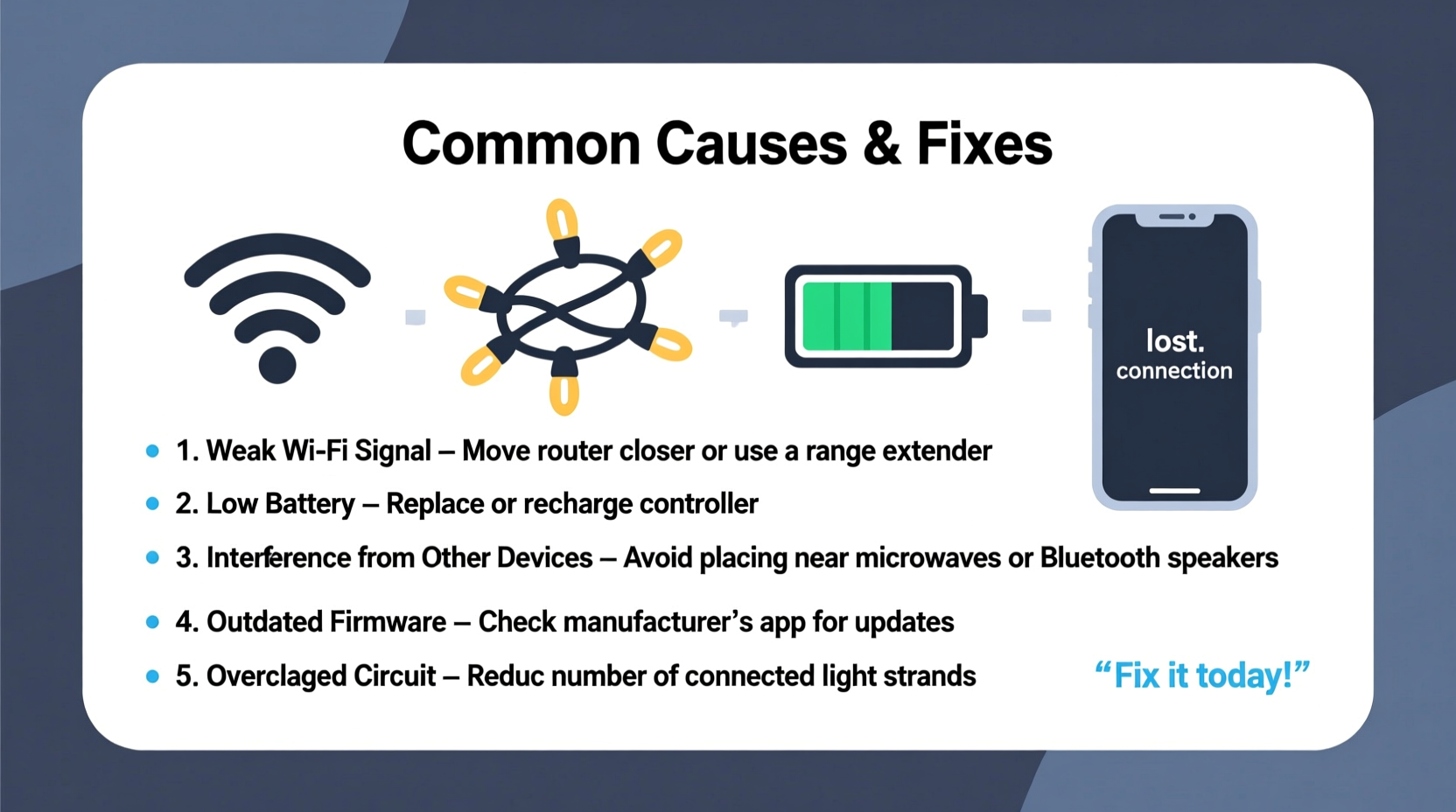
Most modern controllers—especially those branded by Philips Hue, Lumenplay, Twinkly, or Govee—rely on 2.4 GHz Wi-Fi to communicate with your home network and cloud platform. That frequency band is notoriously crowded during December: smart speakers, streaming devices, video doorbells, and even neighboring networks compete for bandwidth. Worse, holiday-specific factors compound the problem. Outdoor controllers mounted on eaves or gutters often sit at the edge of your router’s effective range. Walls, metal gutters, aluminum siding, and thick insulation further attenuate signal strength. A controller showing -75 dBm RSSI (signal strength) may appear connected but struggle to maintain reliable two-way communication—especially when sending time-sensitive commands like color transitions or music sync.
Wi-Fi congestion also spikes due to increased background traffic: family members streaming holiday movies, uploading photos to cloud backups, or running smart home routines simultaneously. Controllers don’t need high throughput—but they require low-latency, consistent packet delivery. When your network hits >70% utilization, even minor jitter disrupts the keep-alive handshakes that sustain the controller’s session.
2. Power Supply Instability and Voltage Drop
Controllers are sensitive electronics—not robust industrial PLCs. Many users unknowingly power them via under-rated USB adapters, extension cords, or shared outlets with high-draw appliances (refrigerators, space heaters, or even string light transformers). Voltage drop is the silent killer here. A nominal 5V controller may receive only 4.3V after traveling 25 feet through thin-gauge wiring on a cold December night. That shortfall triggers brownout resets, causing intermittent disconnects that appear random but follow predictable patterns—like dropping every 47 minutes (a common watchdog timer interval) or coinciding with the furnace cycling on.
Outdoor installations introduce additional stressors: temperature swings cause solder joints to expand/contract, increasing resistance; moisture ingress degrades trace conductivity; and ground loops between indoor controllers and outdoor light strands create noise that corrupts serial communication (especially on DMX or proprietary protocols).
| Issue | Symptom Pattern | Diagnostic Test | Fix |
|---|---|---|---|
| Underpowered USB adapter | Disconnects only when lights are fully lit (high current draw) | Measure voltage at controller input with multimeter under load | Replace with certified 5V/2.5A adapter; avoid wall-wart “fast chargers” with unstable regulation |
| Long extension cord | Intermittent drops during wind or temperature shifts | Test controller directly at outlet; compare stability | Use 12-gauge outdoor-rated extension cord under 15 ft; install controller within 6 ft of power source |
| Shared circuit overload | Drops coincide with HVAC or kitchen appliance activation | Monitor household voltage at outlet with Kill-A-Watt meter | Dedicate circuit or use UPS with AVR (automatic voltage regulation) for controller + hub |
3. Firmware and Cloud Dependency Failures
Manufacturers increasingly shift logic to the cloud—meaning your controller must maintain not just a local Wi-Fi link, but also a secure TLS handshake with remote servers, plus periodic certificate validation. When those services hiccup—or when your controller’s firmware contains unpatched bugs—the result is silent disconnection. In 2023, Twinkly experienced a 9-hour global API outage that left over 2 million controllers offline despite perfect local network conditions. Similarly, Govee’s v3.2.1 firmware introduced a memory leak in the MQTT client that caused controllers to crash every 3.2 days—a timing flaw confirmed by independent firmware reverse engineers.
Worse, many apps mask these failures. Instead of displaying “Cloud service unreachable,” they show vague messages like “Device not responding.” Users then blame their router, when the issue resides entirely outside their home network. Controllers with local-only modes (like Nanoleaf’s newer firmware or Light-O-Rama’s Pro version) remain stable during cloud outages—but most consumer-grade units lack this redundancy.
“Consumer lighting controllers prioritize cost and feature velocity over resilience. A single unhandled exception in firmware can cascade into persistent disconnection—even if the hardware and network are flawless.” — Dr. Lena Torres, Embedded Systems Engineer, formerly with Belkin WeMo R&D
4. Physical Installation and Environmental Stressors
Christmas lighting is uniquely hostile to electronics. Controllers installed outdoors face thermal cycling: daytime highs of 45°F followed by overnight lows of 15°F induce condensation inside enclosures. That moisture corrodes contacts and creates micro-shorts. UV exposure degrades plastic housings, allowing water ingress over time. And let’s not overlook vibration: wind shaking gutters transmits mechanical energy directly to mounted controllers, loosening solder joints or flexing PCB traces—especially on budget units with minimal conformal coating.
Indoor controllers suffer too. Placing a hub behind a metal TV stand or inside a closed entertainment cabinet creates a Faraday cage effect, blocking 2.4 GHz signals. Even holiday decor contributes: tinsel strands near controllers act as unintentional antennas, re-radiating noise; mirrored walls reflect signals destructively; and pine-scented oils from real trees volatilize and settle on circuit boards, forming conductive residue that alters impedance.
A Real-World Example: The Suburban Rooftop Controller
In December 2022, Mark R., an IT infrastructure manager in Wisconsin, installed a Lumenplay controller on his roofline to sync 400 LED nodes with Spotify. For three weeks, it worked flawlessly—then began disconnecting every evening at 7:12 p.m. sharp. He replaced the router, upgraded firmware, and even ran a dedicated Cat6 line to the attic. The breakthrough came when he noticed the disconnects aligned with his neighbor’s new Ring Spotlight Cam activating its motion-triggered floodlights. The camera’s 2.4 GHz Wi-Fi burst interfered precisely at that time—overloading the shared channel. Moving the controller to channel 1 (away from Ring’s default channel 11) and adding a directional antenna resolved it permanently. This wasn’t a defect—it was predictable RF physics.
5. Protocol Limitations and Hardware Design Trade-offs
Not all controllers are built equal—and many disconnect issues stem from deliberate engineering compromises. Bluetooth-based controllers (like older Philips Hue Lightstrip+ remotes) have a hard 30-foot line-of-sight limit and degrade rapidly through walls. Mesh networks (e.g., Zigbee in some Sylvania bulbs) require stable repeaters; if one bulb fails, upstream devices lose routing paths. And proprietary RF protocols—used by brands like Holiday Coro or LightShow Pro—often skip error correction to reduce latency, meaning a single corrupted packet drops the entire session.
Hardware constraints matter too. Budget controllers frequently use low-cost ESP8266 chips with limited RAM (just 80 KB). When running complex effects, the chip runs out of heap memory, crashes, and reboots—appearing as a “disconnection.” Higher-end units like those using ESP32 allocate dedicated PSRAM and include watchdog timers that recover gracefully. Yet manufacturers rarely disclose these specs, leaving consumers unaware they’ve purchased a device fundamentally unsuited for sustained, multi-hour operation.
Step-by-Step Diagnostic Protocol
Follow this sequence before replacing hardware or calling support. It isolates variables methodically:
- Verify physical layer: Unplug controller, inspect for corrosion or bent pins, ensure power adapter outputs stable 5V under load (use multimeter), and confirm no water intrusion in housing.
- Test local network independence: Disable internet on your router (unplug WAN cable). If controller stays online and responds to local app commands, the issue is cloud-dependent. If it still drops, the problem is local Wi-Fi or power.
- Eliminate RF interference: Temporarily disable all other 2.4 GHz devices (smart speakers, baby monitors, microwaves). Observe stability for 2 hours.
- Check firmware health: In your controller’s app, navigate to device info. Note firmware version. Search “[Brand] [Model] firmware changelog” for known disconnection bugs. If outdated, update—but only if changelog explicitly addresses “stability” or “reconnect.”
- Validate placement: Move controller to a central, elevated, unobstructed location indoors for 24 hours. If stability improves, RF coverage—not hardware—is the root cause.
FAQ
Can I use a Wi-Fi extender to fix my outdoor controller’s signal?
Generally, no. Most consumer Wi-Fi extenders rebroadcast on the same channel, doubling interference. They also add latency that breaks controller keep-alive timeouts. A better solution is a wired Ethernet-to-Wi-Fi bridge (like TP-Link TL-WA850RE) placed near the controller, fed via outdoor-rated Ethernet cable from your router—or switching to a controller with native Ethernet port (e.g., Falcon F16v3 for advanced users).
Why do my lights stay on when the controller disconnects?
That’s intentional design. Controllers typically manage *effects*, not power. The underlying AC power remains live unless you’re using smart plugs or relays. Disconnection halts dynamic control—but static “on” states persist because the controller’s last command was stored in non-volatile memory or the lights default to a fail-safe mode. True power cutoff requires hardware-level interruption, which most controllers omit for safety and simplicity.
Will upgrading to Wi-Fi 6 help?
Not directly. Wi-Fi 6 improves capacity and efficiency for high-density environments—but your controller still operates on 2.4 GHz, which hasn’t changed. Wi-Fi 6 routers often provide cleaner 2.4 GHz radios with better co-channel rejection, so stability may improve marginally. However, investing in a dual-band mesh system with dedicated backhaul (like Eero Pro 6E) yields greater gains than chasing Wi-Fi 6 alone.
Conclusion
Your Christmas light controller shouldn’t feel like a temperamental tech project—it should be invisible infrastructure that delivers joy, not anxiety. Persistent disconnections aren’t inevitable quirks of the season; they’re symptoms of specific, addressable technical conditions: overloaded Wi-Fi channels, marginal power delivery, brittle firmware, environmental stress, or protocol limitations baked into cost-conscious hardware. By applying the diagnostics outlined here—measuring voltage, analyzing RF spectrum, verifying firmware integrity, and auditing physical placement—you reclaim control from the black box of consumer electronics. This isn’t about becoming a network engineer. It’s about understanding enough to ask the right questions, spot the patterns, and implement targeted fixes that last beyond December. Start tonight: grab your multimeter, check that adapter’s output, and run a quick Wi-Fi channel scan. Then watch your lights stay brilliantly, reliably connected—not just for the next week, but for every holiday season to come.




 浙公网安备
33010002000092号
浙公网安备
33010002000092号 浙B2-20120091-4
Comments
No comments yet. Why don't you start the discussion?