
There’s nothing more frustrating than setting up your holiday lights, only to find the timer isn’t working when dusk falls. You’ve spent time draping strands across the eaves, winding them around trees, and carefully syncing color sequences—only for the whole display to stay dark. While timers seem simple, they’re often the weakest link in a festive lighting setup. Understanding why they fail—and how to diagnose and resolve those failures—can save you hours of troubleshooting and restore the magic of your holiday glow.
Christmas light timers fail for a variety of reasons: power surges, moisture exposure, internal component wear, incorrect settings, or incompatible loads. The good news is that most issues are preventable or repairable with basic knowledge and tools. Whether you're dealing with a mechanical dial timer from last season or a new smart plug with app control, this guide breaks down the root causes, offers real-world solutions, and helps you choose reliable alternatives moving forward.
Common Causes of Timer Failure
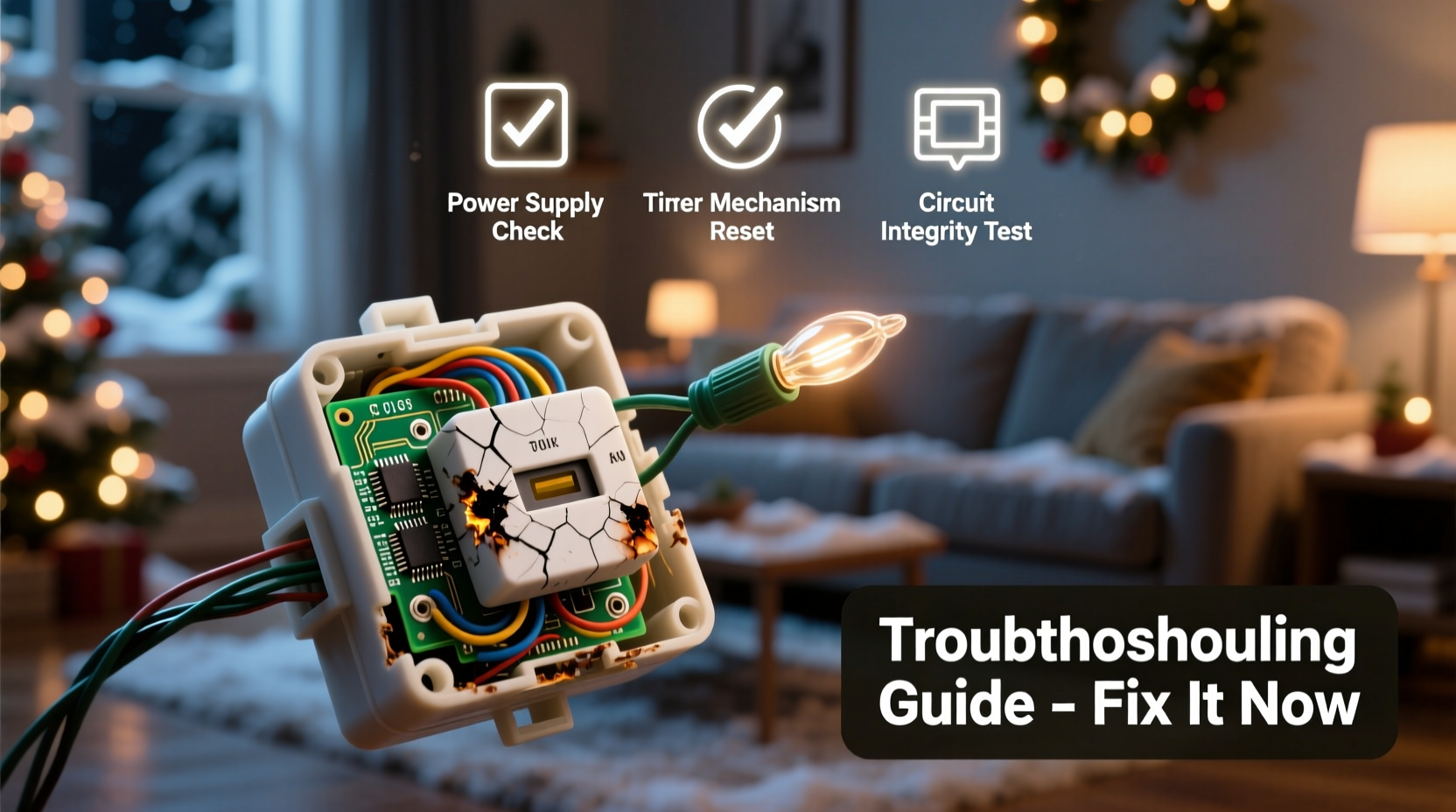
Timers fail not because they're inherently unreliable, but because they're often exposed to conditions they weren't designed to handle. Identifying the cause is the first step toward fixing—or preventing—the problem.
1. Power Surges and Electrical Spikes
Outdoor electrical systems are vulnerable to sudden voltage increases, especially during storms or when large appliances cycle on and off. Even minor surges can degrade the internal circuitry of electronic timers over time. Mechanical timers may fare slightly better, but repeated exposure still shortens lifespan.
2. Moisture and Weather Exposure
Most standard indoor/outdoor timers aren’t fully waterproof. If water seeps into the housing through outlet covers, cracked casings, or poorly sealed ports, it can corrode contacts or short-circuit components. This is especially common in coastal areas or regions with heavy snowmelt.
3. Overloading the Timer
Many people daisy-chain multiple light strings to one timer, exceeding its rated wattage. For example, a typical outdoor timer supports 1,800 watts (15 amps at 120V), but connecting too many incandescent bulbs or high-power LED projectors can surpass that limit. Overloading causes overheating, which damages internal relays or solder joints.
4. Internal Relay Wear
Electronic timers use relays—small switches controlled by circuits—to turn power on and off. These relays have a finite number of cycles (often 50,000–100,000). After years of daily use, the relay may stick open (no power) or closed (constant power), rendering the timer useless.
5. Incorrect Time or Mode Settings
Sometimes the timer isn’t broken—it’s just misconfigured. Accidental bumps, battery drain (in digital models), or daylight saving time changes can throw off schedules. Some timers revert to default modes after a power outage, leaving users unaware their settings were reset.
Step-by-Step Guide to Diagnosing and Fixing Your Timer
Before replacing a timer, confirm whether it's truly faulty or simply needs adjustment. Follow this systematic approach to isolate the issue.
- Check the power source: Plug a known-working device (like a lamp) into the same outlet. If it doesn’t turn on, the issue lies with the outlet or circuit breaker—not the timer.
- Inspect the timer visually: Look for discoloration, melting, or moisture inside the casing. Smell for burnt plastic, which indicates internal damage.
- Test without load: Unplug all lights from the timer. Set it to “on” manually. Use a multimeter to test if voltage passes through the output socket. No reading? The timer is likely dead.
- Verify settings: For digital timers, ensure the clock is correct and the programmed schedule matches your expectations. Toggle between auto/manual modes to see if manual override works.
- Reduce load and retest: Disconnect all but one light string. If the timer now functions, overload was the culprit. Recalculate total wattage and split loads across multiple timers.
If none of these steps restore function, the timer has likely failed internally and should be replaced.
Prevention Strategies and Best Practices
Extending the life of your Christmas light timer starts with proper selection and installation. A few proactive habits make a significant difference.
- Use GFCI-protected outlets to reduce surge risks and prevent shock hazards.
- Calculate total wattage of connected lights before plugging in. Leave a 20% safety margin below the timer’s max rating.
- Store timers indoors during off-seasons in a dry container with silica gel packs to prevent corrosion.
- Avoid placing timers where water pools, such as near downspouts or under dripping gutters.
- Label cords and note timer settings each year to simplify re-setup.
“Most timer failures I see stem from environmental stress rather than manufacturing defects. Proper placement and load management prevent 80% of issues.” — Mark Reynolds, Electrical Systems Technician with 17 years in residential holiday lighting
Comparison: Timer Types and Their Reliability
Not all timers are created equal. Choosing the right type for your needs improves reliability and ease of use.
| Type | Lifespan | Weather Resistance | Load Capacity | Best For |
|---|---|---|---|---|
| Mechanical Dial | 3–5 years | Moderate (with cover) | 1,800W | Simple setups, budget users |
| Digital Plug-In | 2–4 years | Fair (sealed housing) | 1,800W | Precise scheduling, multi-event programming |
| Smart Wi-Fi Timer | 3+ years (software updates) | Poor (indoor use only) | 1,800W | Remote control, integration with smart home systems |
| Heavy-Duty Outdoor Relay Box | 8–10 years | High (IP65-rated) | 3,600W+ | Large displays, commercial use |
For long-term durability, consider upgrading to a heavy-duty relay box or using smart plugs indoors while routing low-voltage signals outdoors via waterproof conduits.
Real Example: A Failed Display in Denver
In December 2022, Sarah K., a homeowner in Denver, Colorado, installed 12 strands of LED icicle lights controlled by a $15 digital timer. By mid-December, the lights stayed on all night. She assumed the timer had failed and replaced it—only for the new one to behave the same way.
After consulting an electrician, she discovered the issue wasn’t the timer at all. One of her light strings had developed a short that back-fed current into the circuit, tricking the timer’s relay into staying engaged. Replacing the faulty string resolved the issue. The original timer, once tested independently, worked perfectly.
This case highlights the importance of isolating variables. What appears to be a timer failure might actually be a problem elsewhere in the system.
When to Repair vs. Replace
While some older mechanical timers can be opened and cleaned (e.g., wiping oxidation from contact points), modern electronic units are rarely worth repairing. Soldered components, lack of replaceable parts, and safety risks make replacement the smarter choice.
However, if you're technically inclined and the timer is out of warranty, you may attempt basic fixes:
- Clean internal contacts with isopropyl alcohol and a cotton swab (for mechanical models).
- Replace the backup battery in digital timers (common coin-cell types like CR2032).
- Check for loose wiring at input/output terminals and reseat connections.
But proceed with caution. Opening a timer often voids safety certifications and exposes live components. For peace of mind and code compliance, replacement is usually best.
Troubleshooting Checklist
- ✅ Verify the outlet has power using another device
- ✅ Inspect for physical damage or moisture
- ✅ Confirm the clock and program settings are correct
- ✅ Test the timer with a single, low-wattage light
- ✅ Ensure total load is within rated capacity
- ✅ Try manual override mode (if available)
- ✅ Reset the timer to factory defaults and reprogram
Frequently Asked Questions
Can I use a smart plug as a Christmas light timer?
Yes, smart plugs like those from TP-Link Kasa, Philips Hue, or Amazon Smart Plug work well—but only if used indoors or under full weather protection. Never expose them directly to rain or snow. Pair them with outdoor-rated extension cords for safe operation.
Why does my timer work during the day but not at night?
This usually indicates a light sensor malfunction (in photoelectric models) or incorrect time programming. Most modern timers don’t use ambient light sensing; they rely on internal clocks. Double-check that the current time is set correctly, including AM/PM.
How do I prevent my timer from failing next year?
Store it clean and dry, label its settings, and avoid overloading. Consider investing in a higher-quality model with surge protection and a longer warranty. Also, unplug it during thunderstorms or prolonged absences.
Upgrade Smartly, Light Confidently
Your Christmas lights are more than decoration—they’re part of tradition, memory, and joy. A failing timer shouldn’t dim that spirit. With a clear understanding of common failure points and practical solutions, you can troubleshoot confidently and plan for more reliable displays in the future.
Start by evaluating your current setup: Is your timer appropriately rated? Is it protected from the elements? Are your lights drawing too much power? Small adjustments today can prevent disappointment tomorrow. And when in doubt, upgrade to a more durable solution—your future self will thank you when the lights come on automatically, right on schedule, year after year.




 浙公网安备
33010002000092号
浙公网安备
33010002000092号 浙B2-20120091-4
Comments
No comments yet. Why don't you start the discussion?