
As holiday lights twinkle in rhythm with classic carols, a skipped beat or sudden audio jump can break the magic. Many homeowners who sync smart lights to music—especially curated Christmas playlists—report frustrating playback interruptions just when the display should be at its peak. The issue isn’t random; it’s often rooted in how devices communicate, stream audio, and manage timing across networks. Understanding the technical underpinnings behind these skips is key to delivering a seamless, professional-quality light show that captivates neighbors and family alike.
Understanding the Sync: How Smart Lights Follow Music
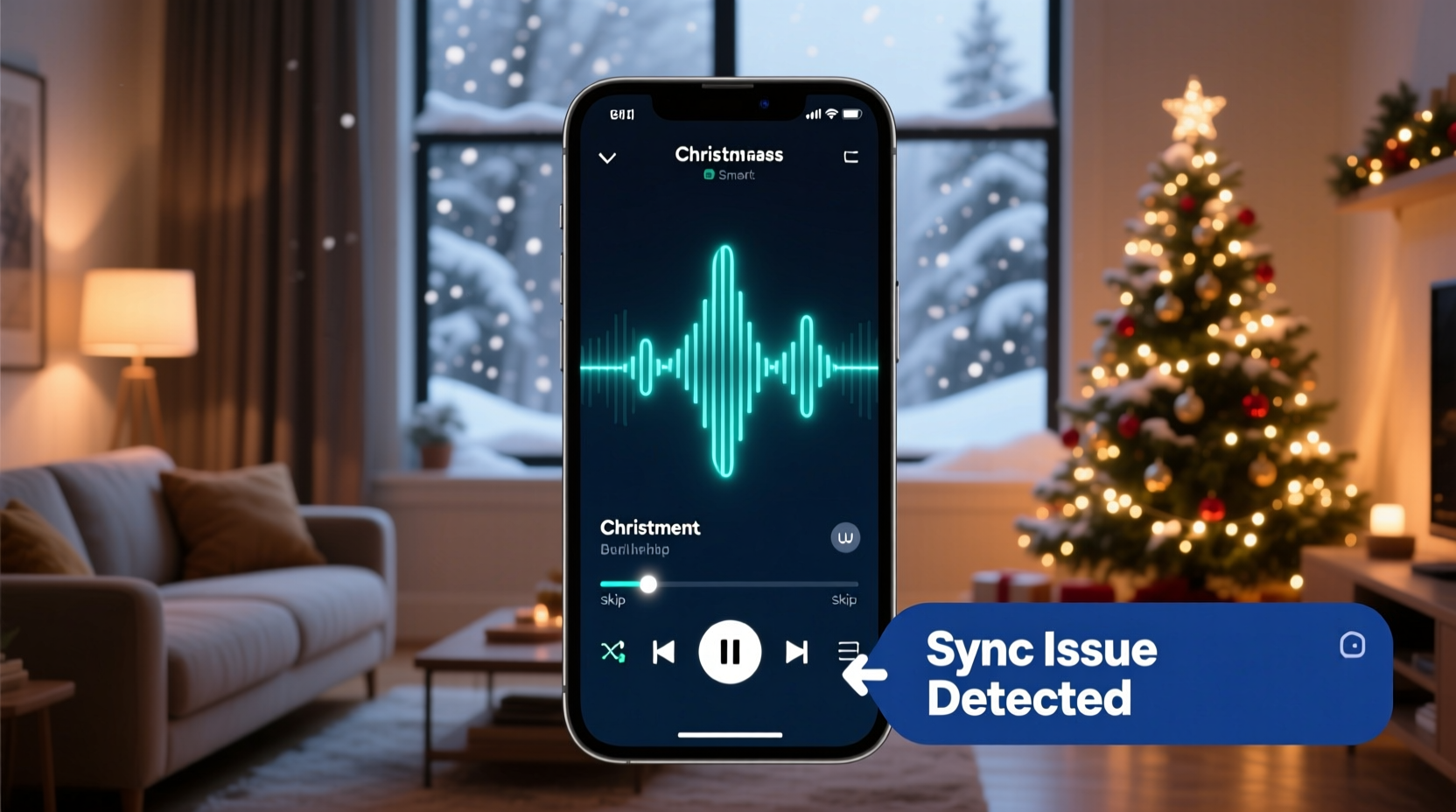
Modern smart lighting systems like Philips Hue, Nanoleaf, LIFX, or DIY platforms such as WLED use software to synchronize color changes, brightness, and motion effects with an audio signal. This synchronization typically relies on one of two methods: real-time audio analysis or pre-programmed sequences.
In real-time setups, the controller (often a smartphone, computer, or microcontroller) analyzes the audio waveform as it plays, detecting beats, tempo shifts, and frequency ranges. It then sends commands to each light node to change color or intensity accordingly. Pre-programmed sequences, on the other hand, are timed precisely to specific tracks and stored locally on the device. While more reliable, they require exact matching between the audio file and the sequence data.
When your Christmas playlist skips, it's rarely the lights malfunctioning—it's usually the audio source failing to deliver a consistent stream to the sync engine.
Common Causes of Playlist Skipping During Light Shows
The disruption of music playback during a synchronized light show stems from several interrelated factors. Identifying the root cause is essential before applying fixes.
1. Network Congestion and Bandwidth Limitations
Smart light systems rely heavily on Wi-Fi or Bluetooth connections. When multiple devices—including phones, speakers, TVs, and IoT gadgets—compete for bandwidth, latency increases. Audio streaming apps may buffer or skip to compensate, throwing off timing-sensitive visual effects.
2. Bluetooth Audio Interference
If you're using Bluetooth speakers or headphones to play your playlist while controlling lights over Wi-Fi, interference and packet loss are common. Bluetooth operates in the same 2.4 GHz band as most smart home devices, increasing collision risk—especially in dense urban environments.
3. App or Device Resource Overload
Running both a music app and a lighting control app simultaneously on a single device (like a phone or tablet) can overload CPU and memory resources. This leads to dropped frames in audio processing or delayed command transmission to lights.
4. Inconsistent Audio Source Timing
Streaming services like Spotify or Apple Music occasionally insert tiny gaps between tracks or apply dynamic range compression that alters perceived tempo. These micro-interruptions are imperceptible to most listeners but enough to throw off beat detection algorithms used by lighting software.
5. Power Management Settings
Mobile devices often throttle performance or suspend background processes to save battery. If your phone dims the screen or pauses an app mid-show, the audio feed cuts out—even briefly—causing lights to lose sync or reset patterns.
“Even a 200-millisecond delay between audio and light signals becomes visible in rhythmic sequences. Precision timing is non-negotiable.” — Dr. Alan Reeves, Embedded Systems Engineer at SmartHome Labs
Step-by-Step Guide to Prevent Playlist Skips
Follow this structured approach to eliminate skipping and ensure flawless synchronization between your Christmas playlist and smart light display.
- Choose a Dedicated Audio Source
Select one device solely for playing music—preferably a computer, dedicated media player, or smart speaker not involved in light control. This reduces resource contention. - Use Local Files Instead of Streaming
Download your entire holiday playlist to the device. Avoid relying on internet-based services prone to buffering or ads. Store files in high-quality format (MP3 320kbps or FLAC). - Connect via Ethernet Where Possible
For desktop controllers or Raspberry Pi-based systems (common in DIY setups), use wired Ethernet instead of Wi-Fi. Wired connections offer lower latency and greater stability. - Disable Battery Optimization
On Android, go to Settings > Apps > [Music App] > Battery > Unrestricted. On iOS, disable Low Power Mode and keep the screen awake during shows. - Match Sample Rates Across Devices
Ensure your audio output device (speaker or DAC) uses a sample rate compatible with your lighting software. Mismatches (e.g., 44.1kHz vs. 48kHz) can introduce jitter. - Test with a Single Track First
Before running a full playlist, test synchronization with one song. Monitor for drift over time. Adjust buffer settings in your lighting app if available. - Separate Control and Playback Roles
Assign different devices: one runs the lighting software (e.g., xLights, Glediator), another handles audio output. Synchronize them using timecode or manual trigger signals. - Minimize Background Activity
Close unnecessary apps, disable notifications, and turn off automatic updates during performances.
Optimizing Your Setup: Do’s and Don’ts
| Do | Don’t |
|---|---|
| Use a power strip with surge protection for all show components | Run everything off a single extension cord without load balancing |
| Pre-load all audio into a single playlist folder | Rely on shuffle mode or cloud playlists requiring constant refresh |
| Set volume to a consistent level across all tracks | Allow large dynamic swings that confuse beat detection |
| Update firmware on lights and hubs before the season starts | Ignore manufacturer updates that improve stability and sync accuracy |
| Use a UPS (uninterruptible power supply) for critical devices | Operate without backup during storms or grid fluctuations |
Troubleshooting Real-World Scenarios
Mini Case Study: The Neighborhood Holiday Display That Kept Failing
Mark, a hobbyist in Portland, spent weeks building an elaborate outdoor light show synced to a 45-minute Christmas playlist. Each night, the first few songs played perfectly—but around \"Jingle Bell Rock,\" the music would skip forward, leaving the lights flashing erratically. He assumed his speaker was faulty.
After testing multiple hardware combinations, he discovered the issue wasn’t the speaker but his phone’s Wi-Fi connection. His lighting controller (a NodeMCU board running WLED) and his music app were competing on the same congested 2.4 GHz network. By switching his router to dual-band mode and assigning the lights to a guest 5 GHz SSID (via a Wi-Fi extender), he isolated traffic and eliminated the skips.
Further inspection revealed that the streaming version of “Santa Claus Is Coming to Town” had a silent gap after 30 seconds—likely due to metadata insertion. Mark downloaded a local copy, trimmed the silence, and re-encoded it. The show ran flawlessly for the rest of the season.
Advanced Syncing Tips for Professional Results
For those aiming beyond basic beat matching, consider these advanced techniques to elevate reliability and precision.
- Use MIDI Timecode or SMPTE: For complex multi-zone displays, integrate MIDI clock signals to lock lighting cues to exact musical timestamps.
- Leverage Audio Loopback Software: Tools like VB-Audio Cable (Windows) or BlackHole (macOS) let you route system audio directly into lighting software without physical output, reducing latency.
- Implement Beat Grid Calibration: Manually set beat markers in DJ-style software (e.g., Ableton Live, Mixxx) so transitions align perfectly with light animations.
- Automate Show Start/Stop: Use IFTTT or Home Assistant to trigger both audio playback and light activation simultaneously based on a schedule or voice command.
Checklist: Pre-Show Readiness Verification
Run through this checklist before launching your holiday light and music display:
- ✅ All audio files downloaded and stored locally
- ✅ No pending OS or app updates
- ✅ Lighting controller firmware updated
- ✅ Wi-Fi signal strength tested at full range
- ✅ Audio volume normalized across tracks
- ✅ Backup playlist ready on secondary device
- ✅ Power sources stable and protected
- ✅ Battery optimization disabled on primary device
- ✅ Silent gaps or transitions edited out
- ✅ Full end-to-end rehearsal completed
Frequently Asked Questions
Why does my playlist skip only during certain songs?
Certain tracks may have variable bitrates, embedded metadata, or digital rights management (DRM) flags that disrupt continuous playback. Songs with long intros, fades, or low-amplitude sections can also confuse beat-detection algorithms. Convert problematic tracks to uniform formats and edit timing manually if needed.
Can I use Alexa or Google Home to play music for my light show?
While possible, voice assistants are not ideal for precise synchronization. They prioritize convenience over timing accuracy and may insert verbal confirmations, ads, or pauses. For best results, use a direct audio source connected to a deterministic controller rather than relying on voice-triggered streaming.
Is there a way to sync lights without using Wi-Fi?
Yes. Some systems support DMX over RS-485, Zigbee, or even infrared protocols. Alternatively, standalone controllers like the Falcon F16-V3 can read SD cards with pre-timed sequences and play synchronized shows without any network dependency. This is especially useful for outdoor installations where Wi-Fi coverage is weak.
Final Recommendations for a Seamless Holiday Experience
A flawless Christmas light show is more than just colorful bulbs—it’s a choreographed experience where sound and vision move as one. The frustration of a skipping playlist undermines hours of preparation. By treating your setup like a mini-audiovisual production, you gain control over variables that commonly derail performance.
Start by simplifying dependencies: minimize wireless interference, eliminate reliance on streaming hiccups, and assign clear roles to each device. Invest time in preparing your audio assets—normalize levels, remove gaps, and verify compatibility. Test early and often under real-world conditions.
Most importantly, remember that perfection comes from iteration. Even professional installers run dry runs and adjust timing manually. Embrace the process, document what works, and refine year after year.




 浙公网安备
33010002000092号
浙公网安备
33010002000092号 浙B2-20120091-4
Comments
No comments yet. Why don't you start the discussion?