
It’s a cozy winter evening. The tree is lit, the cocoa is warm, and your favorite holiday playlist is streaming through your speaker—until suddenly, the music stutters. At the same moment, the Christmas lights on the tree flicker. Coincidence? Not quite. If your playlist skips every time the lights blink or dim, you’re likely experiencing electromagnetic interference (EMI) from your holiday lighting setup. This phenomenon is more common than most people realize, especially during the festive season when multiple decorative lights, power adapters, and wireless devices operate in close proximity.
The root of this issue lies in how modern electronics interact with fluctuating electrical currents. While the twinkling of holiday lights adds charm, it can also introduce electrical noise into your home’s circuits—noise that sensitive audio equipment may interpret as signal disruption. Understanding the science behind this helps not only solve the immediate problem but also prevent similar issues with other smart devices.
How Electromagnetic Interference Disrupts Audio Playback
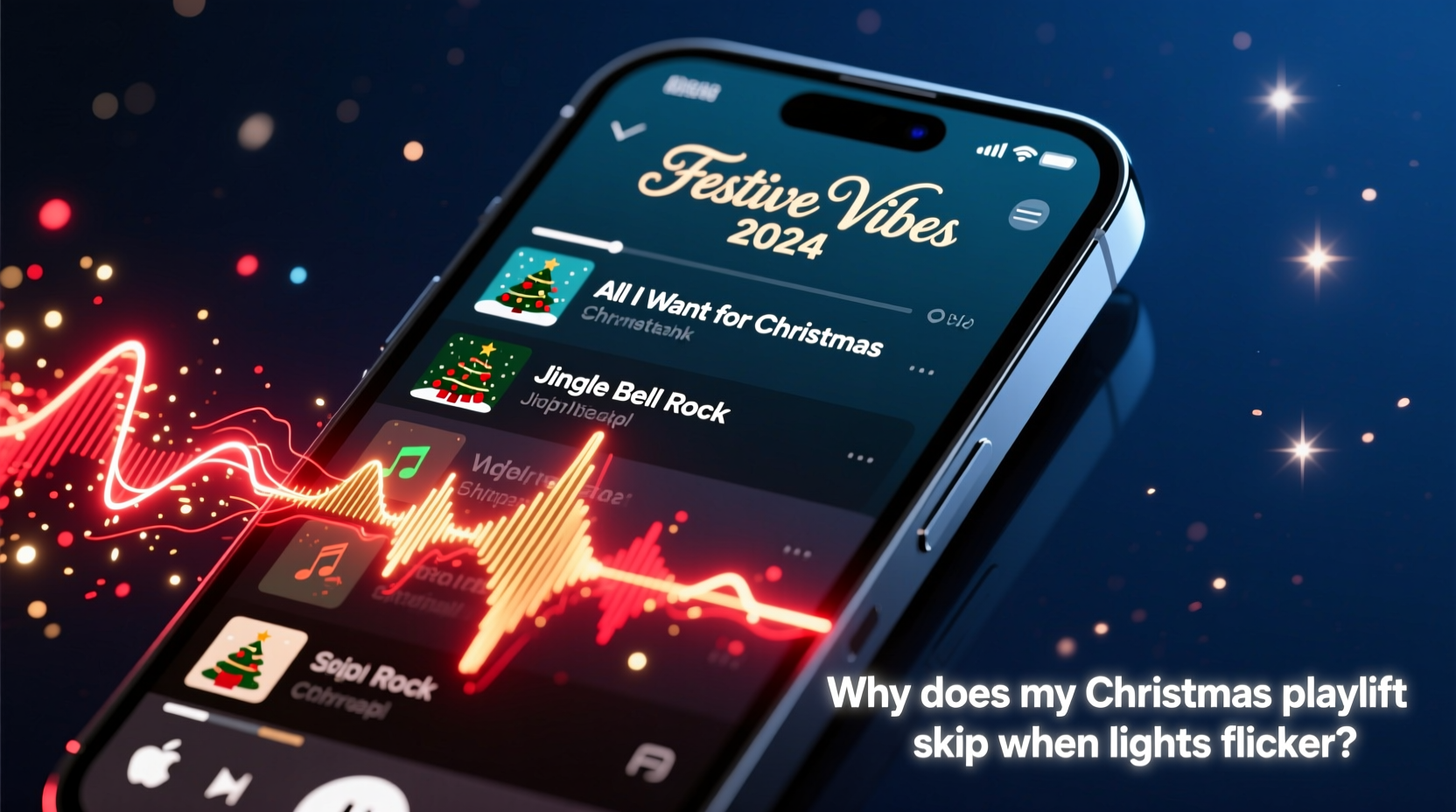
Electromagnetic interference occurs when an external source emits electromagnetic energy that disrupts the normal operation of an electronic device. In the context of holiday lighting, many string lights—especially older or non-certified models—use simple switching mechanisms to create blinking or fading effects. These switches rapidly turn the current on and off, creating abrupt changes in voltage. Each transition generates small bursts of electromagnetic noise across nearby wiring and even through the air.
This noise can travel along shared power lines or radiate into the surrounding space, where it’s picked up by nearby audio equipment such as Bluetooth speakers, amplifiers, or even smartphones plugged into wall chargers. Digital audio systems rely on stable power and clean signal transmission. When EMI introduces fluctuations in voltage or corrupts data signals, the result can be audio dropouts, skips, static, or complete playback interruptions.
Wireless audio devices are particularly vulnerable because they often depend on both stable power for internal circuitry and uninterrupted radio frequency (RF) communication between the source (like a phone) and the speaker. If EMI affects either the power supply or the RF band (commonly 2.4 GHz), synchronization breaks down, leading to buffering delays or track skips.
“Any device that modulates current—like flickering lights—can become a source of electromagnetic noise. It doesn’t take much to disrupt low-power digital signals.” — Dr. Alan Reeves, Electrical Engineer & EMC Consultant
Why Christmas Lights Are Common Culprits
Not all Christmas lights cause interference, but certain types are far more likely to do so:
- Incandescent blinking lights: These use mechanical or thermal blinker bulbs that physically interrupt the circuit, causing sharp current spikes.
- Non-dimmable LED strings with built-in flash patterns: Many budget LED sets use basic pulse-width modulation (PWM) without proper filtering, emitting high-frequency noise.
- Unshielded transformers or power adapters: Cheap light sets often come with under-specification power supplies that leak EMI into the circuit.
- Daisy-chained light strands: Connecting multiple sets increases load variability and magnifies electrical instability.
In contrast, newer LED strings labeled as “EMI-compliant,” “RF quiet,” or certified by organizations like UL or FCC are designed with internal shielding, capacitors, and filters to suppress electrical noise. These are significantly less likely to interfere with nearby electronics.
Diagnosing the Source of Interference
Before applying fixes, confirm that the lights are indeed the cause. Here’s a step-by-step method to isolate the issue:
- Reproduce the symptom: Play your Christmas playlist continuously on a speaker or device prone to skipping.
- Turn off all decorative lighting: Observe playback for 2–3 minutes. If skips stop, lighting is likely involved.
- Turn lights back on: If skips resume, proceed to test individual light strands.
- Test one strand at a time: Power each set individually while monitoring audio. Note which specific string causes disruption.
- Check power sources: Try plugging suspect lights into a different circuit or outlet, preferably on another breaker.
- Vary distance: Move the audio device farther from the lights. If interference decreases with distance, EMI is confirmed.
Sometimes, the culprit isn’t the lights themselves but a poorly grounded outlet or a shared surge protector that allows noise to propagate across connected devices. Using a dedicated line for audio equipment can help eliminate cross-contamination.
Practical Solutions to Prevent Playlist Skips
Once you’ve identified EMI from holiday lights as the cause, several effective mitigation strategies can restore smooth playback:
1. Use Ferrite Chokes (Ferrite Cores)
These small cylindrical clips snap onto power or audio cables and suppress high-frequency noise. Attach them near the ends of speaker cords, charging cables, or light strings. They’re inexpensive and highly effective for reducing conducted EMI.
2. Separate Power Circuits
Plug your audio system and streaming device into a different electrical circuit than your lights. Most homes have multiple breakers; lights and entertainment systems should ideally be on separate ones to minimize shared impedance and noise coupling.
3. Upgrade to Filtered Surge Protectors
Invest in a high-quality surge protector with built-in EMI/RFI filtering. These units include internal components that absorb or divert electrical noise before it reaches connected devices. Avoid daisy-chaining multiple power strips, which can worsen interference.
4. Switch to Battery-Powered Speakers
If feasible, run your speaker on battery power instead of being plugged in. This physically decouples it from the AC line, eliminating a major pathway for EMI. Just ensure the battery is fully charged before extended use.
5. Replace Problematic Light Strings
Retire old incandescent blinkers or uncertified LED sets. Replace them with modern, FCC-compliant LED lights that use smooth dimming rather than rapid on-off cycling. Look for products marketed as “smart” or “WiFi-compatible,” as these typically meet stricter EMI standards.
| Light Type | EMI Risk | Recommended Fix |
|---|---|---|
| Incandescent blinking bulbs | High | Replace with steady LED or use on separate circuit |
| Budget LED strings with flash modes | Medium-High | Add ferrite core, avoid 2.4 GHz devices nearby |
| FCC-certified LED lights | Low | No action needed |
| Smart lights (WiFi/Zigbee) | Low (but may affect WiFi) | Ensure strong router signal |
Real-World Example: A Holiday Home Theater Interruption
Sarah, a music teacher in Portland, noticed her Spotify holiday playlist kept skipping whenever she turned on her porch lights. She used a smart speaker connected via Bluetooth and powered by a wall outlet in the living room. The porch lights were plugged into an outdoor timer on the same circuit.
After ruling out WiFi issues and restarting her router, she tested the lights manually. Every time the string blinked, her speaker paused for half a second. Using a multimeter, she detected voltage fluctuations on the outlet feeding the speaker. She installed a filtered surge protector and added ferrite chokes to both the speaker’s power cord and the light string. The skips stopped entirely. Later, she upgraded to a new LED string labeled “low EMI,” which eliminated the need for additional filters.
Sarah’s experience highlights how seemingly minor electrical behaviors can have tangible impacts on digital experiences—and how targeted fixes can resolve them efficiently.
Prevention Checklist
- ✅ Identify which light strings cause interference
- ✅ Plug audio devices into a different circuit
- ✅ Use a surge protector with EMI/RFI filtering
- ✅ Install ferrite chokes on power and audio cables
- ✅ Replace old or unshielded light sets with FCC-certified LEDs
- ✅ Consider running speakers on battery mode temporarily
- ✅ Keep wireless devices away from light transformers
Frequently Asked Questions
Can LED Christmas lights really interfere with Bluetooth?
Yes. While LEDs are more efficient, poorly designed ones use crude switching methods that generate electromagnetic noise. This noise can overlap with the 2.4 GHz band used by Bluetooth and Wi-Fi, causing signal degradation, latency, or disconnections.
Why doesn’t this happen with all electronic devices?
Different devices have varying levels of electromagnetic compatibility (EMC). High-end audio gear often includes shielding and noise suppression, while consumer-grade speakers or phones may lack robust protection. Devices drawing power from the same circuit are more susceptible due to conducted interference.
Will turning off the flicker mode stop the interference?
Often, yes. If your lights have a steady-on mode, use it. Constant current flow produces far less electrical noise than rapid on-off cycles. Many programmable LED strings allow you to disable flashing effects via app or remote.
Protecting Your Holiday Experience Year After Year
The joy of the holiday season shouldn’t be interrupted by technical glitches. By understanding the relationship between flickering lights and audio performance, you gain control over your home environment. Electromagnetic interference is not magic—it’s physics. And like any physical phenomenon, it can be measured, diagnosed, and resolved with the right knowledge.
Maintaining a harmonious balance between festive decor and modern technology starts with awareness. Choose quality lighting products, organize your power usage wisely, and apply simple fixes like ferrite cores or circuit separation. Over time, these habits not only protect your playlist but also extend the life of all connected electronics.
“The best holiday setups aren’t just beautiful—they’re engineered for reliability. A little electrical hygiene goes a long way.” — Lena Patel, Smart Home Integration Specialist
Take Action Today
Don’t wait until next December to solve this. Test your current setup now. Identify weak links in your power chain and upgrade where necessary. Share your findings with family members who might be unknowingly affecting shared audio systems. Small changes can make a big difference in preserving the soundtrack of your holidays.




 浙公网安备
33010002000092号
浙公网安备
33010002000092号 浙B2-20120091-4
Comments
No comments yet. Why don't you start the discussion?