
If you’ve ever settled in for a cozy night with holiday music playing only to hear your Christmas playlist stutter every time the tree lights dim or flicker, you’re not imagining things—and it’s not just bad luck. This common seasonal annoyance has a real technical explanation rooted in household electricity, device sensitivity, and how modern audio systems interact with fluctuating power. The phenomenon may seem minor, but understanding it can prevent frustration, protect your electronics, and keep your holiday ambiance intact.
The connection between flickering lights and skipping audio isn’t coincidental. Both are symptoms of electrical instability, often triggered by the increased load from decorative lighting, aging wiring, or incompatible circuits. While many assume their Bluetooth speaker or streaming app is at fault, the real culprit is frequently the power supply feeding these devices. Let’s explore the mechanics behind this issue and what you can do to resolve it for good.
How Electrical Fluctuations Affect Audio Devices
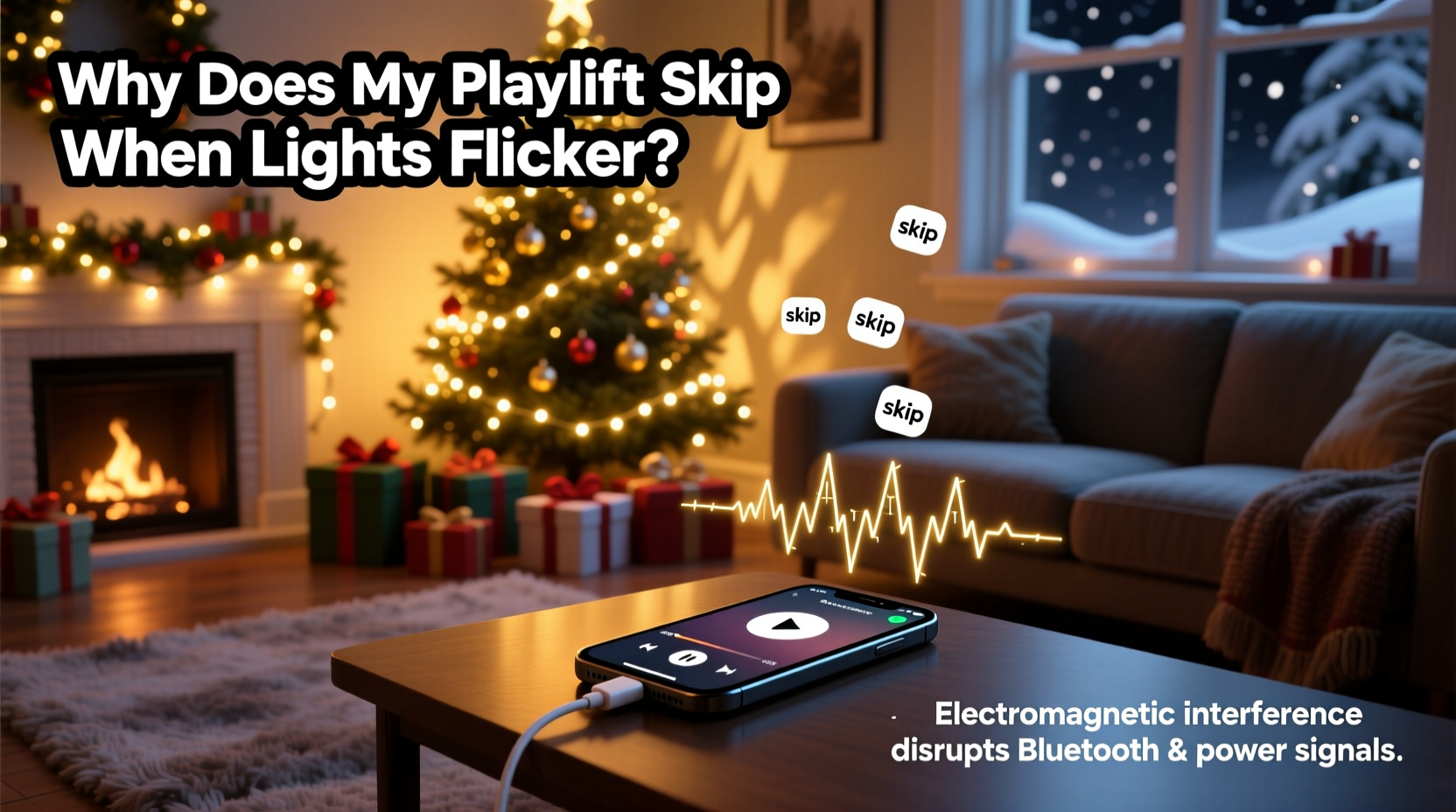
Modern audio playback—whether through smart speakers, smartphones, or laptops—relies on stable voltage to function smoothly. When decorative lights flicker, it indicates that the circuit is experiencing voltage sags, surges, or intermittent interruptions. These fluctuations don’t just affect visible lighting; they ripple through connected outlets and can disrupt any device drawing power from the same circuit.
Digital audio players require consistent power to maintain buffer memory, process data streams, and output sound without interruption. Even brief drops in voltage can cause a device to momentarily reset its internal processes, leading to skipped tracks, buffering delays, or temporary disconnections. This is especially true for low-power devices like Bluetooth speakers or phone chargers plugged into the same outlet strip as high-draw incandescent lights.
Flickering itself occurs when there’s an inconsistent flow of electricity—often due to loose connections, overloaded circuits, or incompatibility between LED bulbs and older dimmer switches. But when combined with sensitive audio equipment, the result is more than visual annoyance; it becomes an audible disruption.
Common Causes of Power Instability During the Holidays
Holiday lighting setups, particularly those using multiple strands of older incandescent bulbs, can draw significant power. A single strand may use 40–100 watts, and connecting several together can exceed 500 watts—a substantial load for a standard 15-amp household circuit. When such loads cycle on and off (as some programmable lights do), they create rapid changes in current demand, leading to voltage fluctuations.
Other contributing factors include:
- Overloaded outlets: Daisy-chaining power strips or extension cords increases resistance and heat, reducing efficiency and stability.
- Incompatible dimmers: Older dimmer switches designed for incandescent bulbs may not work properly with modern LED strings, causing flicker and erratic behavior.
- Aging home wiring: Homes over 20 years old may have degraded connections, corroded outlets, or undersized circuits unable to handle today’s electronic demands.
- Shared circuits: If your TV, Wi-Fi router, or music player shares a circuit with holiday lights, any fluctuation affects all devices on that line.
These conditions don’t always trip breakers—but they do create enough instability to interfere with digital signal processing and wireless transmission, both critical for uninterrupted music playback.
Device Sensitivity and Buffering Behavior
Not all audio devices respond to power fluctuations the same way. High-end stereo systems with built-in surge protection and regulated power supplies may ride through minor sags without issue. In contrast, budget-friendly smart speakers, phones, or tablets often lack robust power conditioning and rely heavily on continuous input.
Streaming services like Spotify, Apple Music, or YouTube Music use buffering to preload audio data and reduce interruptions. However, if the device powering the stream experiences even a 100-millisecond power dip, it may pause playback, lose network connectivity, or restart its operating process. This is particularly noticeable when using Wi-Fi-dependent speakers, as routers are also vulnerable to brownouts.
“Voltage instability doesn’t need to be severe to disrupt digital electronics. Micro-interruptions below the threshold of human perception can still reset microprocessors.” — Dr. Alan Zhou, Electrical Engineer & Smart Home Systems Consultant
Additionally, USB-powered speakers or phone chargers are especially vulnerable because they operate at lower voltages (5V DC) and depend on clean conversion from AC power. Any ripple in the incoming current can result in insufficient power delivery, triggering error states or playback hiccups.
Step-by-Step Guide to Stabilize Your Holiday Setup
Resolving the link between flickering lights and skipping playlists requires isolating and addressing the root causes. Follow this sequence to diagnose and correct the problem:
- Unplug non-essential devices from the same circuit as your lights and audio system. Reduce the load to see if stability improves.
- Test lights independently by plugging them into a different circuit. If flickering stops, the original circuit is likely overloaded.
- Check total wattage of your light display. Add up the rated power of each strand and ensure it stays under 80% of the circuit’s capacity (typically 1,440 watts on a 15-amp circuit).
- Replace older incandescent strings with energy-efficient LED versions, which use up to 90% less power and generate less heat.
- Use a dedicated outlet for your music player, speaker, or streaming device—one not shared with lights or other high-draw appliances.
- Install a surge protector with voltage regulation for your entertainment setup. Look for models labeled “AVR” (Automatic Voltage Regulation).
- Upgrade dimmer switches if using dimmable LEDs. Choose models rated for LED/low-wattage compatibility.
- Inspect cords and connections for fraying, overheating, or loose plugs. Replace damaged components immediately.
After completing these steps, monitor your system during peak usage times—such as evenings when all lights are active—to confirm improvements.
Tips for Preventing Future Issues
Maintaining a seamless holiday experience means planning ahead and treating your home’s electrical system with care. Consider these long-term strategies:
- Map your home’s circuits and assign specific ones for seasonal decor to avoid accidental overloads.
- Invest in smart plugs with energy monitoring to track real-time power consumption of light displays.
- Use battery-powered speakers indoors when possible—they eliminate reliance on wall outlets affected by lighting circuits.
- Schedule an electrical inspection every five years, especially in older homes, to catch wear before it causes problems.
Do’s and Don’ts: Holiday Lighting & Audio Setup
| Do | Don’t |
|---|---|
| Use LED lights to reduce power draw | Chain more than three incandescent light strands together |
| Plug audio devices into a UPS or voltage-regulated surge protector | Share outlets between high-wattage lights and sensitive electronics |
| Test all lights before installation for flicker or hot spots | Ignore buzzing sounds from outlets or dimmers |
| Use timers to limit light operation hours | Leave holiday lights on unattended or overnight without supervision |
Real Example: The Johnson Family’s Holiday Hack
The Johnsons in suburban Chicago had enjoyed the same front-yard light display for over a decade. Each year, they added more strands, animations, and synchronized music. But two Decembers ago, they noticed their outdoor speaker system kept cutting out precisely when the lights pulsed to the beat.
Initially, they blamed the Bluetooth connection. They tried new speakers, updated apps, and even replaced their router. Nothing worked consistently. Then, during a routine check, their electrician discovered that both the lights and the outdoor GFCI outlet (used for the speaker) were on the same 15-amp circuit. The combined load was peaking at 1,700 watts—well above safe limits.
The fix? A simple circuit separation. The electrician reran wiring to place the outdoor audio outlet on a dedicated line. The Johnsons also switched to all-LED lighting, reducing total draw to under 300 watts. Since then, their display runs flawlessly—lights flicker-free, music uninterrupted.
FAQ: Common Questions About Lights, Power, and Audio
Can LED lights still cause power issues?
Yes, though significantly less than incandescent bulbs. Poor-quality LED drivers or incompatible dimmers can introduce electrical noise or flicker. Always choose UL-listed LEDs and check dimmer compatibility.
Will a surge protector stop my music from skipping?
A basic surge protector won’t prevent voltage sags. However, a model with **Automatic Voltage Regulation (AVR)** can stabilize incoming power and protect sensitive electronics from minor fluctuations.
Is it safe to run holiday lights and electronics on the same circuit?
It can be—if the total load remains under 80% of the circuit’s capacity and devices are high quality. However, for reliability and safety, it’s best to separate lighting and entertainment systems onto different circuits.
Final Checklist Before You Flip the Switch
Before turning on your holiday display this season, run through this quick verification list:
- ✅ Total light wattage is within circuit limits
- ✅ No daisy-chained extension cords or power strips
- ✅ Audio devices are on a separate outlet or circuit
- ✅ Surge protector with AVR is used for electronics
- ✅ All bulbs are functioning; no flickering observed during test
- ✅ Breaker panel is labeled and accessible
- ✅ Outdoor outlets are GFCI-protected and weatherproof
Conclusion: Keep the Music Playing Smoothly This Season
Your Christmas playlist shouldn’t become a casualty of festive lighting. With a clear understanding of how power fluctuations impact digital devices, you can take practical steps to insulate your audio setup from electrical disruptions. From upgrading to efficient LEDs to separating circuits and using intelligent power management, small changes make a big difference in reliability and enjoyment.
This holiday season, don’t just decorate—engineer your setup for performance. A stable, well-planned electrical environment ensures your music plays seamlessly, your lights shine brightly, and your celebrations stay joyful from start to finish.




 浙公网安备
33010002000092号
浙公网安备
33010002000092号 浙B2-20120091-4
Comments
No comments yet. Why don't you start the discussion?