
Digital scales are essential tools in homes, gyms, clinics, and laboratories—offering convenience, precision, and ease of use. Yet, nothing is more frustrating than stepping on the scale one moment to see 150 pounds, only to get 153 pounds seconds later with no movement or change. Inconsistent readings undermine trust in the device and can derail progress tracking for weight management, fitness goals, or medical monitoring.
The causes behind fluctuating numbers are often rooted in environmental factors, improper usage, hardware issues, or calibration errors. The good news? Most inconsistencies can be diagnosed and corrected without replacing the scale. Understanding the mechanics behind digital scales—and knowing what influences their accuracy—empowers users to maintain reliable performance over time.
Common Causes of Inconsistent Scale Readings
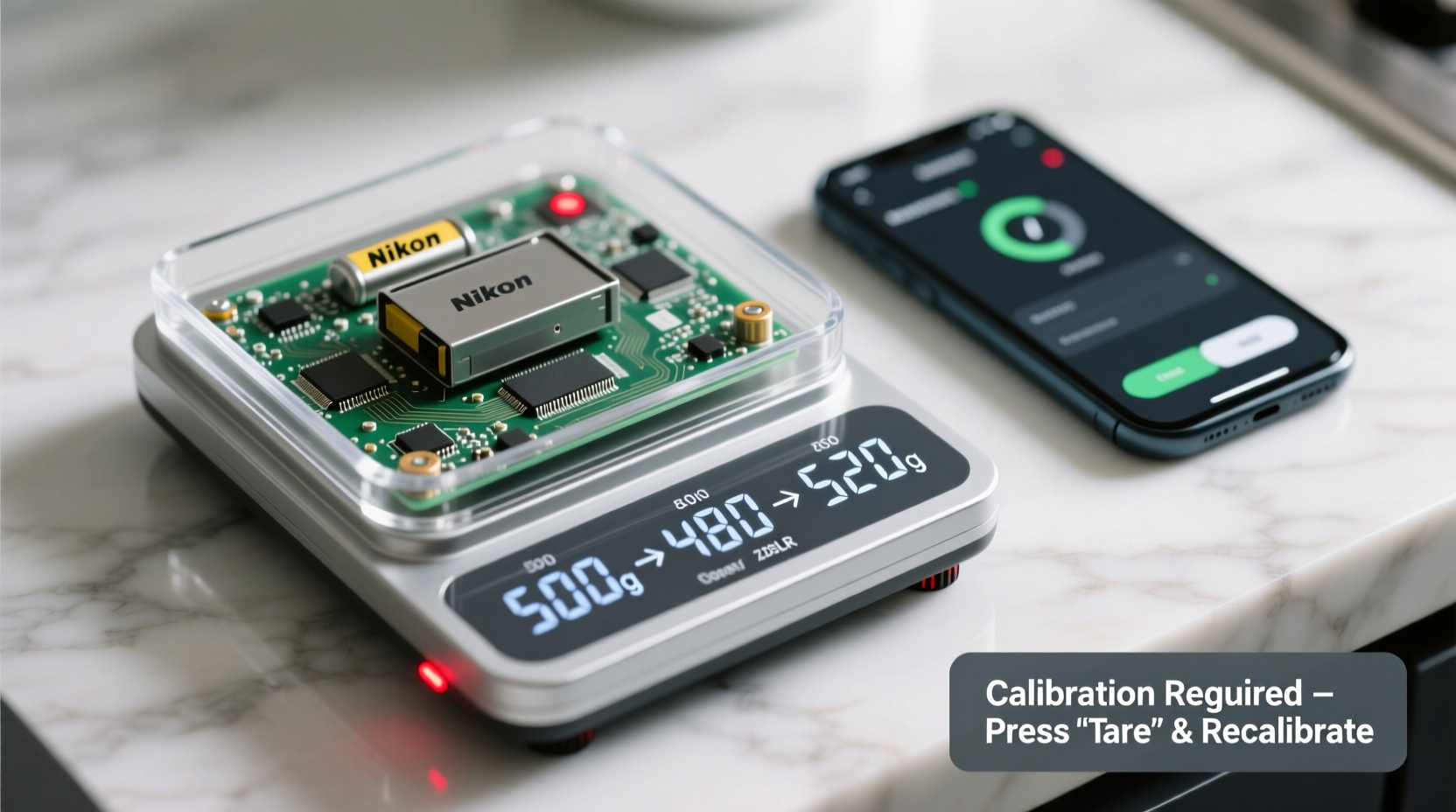
Digital scales rely on load cells—sensors that convert pressure into electrical signals—to measure weight. When any part of this system is compromised, readings become erratic. Several factors contribute to inaccurate or unstable measurements:
- Unstable Surface: Scales placed on carpet, rugs, or uneven floors may tilt slightly, distorting sensor input.
- Battery Issues: Low power can disrupt signal transmission between sensors and display units.
- Temperature Fluctuations: Extreme cold or heat affects internal electronics and sensor responsiveness.
- Calibration Drift: Over time, especially after moving or dropping the scale, calibration settings may shift.
- Foot Placement Variability: Standing differently each time (e.g., shifting weight, positioning feet asymmetrically) alters pressure distribution.
- Scale Wear and Damage: Cracks, bent platforms, or damaged load cells due to impact or overload compromise functionality.
- Interference from Nearby Devices: Electromagnetic interference from phones, microwaves, or routers can affect sensitive circuitry.
Step-by-Step Guide to Diagnose and Fix Inconsistencies
Follow this systematic troubleshooting process to identify and resolve the source of unreliable readings:
- Check the Surface Stability
Place the scale on a solid, level floor. Avoid surfaces that flex or compress. Use a spirit level if needed to confirm flatness. - Replace the Batteries
Fresh batteries ensure consistent power delivery. Even if the display turns on, weak batteries can cause intermittent sensor errors. Use high-quality alkaline batteries and replace them every 6–12 months. - Power Cycle the Scale
Remove the batteries, wait 60 seconds, then reinsert them. This resets the internal processor and clears temporary glitches.
Turn the scale on without standing on it. Wait for the display to stabilize at zero. If it doesn’t reach zero, recalibration may be necessary.- Perform a Calibration Test
Most digital scales have a calibration mode. Refer to the user manual for specific instructions. Typically, you’ll turn the scale on, wait for “CAL” or “0.0,” then press a button or add a known test weight until calibration completes. - Test with a Known Weight
Use an object with a precise weight (like a dumbbell or calibrated weight set). Weigh it multiple times, placing it in different positions on the scale. Consistent results indicate proper function; variation suggests sensor misalignment. - Evaluate User Technique
Stand still, centered, with both feet flat and evenly distributed. Avoid holding objects or leaning. Step off completely between weigh-ins to allow reset. - Inspect for Physical Damage
Examine the platform for cracks, warping, or debris under the sensors. Clean gently with a dry or slightly damp cloth. Do not submerge or spray water directly onto the scale.
When to Consider Replacement
If the scale fails all diagnostic steps—even after battery replacement, recalibration, and proper placement—it may have internal damage. Persistent flickering digits, failure to turn on consistently, or extreme variance (>3 lbs on repeated tests) are signs the load cells or circuit board are failing.
“Digital scales are precision instruments. Just like a thermometer or blood pressure monitor, they require proper handling and periodic verification.” — Dr. Alan Zhou, Biomedical Equipment Specialist
Do’s and Don’ts for Maintaining Scale Accuracy
| Do’s | Don’ts |
|---|---|
| Place the scale on a hard, level surface | Use the scale on carpet or soft flooring |
| Calibrate after moving the scale | Move the scale frequently without recalibrating |
| Use fresh, high-quality batteries | Leave dead batteries inside (can leak and damage circuits) |
| Stand still and centered during weighing | Shift weight or stand on edge of platform |
| Clean regularly with a dry cloth | Wash with water or cleaning sprays |
| Store in a climate-controlled environment | Leave in bathrooms or garages with humidity/temperature swings |
Real-World Example: Sarah’s Morning Routine Dilemma
Sarah, a 38-year-old teacher tracking her weight loss journey, noticed her digital scale showed wildly different results each morning. One day it read 147 lbs, the next 151 lbs—despite similar fasting conditions. Frustrated, she almost gave up tracking altogether.
After reading about scale inconsistencies, she tested her setup. Her bathroom had vinyl plank flooring, but the scale was near a doorway where foot traffic caused slight vibrations. She also realized she’d been using old batteries for over a year. More importantly, she occasionally stepped on the scale barefoot, other times in socks—adding minor variability.
She replaced the batteries, moved the scale to a quieter corner on a wooden board for added stability, and began using a 25 lb dumbbell to verify consistency weekly. After recalibrating, her readings stabilized. The same morning routine now yields readings within 0.2 lbs of each other—providing reliable data to guide her progress.
How to Calibrate Your Digital Scale Correctly
Calibration aligns the scale’s internal reference points with actual weight standards. Without it, even a perfectly functioning scale can drift over time. The method varies by model, but general steps apply to most consumer-grade digital scales:
- Ensure the scale is on a level, stable surface.
- Remove any existing batteries and wait 30 seconds before reinserting.
- Turn the scale on. Some models auto-zero; others require pressing a “Tare” or “Zero” button.
- Look for a “CAL,” “Function,” or “Mode” button. Press and hold until the display shows “CAL” or flashes.
- Wait for the prompt (often “PASS,” “NO,” or blank screen), then place the specified calibration weight on the center of the platform.
- Wait 10–20 seconds. The scale should beep or flash to confirm completion.
- Remove the weight. The display should return to zero.
- Test with a known weight to verify accuracy.
Note: Not all scales support manual calibration. Check your user manual. Some models calibrate automatically upon startup when placed correctly on a firm surface.
Using Household Items for Calibration Testing
If you don’t own calibration weights, common household items can serve as references (though less precise):
- A new, unopened 1-liter bottle of water = 2.2 lbs (1 kg)
- A standard dumbbell or weight plate (if labeled accurately)
- Five pounds of flour or sugar (check packaging for net weight)
For best results, use certified weights from lab supply stores or fitness retailers if high precision is required.
FAQ: Common Questions About Digital Scale Inconsistencies
Why does my scale show different weights when I step on and off quickly?
Digital scales need time to reset internally. Stepping off and immediately back on may not allow the system to fully reboot. Always wait until the display turns off or returns to zero before reweighing.
Can body hydration affect scale readings throughout the day?
Yes—hydration, food intake, and sodium levels cause natural weight fluctuations of 2–5 lbs daily. For consistent tracking, weigh yourself at the same time each day, preferably in the morning after using the bathroom and before eating.
Is it normal for a scale to vary by 0.5 pounds?
Minor variations up to 0.5 lbs can occur due to sensor sensitivity and environmental factors. However, differences exceeding 1 lb under identical conditions suggest a problem with calibration, surface, or hardware.
Final Checklist: Restore Your Scale’s Reliability
Before replacing your scale, complete this checklist to rule out correctable issues:
- ✅ Place the scale on a hard, level surface (tile, wood, concrete)
- ✅ Replace batteries with new, high-quality ones
- ✅ Power cycle the device (remove batteries for 60 seconds)
- ✅ Confirm the scale zeros itself upon startup
- ✅ Recalibrate according to manufacturer instructions
- ✅ Test with a known weight in multiple positions
- ✅ Stand centered, still, and barefoot during measurement
- ✅ Avoid frequent relocation of the scale
- ✅ Store in a dry, temperature-stable environment
- ✅ Inspect for physical damage or debris under the platform
Conclusion: Trust Starts with Accuracy
Inconsistent scale readings don’t always mean your device is broken—they often reflect simple oversights in setup, maintenance, or usage. By addressing surface stability, battery health, calibration, and technique, most digital scales can deliver accurate, repeatable results for years. Precision begins with awareness: understanding how your scale works allows you to use it correctly and interpret its data confidently.




 浙公网安备
33010002000092号
浙公网安备
33010002000092号 浙B2-20120091-4
Comments
No comments yet. Why don't you start the discussion?