
Flying a drone should be an immersive experience—smooth controls, crisp video feed, and seamless responsiveness. But nothing disrupts the joy of flight faster than a sudden loss of signal. Whether you're capturing aerial footage or exploring distant landscapes, a dropped connection can lead to disorientation, lost control, or even a crash. Understanding why your drone loses signal—and how to prevent it—is essential for safe, reliable operation.
Signal loss isn’t always due to equipment failure. More often, it stems from environmental interference, improper setup, or pilot error. With the right knowledge and preparation, most signal issues are avoidable. This guide breaks down the common causes of signal disruption and delivers practical, field-tested strategies to maintain a rock-solid connection from takeoff to landing.
Understanding Drone Signal Technology
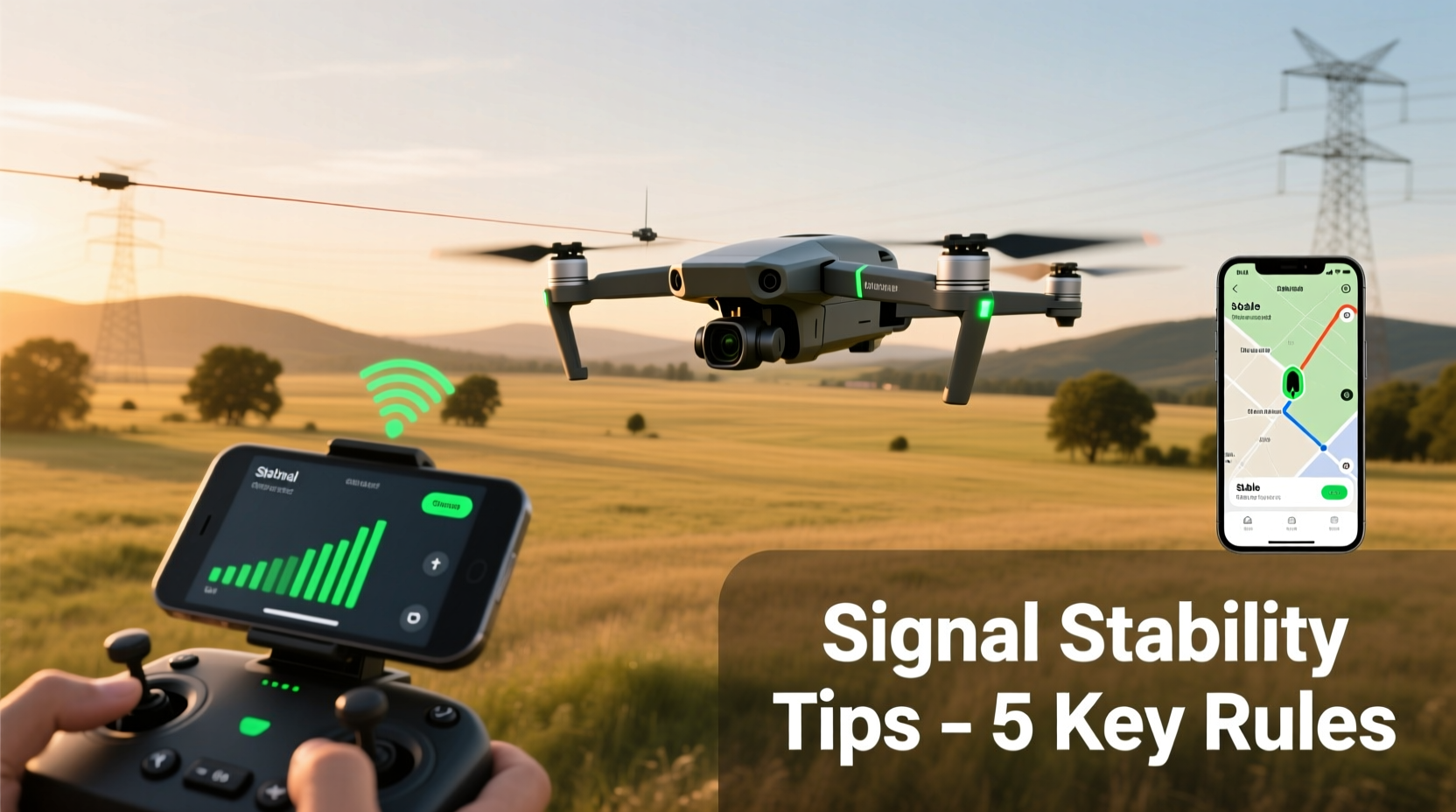
Most consumer drones use either Wi-Fi or dedicated radio frequency (RF) systems like OcuSync (DJI), Lightbridge, or proprietary protocols to communicate between the remote controller and the aircraft. These signals transmit both control commands and real-time video feeds.
Wi-Fi-based systems are common in entry-level drones. They’re cost-effective but more prone to interference and limited in range—typically under 500 meters. High-end models use dual-band RF transmission (2.4 GHz and 5.8 GHz), which automatically switches frequencies to avoid congestion and deliver stronger, longer-range performance.
The strength and reliability of this link depend on several factors: distance, obstacles, electromagnetic interference, antenna orientation, and even weather conditions. A weak or interrupted signal doesn’t always mean your drone is malfunctioning—it may simply be operating beyond optimal conditions.
“Over 70% of signal dropouts in urban environments are caused by multipath interference or poor antenna alignment.” — Dr. Alan Reyes, RF Communications Engineer at UAV Systems International
Common Causes of Signal Loss
Before fixing the problem, identify what’s causing it. Here are the most frequent culprits behind unstable drone connections:
- Obstacles in the flight path: Buildings, trees, hills, and even large vehicles block or reflect signals, creating dead zones.
- Radio frequency interference: Urban areas are saturated with Wi-Fi networks, Bluetooth devices, and cell towers that compete for bandwidth.
- Distance beyond operational range: Pushing past manufacturer-specified limits strains the signal, especially in non-ideal conditions.
- Poor antenna positioning: Misaligned controller antennas reduce transmission efficiency.
- Low battery levels: Both drone and controller batteries affect transmission power. Weak batteries can degrade signal stability.
- Weather and atmospheric conditions: Humidity, rain, and temperature inversions can absorb or scatter radio waves.
- Firmware or software glitches: Outdated firmware may contain bugs affecting communication protocols.
Step-by-Step Guide to Maintaining a Stable Connection
Follow this sequence before and during every flight to maximize signal integrity:
- Pre-Flight System Check: Power on the controller first, then the drone. Ensure both devices are paired and displaying full signal bars.
- Update Firmware: Visit the manufacturer’s website or app to confirm all components (drone, controller, app) are running the latest firmware version.
- Inspect Antennas: Extend and orient controller antennas correctly. For DJI-style controllers, position them parallel to the drone’s arms for maximum reception.
- Select Optimal Frequency Band: In the drone app, manually switch between 2.4 GHz (better penetration) and 5.8 GHz (less interference, shorter range) based on surroundings.
- Launch from Clear Ground: Avoid concrete pads near buildings or metal structures that reflect signals. Grass or open fields are ideal.
- Ascend Before Flying Forward: Gain altitude first—this reduces ground-level interference and improves line-of-sight.
- Maintain Visual Line of Sight (VLOS): Keep the drone within view so you can react quickly if video feed degrades.
- Monitor Signal Strength Indicator: Watch for fluctuating bars or latency in video feed—early signs of weakening connection.
- Use Return-to-Home Wisely: If signal drops, let the drone auto-return rather than attempting manual recovery in blind mode.
Best Practices and Pro Tips
Even experienced pilots encounter signal issues. The difference lies in preparation and response. Apply these advanced techniques to stay connected:
| Practice | Benefit | When to Use |
|---|---|---|
| Manual frequency selection | Avoid congested bands in cities | Urban flights, crowded parks |
| Antenna polarization alignment | Maximizes signal transfer efficiency | All flights, especially long-range |
| Fly below 400 feet AGL | Stays within FCC-compliant airspace and optimal signal layer | Regulated zones, near airports |
| Enable AirSense (if available) | Receives ADS-B signals from manned aircraft, reducing interference risks | Near controlled airspace |
| Carry spare controller batteries | Prevents voltage drop that impacts transmitter output | Extended missions, cold weather |
Real Example: The Forest Edge Flight Gone Wrong
Jessica, an amateur videographer, launched her Mavic Air 2 near a dense woodland to capture sunrise footage. She flew the drone just beyond the tree line, where the video feed suddenly froze. Within seconds, the app displayed “Signal Lost,” and the drone initiated RTH—but because it was already behind thick canopy, GPS lock faltered, and the return path became erratic.
She recovered the drone 12 minutes later, scratched but functional, after it clipped a branch during descent. Post-flight analysis revealed that while the drone was technically within advertised range, the combination of tree cover, morning humidity, and misaligned controller antennas degraded the signal below usable levels.
After reviewing logs, Jessica adopted a new protocol: always ascend to 100+ feet before crossing terrain features, manually select 5.8 GHz in open areas, and use a signal strength logger app. Her next five flights—all over similar terrain—had zero connectivity issues.
Checklist for Reliable Drone Connectivity
Print or save this checklist for quick reference before each flight:
- ✅ Controller powered on before drone
- ✅ Firmware updated on all devices
- ✅ Antennas fully extended and properly oriented
- ✅ Frequency band selected based on environment
- ✅ Takeoff location free of metal or reflective surfaces
- ✅ Battery levels above 80% on both drone and controller
- ✅ GPS satellites acquired (6+ recommended)
- ✅ Obstacle-free flight path planned
- ✅ Return-to-Home point set and verified
- ✅ Mobile device brightness maxed to reduce screen lag
FAQ: Common Signal Questions Answered
Why does my drone lose signal even when it's close?
Proximity doesn’t guarantee signal strength. Nearby sources like microwaves, power lines, or Wi-Fi routers can emit strong interference on the same frequency band. Additionally, holding the controller incorrectly—such as blocking the antenna with your hand—can severely weaken transmission.
Can I boost my drone’s signal with external hardware?
Yes, some third-party accessories like high-gain antennas or signal amplifiers exist, but they must comply with local regulations. Unauthorized signal boosting may violate FCC or CE rules and could interfere with other users. Always check legality before installing aftermarket components.
What should I do immediately when I lose signal?
Stay calm. Most modern drones automatically enter Return-to-Home (RTH) mode when signal is lost. Do not rapidly toggle controls, as this may interfere with reconnection. Allow the system to reacquire the satellite lock and stabilize. If RTH fails and the drone is out of sight, mark the last known GPS coordinates and contact local authorities if necessary.
Expert Insight: Design vs. Environment
While manufacturers design drones to handle moderate interference, real-world conditions often exceed lab testing parameters. Engineers optimize for average scenarios, but pilots operate in unpredictable environments.
“No matter how advanced the transmission system, physics always wins. Line-of-sight, frequency management, and user awareness remain the pillars of stable control.” — Lena Park, Senior UAV Systems Designer at SkyLink Dynamics
This means even the most expensive drone can suffer signal loss if flown behind a hill or through a tunnel of trees. The technology supports robust performance—but only when used within its operational envelope.
Conclusion: Fly Smarter, Stay Connected
Losing signal doesn’t have to be a regular part of your drone experience. By understanding the technical limitations, respecting environmental factors, and adopting disciplined pre-flight habits, you can dramatically improve connection reliability. Stability isn’t just about hardware—it’s about preparation, awareness, and continuous learning.
Every flight offers a chance to refine your technique. Review your settings, observe signal behavior, and adjust accordingly. Small changes—like rotating an antenna or choosing a different launch spot—can make the difference between smooth operation and a risky recovery.




 浙公网安备
33010002000092号
浙公网安备
33010002000092号 浙B2-20120091-4
Comments
No comments yet. Why don't you start the discussion?