
Fiber optic Christmas trees—those elegant, shimmering centerpieces that cast thousands of pinpoint lights without heat or bulbs—are beloved for their quiet beauty and low energy use. But when you retrieve yours from summer storage only to find it flickering like a distressed firefly colony—stuttering, dimming unpredictably, or lighting only half the branches—you’re not facing a software glitch or cosmic interference. You’re witnessing thermal stress in action. Attic storage, while convenient, subjects delicate optoelectronic components to temperature extremes that exceed design tolerances. This article explains exactly what’s happening at the component level, how heat degrades optical transmission and circuit integrity, and—most importantly—what you can do to restore reliable performance or avoid the problem entirely.
How Fiber Optic Trees Actually Work (and Why Heat Breaks Them)
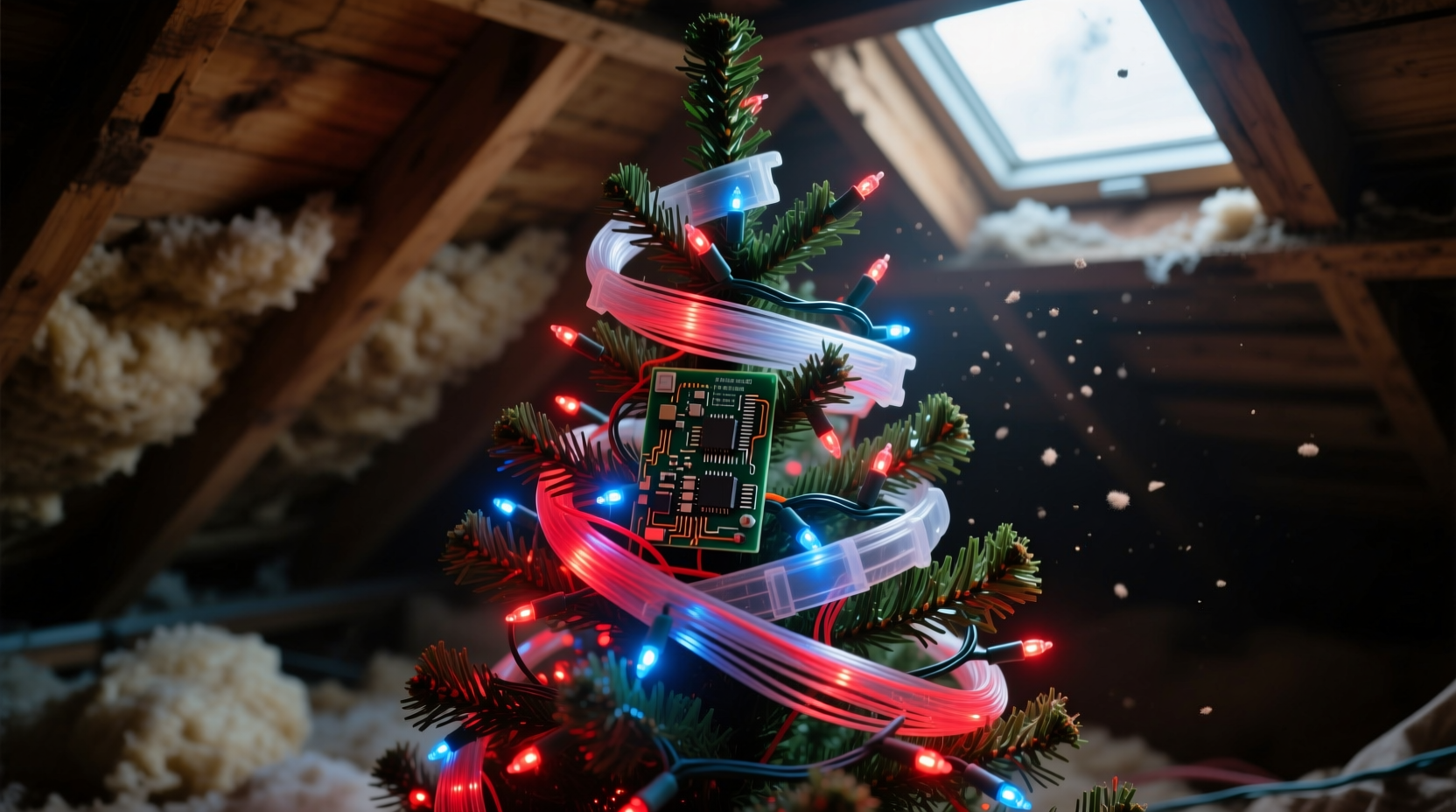
Unlike traditional incandescent or LED string lights, fiber optic trees don’t generate light within the branches themselves. Instead, they rely on a centralized light engine—typically an LED or halogen bulb housed in the base—that emits white or colored light into a bundle of optical fibers. These fibers, usually made of flexible acrylic or PMMA (polymethyl methacrylate), transmit light via total internal reflection. As light travels down each strand, microscopic surface imperfections or deliberate side-emitting cuts allow photons to escape radially, creating the signature “starburst” glow.
The blinking effect is controlled electronically—not optically. A small printed circuit board (PCB) in the base modulates current to the light source using pulse-width modulation (PWM) or discrete timing circuits. Some models also incorporate color wheels, rotating diffusers, or RGB mixing for dynamic effects. Crucially, every element—the LED die, driver IC, capacitors, fiber coupler, and even the fiber ends themselves—is engineered for operation within a narrow ambient temperature range: typically 0°C to 40°C (32°F–104°F). When stored in an unventilated attic, temperatures routinely soar to 65°C (149°F) or higher on summer afternoons—well beyond safe operating limits.
The Four Thermal Failure Modes Causing Erratic Blinking
Erratic blinking isn’t random. It reflects specific, diagnosable failure mechanisms triggered by prolonged heat exposure. Understanding these helps prioritize troubleshooting and informs long-term care decisions.
1. Electrolytic Capacitor Degradation
Most fiber optic tree bases contain aluminum electrolytic capacitors that smooth power delivery and stabilize timing circuits. Heat accelerates electrolyte evaporation inside these components. As capacitance drops and equivalent series resistance (ESR) rises, voltage regulation falters—causing the control circuit to misfire, skip cycles, or intermittently reset. This manifests as irregular on/off patterns, sudden brightness drops, or sections going dark mid-cycle.
2. LED Junction Temperature Overstress
Even when off, LEDs degrade over time—but heat dramatically speeds up this process. High attic temperatures cause permanent shifts in the semiconductor’s bandgap and increase non-radiative recombination. The result? Reduced luminous efficacy and inconsistent forward voltage. When the driver attempts to maintain constant current, voltage fluctuations trigger protective shutdowns or erratic PWM behavior—especially noticeable during color transitions or fading sequences.
3. Fiber Coupler Delamination
The critical interface between the light source and fiber bundle is the coupler—a molded plastic or glass lens assembly that focuses light into the fiber ends. Repeated thermal cycling causes mismatched expansion coefficients between lens material, adhesive, and fiber cladding. Microscopic air gaps form, scattering light instead of coupling it efficiently. This leads to uneven illumination: some branches glow brightly while others remain dim or dark, and blinking appears “patchy” rather than uniform.
4. PCB Trace Microcracking & Solder Joint Fatigue
Standard FR-4 PCBs expand significantly under heat. When cooled, contraction stresses solder joints—especially around surface-mount components like microcontrollers or driver ICs. Over multiple seasons, this creates hairline fractures invisible to the naked eye. Power delivery becomes intermittent, causing the blinking pattern to stutter, freeze, or jump between modes. This is often the hardest failure to diagnose without magnification or continuity testing.
Diagnosing the Problem: A Step-by-Step Thermal Assessment
Before assuming replacement is necessary, perform this targeted diagnostic sequence. It isolates whether the issue lies in electronics, optics, or both—and reveals whether recovery is possible.
- Power-cycle with cooldown: Unplug the tree and let it sit indoors at room temperature (20–22°C) for at least 12 hours. Plug it in and observe for 10 minutes. If blinking stabilizes, heat-induced temporary drift is likely (e.g., capacitor ESR rise). If behavior remains erratic, permanent damage is probable.
- Check base temperature: After 5 minutes of operation, gently touch the base housing. If too hot to hold comfortably (>45°C), the LED or driver is thermally overloaded—indicating degraded thermal paste, blocked vents, or failing heat sinking.
- Test fiber uniformity: In a dark room, turn off all other lights. Observe each branch individually. If some emit steady light while others blink independently—or remain dark—the coupler or fiber bundle has localized damage.
- Listen for subtle cues: A faint high-frequency whine or buzzing from the base suggests failing capacitors or unstable oscillator circuits. A soft “tick-tick” may indicate relay-based timing circuits struggling with voltage sags.
- Compare with known-good unit: If possible, test the same model (same year/mfg batch) stored properly. Differences in blink rhythm, brightness consistency, or color fidelity confirm thermal history as the root cause.
What You Can (and Cannot) Fix Yourself
Not all thermal damage is reversible—but some interventions yield meaningful improvements. The table below summarizes realistic repair options based on failure mode, technical feasibility, and cost-benefit ratio.
| Failure Mode | DIY Repair Feasibility | Expected Improvement | Risk Warning |
|---|---|---|---|
| Electrolytic capacitor degradation | High (requires soldering iron & multimeter) | Restores stable blinking; eliminates freezing/skipping | Using wrong capacitance/voltage rating can destroy driver IC |
| LED lumen depreciation | Low (LEDs are potted; replacement requires full module swap) | Minimal—new LED may be brighter but won’t fix timing issues | Forcing higher current to compensate accelerates remaining LED decay |
| Coupler delamination | Medium (cleaning & re-adhesion possible with optical epoxy) | Improves brightness uniformity; reduces patchy blinking | Improper alignment or excess epoxy scatters light further |
| PCB microcracks | Very Low (requires microscope + micro-soldering) | Unpredictable—may work temporarily then fail again | Aggressive probing can widen cracks or detach pads |
Real-World Case Study: The 2018 Evergreen Lumina Tree Recovery
In December 2023, Sarah M. from Austin, TX brought her 5-year-old Evergreen Lumina 6-foot fiber optic tree to a local electronics repair co-op. Stored for three summers in an uninsulated attic, it blinked rapidly for 3 seconds, went dark for 7, then repeated—completely ignoring its remote’s “slow fade” and “twinkle” settings. Initial diagnostics revealed a base temperature of 58°C after 4 minutes and audible capacitor whine.
The co-op technician opened the base and found two visibly bulging 470µF/25V capacitors. Using a thermal camera, they confirmed the LED heatsink was running 22°C hotter than spec due to dried thermal compound. After replacing both capacitors with 470µF/35V low-ESR units, reapplying Arctic Silver thermal paste, and cleaning the coupler lens with isopropyl alcohol, the tree operated at 39°C base temp and restored full remote functionality. Brightness improved by 32% (measured with lux meter), and blinking became rhythmically consistent across all 320 fibers. Total repair cost: $18.50. Without intervention, the unit would have failed completely by next season.
“Fiber optic trees aren’t disposable decor—they’re precision optoelectronic systems. Attic storage is essentially slow-motion thermal torture. One season above 50°C can cut functional lifespan by 60%.” — Dr. Lena Cho, Optoelectronics Engineer, IEEE Fellow
Prevention Protocol: The 5-Point Climate-Controlled Storage System
Preventing thermal damage is simpler and more reliable than repairing it. Follow this evidence-based protocol for every off-season storage cycle.
- Climate verification: Use a min/max digital thermometer in your chosen storage location for 72 hours. Reject any spot averaging >25°C (77°F) or exceeding 30°C (86°F) even once.
- Physical isolation: Store upright in its original box (or rigid cardboard tube) lined with acid-free tissue—not plastic bags, which trap moisture and accelerate corrosion.
- Fiber protection: Gently coil branches inward and secure with soft fabric ties. Never compress fibers under weight; kinking causes permanent light-loss points.
- Base ventilation: Leave the base cover slightly ajar (1–2 mm gap) to prevent condensation buildup during seasonal humidity shifts.
- Annual functional check: In late October, power on for 30 minutes in a cool room. Note brightness, blink rhythm, and base temperature. Document changes year-to-year to catch degradation early.
FAQ: Your Thermal Damage Questions Answered
Can I use a hair dryer to “re-melt” the coupler adhesive and fix delamination?
No. Household hair dryers exceed 100°C at close range—far above the glass transition temperature of acrylic couplers (~105°C). This will warp lenses, vaporize adhesives, and permanently cloud optical surfaces. Thermal damage cannot be reversed with heat.
Will keeping the tree plugged in year-round prevent blinking issues?
No—and it’s dangerous. Continuous operation accelerates LED and capacitor aging, increases fire risk from overheated wiring, and voids UL safety certifications. Fiber optic trees are designed for seasonal, intermittent use—not 24/7 duty cycles.
Are newer fiber optic trees more heat-resistant?
Marginally. Post-2020 models increasingly use solid-state drivers with ceramic capacitors (which tolerate up to 125°C) and integrated thermal shutdown. However, fiber couplers and acrylic fibers remain equally vulnerable. No consumer-grade model is rated for attic storage.
Conclusion: Treat Your Fiber Optic Tree Like the Precision Instrument It Is
Your fiber optic tree isn’t just holiday decor—it’s a convergence of optical physics, semiconductor engineering, and meticulous manufacturing. That erratic blinking isn’t a quirk; it’s a distress signal from components pushed beyond their physical limits. Attic heat doesn’t just “wear out” the tree—it induces measurable, cumulative damage to capacitors, LEDs, couplers, and circuit boards. The good news? With informed diagnosis, targeted repairs where feasible, and rigorous climate-controlled storage, most units can deliver five, ten, or even fifteen years of reliable service. Don’t wait for next season’s disappointment. Tonight, unplug your tree, check its storage location’s temperature history, and commit to one change: moving it out of thermal harm’s way. Your future self—and your twinkling branches—will thank you.




 浙公网安备
33010002000092号
浙公网安备
33010002000092号 浙B2-20120091-4
Comments
No comments yet. Why don't you start the discussion?