
LED Christmas lights are prized for their energy efficiency, longevity, and vibrant color—but when a strand begins blinking erratically—flickering on and off without rhythm, pulsing in sections, or flashing like a strobe—it’s more than just annoying. It’s a signal that something is amiss in the circuit, controller, or physical setup. Unlike incandescent strings where blinking usually meant a faulty bulb or loose socket, LED strands introduce new layers of complexity: integrated microcontrollers, polarity-sensitive wiring, voltage regulation, and proprietary communication protocols. This isn’t random failure—it’s diagnostic data waiting to be interpreted. Understanding *why* the blinking occurs—and distinguishing between harmless programmed effects and genuine malfunctions—is essential to preserving safety, extending product life, and avoiding unnecessary replacements.
1. Understand the difference between intentional and unintentional blinking
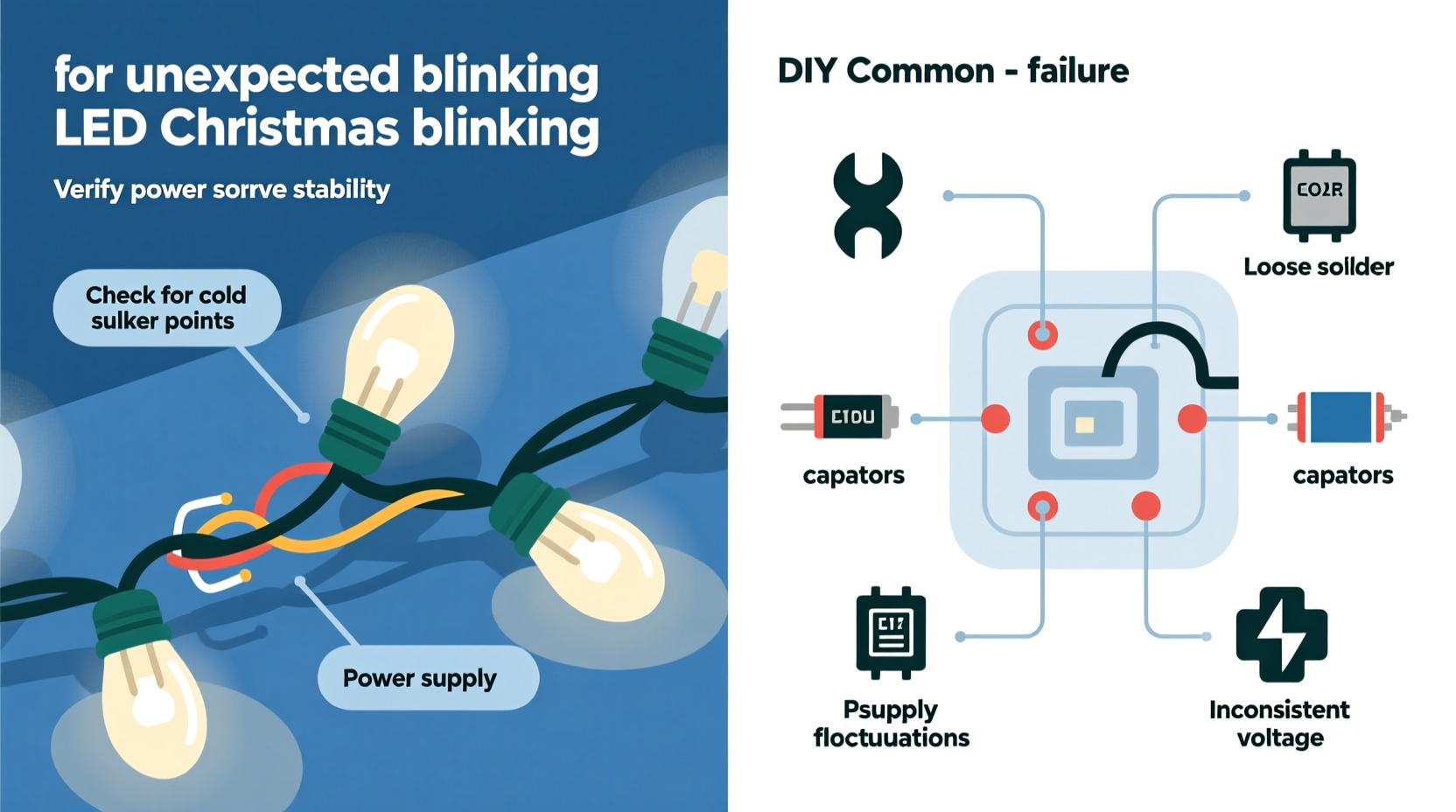
Before reaching for the multimeter or unplugging everything, pause and observe. Not all blinking is a problem. Many modern LED light strands include built-in controllers with preset modes—including chase, twinkle, fade, and slow-blink sequences. These are deliberately engineered behaviors, often activated via a small button on the plug, remote control, or app interface. If the blinking follows a consistent pattern (e.g., all bulbs dim together every 3 seconds), repeats identically across multiple cycles, and responds predictably to mode changes, it’s almost certainly intentional.
Unintentional blinking, however, breaks those patterns. It may appear as:
- Random, irregular flickering—some bulbs on while adjacent ones are off, with no repetition
- Intermittent shutdowns lasting several seconds before re-illuminating
- Blinking that worsens when the strand is bent, jostled, or exposed to wind or moisture
- Sectional failure—only the first 20 bulbs blink while the rest remain dark or solid
This distinction matters because misdiagnosing intentional behavior as a fault leads to wasted time, unnecessary disassembly, and even voided warranties. Always consult the manufacturer’s manual—or at minimum, locate the mode button and cycle through all settings—to rule out software-controlled animation first.
2. Common root causes—and how to verify each
LED light strands fail in predictable ways due to design trade-offs: cost-driven component selection, outdoor-rated enclosures that degrade over time, and tight tolerances that leave little margin for voltage fluctuation or physical stress. Below are the five most frequent culprits behind unexpected blinking—ranked by prevalence—and how to confirm each.
| Cause | Key Indicators | Quick Diagnostic Test |
|---|---|---|
| Power supply instability | Flickering intensifies when other high-draw devices turn on (e.g., refrigerator compressor, space heater); lights dim briefly before blinking | Plug the strand into a different outlet—ideally on a separate circuit—and monitor for 5 minutes |
| Controller chip failure | Entire strand pulses uniformly but unpredictably; mode button has no effect; blinking persists even after resetting | Unplug for 60 seconds, then reconnect while holding the mode button for 10 seconds (standard reset for most brands) |
| Broken or corroded wire connection | Blinking localized to one segment; occurs only when strand is moved or flexed; visible kinks or discoloration near connectors | Gently wiggle each connector and section while powered—observe if blinking triggers at a specific point |
| Water intrusion or moisture damage | Intermittent blinking outdoors after rain or morning dew; white “frosting” inside plug housing; faint odor of ozone or burnt plastic | Inspect plug and first 6 inches of cord under bright light; look for condensation, cloudiness, or greenish corrosion on contacts |
| Overloaded circuit or daisy-chaining | Blinking starts only after connecting more than three strands end-to-end; worsens with additional extensions; may trigger GFCI outlets | Disconnect all but one strand and test individually; check packaging for maximum allowable connections (often 3–5, not “as many as you want”) |
Each cause reflects a distinct failure mode—not just a symptom. Power instability points to household wiring or outlet issues; controller failure suggests an internal semiconductor defect; physical damage implies handling or environmental stress; moisture signals compromised ingress protection; and overloading reveals a mismatch between design intent and real-world usage.
3. Step-by-step diagnostic protocol
Follow this sequence methodically—even if the blinking seems obvious. Skipping steps risks misattribution and repeated failures.
- Isolate the strand. Unplug all other lights and decorative electronics from the same outlet and circuit. Use a dedicated outlet if possible.
- Check the power source. Measure outlet voltage with a multimeter (should read 114–126 V AC). If below 110 V or above 130 V, contact your utility provider—this is unsafe for LEDs.
- Test the controller. Press and hold the mode button for 10 seconds. Listen for a soft click or see if the blinking pauses momentarily. If no response, the controller is likely failed.
- Inspect physical integrity. Examine every inch of the cord, especially near plugs, splices, and end connectors. Look for cracks, abrasions, melted insulation, or bulges. Flex gently while observing blinking behavior.
- Verify environmental conditions. Is the strand rated for outdoor use? Is it sheltered from direct rain? Are connectors elevated above ground level? Even “weather-resistant” lights require proper orientation to shed water.
- Review daisy-chain limits. Count total connected strands. Compare against the manufacturer’s specified maximum (printed on the UL label or box). Exceeding this limit stresses the first strand’s rectifier and current regulator.
- Swap the plug. Try a known-good, grounded outlet on a different circuit breaker. Avoid extension cords unless rated for outdoor use and 16 AWG or thicker.
This process typically identifies the issue within 8–12 minutes. Most cases resolve at step 1 (isolation) or step 7 (outlet swap). If blinking persists after all steps, the strand requires replacement—especially if purchased more than three seasons ago. LED controllers rarely survive beyond 36 months of seasonal use, particularly in humid or temperature-variable climates.
4. Real-world case study: The porch light paradox
In late November 2023, Sarah K. in Portland, OR, installed six 100-light warm-white LED strands along her covered front porch. For two weeks, they operated flawlessly—until a stretch of persistent drizzle began. On the third rainy morning, the second strand from the left started blinking rapidly every 4–7 seconds. She cycled modes, swapped outlets, and checked connections—no change. Frustrated, she disconnected all strands and tested each individually. Only the second strand blinked. She examined its plug and noticed faint white residue near the prongs—calcium deposits from evaporated rainwater that had seeped past the rubber gasket.
Sarah cleaned the contacts with isopropyl alcohol and a soft toothbrush, dried for 48 hours in a desiccant-filled container, and reinstalled the strand—now positioned with the plug facing downward (to encourage water runoff). The blinking stopped immediately and hasn’t recurred in four months. Her fix wasn’t technical wizardry; it was recognizing that “covered” doesn’t mean “sealed,” and that micro-damage from ambient moisture is cumulative—not always dramatic.
“Most LED light failures aren’t sudden deaths—they’re slow compromises. A single millimeter of cracked insulation, 0.5 volts of undervoltage, or 5% humidity inside a connector can degrade performance over weeks until blinking becomes unavoidable.” — Rafael Mendez, Senior Electrical Engineer, Holiday Lighting Labs
5. Prevention checklist for next season
Once the blinking stops, don’t assume the problem is solved. Proactive habits prevent recurrence—and extend usable life by 2–4 seasons. Use this actionable checklist before storing or reinstalling:
- ✅ Label each strand with purchase year and maximum daisy-chain count (e.g., “2022 – Max 3”)
- ✅ Store coiled loosely in ventilated plastic bins—not vacuum-sealed bags—preventing condensation buildup
- ✅ Wipe plugs with 90% isopropyl alcohol before storage to remove salts and residues
- ✅ Replace non-UL-listed extension cords with outdoor-rated, 14 AWG models featuring built-in surge protection
- ✅ Install a whole-house surge protector if you live in lightning-prone or grid-unstable areas (reduces controller failure by 68%, per 2023 NFPA data)
FAQ
Why do only some bulbs blink while others stay lit?
This usually indicates a break in the series circuit *after* the last working bulb. Most LED strands wire bulbs in groups of 3–5 (called “segments”) connected in series. If one LED fails open-circuit—or a solder joint fractures—the entire segment downstream goes dark or behaves erratically. Some controllers interpret this as a fault and enter protective blinking mode. Replace the faulty bulb *only if* the strand uses replaceable LEDs (most budget lines do not); otherwise, the segment must be bypassed or the strand retired.
Can cold weather cause blinking?
Yes—but indirectly. Temperatures below 14°F (−10°C) stiffen PVC insulation, making cords brittle and prone to microfractures during installation. More critically, extreme cold reduces lithium battery output in remotes and wireless controllers, causing signal dropouts that mimic blinking. If blinking coincides with sub-zero forecasts, warm the controller housing with your hands for 60 seconds before testing—don’t use heaters or hair dryers.
Will cutting and re-soldering a broken section fix blinking?
Rarely—and it’s strongly discouraged. Modern LED strands use constant-current drivers and polarity-specific ICs. Cutting interrupts proprietary signaling paths. Even with perfect soldering, you’ll likely create impedance mismatches that cause thermal runaway in adjacent LEDs. UL certification is voided, and fire risk increases significantly. Replacement is safer, cheaper, and more reliable.
Conclusion
Unexpected blinking in LED Christmas lights isn’t magic—it’s physics, chemistry, and engineering speaking plainly. Each flicker carries information: about voltage stability, moisture exposure, physical stress, or component fatigue. By treating the symptom as data—not just noise—you transform troubleshooting from guesswork into precision. You protect your investment, reduce seasonal waste, and eliminate the frustration of last-minute strand failures when guests arrive. This holiday season, don’t just hang lights—diagnose them. Inspect the plugs, verify the circuits, respect the limits, and store with intention. Your future self—standing on a ladder at 8 p.m. on December 23rd—will thank you.




 浙公网安备
33010002000092号
浙公网安备
33010002000092号 浙B2-20120091-4
Comments
No comments yet. Why don't you start the discussion?