
If your outdoor lighting system reliably turns on during sunny evenings but mysteriously fails when skies are overcast, you're not dealing with faulty wiring or a broken bulb — you're likely encountering the limitations of solar-dependent automation. Many modern outdoor timers and lighting controls rely on ambient light detection or solar energy harvesting, both of which are highly sensitive to cloud cover. Understanding this behavior is key to maintaining consistent performance year-round, especially in regions with variable weather.
This issue affects homeowners, gardeners, and property managers who depend on automated lighting for security, ambiance, or convenience. A light that doesn’t turn on when expected isn't just inconvenient — it can compromise safety and diminish trust in smart home systems. The root cause often lies in how the device interprets environmental cues, particularly sunlight levels, rather than any mechanical defect.
How Light Timers Use Sunlight: Photocells vs. Solar Power
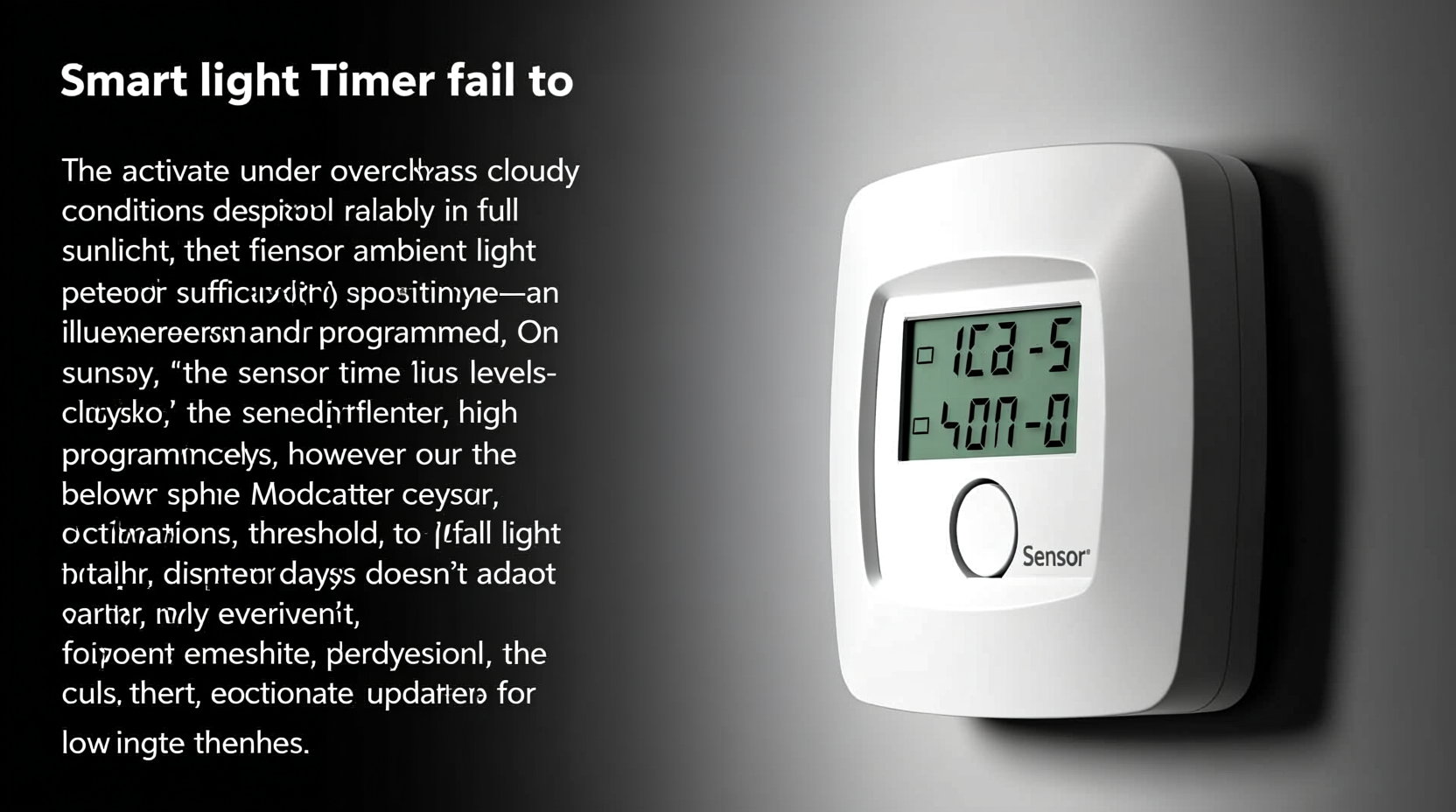
There’s a crucial distinction between two types of “sun-reliant” lighting systems: those using photocells (also called photoresistors or dusk-to-dawn sensors) and those powered entirely by solar panels. Both can fail on cloudy days, but for different reasons.
A photocell-based timer measures ambient light intensity to determine when it should switch lights on or off. These devices are calibrated to trigger at specific lux levels — typically around 10 lux, which corresponds to twilight. However, heavy cloud cover can keep daylight levels above this threshold well into evening hours, tricking the sensor into thinking it's still daytime.
On the other hand, a solar-powered timer depends on stored energy from a built-in battery charged during daylight. On overcast days, reduced sunlight means less power generation. If the battery doesn’t charge fully, the system may lack enough energy to operate through the night, causing late activation or complete failure.
“Cloud cover can reduce available solar irradiance by up to 80%, severely impacting both sensing accuracy and charging efficiency in solar lighting systems.” — Dr. Alan Reeves, Renewable Energy Systems Engineer
Common Causes of Cloud-Related Failure
The inconsistency isn’t random — it follows predictable patterns based on environmental physics and device design. Here are the most frequent culprits behind failed activation on cloudy days:
- Inadequate light threshold calibration: Some sensors aren’t sensitive enough to detect gradual darkening under clouds, delaying activation until much later in the evening.
- Poor solar panel placement: Even minor shading from trees, eaves, or dirt reduces charging capacity significantly, compounding problems on low-light days.
- Low-capacity batteries: Older or lower-quality rechargeable cells degrade over time and struggle to hold charge without strong sunlight.
- Lack of backup power: Purely solar units without grid or USB fallback options shut down when energy reserves run out.
- Weatherproof housing interference: Condensation or yellowing plastic covers can diffuse light, affecting both sensor readings and panel efficiency.
These factors often interact. For example, a poorly positioned unit with an aging battery might work perfectly in summer but fail repeatedly in fall and winter, when daylight hours shrink and cloud frequency increases.
Step-by-Step Guide to Diagnosing and Fixing the Issue
Follow this systematic approach to identify the exact cause and restore reliable operation:
- Observe activation timing across multiple conditions: Track when the light turns on during clear, partly cloudy, and fully overcast evenings. Note delays or failures.
- Inspect the sensor and panel location: Ensure there are no obstructions casting shade during afternoon hours. Clean dust, bird droppings, or film buildup from surfaces.
- Test the battery health: If accessible, remove and test voltage with a multimeter. A healthy NiMH cell should read at least 1.2V; lithium-ion packs should be within manufacturer specs.
- Check for manual sensitivity adjustments: Some models include a small dial or button to adjust light-level triggering. Turn it toward “darker” settings to improve responsiveness.
- Simulate nighttime conditions: Cover the sensor completely with tape or your hand. The light should turn on within 10–30 seconds. If it doesn’t, the sensor or circuit may be faulty.
- Evaluate alternative power solutions: Consider upgrading to a dual-power model (solar + electrical outlet) or installing a nearby wired timer as a backup.
This process helps isolate whether the problem is environmental, hardware-related, or due to system design limitations.
Do’s and Don’ts: Maintaining Reliable Performance
| Action | Do | Don't |
|---|---|---|
| Sensor Placement | Install facing true south (in Northern Hemisphere) with no overhead obstruction | Place under eaves, near bright artificial lights, or behind glass |
| Cleaning Routine | Wipe panel and sensor monthly with damp microfiber cloth | Use abrasive cleaners or high-pressure water sprays |
| Battery Management | Replace every 2–3 years or if runtime drops below 50% of original | Mix old and new batteries or use non-rechargeable types |
| Seasonal Adjustment | Reposition adjustable units seasonally for optimal sun exposure | Install permanently at steep angles unsuitable for winter sun |
| System Upgrades | Add supplemental lighting with independent timers | Rely solely on one solar unit for critical security zones |
Real-World Example: A Homeowner’s Experience in Seattle
Jamie L., a homeowner in Seattle — a city known for its overcast winters — installed four solar path lights along her front walkway in May. Throughout summer, they activated promptly at dusk and lasted until dawn. But come October, only one light turned on regularly; the others either came on late or not at all.
After ruling out damage or debris, she monitored their positions and discovered that two were partially shaded by falling maple leaves, while another faced west instead of south. She cleaned each unit, repositioned them for better exposure, and replaced the batteries. Still, during extended gray spells, performance remained inconsistent.
Her solution? She replaced two of the units with hybrid solar-electric models that plug into outdoor GFCI outlets. These now provide uninterrupted service regardless of weather, while the remaining solar-only units serve as accent lighting where absolute reliability isn’t essential. This layered strategy balanced cost, aesthetics, and functionality.
Upgrade Paths: Choosing More Resilient Solutions
Not all light timers are equally vulnerable to weather fluctuations. As technology advances, more robust alternatives are available:
- Digital programmable timers: These operate on internal clocks rather than light sensors, ensuring lights turn on at the same time every day. Ideal for users who prefer predictability over automation based on natural light.
- Hybrid solar-grid systems: Combine solar charging with optional AC input, allowing continuous operation even after several cloudy days.
- Smart Wi-Fi enabled controllers: Connect to weather APIs and adjust schedules dynamically based on local sunset times, eliminating reliance on physical light detection.
- Photocell override modes: Some advanced models allow temporary switching to fixed-time operation during stormy seasons.
For instance, smart landscape lighting systems like those from brands such as Philips Hue Outdoor or Lutron Ra2 Select use geolocation and astronomical algorithms to calculate precise daily on/off times. They don’t “wait” for darkness — they know when it will occur.
Frequently Asked Questions
Can I make my existing solar timer work better on cloudy days?
Yes. Start by cleaning the solar panel and sensor, then ensure maximum southern exposure. Replace the battery if it’s older than two years. If possible, switch to a model with adjustable sensitivity or consider adding a secondary wired timer for redundancy.
Is there a way to bypass the light sensor temporarily?
Some units have a manual override function — check your product manual. Alternatively, covering the sensor with opaque tape forces nighttime mode. However, this requires daily intervention and defeats automation benefits.
Why do some solar lights work fine in winter while mine don’t?
It comes down to panel quality, battery capacity, and installation angle. High-end models use monocrystalline panels (more efficient in low light) and larger batteries. Units tilted toward the winter sun (steeper angle in northern latitudes) capture more diffuse light than flat-mounted ones.
Expert Insight: Designing for Real-World Conditions
“Too many consumers assume solar lighting should behave like hardwired systems. But solar is inherently variable. Good design anticipates this — combining appropriate technology with user expectations.” — Maria Tran, Sustainable Lighting Consultant
Tran emphasizes that successful installations account for regional climate patterns. In areas with frequent cloud cover, she recommends pairing solar accent lighting with primary illumination powered by reliable sources. “Think of solar not as a replacement, but as a complement,” she says.
Final Checklist for Reliable Operation
- ✅ Clean solar panel and sensor monthly
- ✅ Position unit for unobstructed southern exposure
- ✅ Replace battery every 2–3 years
- ✅ Test functionality weekly during seasonal transitions
- ✅ Install backup or hybrid system in critical areas
- ✅ Adjust sensitivity settings before winter months
Conclusion
Your light timer’s failure on cloudy days isn’t a flaw — it’s a consequence of how solar-responsive systems interpret their environment. Whether the issue stems from insufficient charging, inaccurate light sensing, or outdated components, the fix usually involves a mix of maintenance, repositioning, and strategic upgrades.
By understanding the science behind these behaviors and applying practical improvements, you can achieve dependable lighting that performs consistently — rain or shine. Don’t let unpredictable weather dictate your home’s safety and curb appeal. Assess your current setup, implement the steps outlined here, and consider investing in smarter, more resilient technologies designed for real-world conditions.




 浙公网安备
33010002000092号
浙公网安备
33010002000092号 浙B2-20120091-4
Comments
No comments yet. Why don't you start the discussion?