
It’s a familiar scene: you step outside on a warm, muggy day, raise your phone to capture a stunning sunset or a spontaneous moment with friends, only to find the camera lens clouded with fog. No amount of wiping helps. The image stays blurry. You’re left frustrated, wondering why this keeps happening — and more importantly, how to stop it. This isn’t a defect in your phone. It’s physics. Understanding the science behind condensation and knowing how to manage temperature and humidity exposure can save your moments from being lost to a foggy lens.
The Science Behind Camera Fogging
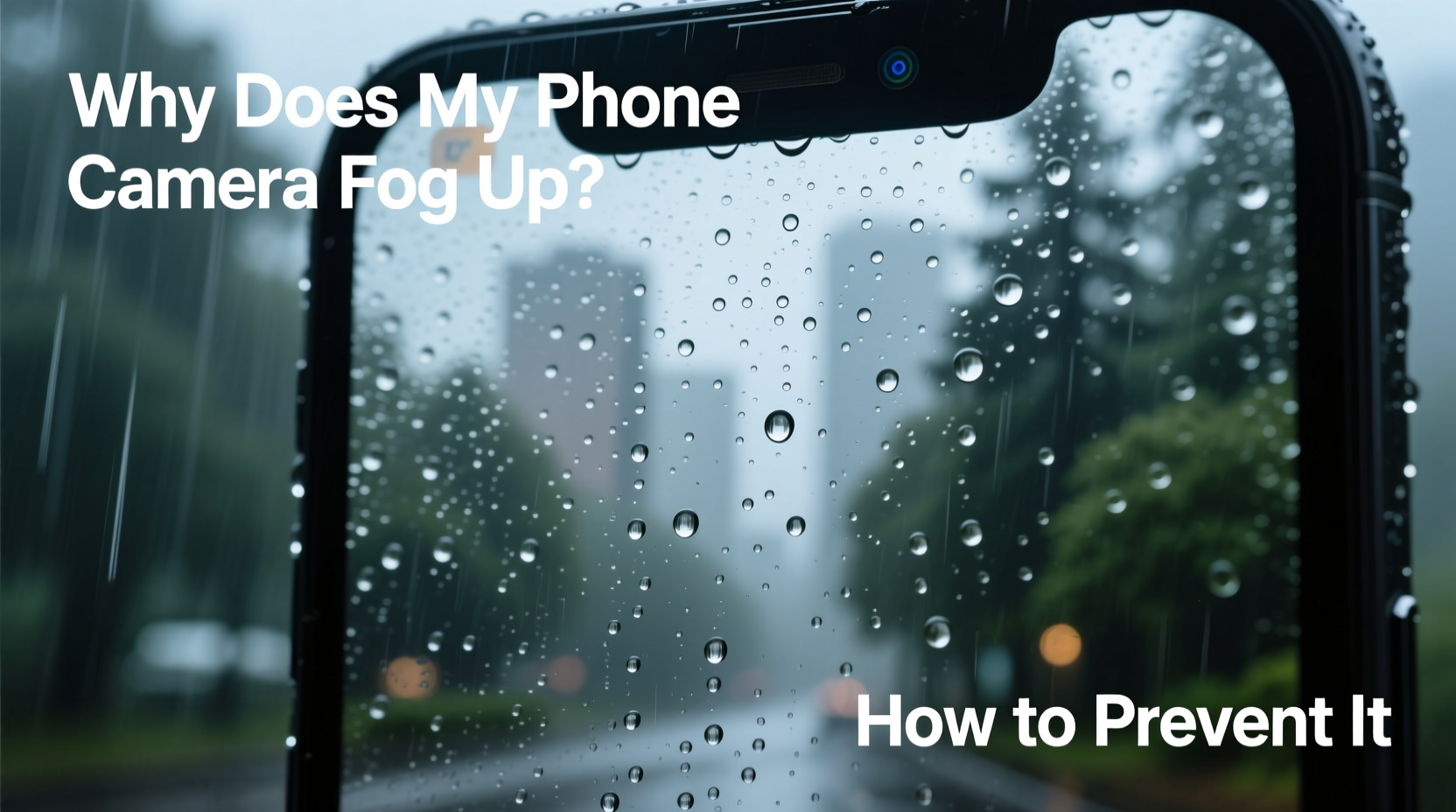
Fogging on your phone’s camera lens occurs due to condensation — the process by which water vapor in the air turns into liquid when it contacts a surface cooler than the dew point. The dew point is the temperature at which air becomes saturated with moisture and begins to form droplets. When your phone moves from a cool, air-conditioned environment into a hot, humid one, the cold lens acts like a magnet for moisture in the warmer air. Tiny water droplets form on the surface, creating that milky, hazy film across the lens.
This same principle applies to eyeglasses fogging up when entering a steamy bathroom or a cold drink sweating on a summer day. Your phone’s materials — especially glass and metal — conduct temperature changes quickly, making them prone to sudden condensation. While modern phones are built with precision optics and water-resistant seals, these features don’t eliminate external lens fogging caused by environmental shifts.
“Condensation on electronic devices is a natural thermodynamic response. It’s not a flaw — it’s just air doing what air does.” — Dr. Lena Patel, Environmental Physicist, University of Colorado Boulder
How Humidity and Temperature Changes Trigger Fog
Humidity measures the amount of water vapor in the air. High humidity means the air is holding a lot of moisture, especially common in tropical climates, coastal areas, or during rainy seasons. When ambient temperature rises, air can hold more moisture — but when that warm, moist air hits a cooler surface (like your chilled phone), it can no longer retain all its vapor, so it releases it as liquid.
Consider this scenario: you’ve been indoors with the AC running at 68°F (20°C), and your phone has cooled down to match. You walk outside where it’s 85°F (29°C) with 80% relative humidity. The lens, still cold, immediately interacts with the warm, wet air. Within seconds, condensation forms. The greater the temperature difference, the faster and more pronounced the fogging.
Step-by-Step Guide to Preventing and Clearing Fog
While you can’t control the weather, you can control how your phone transitions between environments. Follow this timeline-based approach to minimize fogging:
- Before leaving a cool space: Place your phone in a sealed plastic bag (like a ziplock) while still indoors. This traps dry air around the device and slows down direct contact with humid air.
- Transition phase: Walk outside with the phone still in the bag. Let it sit for 10–15 minutes. As the phone warms up inside the bag, condensation will form on the outside of the plastic — not your lens.
- After acclimation: Carefully remove the phone from the bag. The lens should remain clear. If there’s minor fog, gently wipe with a microfiber cloth.
- If fog appears mid-use: Avoid wiping aggressively. Instead, move to a shaded area and let the phone warm naturally. Blowing warm breath nearby can help equalize temperature slightly faster.
- Post-use drying: After exposure to humidity, store your phone in a dry place. Consider using a small silica gel packet in your bag or case to absorb residual moisture over time.
Common Mistakes That Make Fogging Worse
Many users unknowingly worsen the problem through well-intentioned but misguided actions. Here are frequent errors and their consequences:
| Mistake | Why It’s Harmful | Better Alternative |
|---|---|---|
| Wiping the lens with clothing or napkins | Fabrics can scratch the oleophobic coating or spread oils, trapping moisture | Use a clean microfiber cloth designed for lenses |
| Blowing directly on the lens | Moisture from your breath adds more water vapor, increasing fog | Let it air-dry or use gentle airflow from a fan |
| Using heat sources (hairdryer, heater) | Sudden heat can warp components or damage adhesives | Allow gradual warming at room temperature |
| Storing phone in direct sunlight to “dry” it | UV exposure degrades screen and battery; heat may cause internal condensation | Store in a ventilated, shaded area with desiccants |
Protective Accessories and Tools
While no accessory can completely eliminate condensation, certain products reduce risk and make recovery easier:
- Lens caps or covers: Though rare on smartphones, third-party magnetic lens shields can be used when not actively shooting.
- Water-repellent lens coatings: Some aftermarket sprays apply hydrophobic layers that cause water to bead and roll off. Use cautiously — test on a small area first to avoid smearing.
- Silica gel packs: Keep a few in your phone case or bag. They passively absorb ambient moisture and help maintain a drier microenvironment.
- Vacuum-sealed cases: For extreme conditions (e.g., diving, jungle treks), waterproof cases with anti-fog inserts exist, though they compromise optical quality.
Real Example: A Photographer’s Lesson in Humidity Management
Jamal, a travel photographer based in Miami, regularly shoots beach weddings and outdoor events. During a recent shoot in the Florida Keys, he moved from an air-conditioned car to a seaside ceremony under bright sun and high humidity. His phone — set up for quick candid shots — immediately fogged over. Despite wiping it repeatedly, the lens stayed cloudy for nearly ten minutes, causing him to miss key moments.
After researching the issue, Jamal began using a simple ziplock bag method. He now keeps his phone in a labeled pouch with a silica gel packet when not in use. On his next job in New Orleans, despite 90% humidity, his lens remained clear thanks to pre-acclimation. “I used to think it was just bad luck,” he said. “Now I treat my phone like a sensitive instrument — because it is.”
Do’s and Don’ts: Quick Reference Checklist
Keep this checklist handy for optimal camera care in humid conditions:
- Use a sealed bag when transitioning between temperature zones
- Carry a microfiber cloth dedicated to lens cleaning
- Store your phone with desiccants when not in use
- Wait 10–15 minutes before using the camera in humid environments
- Check for firmware updates — some phones now include lens-clearing vibrations
- Wipe a fogged lens with rough fabric or fingers
- Expose your phone to rapid temperature swings unnecessarily
- Use compressed air cans — they can contain propellants that damage coatings
- Assume water resistance means fog-proof — it doesn’t
- Leave your phone in a hot car or damp bag overnight
Frequently Asked Questions
Can internal camera fogging damage my phone?
External fogging is usually harmless and clears as temperatures equalize. However, if moisture gets inside the camera module — indicated by persistent fog behind the lens or visible droplets under the glass — it could lead to mold, corrosion, or sensor damage. In such cases, professional service is recommended. Do not attempt to open the device yourself.
Does phone water resistance prevent fogging?
No. Water resistance (such as IP67 or IP68 ratings) protects against liquid ingress during submersion or splashes, but it doesn’t stop condensation on the outer lens surface. Fogging is an external phenomenon caused by air temperature and humidity, not water exposure.
Are some phones less prone to fogging?
All phones are susceptible, but design plays a role. Devices with flush-mounted lenses may fog slightly slower than those with protruding camera bumps, which create more surface area for condensation. Some newer models include software alerts or vibration routines to dislodge moisture, but these are supplementary, not preventive.
Long-Term Habits for Reliable Performance
Preventing camera fog isn’t about one-time fixes — it’s about building smart habits. Treat your phone like any precision tool: respect its limits and prepare it for environmental challenges. Over time, simple practices like storing it properly, using protective accessories, and allowing acclimation become second nature.
Additionally, monitor your usage patterns. If you frequently move between climate extremes — say, from an office to a greenhouse or from a ski lodge to a steaming sauna — consider keeping your phone in a padded, insulated pouch when not in use. These add minimal bulk but significantly slow thermal transfer.
“The best protection isn’t always technology — it’s behavior. Anticipating environmental stress is half the battle.” — Mark Tran, Mobile Device Engineer at a leading consumer electronics lab
Conclusion: Stay Ready for Every Shot
Your phone is more than a communication tool — it’s a personal camera, storyteller, and memory keeper. Fogged lenses shouldn’t rob you of fleeting, irreplaceable moments. By understanding the science of condensation and adopting practical strategies, you regain control over your device’s performance, no matter the weather.
Start today: keep a microfiber cloth and a ziplock bag in your everyday carry. Acclimate your phone before stepping into humid environments. Share these tips with friends who’ve also cursed a foggy lens at the worst possible moment. Small actions lead to clearer photos — and better memories.




 浙公网安备
33010002000092号
浙公网安备
33010002000092号 浙B2-20120091-4
Comments
No comments yet. Why don't you start the discussion?