
It’s a common experience: you plug in your phone, only to find it growing uncomfortably warm—sometimes even hot—within minutes. While a slight temperature increase during charging is normal, excessive heat can signal deeper issues that affect performance, battery health, and safety. Understanding why your phone heats up while charging isn’t just about comfort—it’s essential for extending your device’s lifespan and ensuring safe daily use.
Modern smartphones are powerful mini-computers packed into compact designs. This efficiency comes at a cost: limited space for heat dissipation and high energy demands from processors, batteries, and fast-charging systems. When these components work under load—especially during charging—they generate heat. But when that heat becomes extreme or persistent, it's time to investigate the root causes and take action.
What Causes Your Phone to Overheat While Charging?
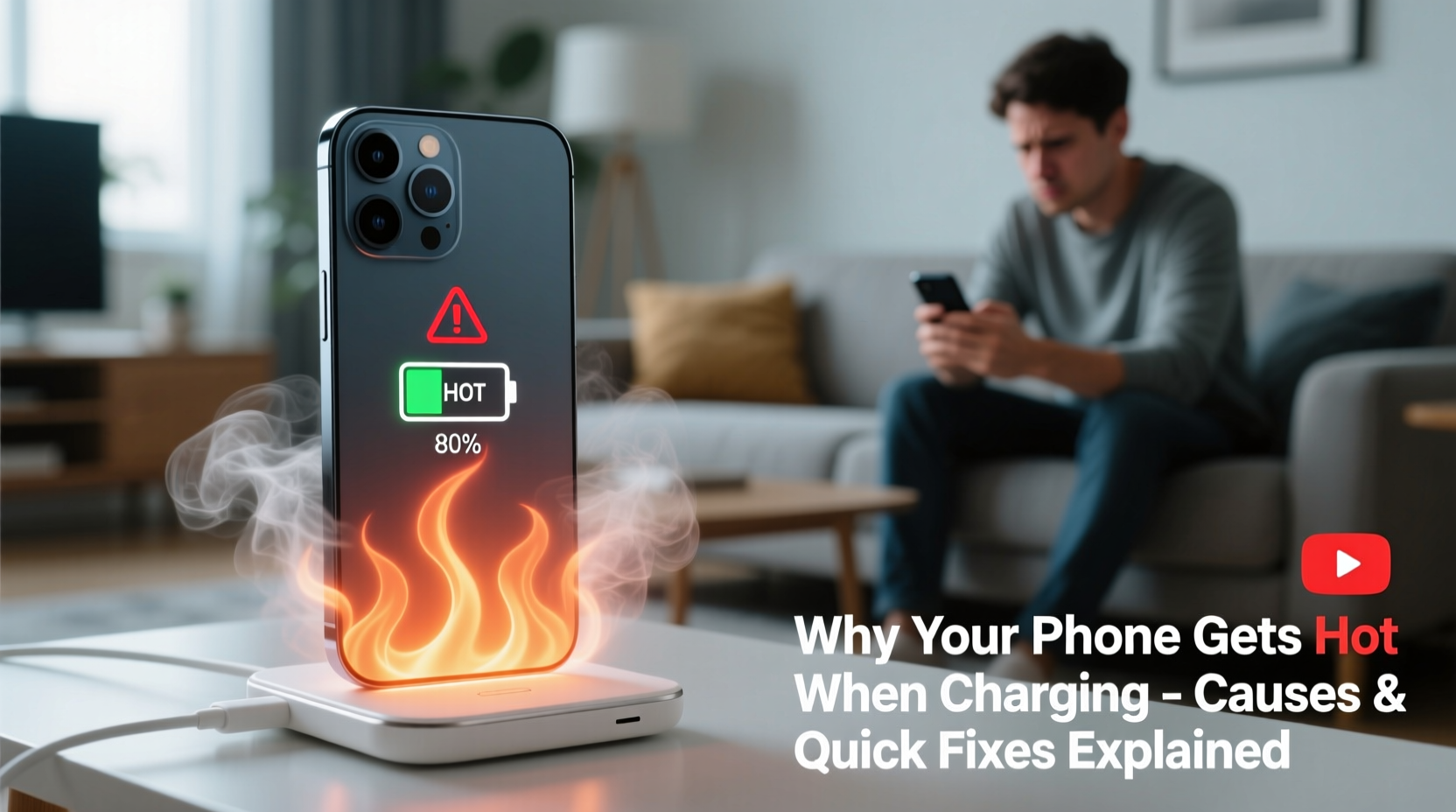
Several interrelated factors contribute to phone heating during charging. Some are inherent to how modern devices operate; others stem from user habits or environmental conditions. Identifying the cause is the first step toward an effective solution.
Battery Chemistry and Energy Conversion
Lithium-ion batteries, used in nearly all smartphones today, generate heat naturally during charging due to internal resistance. As electrical energy converts into stored chemical energy, inefficiencies produce thermal byproducts. The faster the charge, the more pronounced this effect becomes. Fast-charging technologies push higher currents through the battery, increasing both speed and heat output.
“Any time energy moves through a conductor, some of it turns into heat. In phones, where space is minimal, managing that heat becomes critical.” — Dr. Alan Reyes, Electrical Engineer and Mobile Device Analyst
Background App Activity
If your phone is actively running apps while charging—especially processor-heavy ones like games, video editors, or navigation tools—it forces the CPU and GPU to work harder. This dual load (charging + processing) significantly increases heat generation. Even seemingly idle phones may run background processes such as cloud backups, software updates, or location tracking, which add to thermal stress.
Poor Quality or Damaged Chargers
Using counterfeit, off-brand, or frayed chargers can lead to unstable voltage delivery. These substandard accessories often lack proper circuitry to regulate current, resulting in erratic power flow that stresses the battery and generates excess heat. Similarly, damaged cables with exposed wires pose both overheating and safety risks.
Environmental Factors
Charging your phone in a hot environment—like direct sunlight, on a car dashboard, or under a pillow—reduces its ability to dissipate heat. Phones rely on passive cooling (surface area and airflow), so insulating them traps heat inside. Ambient temperatures above 77°F (25°C) can compound internal heating, pushing the device beyond safe operating limits.
Physical Obstructions and Cases
Dense phone cases, especially those made of silicone or leather, act as insulation. While they protect against drops, they also hinder heat escape. Charging with the case on—particularly during fast charging—can elevate surface temperatures by several degrees, triggering thermal throttling or charging slowdowns.
When Should You Be Concerned?
A slightly warm phone during charging is generally safe. However, certain warning signs indicate potential problems requiring immediate attention:
- Too hot to touch: If the phone feels scalding or uncomfortable to hold, it has exceeded safe thresholds.
- Swelling or deformation: A bulging battery or warped frame suggests internal damage and poses explosion risk.
- Unexpected shutdowns: Sudden power-offs during charging often result from thermal protection mechanisms kicking in.
- Slow or interrupted charging: Devices may reduce charging speed or pause entirely when overheating.
- Burning smell or discoloration: Smoke, odor, or visible damage means stop using immediately and replace the device.
Prolonged exposure to high temperatures degrades lithium-ion batteries, reducing their capacity over time. According to Apple, keeping an iPhone above 95°F (35°C) for extended periods can permanently diminish battery life. Samsung warns similar consequences for Galaxy devices.
Quick Fixes to Prevent Phone Overheating While Charging
You don't need technical expertise to address most overheating issues. Simple behavioral and environmental adjustments can make a significant difference.
Step-by-Step Guide to Cool Down Your Phone
- Unplug and power off: If the phone is extremely hot, disconnect it and turn it off to halt all processes.
- Remove the case: Take off any protective cover to allow better air circulation.
- Cool down passively: Place the phone in a room-temperature area away from sunlight. Do not put it in a freezer or refrigerator—condensation can damage internal components.
- Wait before resuming use: Let it cool for at least 15–30 minutes before plugging in again.
- Restart after cooling: Power back on to clear any stuck processes contributing to heat.
Optimize Charging Habits
- Charge in short bursts instead of overnight whenever possible.
- Avoid using the phone while charging, especially for gaming, streaming, or video calls.
- Use original or MFi-certified chargers and cables designed for your model.
- Enable “Optimized Battery Charging” (iOS) or “Adaptive Charging” (Android) to slow charging when full quickly isn’t needed.
Do’s and Don’ts of Safe Charging
| Action | Recommended? | Reason |
|---|---|---|
| Use manufacturer-provided charger | ✅ Yes | Ensures correct voltage and built-in safety features |
| Charge under a pillow or blanket | ❌ No | Blocks airflow and traps heat—fire hazard |
| Leave phone in a hot car while charging | ❌ No | High ambient temps accelerate overheating |
| Close background apps before charging | ✅ Yes | Reduces CPU load and heat generation |
| Clean charging port regularly | ✅ Yes | Dust or debris can interfere with connection and efficiency |
| Use wireless charging on soft surfaces | ❌ No | Fabrics insulate heat; use hard, flat surfaces only |
Real-World Scenario: A Case of Chronic Overheating
Consider Maria, a 29-year-old graphic designer who relies on her Android phone for client communication and design previews. She noticed her phone becoming unusually hot every evening while charging—a problem that worsened over two months. Initially dismissing it as normal, she later observed slower charging speeds and reduced battery life.
Upon investigation, she realized three key issues: she was using a third-party fast charger bought online, playing music while charging, and leaving the phone on her bed covered by a quilt. After switching to the original charger, stopping media playback during charging, and placing the phone on a wooden nightstand without the case, the temperature normalized within days. Her battery also began lasting longer between charges.
This case illustrates how multiple small factors can combine to create a serious thermal issue—and how simple changes reverse the trend without costly repairs.
Long-Term Prevention Checklist
To keep your phone cool and healthy over time, follow this actionable checklist:
- ✅ Use only certified chargers and cables (avoid dollar-store brands)
- ✅ Keep the phone in a well-ventilated area while charging
- ✅ Turn off unnecessary features (Bluetooth, GPS, hotspot) during charging
- ✅ Update your OS regularly—updates often include thermal management improvements
- ✅ Clean the charging port monthly with a dry toothbrush or compressed air
- ✅ Monitor battery health via settings (iOS: Settings > Battery > Battery Health; Android: Dial
*#*#4636#*#*or use diagnostic apps) - ✅ Replace swollen or aged batteries promptly—do not attempt DIY fixes
“Battery longevity isn’t just about charge cycles. Temperature control is equally important. A phone kept cool will outlast one constantly overheated—even with fewer charges.” — Lena Park, Senior Technician at MobileCare Labs
Frequently Asked Questions
Is it normal for my phone to get warm when charging?
Yes, mild warmth is normal due to energy conversion in the battery and minor system activity. However, if the phone is too hot to hold comfortably or triggers a heat warning, it’s not normal and requires intervention.
Can overheating damage my phone permanently?
Yes. Repeated or prolonged overheating accelerates battery degradation, reduces maximum capacity, and may cause permanent damage to internal components like the processor or display. In extreme cases, it can lead to battery swelling or failure.
Does wireless charging make phones hotter than wired charging?
Generally, yes. Wireless charging is less efficient than wired methods, losing more energy as heat. Combined with poor alignment or thick cases, this can result in higher temperatures. For best results, remove the case and place the phone centered on the pad.
Conclusion: Protect Your Phone, One Charge at a Time
Your smartphone is a precision-engineered tool designed for convenience, connectivity, and productivity. But like any electronic device, it thrives under optimal conditions—not extreme heat. Recognizing why your phone gets hot when charging empowers you to make smarter choices that enhance safety, extend battery life, and maintain peak performance.
The solutions aren’t complicated: use quality accessories, avoid high-heat environments, minimize usage during charging, and stay alert to warning signs. Small habits today prevent big problems tomorrow. Whether you're preserving a new flagship or squeezing extra life from an older model, proactive care makes all the difference.




 浙公网安备
33010002000092号
浙公网安备
33010002000092号 浙B2-20120091-4
Comments
No comments yet. Why don't you start the discussion?