
It’s a common experience: you plug in your phone, only to find it uncomfortably warm—or even hot—within minutes. While some warmth during charging is normal, excessive heat can signal deeper problems that affect performance, battery lifespan, and even safety. Understanding the causes behind this heating, recognizing warning signs, and knowing how to respond can prevent long-term damage and reduce risks like battery swelling or fire hazards.
Modern smartphones are powerful but packed tightly with components that generate heat under load. Charging introduces additional electrical activity, and when combined with poor habits or faulty equipment, temperatures can rise beyond safe levels. This guide explores the science behind phone heating, offers practical troubleshooting steps, and delivers expert-backed safety recommendations to keep your device running cool and safely.
Why Phones Heat Up During Charging: The Science Behind It
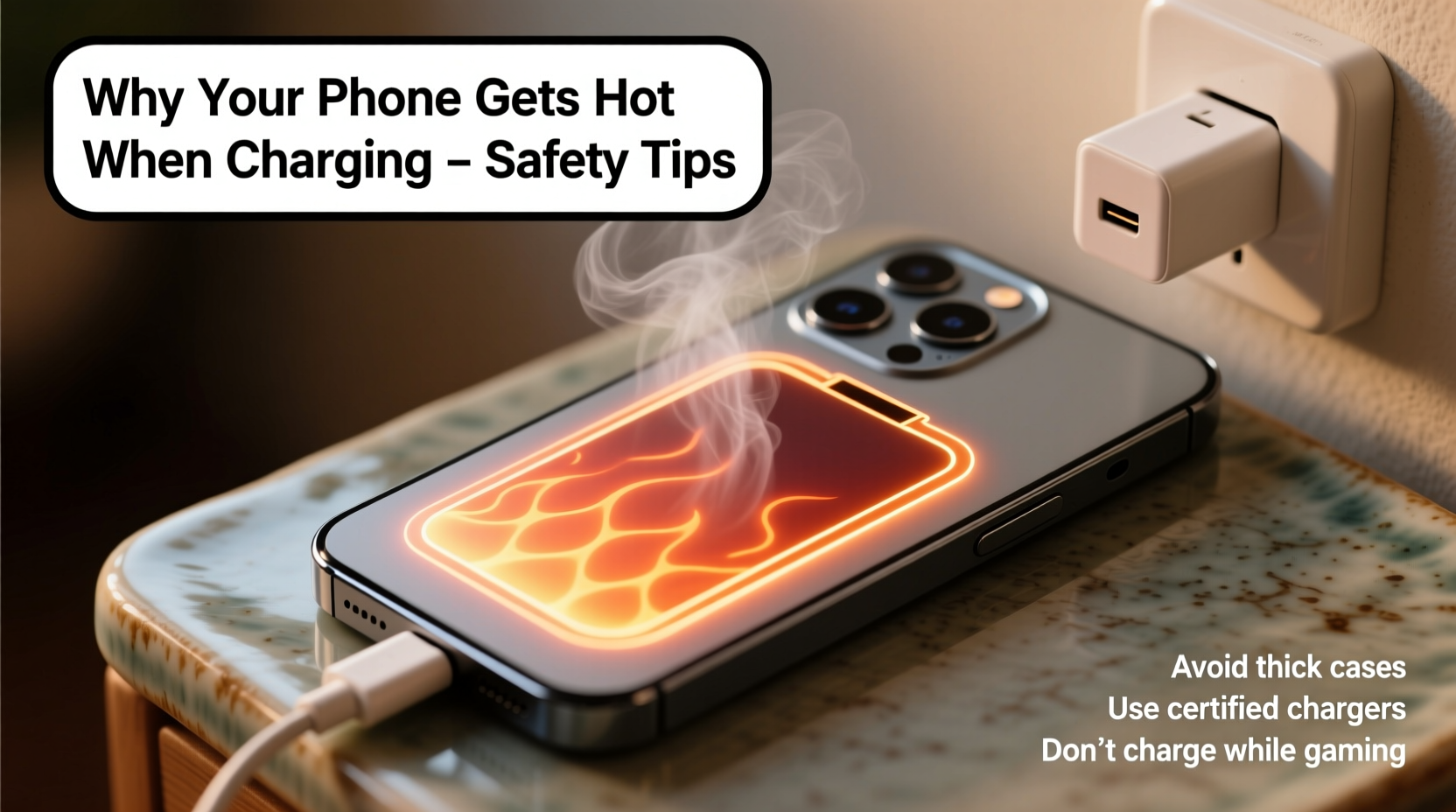
When a phone charges, electrical energy flows from the charger into the battery, converting into stored chemical energy. This process isn’t 100% efficient—some energy is lost as heat due to resistance in circuits and internal battery chemistry. A small temperature increase (typically 5–10°C above ambient) is expected and harmless.
However, several factors amplify this effect:
- Inefficient power conversion: Low-quality chargers or cables often lack proper voltage regulation, causing excess current and heat buildup.
- High-speed charging: Fast-charging technologies like Qualcomm Quick Charge or USB Power Delivery push more power in less time, increasing thermal output.
- Battery age and condition: Older batteries degrade and become less efficient, generating more heat during charge cycles.
- Background processes: Apps syncing, GPS tracking, or system updates running while charging increase CPU usage and contribute to heat.
The phone’s design also plays a role. Metal or glass backs conduct heat better than plastic, making devices feel hotter even if internal temps are similar. Additionally, compact designs limit airflow, trapping heat inside the chassis.
“Any lithium-ion battery exposed to sustained high temperatures will degrade faster. Keeping your phone below 35°C during charging significantly extends its usable life.” — Dr. Lena Torres, Battery Research Scientist at MIT Energy Initiative
Troubleshooting Steps: What to Do When Your Phone Gets Too Hot
If your phone becomes noticeably hot during charging—too hot to hold comfortably or triggering overheating warnings—take immediate action. Follow this step-by-step guide to identify and resolve the issue.
- Unplug immediately: If the device feels excessively hot, disconnect it from the charger. Let it cool down in a shaded, well-ventilated area.
- Remove the case: Many protective cases trap heat. Removing them allows better dissipation.
- Check for active apps: Open your phone’s settings and review battery usage. Close any apps consuming high resources, especially social media, navigation, or streaming services.
- Restart the device: A reboot clears temporary software glitches that may be overloading the processor.
- Inspect the charger and cable: Use only manufacturer-recommended or certified third-party accessories. Look for frayed wires, bent connectors, or unbranded wall adapters.
- Test different outlets: Faulty wiring or overloaded circuits can deliver unstable power, contributing to heat.
- Charge in airplane mode: Disabling wireless radios reduces background activity and lowers thermal output.
Do’s and Don’ts of Safe Charging Practices
Your daily charging habits have a major impact on device temperature and longevity. The table below summarizes best practices to minimize overheating risks.
| Do’s | Don’ts |
|---|---|
| Use original or MFi/USB-IF certified chargers and cables | Use cheap, unbranded chargers from unknown vendors |
| Charge on hard, flat surfaces like a desk | Charge under pillows, blankets, or on soft bedding |
| Keep the phone in a cool room (ideally 20–25°C) | Leave the phone in direct sunlight or a hot car |
| Enable adaptive charging features if available | Leave the phone plugged in overnight regularly |
| Clean charging ports gently with a dry brush | Insert metal objects or use compressed air aggressively |
One often-overlooked factor is environmental temperature. Charging in a hot environment—even without other stressors—can push internal temperatures past safe thresholds. Lithium-ion batteries operate best between 10°C and 35°C. Beyond that range, degradation accelerates and safety mechanisms may kick in, halting charging altogether.
Real Example: How One User Prevented Permanent Damage
Jamal, a rideshare driver in Phoenix, noticed his Android phone was shutting down unexpectedly during afternoon charges. Despite replacing the cable twice, the problem persisted. The phone would reach scorching temperatures within 15 minutes of plugging in, even when idle.
After reading about thermal risks, he realized he was charging his phone on the dashboard of his car, where interior temperatures routinely exceeded 50°C in summer. Even with tinted windows, the enclosed space trapped heat. He began keeping his phone in the center console and used a sunshade when parked. He also switched to a shorter, high-quality USB-C cable and disabled GPS and Bluetooth while charging.
Within days, the overheating stopped. His battery health improved from 78% to stable over the next three months. “I didn’t think the location mattered so much,” he said. “But moving it out of direct sun made all the difference.”
This case highlights how environmental conditions, often ignored, can be the primary cause of overheating—especially in regions with extreme climates.
Safety Tips to Protect Your Device and Yourself
Overheating isn’t just bad for your phone—it can pose real safety risks. Lithium-ion batteries, when damaged or overheated, can enter thermal runaway: a self-sustaining reaction that leads to swelling, leakage, or in rare cases, fire or explosion.
To stay safe, follow these critical guidelines:
- Never charge near flammable materials: Keep phones away from curtains, paper, beds, or couches.
- Monitor overnight charging: While convenient, leaving a phone plugged in all night increases exposure to potential faults. Consider using a timer outlet or smart plug.
- Replace swollen batteries immediately: A bulging back cover or screen lifting from the frame indicates internal pressure. Stop using the device and seek professional replacement.
- Avoid water exposure while charging: Moisture and electricity don’t mix. Wet hands or humid environments increase short-circuit risks.
- Use surge protectors: Voltage spikes from unstable power sources can damage charging circuits and increase heat.
When to Seek Professional Help
Some issues go beyond user correction. If you’ve followed troubleshooting steps and your phone still overheats, it may indicate hardware failure. Warning signs include:
- Heat persists even when powered off but connected to a charger
- Frequent restarts or shutdowns during charging
- Burning smell, discoloration, or visible damage to the port
- Rapid battery drain unrelated to usage
In such cases, contact the manufacturer or an authorized repair center. Attempting DIY repairs on batteries or power circuits can be dangerous and void warranties.
FAQ: Common Questions About Phone Overheating
Is it normal for my phone to get warm when charging?
Yes, mild warmth is normal due to energy conversion inefficiencies. However, if the device is too hot to touch comfortably or triggers system warnings, it's not normal and requires attention.
Can a hot phone explode?
While extremely rare, yes—under severe conditions like physical damage, manufacturing defects, or exposure to extreme heat, lithium-ion batteries can fail catastrophically. Most modern phones have built-in safeguards, but risk increases with poor charging habits or damaged hardware.
Does fast charging make my phone hotter?
Yes. Fast charging delivers higher current, which generates more heat. To mitigate this, manufacturers use algorithms to slow charging once the battery reaches 80% or when temperature rises. Using fast charging sparingly—especially in hot environments—is advisable for long-term battery health.
Conclusion: Stay Cool, Stay Safe
Your smartphone is a sophisticated piece of technology, but it’s only as reliable as the care you give it. Heat during charging isn’t something to ignore. By understanding the causes, applying smart habits, and respecting the limits of lithium-ion batteries, you protect not only your investment but your personal safety.
Start today: inspect your charger, clean your port, avoid charging under your pillow, and never leave a hot phone unattended. Small changes yield big results—longer battery life, smoother performance, and peace of mind.




 浙公网安备
33010002000092号
浙公网安备
33010002000092号 浙B2-20120091-4
Comments
No comments yet. Why don't you start the discussion?