
It’s common to notice your smartphone warming up during charging, but persistent or excessive heat can be a sign of underlying issues. While some warmth is normal due to energy conversion, a phone that becomes uncomfortably hot may indicate inefficient charging, software problems, or hardware wear. Overheating not only affects performance but can also degrade battery health over time. Whether you're using an Android device or an iPhone, understanding the causes and knowing how to respond can help protect your investment and ensure safe usage.
Why Phones Get Hot When Charging: The Science Behind It
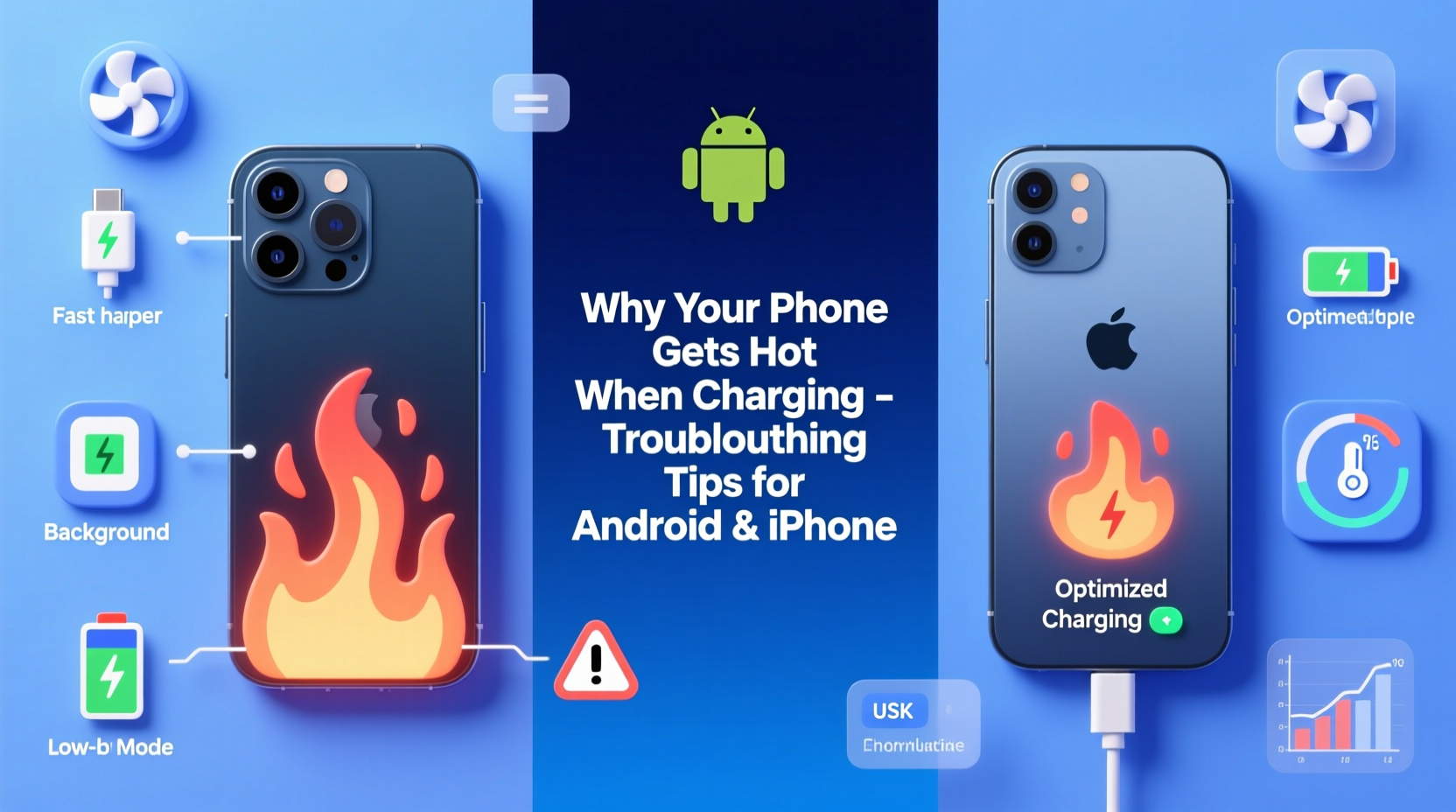
When a phone charges, electrical energy from the charger is converted into chemical energy stored in the battery. This process generates heat as a byproduct—especially with fast-charging technologies that deliver higher power levels. Lithium-ion batteries, used in nearly all modern smartphones, are sensitive to temperature. They operate efficiently between 20°C and 35°C (68°F–95°F). Beyond this range, thermal stress increases, accelerating battery degradation.
Several factors influence how much heat is generated:
- Charging speed: Fast chargers (18W, 30W, or higher) produce more heat than standard 5W or 10W chargers.
- Battery age: Older batteries lose efficiency and generate more internal resistance, leading to excess heat.
- Background activity: Running apps, GPS, or syncing data while charging increases power draw and heat output.
- Environmental conditions: Charging in direct sunlight or hot environments worsens heating.
“Even moderate overheating during charging can reduce a lithium-ion battery’s lifespan by up to 20% over six months.” — Dr. Alan Reyes, Battery Technology Researcher at MIT Energy Initiative
Common Causes of Excessive Heat During Charging
Not all heat is alarming, but if your phone becomes too hot to hold, shuts down unexpectedly, or frequently displays temperature warnings, it's time to investigate. Here are the most frequent culprits:
1. Using Non-Certified or Low-Quality Chargers
Inexpensive third-party chargers often lack proper voltage regulation and safety circuits. These can deliver unstable current, forcing the phone to work harder and generate more heat.
2. Charging While Using the Phone
Playing games, streaming video, or using navigation while charging forces the CPU and battery to handle dual loads—charging input and high-performance output—creating significant thermal buildup.
3. Poor Ventilation or Enclosed Spaces
Leaving your phone under a pillow, on a couch, or inside a thick case traps heat. Without airflow, temperatures rise quickly, triggering thermal throttling or shutdowns.
4. Background App Activity
Apps refreshing in the background, location services running, or cloud sync operations increase processor usage even when the screen is off, contributing to heat generation.
5. Software Bugs or OS Updates
Sometimes, a recent software update introduces bugs that cause excessive CPU usage or prevent the device from entering low-power states during charging.
6. Battery Degradation
After 2–3 years of regular use, lithium-ion batteries lose capacity and become less efficient. A degraded battery works harder to accept charge, producing more heat than usual.
Troubleshooting Steps for Android and iPhone
If your phone consistently overheats during charging, follow this step-by-step guide to identify and resolve the issue.
Step 1: Remove the Case and Ensure Proper Ventilation
Thick silicone, leather, or rugged cases insulate heat. Take the phone out of its case while charging, especially with fast chargers. Place it on a hard, flat surface away from direct sunlight or heat sources.
Step 2: Use Original or MFi-Certified Accessories
Switch to your manufacturer-provided charger and cable. For iPhones, ensure cables are Apple MFi-certified. On Android, use OEM chargers (e.g., Samsung Adaptive Fast Charger, Google Pixel charger).
Step 3: Check for Physical Damage
Inspect the charging port for lint, corrosion, or bent pins. A dirty port creates poor connections, increasing resistance and heat. Gently clean it with a dry toothbrush or compressed air.
Step 4: Monitor Battery Health
iPhone: Go to Settings > Battery > Battery Health & Charging. If “Maximum Capacity” is below 80%, consider a battery replacement.
Android: Path varies by brand. On Samsung, go to Settings > Battery > Battery Health. Some devices require dialing *#*#4636#*#* to access hidden diagnostics.
Step 5: Restart Your Device
A simple reboot clears temporary glitches and stops rogue processes consuming CPU cycles. Try charging after restarting to see if heat reduces.
Step 6: Update Software
Install the latest OS updates. Manufacturers often release patches to fix battery and thermal management bugs.
Step 7: Disable Unnecessary Features
Turn off Bluetooth, Wi-Fi, Location Services, and haptic feedback while charging. These features draw extra power and contribute to heat.
Step 8: Test in Safe Mode (Android) or Minimal State (iPhone)
Android: Hold the power button, then long-press “Power Off” and select “Safe Mode.” Only system apps run, helping isolate third-party app issues.
iPhone: While iOS doesn’t have safe mode, restart and avoid opening apps. Observe if heat persists without user interaction.
Do’s and Don’ts: Charging Best Practices
| Do’s | Don’ts |
|---|---|
| Use manufacturer-approved chargers and cables | Use cheap, uncertified charging accessories |
| Charge in a cool, well-ventilated area | Leave phone in direct sunlight or hot cars |
| Remove thick cases during charging | Charge under pillows or blankets |
| Keep battery between 20% and 80% when possible | Let battery drain to 0% or charge to 100% daily |
| Restart your phone weekly to clear memory leaks | Ignore repeated overheating warnings |
Real-World Example: How One User Fixed Chronic Overheating
Jamal, a rideshare driver in Phoenix, noticed his iPhone 13 would shut down during afternoon charging sessions despite being plugged in. The car interior regularly exceeded 40°C (104°F), and he was using a $7 Amazon charger to power the phone while navigating.
After reading about thermal risks, he made three changes:
- Purchased an Apple-certified 20W USB-C charger.
- Started placing the phone on a ventilated dashboard mount instead of the seat.
- Enabled “Optimized Battery Charging” in Settings.
Within days, the phone no longer exceeded safe temperatures. After two months, he checked Battery Health and found degradation had slowed significantly compared to the previous quarter.
“Many users don’t realize that environmental heat combines with charging heat. In hot climates, managing ambient temperature is half the battle.” — Lena Torres, Mobile Device Technician, iFixit Certified
Preventive Maintenance Checklist
To keep your phone cool and extend battery life, follow this monthly checklist:
- ✅ Clean the charging port gently with a dry brush
- ✅ Verify charger and cable are undamaged and certified
- ✅ Check battery health status (iPhone or Android equivalent)
- ✅ Reboot the device to clear background processes
- ✅ Update operating system and apps
- ✅ Disable unnecessary background refresh and location tracking
- ✅ Store and charge phone in a room below 30°C (86°F)
- ✅ Replace swollen or aged batteries promptly
Frequently Asked Questions
Is it normal for my phone to get warm when charging?
Yes, mild warmth is normal, especially with fast charging. However, if the phone feels hot to the touch, struggles to stay on, or displays a temperature warning, it’s overheating and requires attention.
Can a hot phone explode while charging?
While extremely rare, severe overheating—especially with damaged batteries or faulty chargers—can lead to thermal runaway, causing swelling, leakage, or in extreme cases, fire. Modern phones have built-in safeguards, but risk increases with poor-quality accessories or physical damage.
Should I stop charging if my phone gets hot?
Yes. Disconnect the charger and let the phone cool down in a shaded, open area. Do not place it in a freezer or expose it to rapid temperature changes. Once cooled, inspect your setup and avoid repeating the same conditions.
Final Thoughts: Protect Your Phone, Preserve Its Longevity
Your smartphone is designed to manage heat intelligently, but it relies on user habits and quality accessories to function safely. Overheating during charging isn't something to ignore—it's a signal that your device is under stress. By using genuine chargers, avoiding extreme environments, and monitoring battery health, you can prevent long-term damage and maintain peak performance.
Battery longevity directly correlates with thermal management. Every degree above the ideal range accelerates wear. Taking small, consistent steps today—like removing the case while charging or upgrading to a certified cable—can add months or even years to your phone’s usable life.




 浙公网安备
33010002000092号
浙公网安备
33010002000092号 浙B2-20120091-4
Comments
No comments yet. Why don't you start the discussion?