
It’s a common experience: you plug in your phone, and within minutes, it starts to feel warm—sometimes even hot. While a slight temperature increase during charging is normal, persistent or extreme heating can signal deeper issues. Understanding why this happens, what factors contribute to it, and when it becomes a cause for concern is essential for both performance and safety. This guide breaks down the science, risks, and practical steps to keep your device running cool and efficiently.
The Science Behind Phone Heating During Charging
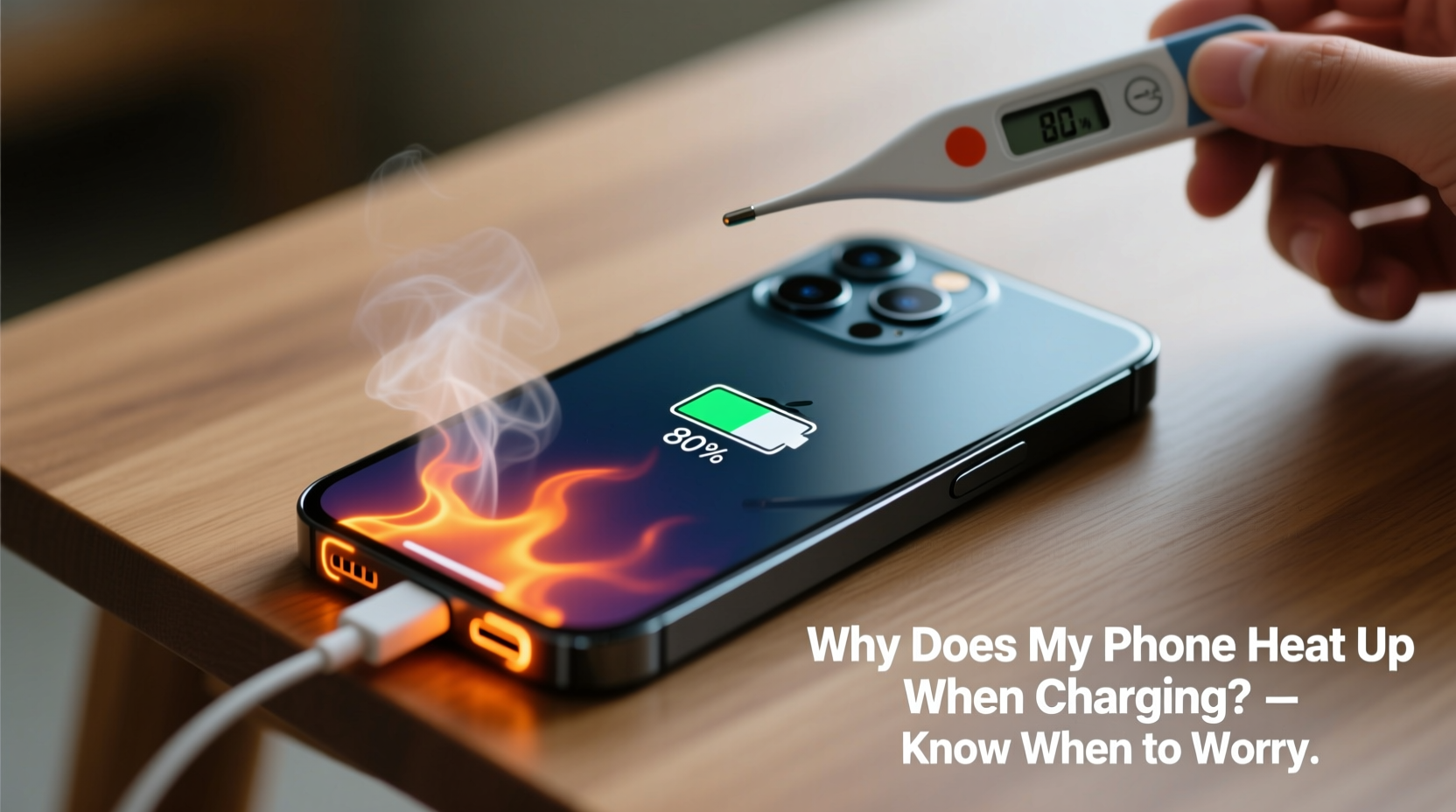
When your phone charges, electrical energy from the charger is converted into chemical energy stored in the battery. This process isn’t 100% efficient. Some of the energy is lost as heat due to resistance in the battery cells, charging circuitry, and power delivery components. This phenomenon is known as \"Joule heating,\" where electric current passing through a conductor generates thermal energy.
Lithium-ion batteries—the standard in modern smartphones—are particularly sensitive to temperature fluctuations. They operate best between 20°C and 35°C (68°F–95°F). When charging, especially at high speeds, internal chemical reactions accelerate, increasing thermal output. Fast charging technologies like Qualcomm Quick Charge, USB Power Delivery, or proprietary systems from Apple and Samsung push more power into the battery quickly, which naturally raises the temperature.
In addition to the battery itself, other components contribute to heat generation:
- Power Management IC (Integrated Circuit): Regulates voltage and current flow; works harder during fast charging.
- Processor (CPU/GPU): If apps are running in the background, the processor continues to draw power, adding to thermal load.
- Wireless signals: Maintaining Wi-Fi, Bluetooth, or cellular connections consumes energy and generates additional heat.
All these elements combine to make your phone warmer than usual during charging—especially if it's being used simultaneously.
Common Causes of Excessive Heat During Charging
While some warmth is expected, excessive heat often stems from avoidable behaviors or hardware issues. Below are the most frequent contributors:
- Using non-certified or low-quality chargers and cables: These may deliver inconsistent voltage, lack proper insulation, or fail to regulate current effectively, leading to inefficient charging and excess heat.
- Charging while using the phone: Playing games, streaming video, or multitasking forces the CPU and screen to work while the battery charges—doubling the thermal load.
- Fast charging without adequate cooling: High-wattage charging (e.g., 30W, 65W) produces more heat. Phones without advanced thermal dissipation may struggle to manage it.
- Poor ventilation: Charging under a pillow, on a bed, or inside a thick case traps heat and prevents airflow.
- Battery degradation: As lithium-ion batteries age, their internal resistance increases, making them less efficient and more prone to overheating.
- Direct sunlight or hot environments: Charging in a car on a sunny day or near a heater can push already-warm devices into dangerous temperature zones.
A 2022 study by the Battery University Research Group found that repeated exposure to temperatures above 40°C (104°F) can reduce a lithium-ion battery’s lifespan by up to 35% over six months. The combination of environmental heat and charging stress accelerates capacity loss and internal wear.
When Should You Worry About Phone Heating?
Not all heat is problematic. A slightly warm phone after 30 minutes of fast charging is typically nothing to fear. However, certain signs indicate potential danger or long-term damage:
| Sign | Normal? | Action Required |
|---|---|---|
| Phone feels slightly warm to the touch | ✅ Yes | No action needed |
| Too hot to hold comfortably | ❌ No | Stop charging, let it cool |
| Charging stops automatically | ⚠️ Warning sign | Check for software/hardware issues |
| Screen flickers or dims during charge | ❌ No | Inspect battery health |
| Swollen battery or warped casing | 🛑 Dangerous | Stop use immediately; replace battery |
| Burning smell or smoke | 🔥 Emergency | Unplug, move away, contact support |
If your phone consistently shuts down during charging or displays a “temperature too high” warning, it’s actively protecting itself from damage. Ignoring these alerts risks permanent battery failure, data loss, or—in rare cases—fire hazards.
“Repeated overheating degrades battery chemistry faster than any other factor. It’s not just about comfort—it’s about longevity and safety.” — Dr. Lena Park, Senior Electrochemist at Mobile Energy Labs
How to Prevent Your Phone from Overheating While Charging
Prevention is far more effective than reacting after damage occurs. Implementing a few smart habits can significantly reduce thermal stress on your device.
Step-by-Step Guide to Safer Charging
- Remove the case before charging: Especially if it’s made of silicone, leather, or thick plastic, which insulate heat. Let the phone breathe.
- Use original or certified accessories: Stick to OEM chargers or MFi (for iPhone) and USB-IF certified cables to ensure safe power delivery.
- Charge in a cool, dry place: Avoid direct sunlight, radiators, or enclosed spaces like drawers or under blankets.
- Turn off or enable Airplane Mode: Disabling wireless radios reduces background activity and lowers heat generation.
- Avoid fast charging overnight: Use standard charging (5W–10W) when possible, especially for extended sessions.
- Keep software updated: Manufacturers often release firmware updates that optimize charging algorithms and thermal management.
- Monitor battery health: On iPhones, go to Settings > Battery > Battery Health. On Android, use built-in diagnostics or apps like AccuBattery.
Do’s and Don’ts of Charging Habits
| Do’s | Don’ts |
|---|---|
| Charge in a well-ventilated area | Leave phone charging under pillows or blankets |
| Use manufacturer-recommended chargers | Use damaged or frayed cables |
| Unplug once fully charged | Keep phone plugged in for days at a time |
| Clean charging port regularly | Force a dirty cable into the port |
| Enable optimized charging features (iOS/Android) | Ignore repeated overheat warnings |
Real-World Example: A Case of Repeated Overheating
Jamal, a 28-year-old graphic designer, noticed his phone was getting unusually hot every evening while charging. He used a third-party 65W fast charger he bought online for quick top-ups between client calls. Initially, he dismissed the warmth as normal. But after two months, the battery drained faster, and the phone occasionally shut down mid-call—even at 40% charge.
He took it to a repair shop, where diagnostics revealed a degraded battery with 68% capacity and visible internal swelling. The technician explained that the uncertified charger delivered unstable voltage, and Jamal’s habit of gaming while charging amplified thermal stress. The battery was replaced, but the technician warned that continued misuse could damage the motherboard.
After switching to the original charger, removing the case during charging, and avoiding usage while powered, Jamal’s phone stabilized. Battery health improved slightly due to reduced strain, and the device no longer overheated. His experience underscores how daily habits directly impact hardware longevity.
Frequently Asked Questions
Is it safe to leave my phone charging overnight?
Modern smartphones have safeguards that stop charging at 100%, so leaving it plugged in isn’t inherently dangerous. However, keeping the battery at full charge for hours generates heat cycles that degrade longevity. For best results, use “Optimized Battery Charging” (iOS) or “Adaptive Charging” (Android), which delay final charging until you wake up.
Can a hot phone explode while charging?
While extremely rare, lithium-ion batteries can enter “thermal runaway”—a chain reaction where heat builds uncontrollably—if damaged, defective, or exposed to extreme conditions. Swelling, punctures, or using counterfeit chargers increase this risk. Always inspect your device and accessories. If you notice bulging or strange odors, stop using it immediately.
Does wireless charging make phones hotter?
Yes. Wireless charging is generally less efficient than wired, losing more energy as heat. Many phones run noticeably warmer during Qi charging, especially if they’re in a case. For cooler operation, remove thick cases and avoid using the phone during wireless charging.
Final Thoughts: Take Control of Your Device’s Health
Your phone heating up during charging isn’t always a red flag—but it shouldn’t be ignored either. By understanding the underlying causes and recognizing warning signs, you can protect both performance and safety. Simple changes, like using certified chargers, removing cases, and avoiding intensive use while charging, go a long way in preserving your device.
Battery replacement costs, data loss, and fire risks are real consequences of chronic overheating. Yet, most of these issues are preventable with mindful habits. Your smartphone is designed to last years, but only if treated with care.




 浙公网安备
33010002000092号
浙公网安备
33010002000092号 浙B2-20120091-4
Comments
No comments yet. Why don't you start the discussion?