
It’s a common yet frustrating experience: you’re in the middle of an important call, and suddenly your phone starts feeling uncomfortably hot. The screen dims, performance slows, and sometimes the device even shuts down. While modern smartphones are built to handle high workloads, excessive heat during calls is not normal and can signal deeper issues. Overheating isn’t just uncomfortable—it can shorten your phone’s lifespan, degrade battery health, and compromise safety.
Understanding the root causes and knowing how to respond can make a significant difference. Whether you're using an iPhone or an Android device, this guide breaks down why phones overheat during calls, offers proven solutions, and provides long-term strategies to prevent recurrence.
Why Phones Overheat During Calls
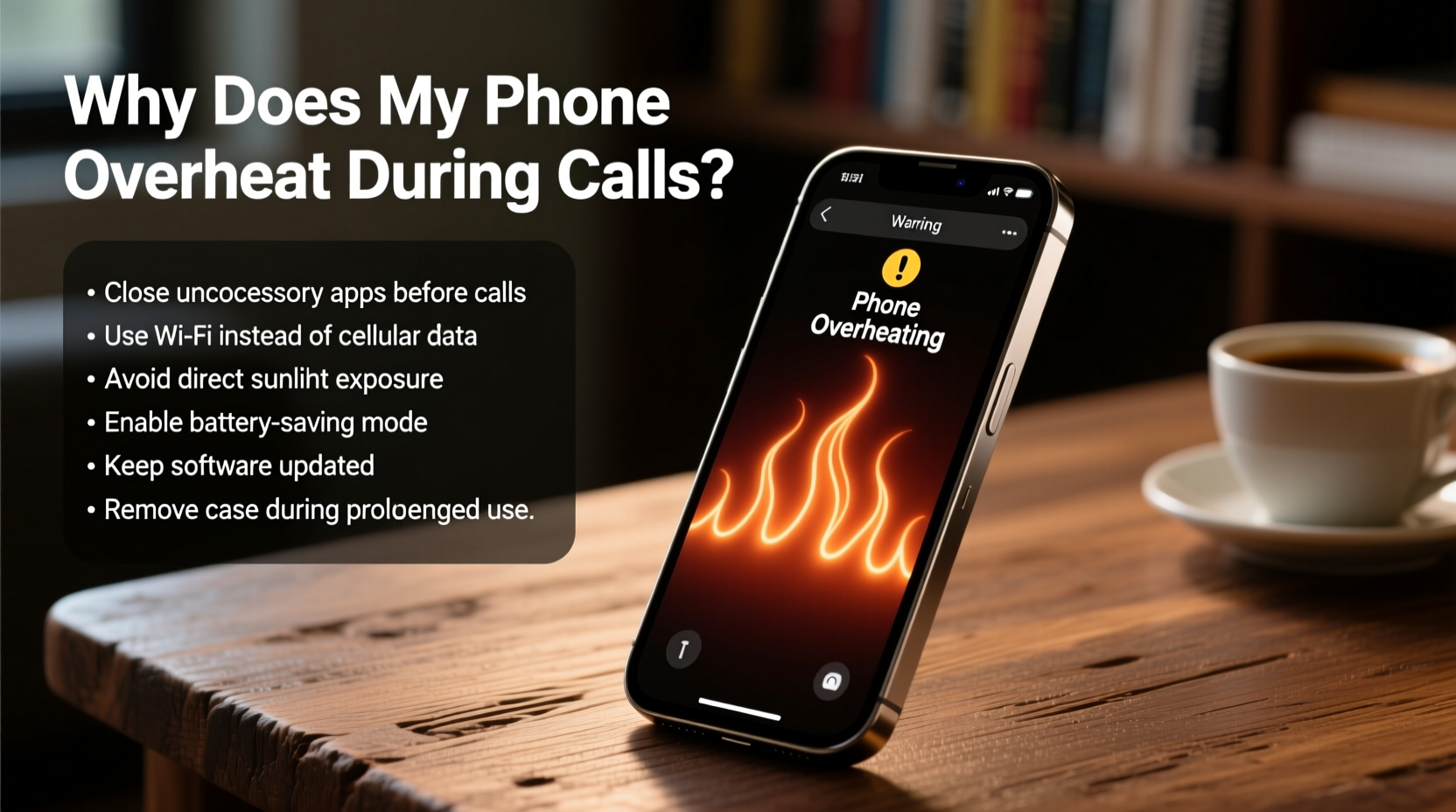
Phone overheating during calls typically results from a combination of hardware demands, environmental factors, and software inefficiencies. When you make or receive a call, several components activate simultaneously:
- Radio frequency (RF) modules: Your phone connects to cellular towers, Wi-Fi, and Bluetooth, all of which generate heat.
- Processor (CPU): Signal processing, audio encoding, and background app activity increase CPU load.
- Battery: Power delivery ramps up, especially if the battery is aging or under stress.
- Display and sensors: Even on speakerphone, proximity sensors and screen management contribute to thermal output.
In ideal conditions, your phone manages this heat efficiently. But when multiple stressors combine—poor signal, direct sunlight, or running resource-heavy apps—the internal temperature rises beyond safe thresholds.
Common Causes of Call-Related Overheating
Not all overheating is created equal. Identifying the specific trigger helps target the solution. Below are the most frequent culprits:
- Poor Network Signal: In areas with weak reception, your phone works harder to maintain a stable connection, drawing more power and generating excess heat.
- Background App Activity: Apps refreshing location data, syncing emails, or streaming music in the background consume CPU resources even during calls.
- Aging Battery: As lithium-ion batteries degrade, they become less efficient and produce more heat during use.
- Direct Sunlight or Hot Environments: Using your phone outdoors on a sunny day or leaving it in a hot car exacerbates internal heating.
- Phone Case Trapping Heat: Thick silicone or leather cases can insulate heat, preventing proper dissipation.
- Faulty Software or OS Bugs: Outdated or buggy operating systems may mismanage resources, leading to unnecessary processor strain.
- Malware or Bloatware: Hidden apps or malicious software can run undetected processes that spike CPU usage.
“Phones are designed with thermal throttling, but repeated exposure to high temperatures accelerates battery wear and reduces peak performance.” — Dr. Lena Torres, Mobile Hardware Engineer at TechInsight Labs
Step-by-Step Guide to Cool Down an Overheating Phone
If your phone becomes hot during a call, immediate action can prevent damage. Follow this sequence to safely reduce temperature:
- End the call immediately. Continuing the conversation risks further heat buildup and potential shutdown.
- Turn off the screen. This reduces display-related heat and gives the system a chance to cool.
- Remove the case. Take off any protective cover to allow better airflow around the chassis.
- Move to a cooler environment. Step out of direct sunlight or enter an air-conditioned space. Avoid placing the phone in refrigerators or freezers—rapid temperature changes can cause condensation and internal damage.
- Disable non-essential features. Turn off Bluetooth, GPS, Wi-Fi, and mobile data temporarily to reduce radio load.
- Restart the device. A reboot clears stuck processes and resets thermal management systems.
- Monitor temperature after restart. If the phone remains hot without usage, there may be a hardware issue requiring professional diagnosis.
Prevention Tips and Long-Term Fixes
While cooling down a hot phone is essential, preventing overheating is far more effective. Implement these practices to maintain optimal thermal performance:
1. Optimize Network Usage
Weak signals are one of the top contributors to overheating. Use Wi-Fi calling when cellular reception is poor. This shifts the connection burden from the cellular modem to Wi-Fi, which generally runs cooler.
2. Manage Background Apps
Apps running in the background can silently drain battery and generate heat. Regularly audit app usage:
- On iOS: Go to Settings > Battery to see which apps consume the most energy.
- On Android: Navigate to Settings > Battery > Usage to identify power-hungry apps.
Restrict background activity for non-essential apps through settings.
3. Update Your Operating System
Manufacturers release OS updates that often include thermal management improvements and bug fixes. Enable automatic updates or check manually every few weeks.
4. Replace Aging Batteries
If your phone is over two years old and frequently overheats, consider a battery replacement. Most manufacturers offer official services, and third-party repair shops can also perform safe swaps.
5. Use Lightweight Cases or Remove Them During Calls
While cases protect against drops, they can hinder heat dissipation. For long calls, especially in warm environments, remove the case or switch to a thin, breathable design.
6. Limit Call Duration in Hot Conditions
Avoid extended calls when outdoors in summer or in poorly ventilated spaces. Use headphones or speaker mode to keep the phone away from your body and allow airflow.
| Do’s | Don’ts |
|---|---|
| Use Wi-Fi calling in low-signal areas | Leave phone in direct sunlight during calls |
| Remove case when phone feels warm | Place phone in freezer to cool down |
| Update OS and apps regularly | Ignore repeated overheating warnings |
| Enable battery optimization features | Run gaming or video apps during long calls |
| Restart phone weekly to clear memory | Use cheap, uncertified chargers |
Real-World Example: Maria’s Overheating iPhone
Maria, a sales representative, noticed her iPhone 12 getting excessively hot during client calls. It started shutting down unexpectedly after 10–15 minutes. She initially assumed it was a hardware defect. After visiting an Apple Store, diagnostics revealed no critical failure, but the technician noted high CPU usage during calls.
Further investigation showed that a CRM app was constantly syncing in the background, combined with poor office signal strength forcing the phone to boost its cellular output. The technician recommended enabling Wi-Fi calling, restricting background refresh for the CRM app, and removing her thick rubber case during meetings.
Within days, Maria reported stable performance and no overheating—even during hour-long conference calls. This case illustrates how software behavior and environment, not just hardware, play crucial roles in thermal management.
Checklist: Prevent Phone Overheating During Calls
Use this checklist to ensure your phone stays cool and reliable:
- ✅ Enable Wi-Fi calling in weak signal zones
- ✅ Remove phone case during long calls
- ✅ Keep your OS and apps updated
- ✅ Disable Bluetooth, GPS, and unused radios when not needed
- ✅ Monitor battery health monthly
- ✅ Avoid direct sunlight and hot surfaces
- ✅ Restart your phone weekly
- ✅ Install reputable antivirus software (especially on Android)
- ✅ Replace battery if capacity is below 80%
- ✅ Use headphones or speakerphone to reduce contact heat
Frequently Asked Questions
Is it dangerous if my phone gets hot during calls?
Occasional warmth is normal, but sustained high temperatures can damage the battery, reduce performance, and in rare cases, pose a safety risk. If your phone consistently exceeds safe operating limits (usually above 35°C/95°F), take preventive steps immediately.
Can malware cause my phone to overheat?
Yes. Malicious apps can run hidden processes that max out the CPU or continuously access the network, generating significant heat. Only download apps from official stores and review permissions carefully.
Should I stop using my phone if it overheats?
Yes. Continued use under high temperatures can lead to permanent hardware damage. Power it down, let it cool in a shaded area, and investigate the cause before resuming regular use.
Conclusion: Take Control of Your Phone’s Temperature
Overheating during calls is more than just a nuisance—it’s a warning sign that something in your phone’s ecosystem needs attention. Whether it’s a struggling battery, inefficient software, or environmental stress, the solutions are within reach. By understanding the causes and applying consistent, proactive measures, you can extend your device’s life, improve reliability, and stay connected without discomfort.




 浙公网安备
33010002000092号
浙公网安备
33010002000092号 浙B2-20120091-4
Comments
No comments yet. Why don't you start the discussion?