
It’s a familiar frustration: you’re mid-call, scrolling through an important message, or about to send an urgent email—then the elevator doors close. Within seconds, your phone shows “No Service.” This isn’t random bad luck; it’s physics, architecture, and wireless infrastructure colliding. Understanding why this happens—and what you can do about it—is essential for staying connected in modern buildings.
Elevators are among the most common dead zones for mobile signals, but the issue isn’t limited to them alone. The same principles apply in basements, underground parking, and steel-reinforced structures. However, elevators present a unique challenge due to their enclosed metal construction and constant movement between floors. Let’s break down the science behind the signal loss and explore realistic solutions.
The Science Behind Signal Loss in Elevators
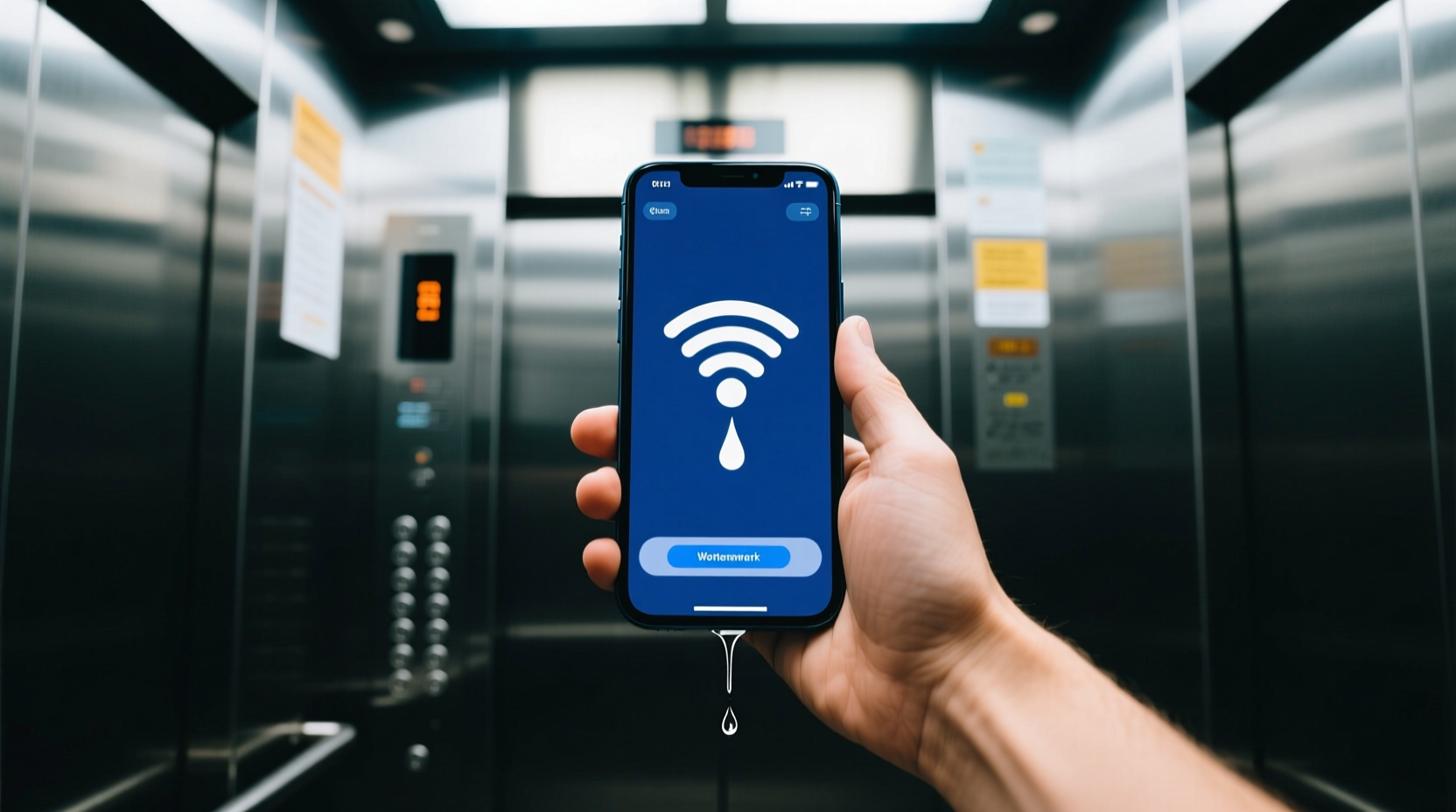
Mobile phones rely on radio frequency (RF) signals transmitted from nearby cell towers. These signals travel through the air and penetrate walls, windows, and some building materials. But they struggle with dense, conductive materials—especially metal.
Elevator cabins are typically constructed with thick steel walls, ceilings, and doors. Steel acts as a Faraday cage—a structure that blocks electromagnetic fields. When the elevator doors shut, the metal enclosure effectively traps the RF signals outside, preventing them from reaching your phone inside.
Additionally, the continuous motion of the elevator complicates matters. As the cabin ascends or descends, it moves rapidly through different coverage zones. Even if a weak signal could penetrate the shaft momentarily, the fast vertical movement disrupts stable handoffs between cell towers or distributed antenna systems (DAS), leading to dropped connections.
“Elevators are essentially moving metal boxes shielded from external radio waves. Without internal signal boosters, connectivity is nearly impossible.” — Dr. Lena Park, RF Engineer and Wireless Infrastructure Consultant
Architectural and Structural Factors That Worsen the Problem
Beyond the elevator itself, the surrounding building design plays a significant role in signal degradation:
- Reinforced concrete walls: Many high-rise buildings use steel-reinforced concrete, which further blocks external signals from entering the elevator shaft.
- Low-emissivity (Low-E) glass: While energy-efficient, these coated windows reflect RF signals, reducing indoor penetration.
- Poor DAS deployment: Distributed Antenna Systems are designed to extend cellular coverage indoors, but not all buildings have them installed—or maintained—properly.
- Underground or basement access: If the elevator starts below ground level, initial signal loss occurs even before the doors close.
In older buildings, retrofitting wireless infrastructure is often overlooked during renovations. Meanwhile, newer skyscrapers may prioritize aesthetics over connectivity, placing antennas in suboptimal locations or failing to integrate repeaters into elevator shafts.
Available Workarounds and Practical Solutions
While you can’t change the laws of physics, several strategies can mitigate or bypass signal loss in elevators. Some depend on individual action, while others require institutional investment.
1. Use Wi-Fi Calling When Available
If the building has strong Wi-Fi coverage that extends into the elevator lobby or shaft (rare but possible), enabling Wi-Fi calling on your smartphone allows calls and texts to route through the internet instead of cellular networks.
To activate Wi-Fi calling:
- Go to your phone’s Settings.
- Navigate to Network & Internet > Mobile Network > Advanced > Wi-Fi Calling.
- Toggle it on and ensure you're connected to a known Wi-Fi network.
Note: Wi-Fi calling only works if the elevator area has active Wi-Fi access points, which is uncommon unless specifically engineered.
2. Carry a Portable Signal Booster (Femtocell/MicroCell)
Some carriers offer small cellular repeaters called femtocells (e.g., AT&T MicroCell, Verizon LTE Network Extender). These devices connect to your home or office broadband and create a mini personal cell tower.
While not practical to carry into an elevator daily, installing one near the elevator bank on your floor can improve handoff performance just before entry or after exit.
3. Rely on Messaging Apps with Offline Sync
Applications like WhatsApp, iMessage, or Telegram sync messages once connection resumes. Sending a message right before entering an elevator ensures it queues and sends automatically upon reconnection.
This doesn't help during real-time calls, but for non-urgent communication, it reduces anxiety about missed messages.
4. Advocate for Building-Level DAS Installation
Distributed Antenna Systems (DAS) are networks of antennas placed throughout a building to evenly distribute cellular signals. In large commercial or residential complexes, DAS can cover stairwells, basements, and elevator shafts.
Property managers and telecom providers often install DAS in response to tenant demand. If multiple residents or employees report connectivity issues, collective pressure can lead to infrastructure improvements.
Comparison of Signal Enhancement Options
| Solution | Effectiveness in Elevators | Cost | User Effort Required | Best For |
|---|---|---|---|---|
| Wi-Fi Calling | Moderate (if Wi-Fi available) | Free | Low | Buildings with strong Wi-Fi near elevators |
| Femtocell / MicroCell | Low (limited range) | $150–$250 + monthly fee | Medium | Home offices near elevator banks |
| Passive DAS | High | $10,000+ | None (building-level) | Commercial high-rises |
| Active DAS with Repeaters in Shaft | Very High | $50,000+ (large installations) | None | Hospitals, hotels, corporate HQs |
| 5G Small Cells | Emerging potential | Varies | Depends on deployment | New construction or tech-forward campuses |
Real-World Example: A Hospital’s Connectivity Upgrade
In 2022, St. Vincent Medical Center in downtown Chicago faced repeated complaints from staff about dropped emergency calls in elevators. Nurses transporting critical patients couldn’t communicate with ER teams during transit, creating dangerous delays.
The hospital administration partnered with a wireless integrator to deploy an active DAS system. Engineers installed leaky feeder cables along elevator shafts and integrated bi-directional amplifiers (BDAs) to capture and rebroadcast cellular signals.
Within three months, post-installation tests showed 98% signal availability inside moving elevators. Staff reported seamless connectivity, and internal audits noted faster response times during emergencies.
This case illustrates that while individual users have limited tools, systemic solutions exist—and make a measurable difference in safety and productivity.
Step-by-Step Guide to Improving Your Chances of Staying Connected
You don’t need to wait for a full building retrofit. Follow this sequence to maximize your odds of maintaining communication around elevator use:
- Test connectivity patterns: Observe exactly when and where your signal drops—before entering? Immediately after closing doors? On certain floors?
- Enable Wi-Fi calling: Set it up and test it in areas near the elevator. Ensure your carrier supports it.
- Use offline-ready apps: Pre-download maps, messages, or documents needed during transit.
- Contact building management: Submit a formal request for improved cellular coverage, citing safety and operational concerns.
- Join tenant improvement committees: If applicable, advocate for budget allocation toward DAS or 5G readiness in future upgrades.
- Carry a secondary device with eSIM: Dual-SIM phones or smartwatches with cellular plans may switch carriers and find better signal resilience.
FAQ: Common Questions About Elevator Signal Loss
Why doesn’t my phone get signal even when the elevator is stopped between floors?
Even when stationary, the metal enclosure continues to block external RF signals. Unlike cars—which have windows and less shielding—elevators remain fully enclosed, preventing signal penetration regardless of movement.
Can 5G fix this problem?
Not inherently. While 5G offers faster speeds and lower latency, its higher-frequency bands (mmWave) have even poorer wall penetration than 4G LTE. However, low-band 5G and future integration with indoor small cells may improve coverage in managed environments.
Are glass-walled elevators better for signal reception?
Sometimes. Glass elevators without metallic coatings allow more RF transmission than solid steel cabins. However, many still use laminated or coated glass for safety and insulation, which can partially block signals. Actual performance depends on the specific materials used.
Conclusion: Bridging the Gap Between Mobility and Connectivity
Losing phone signal in an elevator is more than an inconvenience—it can disrupt workflows, delay communications, and in extreme cases, compromise safety. The root cause lies in the conflict between structural engineering and wireless technology, but the solution requires collaboration between individuals, property managers, and telecom providers.
While no single workaround guarantees perfect connectivity, combining personal strategies like Wi-Fi calling with advocacy for institutional upgrades creates meaningful progress. As smart buildings evolve, so must our expectations for seamless indoor coverage.




 浙公网安备
33010002000092号
浙公网安备
33010002000092号 浙B2-20120091-4
Comments
No comments yet. Why don't you start the discussion?