
Suddenly feeling your phone buzz in your pocket with no notification in sight is more than just annoying—it’s unsettling. You check the screen, expecting a message or alert, only to find nothing. This mysterious vibration can happen multiple times a day, disrupting focus and raising concerns about privacy, battery life, or device health. While occasional phantom vibrations might be psychological—especially if you're anticipating messages—consistent random buzzing usually has a technical root. The culprits range from rogue apps and system glitches to failing hardware components. Understanding the difference between software-induced quirks and physical malfunctions is key to restoring peace of mind and control over your device.
Common App-Related Causes of Random Vibrations
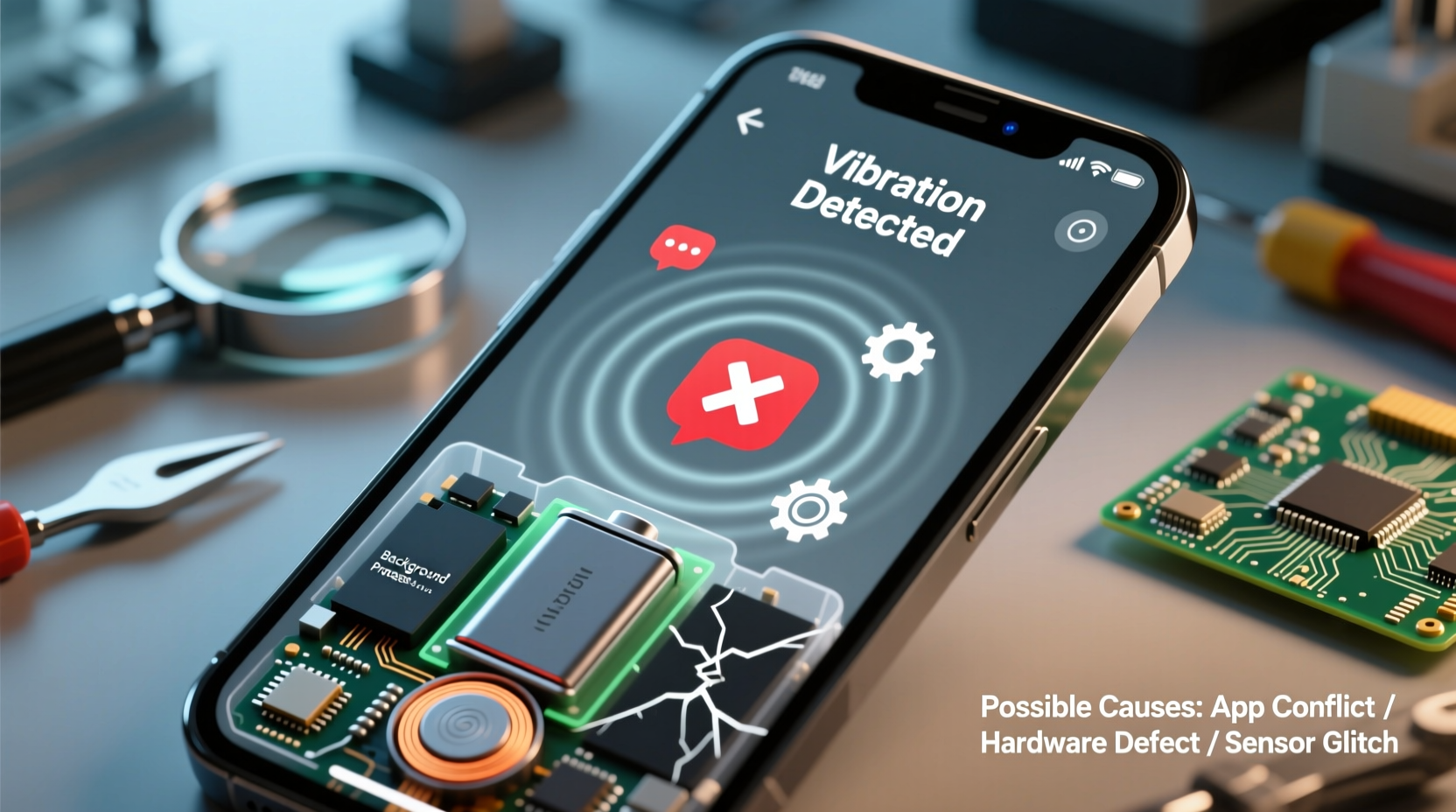
Most unexplained vibrations originate in the software layer, particularly within third-party or poorly optimized apps. Modern smartphones allow apps to trigger haptic feedback for notifications, updates, or background activity—even when those actions aren’t visible on-screen. Some apps continue running in the background, checking for data or syncing information, which may inadvertently trigger vibration motors without displaying alerts.
- Background sync notifications: Messaging, email, or social media apps (like WhatsApp, Gmail, or Facebook) may attempt to sync data silently but still activate the vibration motor due to misconfigured settings.
- Buggy app updates: A recent update may introduce unintended behavior. For example, an app could interpret internal errors as “notifications” and trigger vibrations accordingly.
- Persistent permission access: Apps with constant access to notifications or sensors may falsely assume user interaction is needed, resulting in phantom buzzes.
- Malware or adware: In rare cases, malicious apps mimic system alerts or display intrusive ads that include vibration cues to grab attention.
One common scenario involves calendar apps that have recurring event reminders set at odd intervals—sometimes years in the past or future—triggering silent or invisible alerts that still produce haptics. Similarly, fitness trackers or weather apps may send subtle alerts based on location changes or time-based triggers, even if they don’t appear on the lock screen.
Hardware Issues That Trigger Unwanted Vibrations
When software troubleshooting fails, the issue may lie in the physical components of your phone. Over time, wear and environmental exposure can degrade internal parts responsible for haptic feedback. Unlike app-based problems, hardware-related vibrations often occur unpredictably and may intensify under certain conditions like temperature changes or physical movement.
The primary hardware component involved is the linear resonant actuator (LRA) or eccentric rotating mass (ERM) motor, depending on your phone model. These small motors generate vibrations when electric current passes through them. If the motor or its control circuitry becomes damaged or shorted, it may activate spontaneously.
Potential hardware faults include:
- Misaligned or stuck vibration motor: Physical impact from drops can dislodge the motor, causing intermittent contact with circuits.
- Moisture damage: Even phones with water resistance can suffer corrosion over time, especially around ports or seals. Water intrusion near the motor or power lines may create false signals.
- Faulty power management IC: A malfunctioning integrated circuit can send irregular voltage pulses to the motor, mimicking legitimate alerts.
- Defective flex cable: In some models, the vibration motor connects via a thin ribbon cable. Bending or aging can cause fraying, leading to erratic behavior.
“Intermittent vibration in otherwise functional devices often points to micro-short circuits in the haptic subsystem. It’s not always visible during diagnostics.” — Rajiv Mehta, Senior Mobile Repair Technician, iFix Electronics Lab
How to Differentiate Software vs Hardware Problems
Distinguishing between software and hardware causes requires methodical observation. Consider the following indicators:
| Indicator | Likely Software Cause | Likely Hardware Cause |
|---|---|---|
| Vibrations tied to specific times or events | Yes – e.g., hourly syncs, scheduled reminders | No |
| Vibrates even in Airplane Mode | Rarely | Yes – suggests motor is receiving rogue signals |
| Stops after reboot or safe mode | Yes | No |
| Accompanied by overheating or rapid battery drain | Possible background app abuse | Possible short circuit |
| Vibrates when charging or moving the phone | Unlikely | Yes – indicates physical connection issue |
If the vibration persists in Safe Mode (where only system apps run), the likelihood of a hardware fault increases significantly.
Step-by-Step Guide to Diagnose and Fix Random Vibrations
Follow this structured approach to isolate and resolve the cause efficiently:
- Reboot your phone normally. This clears temporary glitches. If the problem stops, it was likely a transient software hiccup.
- Enter Safe Mode:
- Android: Press and hold the power button, then long-press “Power Off” until “Safe Mode” appears.
- iOS: Not applicable (no official Safe Mode), but restart and observe).
- Review recently installed apps. Uninstall any suspicious or unnecessary applications, especially those requesting broad permissions.
- Check notification settings per app. Go to Settings > Notifications and disable vibration for non-critical apps.
- Clear cache partition (Android): Power off, then press Volume Up + Power to enter recovery mode. Select “Wipe Cache Partition.”
- Update your OS and all apps. Developers frequently patch bugs that cause unintended behaviors.
- Test in Airplane Mode with Wi-Fi off. If vibrations stop, network-triggered background activity is likely involved.
- Perform a factory reset (last resort). Back up data first. If the issue returns immediately after setup, suspect hardware.
- Inspect for physical damage. Look for dents near the bottom edge (where motors are typically located), signs of liquid exposure, or loose casing.
- Visit a certified repair center. Technicians can test the vibration motor circuit with multimeters or diagnostic tools.
Real-World Example: The Case of the Phantom Calendar Alert
A user reported their Samsung Galaxy S21 vibrating every 90 minutes with no visible notifications. They had already rebooted, updated the OS, and scanned for malware—all to no avail. Upon entering Safe Mode, the vibrations stopped. This narrowed the issue to a third-party app.
After systematically disabling app notifications, the pattern pointed to Google Calendar. Further inspection revealed a recurring reminder labeled “System Check” set for a deleted work meeting—but the alert rule remained active in the cloud. Although the event didn’t appear on the calendar view, the notification service still processed it silently, triggering vibration without a heads-up banner.
The fix? Open Google Calendar settings, go to Notifications, and adjust alert timing to “None” for all events. Alternatively, delete old calendars or archived entries synced from former accounts. Once cleaned, the random buzzing ceased entirely.
Prevention Checklist: Avoid Future Random Vibrations
To minimize recurrence, adopt these proactive habits:
- App Management
-
- Regularly audit installed apps and uninstall unused ones.
- Disable vibration for low-priority apps.
- Restrict background data usage for non-essential apps.
- System Maintenance
-
- Apply OS and security updates promptly.
- Clear app caches monthly.
- Monitor battery usage for unusually high consumers—often linked to excessive background activity.
- Physical Care
-
- Avoid exposing your phone to extreme temperatures or moisture.
- Use a protective case to absorb shocks from drops.
- Keep ports clean—use compressed air to remove lint buildup near charging areas.
Frequently Asked Questions
Can a virus make my phone vibrate randomly?
While true viruses are rare on modern mobile operating systems, malicious apps—particularly from unofficial stores—can simulate notifications and trigger vibrations. These often come bundled with adware that displays pop-ups or fake system warnings. Removing the app usually resolves the issue. Always install apps from trusted sources like Google Play or Apple App Store.
Why does my iPhone vibrate for no reason even after restarting?
If your iPhone vibrates randomly despite reboots, consider checking Accessibility settings. Features like \"Back Tap\" or \"Switch Control\" can accidentally trigger haptics if enabled. Also, review \"Sounds & Haptics\" settings—some system sounds have vibration toggles independent of notification settings. A full restore via iTunes or Finder may be needed if software corruption is suspected.
Is it safe to keep using my phone if it vibrates randomly?
In most cases, yes—random vibrations alone won’t harm your data or safety. However, if accompanied by overheating, spontaneous reboots, or rapid battery drain, discontinue use and seek professional diagnosis. Persistent hardware faults can lead to further internal damage or, in extreme cases, pose fire risks due to electrical shorts.
Final Thoughts and Action Plan
Random phone vibrations are rarely random at all. Behind each buzz is a traceable cause—whether an overzealous app, a forgotten calendar entry, or a failing motor. The key is systematic elimination: start with software, rule out apps, then assess hardware integrity. Most users resolve the issue without costly repairs simply by adjusting settings or removing problematic applications.
Don’t tolerate constant disruptions. Your phone should serve you—not disturb you with unexplained alerts. Take action today: audit your apps, fine-tune notification settings, and pay attention to patterns. If the problem persists beyond software fixes, don’t delay professional inspection. Early detection of hardware faults can prevent bigger issues down the line.




 浙公网安备
33010002000092号
浙公网安备
33010002000092号 浙B2-20120091-4
Comments
No comments yet. Why don't you start the discussion?