
Recycled paper is an eco-conscious choice that reduces environmental impact, supports sustainability, and often costs less than virgin fiber paper. Yet many office workers and home users report a frustrating trend: their printers consistently jam when using recycled paper. This isn't just coincidence—it's the result of specific physical and mechanical factors at play. Understanding why this happens empowers you to make informed decisions about paper selection, printer maintenance, and workflow optimization.
Printer jams are more than just inconvenient. They waste time, reduce productivity, damage print quality, and can even wear out internal components faster. When the issue occurs repeatedly with one type of paper—especially something as commonly used as recycled stock—it’s worth investigating the root causes and implementing targeted solutions.
Understanding Recycled Paper Composition
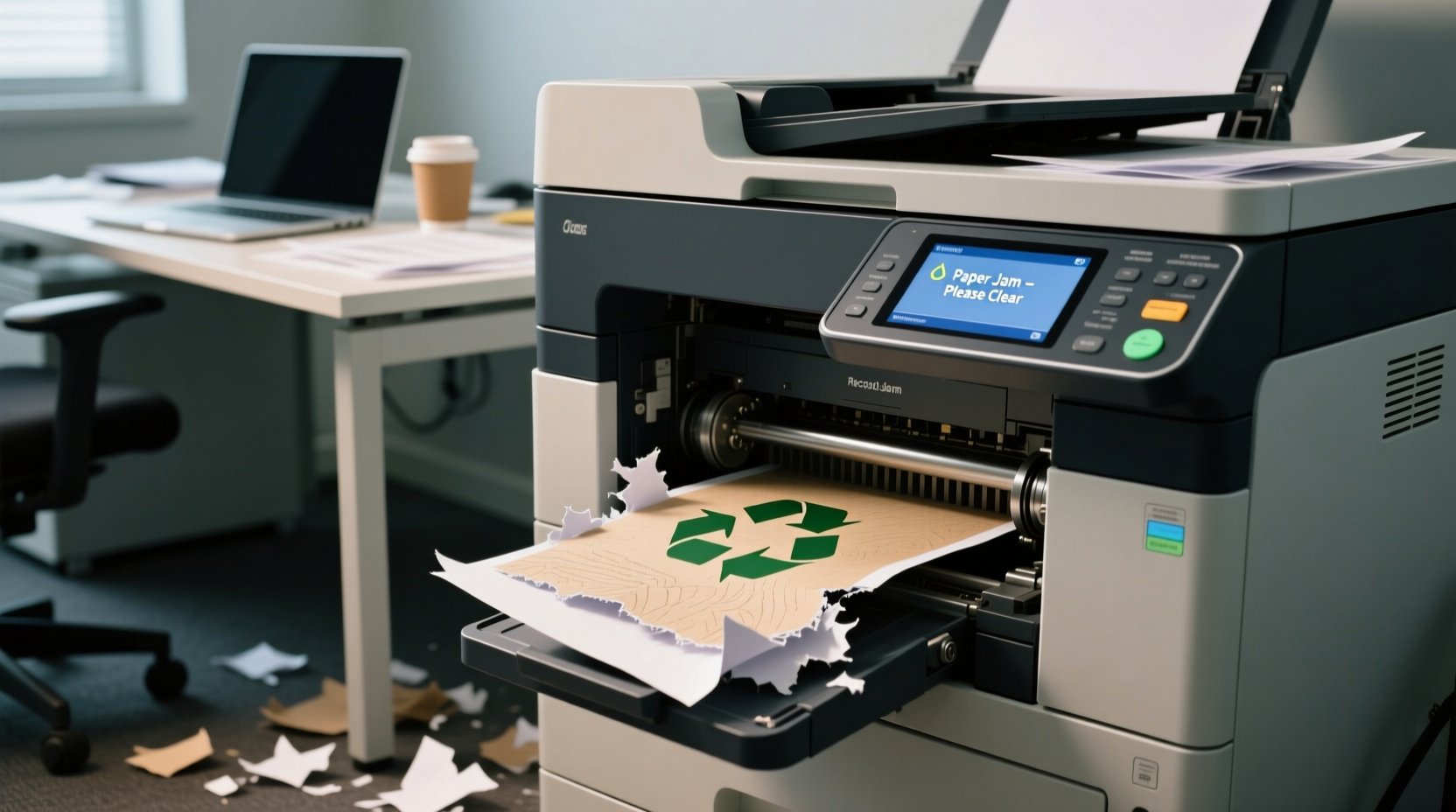
Unlike virgin paper made from fresh wood pulp, recycled paper is produced by reprocessing used paper fibers. While this process conserves trees and energy, it also introduces variability in paper quality. The recycling process shortens and weakens individual fibers with each cycle, making them less resilient than those in new paper.
Additionally, recycled paper often contains small impurities such as residual ink, adhesives, or plastic fragments from labels and laminates. These contaminants can interfere with smooth feeding through a printer’s rollers and sensors. Even high-quality post-consumer recycled (PCR) paper may have slight inconsistencies in thickness, moisture content, and surface texture—all of which contribute to jamming risks.
“Recycled paper varies significantly between brands and batches. Printers designed for uniformity struggle with these inconsistencies.” — Dr. Alan Reeves, Materials Engineer at the Institute for Sustainable Printing
How Printer Mechanics Interact with Paper Quality
Modern printers rely on precise mechanisms to pull sheets from the tray, guide them through fuser units, and eject finished pages. These systems assume consistent paper weight, stiffness, and surface friction. When paper deviates from expected standards, problems arise.
The pickup roller grabs the top sheet and feeds it into the paper path. If recycled paper has rough edges, static cling, or uneven thickness, multiple sheets may be pulled at once—a condition known as \"multi-feed.\" Once inside the printer, warped or damp paper can snag on guides or fail to align properly before reaching the imaging drum or fuser assembly.
Laser printers, in particular, apply heat and pressure during the fusing stage. Recycled paper with higher moisture content or lower thermal stability may buckle or curl mid-print, causing jams near the output tray. Inkjet printers face similar issues, especially if paper fibers absorb too much moisture from ink, leading to swelling and misalignment.
Common Causes of Jams with Recycled Paper
Several interrelated factors explain why recycled paper increases jam frequency:
- Inconsistent thickness: Recycled paper may vary in caliper (thickness), confusing automatic paper sensors.
- Higher surface roughness: Textured finishes increase friction, slowing paper movement and increasing drag.
- Moisture sensitivity: Recycled fibers tend to absorb ambient humidity, making sheets limp or wavy.
- Static electricity buildup: Dry environments exacerbate static, causing sheets to stick together.
- Lower stiffness: Weaker fibers lead to flimsier sheets that bend easily in tight paper paths.
- Poor cutting precision: Some budget recycled papers have micro-tears or misaligned edges that catch on rollers.
These traits don’t necessarily make recycled paper “bad,” but they do require adjustments in how you store, handle, and configure your printing setup.
A Real-World Example: Office Jam Cycle
A mid-sized marketing firm switched to 100% recycled paper to meet corporate sustainability goals. Within weeks, employees reported frequent jams in shared network printers—averaging two per day across three devices. IT logs showed error codes related to multi-sheet feeding and mid-path obstructions.
An investigation revealed that the chosen paper, while certified recycled, had a basis weight of only 75 gsm (grams per square meter) and lacked coating. Combined with low humidity in the air-conditioned office, this led to static clumping and inconsistent feeding. After switching to a heavier 80 gsm recycled brand with smoother finish and adjusting humidity levels, jams dropped by over 80% within two weeks.
Choosing the Right Recycled Paper for Your Printer
Not all recycled paper is created equal. Selecting the appropriate grade can dramatically reduce jams. Look beyond the “recycled” label and examine technical specifications:
| Feature | Ideal for Printers | Problematic in Recycled Paper |
|---|---|---|
| Weight (gsm) | 75–90 gsm | Below 70 gsm (too thin) |
| Finish | Semi-gloss or smooth matte | Rough, uncoated textures |
| Fiber Content | Post-consumer + de-inked pulp blend | High filler content or mixed waste |
| Moisture Resistance | Low hygroscopicity (resists humidity) | Paper that curls easily in dry/wet air |
| Certifications | Forest Stewardship Council (FSC Recycled), EU Ecolabel | No third-party verification |
Brands like HP Reclaimed, Navigator Evolution, and Xerox EverGreen are engineered specifically for reliable performance in office printers. These products balance environmental responsibility with mechanical compatibility.
Step-by-Step Guide to Preventing Recycled Paper Jams
Follow this sequence to minimize jams when using recycled paper:
- Inspect the packaging: Check the paper’s weight, finish, and certifications. Avoid off-brand or bulk packs without clear specs.
- Store properly: Keep paper sealed in its original wrapper until use. Store in a climate-controlled area away from windows, vents, or basements.
- Acclimate before use: Let opened reams sit in the room where printing occurs for at least 24 hours to match temperature and humidity.
- Prepare the stack: Fan the sheets thoroughly to eliminate static and separate any that are stuck together.
- Adjust printer settings: In your print driver, select “Recycled Paper” mode if available, or manually set paper type to “Heavy” or “Thicker.”
- Load correctly: Do not overfill trays. Align the stack neatly against guides and avoid forcing paper in.
- Clean rollers regularly: Use a lint-free cloth slightly dampened with water to wipe pickup and separation rollers every few weeks.
- Monitor first prints: Watch the initial pages closely after loading new paper. Stop and adjust if feeding seems sluggish or skewed.
Maintenance Checklist for Reliable Recycled Paper Performance
To keep your printer running smoothly with recycled media, perform these actions regularly:
- ✅ Clean paper feed rollers monthly with approved cleaning sheets or cloths
- ✅ Replace worn pickup rollers every 12–18 months (or per manufacturer guidelines)
- ✅ Verify firmware updates include improved paper handling algorithms
- ✅ Use anti-static sprays or humidifiers in dry environments (ideal RH: 40–60%)
- ✅ Rotate paper stock—don’t let reams sit unused for more than 6 months
- ✅ Test new paper brands with single-sheet jobs before full deployment
- ✅ Clear dust from internal paper paths during routine servicing
When to Consider Alternatives
If jams persist despite careful handling and maintenance, reconsider either the paper or the printer. Some older or entry-level models lack the adaptive sensors and robust feeding mechanisms needed for variable paper types. High-duty-cycle printers from brands like Brother, Canon imageRUNNER, or Lexmark Enterprise series typically offer better tolerance for non-standard media.
You might also explore hybrid options: using recycled paper for drafts and internal documents while reserving virgin or premium recycled stock for critical reports or client-facing materials. This balances sustainability with reliability.
Another option is digital-first workflows. Reducing unnecessary printing altogether cuts down on both paper use and mechanical stress. Cloud collaboration tools, e-signatures, and digital archiving can complement—not replace—your green initiatives without compromising efficiency.
Frequently Asked Questions
Is all recycled paper bad for printers?
No. Higher-quality recycled papers designed for office use perform reliably. The key is selecting the right weight, finish, and brand. Avoid ultra-cheap or unbranded recycled paper, which often lacks consistency.
Can I fix a jam-prone printer without replacing it?
Yes. Most issues stem from dirty rollers, incorrect settings, or poor paper storage. Cleaning the feed mechanism, updating firmware, and switching to better-grade recycled paper usually resolves recurring jams.
Does paper coating affect jamming?
Yes. Coated recycled paper generally feeds more smoothly because the surface is sealed and uniform. Uncoated paper absorbs moisture and creates more friction, increasing the risk of sticking or curling during printing.
Final Thoughts: Balancing Sustainability and Functionality
Using recycled paper shouldn’t come at the cost of constant printer jams. With the right combination of paper selection, proper storage, and preventive maintenance, you can maintain both environmental responsibility and operational efficiency. The goal isn’t to abandon recycled paper due to minor setbacks, but to refine your approach so that sustainability enhances—not hinders—your daily workflow.
Start by auditing your current paper supply and printer conditions. Make small, deliberate changes based on the steps outlined here. Track jam frequency before and after adjustments. Over time, you’ll develop a system tailored to your environment—one that respects both the planet and your productivity.




 浙公网安备
33010002000092号
浙公网安备
33010002000092号 浙B2-20120091-4
Comments
No comments yet. Why don't you start the discussion?