
Smart bulb Christmas string lights bring convenience, color control, and festive automation to holiday decor. But when they start flashing at random—without a schedule, trigger, or warning—it disrupts both ambiance and peace of mind. You're not imagining things; this is a common issue affecting thousands of users every season. The root causes range from Wi-Fi instability to firmware bugs and incompatible power sources. The good news? Most problems are fixable with the right approach.
This guide dives deep into the technical and environmental reasons behind erratic flashing, offering clear diagnostics and step-by-step solutions. Whether you use Philips Hue, LIFX, Govee, or budget-friendly Amazon smart strings, the principles apply across brands.
Understanding How Smart Bulb Strings Work
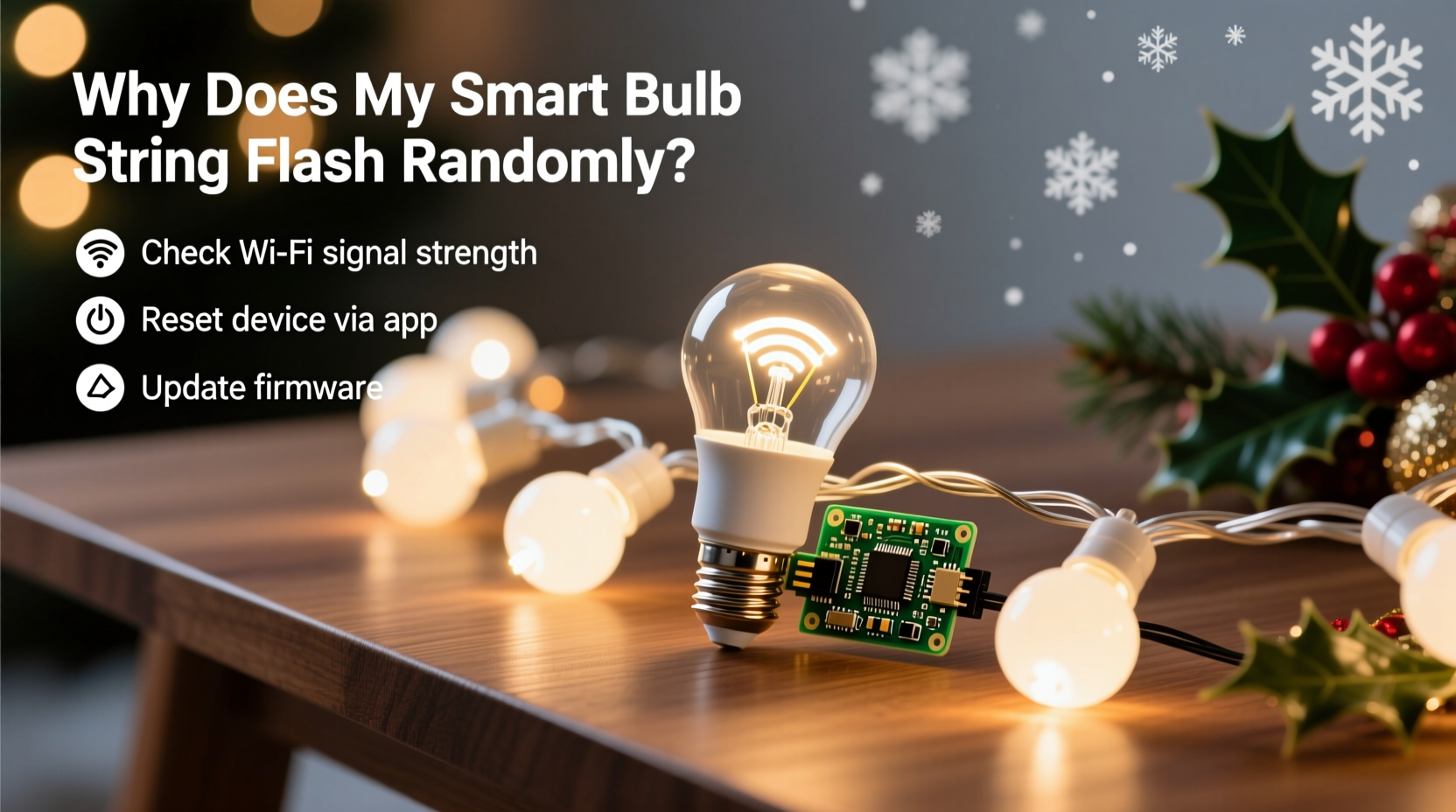
Unlike traditional incandescent Christmas lights, smart bulb strings rely on digital communication between bulbs, a controller (often built into the plug), and your home Wi-Fi or Bluetooth network. Each bulb contains a microchip that receives signals from an app or voice assistant, adjusting brightness, color, or animation patterns in real time.
The complexity introduces more points of failure. A single weak link—a delayed signal, low voltage, or overloaded network—can cause the entire strand to misfire. Random flashing often isn’t about the bulbs themselves but how they communicate with each other and your network.
Common components involved:
- Controller unit: Usually inside the plug or as a separate box, this sends commands to the bulbs.
- Power adapter: Supplies consistent voltage. Underpowered adapters lead to instability.
- Wi-Fi/Bluetooth module: Enables remote control. Signal drops can cause erratic behavior.
- Firmware: The embedded software that runs the lights. Bugs or outdated versions cause glitches.
Top Causes of Random Flashing and How to Diagnose Them
Before jumping into fixes, identify what’s triggering the flashes. Here are the most frequent culprits:
1. Wi-Fi Network Instability
If your smart lights disconnect and reconnect frequently, they may flash upon reconnection. This often happens during router restarts, high network traffic, or poor signal strength.
2. Firmware Bugs
Manufacturers occasionally release firmware updates that introduce new bugs. A recent update might have changed how the lights interpret idle states, causing them to “test” their LEDs periodically.
“Firmware issues account for nearly 40% of unexplained smart lighting behaviors we see in support tickets.” — Raj Patel, IoT Support Lead at a major smart home brand
3. Power Supply Issues
Smart strings require stable voltage. Using under-rated extension cords, daisy-chaining multiple strands, or plugging into surge protectors with built-in switches can cause micro-outages, prompting the lights to reset and flash.
4. App or Automation Conflicts
You might have set up a routine—like “Sunset Dimming” or “Guest Mode”—that triggers a brief animation without realizing it. Background apps syncing with Alexa or Google Home can also send unintended commands.
5. Electrical Interference
Other devices on the same circuit—refrigerators, heaters, or dimmer switches—can create electrical noise that interferes with the signal between bulbs. This is especially common in older homes with shared circuits.
6. Overheating or Environmental Stress
Outdoor installations exposed to moisture, wind, or temperature swings may experience intermittent connections. Water ingress or thermal expansion can break micro-connections inside the wire housing.
Step-by-Step Guide to Stop the Flashing
Follow this systematic troubleshooting process. Start from the simplest fixes and move toward deeper interventions.
- Unplug and Reboot the Strand
Disconnect the lights for 30 seconds. This resets the controller and clears any stuck commands. Plug back in and observe for 10 minutes. - Check Your Wi-Fi Signal Strength
Use a Wi-Fi analyzer app (like NetSpot or Wi-Fi Analyzer) to test signal strength where the lights are installed. Aim for -60 dBm or better. If weaker, consider relocating the router or adding a mesh node. - Update Firmware via the App
Open your smart lighting app (e.g., Govee Home, Philips Hue, LIFX). Navigate to device settings and check for firmware updates. Install any available patches. - Review Automations and Schedules
Go to the app’s routines section. Disable all automations temporarily. Watch the lights for 24 hours. If flashing stops, re-enable rules one by one to isolate the culprit. - Test on a Different Circuit
Move the strand to another outlet, preferably on a dedicated circuit without large appliances. This eliminates interference from motors or compressors. - Bypass Surge Protectors and Timers
Plug directly into a wall outlet. Some smart strips malfunction when connected through third-party controllers due to inconsistent power delivery. - Reduce Load by Disconnecting Extra Strands
If you’ve linked multiple strings, disconnect all but one. See if the problem persists. Overloading the controller can cause signal degradation. - Factory Reset the Lights
Most brands have a reset method—usually involving rapid on/off cycles (e.g., turn off for 2 seconds, on for 2 seconds, repeat 5 times). Consult your manual. After resetting, re-pair the lights to the app.
Do’s and Don’ts: Quick Reference Table
| Do | Don’t |
|---|---|
| Use the original power adapter provided | Use generic or under-powered adapters |
| Keep firmware updated | Ignore app notifications about updates |
| Install on a stable Wi-Fi band (preferably 2.4 GHz) | Connect to 5 GHz unless supported (most smart lights only work on 2.4 GHz) |
| Group lights under a single app ecosystem | Mix brands without confirming compatibility |
| Inspect wires for damage before seasonal use | Use frayed or cracked strings outdoors |
Mini Case Study: Sarah’s Living Room Glitch
Sarah in Portland installed Govee LED string lights around her mantel every November. In December, she noticed they flashed red and green at 3 a.m., even though no timer was set. She checked her phone—no activity in the Govee app. After reading online forums, she suspected automation conflicts.
She disabled all routines in the Govee app and restarted her router. The flashing stopped for two days—then returned. Next, she moved the strand to a different outlet away from her smart thermostat. No change.
Finally, she used a Wi-Fi analyzer and discovered her neighbor’s network was using the same channel, causing congestion. She switched her router to channel 11 (from channel 6) and enabled QoS (Quality of Service) prioritization for her smart lights. The flashing ceased completely. A firmware update two weeks later included “improved RF stability,” confirming the root cause was signal interference compounded by outdated software.
Prevention Checklist
To avoid future issues, follow this seasonal checklist:
- ✅ Inspect cords and plugs for wear before installation
- ✅ Use only manufacturer-recommended power supplies
- ✅ Update firmware before first use each season
- ✅ Connect to a strong 2.4 GHz Wi-Fi signal
- ✅ Avoid daisy-chaining more than the recommended number of strands
- ✅ Label outdoor strings to prevent indoor/outdoor mix-ups
- ✅ Store coiled loosely in a climate-controlled space
Frequently Asked Questions
Can a smart plug cause my string lights to flash?
Yes. If you’re using a smart plug to control the power to your smart lights, scheduled on/off cycles—even brief ones—can make the lights reboot and flash. Disable any timers on intermediary smart plugs. Let the light’s native app handle scheduling instead.
Why do my lights flash only at night?
This often ties to automation rules like “Sunset On” or “Evening Ambience.” It could also be due to higher Wi-Fi congestion during peak usage hours (6–10 p.m.). Check your app’s activity log for command timestamps. Also, some systems perform self-diagnostics overnight, which may include a quick blink sequence.
Are certain smart bulb brands more prone to flickering?
Budget brands with less rigorous quality control tend to have more reported issues, but even premium brands like Philips Hue have had isolated firmware-related flicker reports. Consistently updated brands with strong customer support (e.g., Nanoleaf, LIFX) generally offer better long-term reliability.
When to Replace vs. Repair
Not all flashing can be fixed. Consider replacing the string if:
- The controller emits a burning smell or discoloration.
- Flashing persists across multiple outlets and networks.
- The warranty has expired and troubleshooting has failed after 3+ attempts.
- Individual bulbs flicker inconsistently, indicating internal chip failure.
However, if the issue resolves temporarily with a reset, the hardware is likely functional—focus on software and environmental fixes.
Final Thoughts: Stability Starts with Setup
Random flashing in smart bulb Christmas strings is rarely magic—or ghosts. It’s usually a solvable mismatch between technology and environment. By treating these lights as sensitive electronics rather than simple decorations, you gain control over performance and longevity.
The key is proactive maintenance: update firmware early, optimize your network, and respect power limitations. When issues arise, methodical testing beats guesswork. Most importantly, document changes as you go—what works for one setup may not apply to another, but the process remains universal.




 浙公网安备
33010002000092号
浙公网安备
33010002000092号 浙B2-20120091-4
Comments
No comments yet. Why don't you start the discussion?