
Smart bulbs promise convenience, energy efficiency, and customizable lighting. But when they flicker unexpectedly—especially at night—it disrupts the calm ambiance they’re meant to enhance. Flickering isn’t just annoying; it can signal underlying electrical or compatibility issues that, if ignored, may shorten the bulb’s lifespan or pose safety risks. Understanding the root causes and knowing how to address them ensures your smart lighting system performs reliably. This guide breaks down the most common reasons for nighttime flickering and provides actionable steps to stabilize your smart bulbs for smooth, consistent illumination.
Common Causes of Smart Bulb Flickering at Night
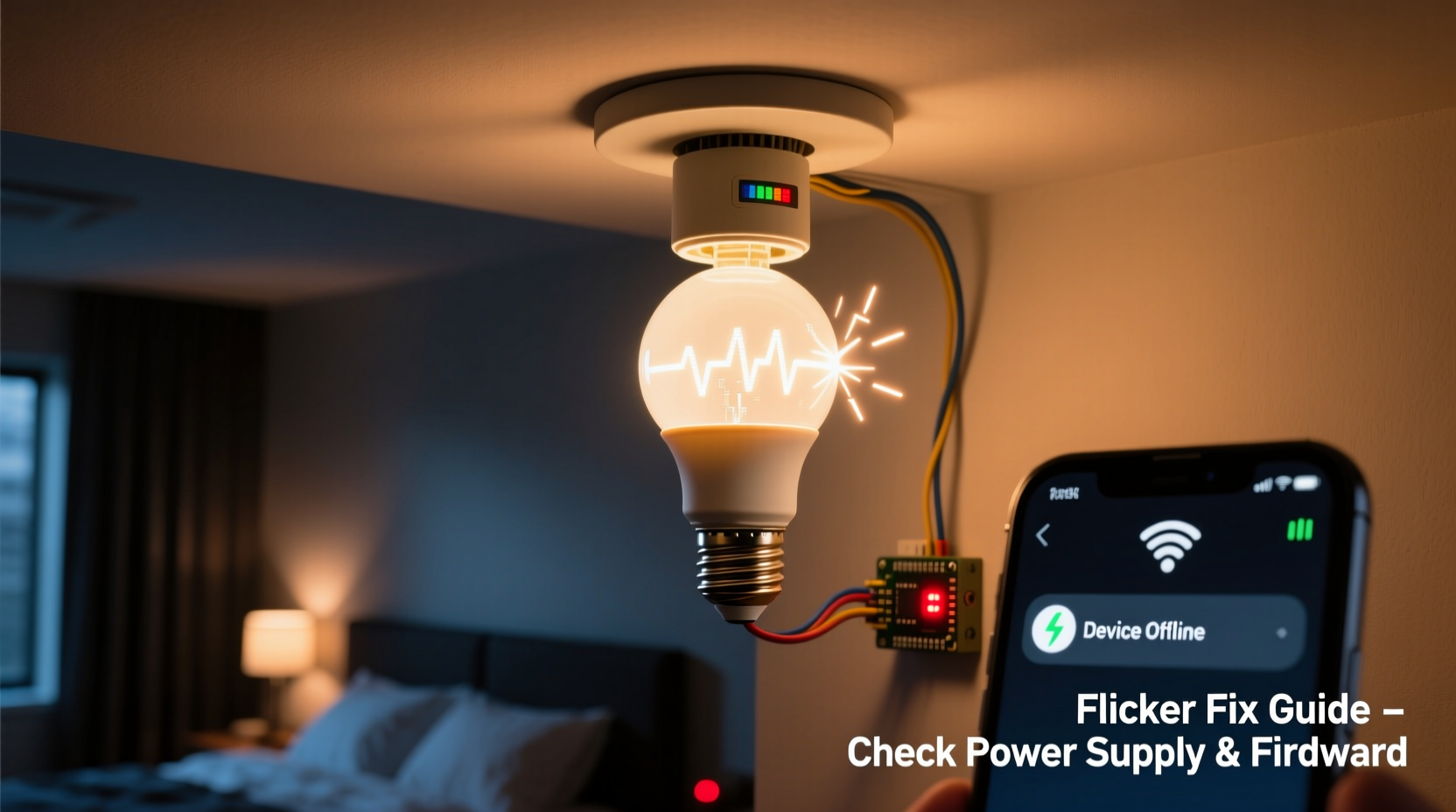
Flickering in smart bulbs during low-usage hours like nighttime often stems from subtle power fluctuations or communication hiccups within your home’s electrical and network systems. Unlike traditional bulbs, smart bulbs contain microprocessors and wireless receivers that are sensitive to voltage inconsistencies and signal interference. Below are the primary culprits behind nighttime flickering:
- Low standby power draw: At night, when most appliances are off, the electrical load on circuits drops. Some smart bulbs require a minimum current to stay powered, and in low-load conditions, this threshold may not be met, causing intermittent flickering.
- Neutral wire issues: In homes with shared or missing neutral wires in switch boxes, residual current can leak through the circuit, tricking the bulb into thinking it's receiving power even when switched off.
- Incompatible dimmer switches: Older leading-edge dimmers designed for incandescent bulbs can interfere with the electronics in smart LEDs, especially at lower brightness levels used at night.
- Wi-Fi or Bluetooth interference: Signal congestion from routers, microwaves, or neighboring networks can cause communication delays between the bulb and hub, resulting in erratic behavior.
- Firmware bugs: Outdated or corrupted firmware may lead to unstable operation, particularly under low-power conditions.
- Voltage fluctuations: Minor surges or sags in household voltage—more noticeable at night due to reduced grid demand—can destabilize sensitive LED drivers.
How Dimming Settings Affect Nighttime Performance
Many users set their smart bulbs to dim at night for ambient lighting or sleep mode. However, pushing LEDs below their optimal dimming range can trigger instability. Most smart bulbs use pulse-width modulation (PWM) to simulate dimming by rapidly turning the LED on and off. At very low brightness levels—below 5%—the frequency and duty cycle of these pulses can fall outside stable operating parameters, making flickering more likely.
Additionally, some apps allow brightness to be set via software, but if the bulb’s driver isn’t designed for ultra-low output, the result is inconsistent current delivery. This is especially true when using third-party hubs or voice assistants that may send imprecise dimming commands.
“Dimming below 10% without compatible hardware often leads to visible flicker. Always verify your bulb’s minimum dim level in the technical specs.” — Jordan Lee, Lighting Systems Engineer
Solutions for Stable Low-Light Operation
- Set a minimum brightness threshold (e.g., 10%) to avoid PWM instability.
- Use bulbs labeled as “flicker-free” or those supporting DC dimming instead of PWM.
- Enable “night mode” features in your app that gradually reduce color temperature rather than brightness alone.
- Pair bulbs with compatible trailing-edge (ELV) dimmers if hardwired control is used.
Electrical and Installation Factors
The physical installation of your smart bulb plays a critical role in its stability. Poor connections, outdated wiring, or incompatible fixtures can all contribute to flickering—particularly when electrical demand shifts at night.
| Issue | Impact on Smart Bulbs | Solution |
|---|---|---|
| Loose socket connection | Intermittent power causing flicker | Tighten bulb or replace fixture |
| Illuminated wall switch | Trickle current keeps bulb partially powered | Replace with non-illuminated switch or add neutral wire |
| Shared neutral wire | Voltage feedback from other circuits | Consult electrician to isolate circuit |
| Old magnetic transformers (in recessed lights) | Inconsistent output affecting LED drivers | Upgrade to electronic transformer or direct-wire LEDs |
If you're using smart bulbs in enclosed fixtures, heat buildup can also degrade internal components over time, increasing susceptibility to flicker. Ensure adequate ventilation and choose bulbs rated for enclosed spaces.
Step-by-Step Guide to Diagnose and Fix Flickering
Follow this systematic approach to identify and resolve the cause of flickering:
- Isolate the bulb: Move the flickering bulb to a different fixture in another room. If the problem persists, the bulb itself may be faulty.
- Test with a regular bulb: Install a standard LED in the same socket. If it doesn’t flicker, the issue is specific to smart bulb compatibility.
- Check the switch type: Determine if the wall switch is illuminated, dimmable, or part of a three-way setup. Replace illuminated switches with standard ones if needed.
- Update firmware: Use the manufacturer’s app to ensure the bulb and hub (if applicable) are running the latest firmware version.
- Reduce Wi-Fi congestion: Change your router’s channel to 1, 6, or 11 (for 2.4 GHz), or assign smart devices to a separate SSID.
- Install a neutral wire: For persistent ghost flicker when off, adding a neutral wire to the switch box eliminates stray current.
- Use a dedicated circuit: If multiple smart devices share a circuit, consider separating lighting onto its own line to reduce load variance.
Mini Case Study: Resolving Bedroom Flicker in a Modern Home
A homeowner in Portland reported that their Philips Hue bulbs in the bedroom flickered faintly every night around 2 AM. The lights were controlled via an app and set to dim to 5% after bedtime. Initial troubleshooting revealed no issues with the app or Wi-Fi signal. Upon inspection, the electrician discovered that the wall switch was an illuminated rocker switch—a common feature in new constructions for visibility in the dark.
The tiny current powering the switch’s LED was leaking through the circuit, enough to activate the smart bulb’s receiver intermittently. The solution was simple: replacing the illuminated switch with a standard toggle switch eliminated the phantom power. Additionally, the homeowner adjusted the night mode brightness from 5% to 10%, which further stabilized performance. The flickering stopped completely, and the system has operated smoothly for over a year.
Best Practices Checklist for Stable Smart Lighting
Use this checklist to maintain reliable smart bulb operation:
- ✅ Ensure all switches are compatible with smart bulbs (avoid illuminated or old dimmers).
- ✅ Update firmware regularly through the manufacturer’s app.
- ✅ Avoid setting brightness below 10% unless the bulb is rated for deep dimming.
- ✅ Use a 2.4 GHz Wi-Fi band with minimal interference for better connectivity.
- ✅ Install bulbs in well-ventilated fixtures to prevent overheating.
- ✅ Verify neutral wire presence in switch boxes for zero-flicker performance.
- ✅ Pair bulbs with a reliable hub (e.g., Hue Bridge, Zigbee coordinator) instead of relying solely on Wi-Fi.
- ✅ Test new bulbs individually before deploying in multi-bulb setups.
Frequently Asked Questions
Why do my smart bulbs flicker only when turned off?
This is typically caused by “ghost voltage” or trickle current from illuminated switches, proximity to other live wires, or lack of a neutral wire. The small amount of electricity sneaking through keeps the bulb’s circuit partially active, causing brief flashes. Installing a neutral wire or switching to a non-illuminated switch resolves this.
Can Wi-Fi problems really make my bulbs flicker?
Yes. While Wi-Fi doesn’t directly power the bulb, communication errors between the bulb and hub/app can result in erratic commands—like rapid on/off signals—that appear as flickering. Network latency or packet loss, especially during high-traffic times, can trigger this behavior. Using a mesh network or Zigbee-based system improves reliability.
Are some smart bulbs less prone to flickering?
Absolutely. Brands like Philips Hue, LIFX, and Nanoleaf invest heavily in stable drivers and firmware. Look for bulbs labeled “flicker-free,” “PWM-free,” or “DC dimming” for smoother performance, especially at low brightness. Professional-grade LEDs used in studios and hospitals often meet IEEE 1789 standards for low-risk flicker.
Conclusion: Achieve Reliable, Comfortable Lighting
Flickering smart bulbs at night aren’t just a minor annoyance—they’re a sign that something in your lighting ecosystem needs attention. Whether it’s an outdated switch, a firmware glitch, or incompatible dimming settings, each cause has a clear and actionable fix. By understanding how smart bulbs interact with your home’s electrical and network infrastructure, you can eliminate flicker and enjoy seamless, adaptive lighting that enhances comfort and safety.




 浙公网安备
33010002000092号
浙公网安备
33010002000092号 浙B2-20120091-4
Comments
No comments yet. Why don't you start the discussion?