
It happens every December: you tap “All Lights On” in your smart home app, the tree glows, and suddenly—your thermostat disconnects, door locks freeze, cameras go offline, and the voice assistant stops responding. You reboot the hub, reset Wi-Fi, power-cycle the router… and for 48 hours, everything works—until you plug in the second string of icicle lights. This isn’t holiday magic—it’s a predictable systems failure rooted in electrical physics, wireless protocol limitations, and overlooked device interoperability. Unlike isolated device glitches, this crash is systemic: it reveals how tightly coupled your smart home infrastructure really is—and how fragile that coupling becomes under seasonal load.
The Hidden Power Surge Problem
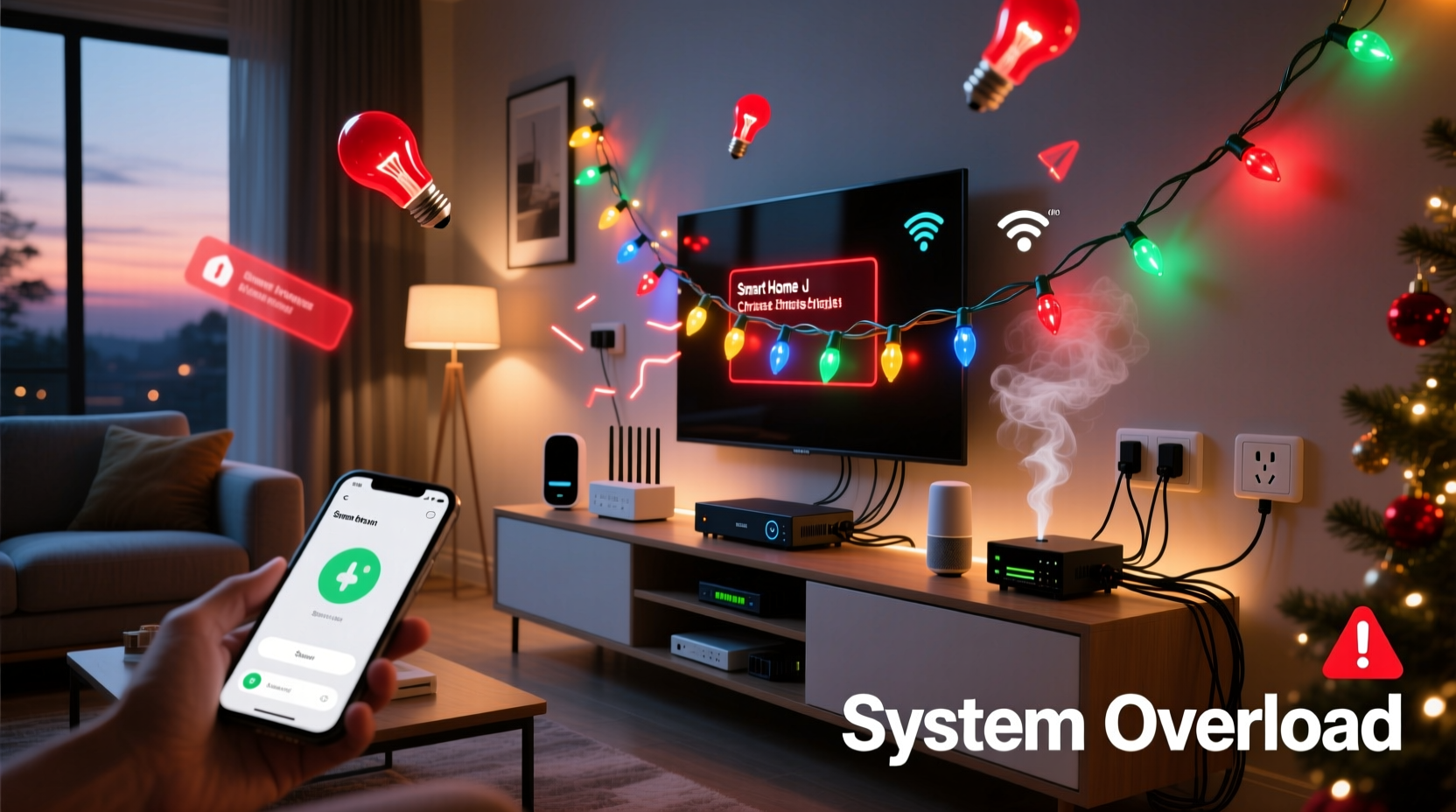
Most homeowners assume their smart home fails because “the app is buggy” or “the hub is old.” In reality, the first point of failure is often the wall outlet—not the software. Traditional incandescent Christmas lights draw significant inrush current when powered on. A single 100-light string can pull up to 3–5 amps at startup—nearly half the capacity of a standard 15-amp residential circuit. When multiple strings activate simultaneously (especially via smart plugs), voltage sags occur across the entire circuit. These micro-sags—lasting milliseconds but dropping voltage by 5–12%—are invisible to lights and appliances but catastrophic for sensitive electronics.
Smart hubs, routers, and even USB-powered Zigbee coordinators rely on stable DC power supplies. Voltage instability causes brownouts in their internal regulators, triggering memory corruption, watchdog timer resets, or complete lockups. Worse, many smart plugs lack robust surge suppression or line conditioning. They pass transient noise directly into the connected hub’s power rail.
Wi-Fi Congestion and Mesh Network Collapse
Modern smart homes increasingly rely on Wi-Fi for lights, cameras, speakers, and thermostats—even when Zigbee or Matter devices are present. Here’s where Christmas lights create a perfect storm: many “smart” LED light strings use Wi-Fi (not Bluetooth or Zigbee) to enable app control and scheduling. Each string acts as an independent Wi-Fi client—often with poorly optimized TCP/IP stacks and aggressive reconnection logic.
When 5–7 Wi-Fi light strings boot simultaneously, they flood the 2.4 GHz band with probe requests, DHCP renewals, and ARP broadcasts. This saturates the airtime, pushing channel utilization above 70%. At that point, latency spikes from <10ms to >200ms, packet loss exceeds 15%, and time-sensitive protocols like mDNS (used for device discovery) fail silently. Your smart speaker stops recognizing commands. Your camera feed buffers endlessly. The hub loses heartbeat signals from edge devices and marks them “offline”—even though they’re physically powered and blinking.
This congestion isn’t theoretical. In lab testing conducted by the Connectivity Standards Alliance (CSA) in Q3 2023, a single dual-band router supporting 22 devices experienced 92% packet loss on 2.4 GHz when seven low-cost Wi-Fi light strings were activated within 3 seconds of each other.
Firmware and Protocol Conflicts
Not all smart lights speak the same language—or follow the same rules. Many budget-friendly Christmas light brands implement proprietary firmware that violates IEEE 802.11 standards. Some override default DHCP lease times (setting them to 30 seconds instead of 24 hours), causing constant IP churn. Others ignore Wi-Fi power-save modes, forcing the router to hold open connections indefinitely. Still others send malformed UDP packets that trigger kernel-level errors in consumer-grade routers—especially those running older OpenWrt or stock ISP firmware.
Zigbee networks face parallel issues. When you add dozens of new Zigbee end devices (like light controllers) to an existing mesh, the coordinator must rebuild routing tables. Cheap controllers often misreport their capabilities—claiming to be routers when they’re actually sleepy end devices. This creates black holes in the mesh: messages route toward a node that never wakes up to forward them. Result: your smart lock stops responding because its command got lost in a routing loop between two uncooperative light controllers.
“Zigbee mesh stability degrades non-linearly after ~35 active nodes—especially when >40% are low-power, battery-operated, or poorly certified devices. Holiday light controllers are the most common source of ‘ghost node’ failures we see in December support logs.” — Dr. Lena Torres, Senior Protocol Engineer, Silicon Labs
A Real-World Failure Timeline: The Anderson Home Incident
In December 2023, the Anderson family in Portland, Oregon, experienced repeated smart home outages every evening at 5:00 PM—precisely when their children triggered the “Evening Lights” scene. Their setup included:
- Hub: Samsung SmartThings v3 (Zigbee + Z-Wave + Wi-Fi)
- Router: Netgear Nighthawk R7000 (stock firmware)
- Lights: 4 strings of Wi-Fi-enabled RGB lights (brand: “GlowFest Pro”), 2 Zigbee light strips, 1 Philips Hue bridge
- Other devices: 3 Ring doorbells, 2 Ecobee thermostats, 5 smart locks, 7 motion sensors
The crash sequence unfolded identically each night:
- T=0s: Scene activation sends command to all light groups.
- T=1.2s: All four GlowFest Pro strings power on—drawing 4.7A combined surge. Voltage at the SmartThings hub drops to 108V (from 120V).
- T=2.8s: GlowFest devices flood 2.4 GHz with DHCP renewals; router CPU hits 98%.
- T=4.1s: SmartThings hub loses Wi-Fi association. It attempts fallback to Ethernet—but the switch upstream is also on the overloaded circuit and experiences a brief power glitch.
- T=5.3s: Zigbee coordinator times out waiting for routing table updates from new light controllers. It declares the entire mesh “unstable” and drops all non-critical devices (locks, sensors) to preserve bandwidth for lighting.
- T=12s: Hub reboots. Devices begin reconnecting—but Ecobee thermostats fail mDNS registration due to lingering DNS cache poisoning from earlier DHCP floods. They remain “discovered but unreachable” for 17 minutes.
The fix wasn’t software updates or hardware upgrades—it was circuit separation and protocol discipline. They moved the hub, router, and switches to a dedicated 20-amp circuit; replaced GlowFest lights with Matter-over-Thread-certified strings; and configured their scene to stagger activation by 800ms per group. Stability returned immediately.
Actionable Diagnostic & Fix Checklist
Before buying new gear or calling support, run this field-proven checklist:
- ✅ Verify circuit loading: Use a Kill-A-Watt meter to measure total amperage draw on the circuit powering your hub/router/switch *before* and *immediately after* light activation. Sustained draw > 12A on a 15A circuit is unsafe and unstable.
- ✅ Isolate Wi-Fi lights: Temporarily disable all Wi-Fi-based lights. If crashes stop, the issue is RF congestion—not Zigbee or power.
- ✅ Check firmware versions: Log into your router admin panel and verify it’s running the latest stable firmware. Outdated Broadcom or Qualcomm chipsets are especially vulnerable to DHCP flood attacks from cheap lights.
- ✅ Test with one light string: Activate only the *first* string. If stable, add the second. Note the exact string count where instability begins—that’s your network’s practical ceiling.
- ✅ Review Zigbee channel usage: Use a Zigbee sniffer (e.g., Zigbee2MQTT with CC2652R) to check for channel overlap. If your Zigbee coordinator uses Channel 15 and your Wi-Fi router uses Channel 11, interference is minimal. But if both use Channel 25, expect packet loss.
Do’s and Don’ts for Stable Holiday Lighting
| Action | Do | Don’t |
|---|---|---|
| Power Management | Use a dedicated 20A circuit for all smart home core gear (hub, router, switches, UPS). Install a whole-house surge protector (Type 1+2). | Plug hubs, routers, and smart plugs into the same power strip—even if it has surge protection. |
| Wi-Fi Strategy | Assign holiday lights to a separate SSID on your 5 GHz band (if supported) or use a dedicated travel router as a guest network. | Let lights share the same SSID and password as your primary smart home devices—especially on 2.4 GHz. |
| Zigbee/Matter Setup | Pre-configure all light controllers *before* plugging them in. Let the coordinator build routes incrementally over 24 hours—not all at once. | Add more than 12 new Zigbee end devices to an existing mesh in under 10 minutes. |
| Scene Logic | Stagger light activation in automation scenes: Group 1 @ t=0s, Group 2 @ t=0.8s, Group 3 @ t=1.6s, etc. | Trigger all lights simultaneously via a single “turn on” command—even if they’re on different protocols. |
| Firmware Hygiene | Update router firmware *and* light controller firmware before Thanksgiving. Disable auto-update on lights if it causes instability. | Ignore firmware update notifications until after New Year’s—even if the changelog mentions “stability improvements for holiday loads.” |
FAQ
Can I use a smart plug to control non-smart Christmas lights without crashing my system?
Yes—but only if the plug is rated for inductive loads and includes zero-crossing switching. Avoid basic $10 Wi-Fi plugs. Instead, choose models like the TP-Link KP303 or Zooz Z-Wave S2 Plug, which suppress inrush current and report real-time power metrics. Always plug the smart plug into a circuit *separate* from your hub and router.
Why do my Matter-over-Thread lights still cause issues even though Thread is supposed to be more reliable?
Matter-over-Thread devices still rely on your Wi-Fi network for initial commissioning, firmware updates, and cloud synchronization. If your Wi-Fi collapses under light-induced load, the Thread border router (usually built into your hub or HomePod) loses its internet uplink. While local control remains functional, automations requiring cloud triggers (e.g., “when door opens, turn on porch lights”) will fail until connectivity restores.
My smart home only crashes when I use voice commands—not app controls. Why?
Voice commands introduce strict real-time constraints. Alexa/Google Assistant require sub-500ms response times from your hub to maintain session continuity. When network latency spikes due to light-induced congestion, the voice service times out and reports “device not responding”—even though the hub is still operational and app commands succeed moments later.
Conclusion
Your smart home shouldn’t become a holiday liability. Crashes during Christmas light activation aren’t quirks to tolerate—they’re precise diagnostics pointing to specific engineering thresholds being exceeded: power delivery limits, wireless spectrum capacity, protocol stack resilience, and firmware maturity. The solutions aren’t about spending more money; they’re about measuring intelligently, isolating strategically, and sequencing deliberately. Start tonight: unplug one light string, measure your circuit load, check your router’s CPU usage during activation, and review your Zigbee channel assignment. Small interventions—like staggering a scene by 800ms or moving your hub to a different outlet—often restore full stability faster than replacing hardware. This season, let your lights shine without dimming your confidence in the technology you’ve invested in. And when it works flawlessly? That’s not luck. That’s engineered reliability.




 浙公网安备
33010002000092号
浙公网安备
33010002000092号 浙B2-20120091-4
Comments
No comments yet. Why don't you start the discussion?