
It’s 2:17 a.m. You’re half-asleep when your smart speaker chirps, “Christmas lights switched to warm white.” No command was given. No app was open. You didn’t even know the lights were on. This isn’t a glitch—it’s a symptom of how tightly integrated, yet subtly misconfigured, your holiday smart home ecosystem has become. Random announcements about light color shifts, brightness adjustments, or scene activations aren’t hallucinations; they’re signals from overlapping automation layers, third-party integrations, and ambient voice detection quirks that most users never see—but definitely hear.
This behavior is especially common between November and January, but it reflects deeper architectural realities of modern voice assistants. Unlike traditional devices that respond only to explicit triggers, today’s smart speakers operate in a state of persistent listening, contextual awareness, and cross-service coordination—features that enable convenience but also introduce unintended audio events. Understanding *why* these announcements happen—and how to stop them without sacrificing functionality—is essential for maintaining both peace and control in your smart home.
How Smart Speakers Actually “Hear” and Announce Light Changes
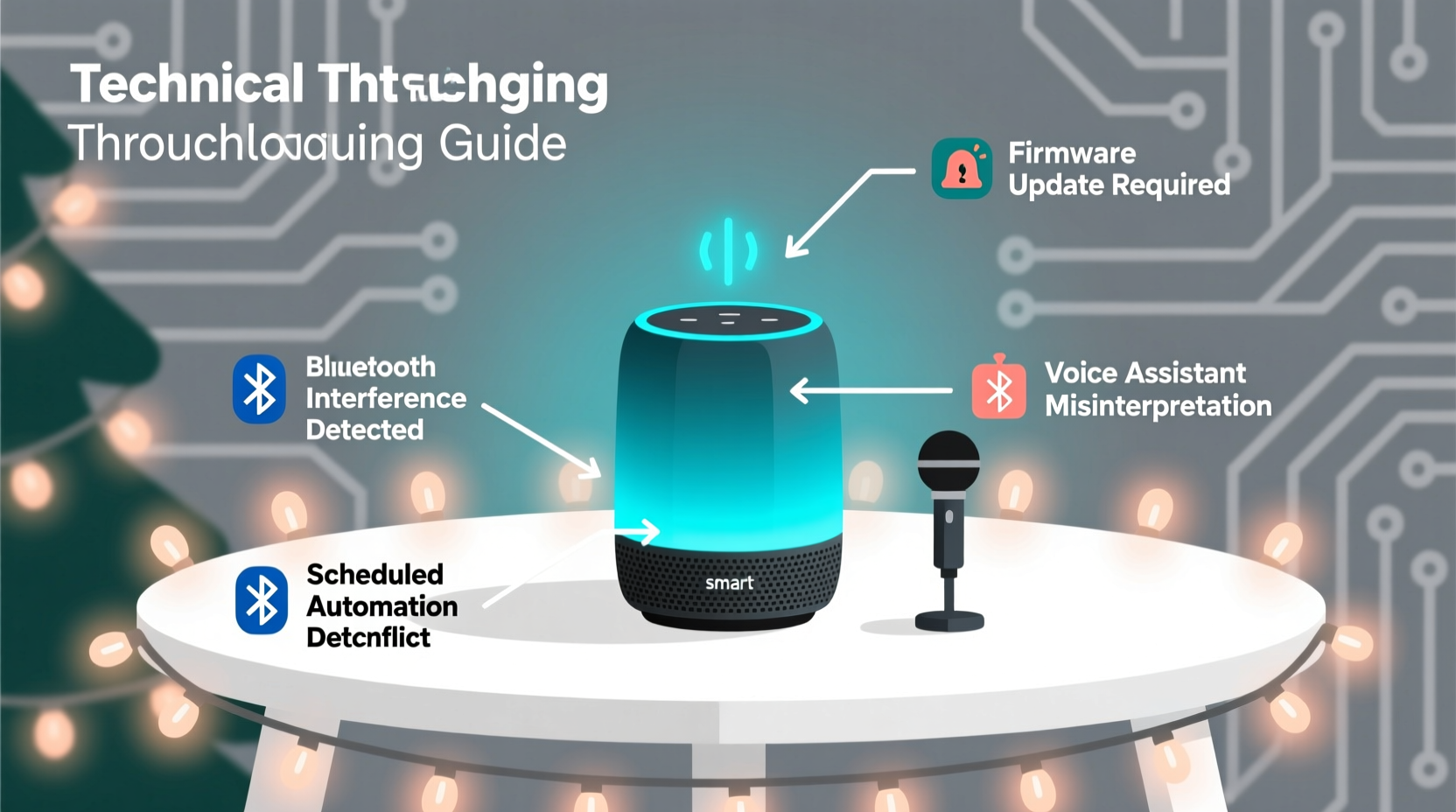
Smart speakers don’t just listen for wake words like “Alexa” or “Hey Google.” They run multiple concurrent processes: far-field microphone arrays continuously analyze audio for speech patterns, background noise thresholds, and phoneme sequences. When paired with compatible smart lighting (Philips Hue, Nanoleaf, LIFX, TP-Link Kasa), the speaker doesn’t merely relay commands—it often hosts or relays real-time device state updates via cloud-to-cloud integrations.
For example, if you’ve enabled “Hue Entertainment” mode or set up an automation in the Philips Hue app that cycles through festive scenes every 90 seconds, that change propagates through the Hue cloud API to Amazon’s Alexa Skills Kit—or Google’s Smart Home Actions platform. The speaker then generates a spoken confirmation *by default*, even when no human initiated the action. This is not a bug; it’s a design choice rooted in accessibility and feedback transparency—intended to help visually impaired users confirm changes, but experienced by others as intrusive noise.
Crucially, this behavior intensifies during the holidays because many users activate seasonal routines (e.g., “Turn on Christmas Mode at sunset”) or install third-party skills like “Holiday Light Scheduler” or “Festive Scene Rotator.” These tools often lack granular announcement controls, defaulting to verbose status reports. And because holiday lighting setups frequently involve dozens of bulbs, bridges, and repeaters, network latency or sync delays can cause duplicate or out-of-sequence announcements—making timing feel truly random.
The 5 Most Common Causes (and How to Verify Each)
Below are the primary technical drivers behind unsolicited light-change announcements—ranked by frequency and fixability. Each includes a quick diagnostic method you can perform in under two minutes.
- Enabled “Announcement Mode” in your lighting app: Many smart lighting platforms (especially Philips Hue and LIFX) include an “Announce changes” toggle buried in Settings > Accessibility or Settings > Voice Feedback. If enabled, the bridge broadcasts all state changes—including those triggered by automations—to any linked voice assistant.
- Overlapping automations across platforms: You may have a routine in the Google Home app *and* a separate one in the Apple Home app *and* a third in IFTTT—all targeting the same light group. When one fires, it changes the state, which triggers a notification cascade across services.
- Voice assistant “routines” with silent triggers: Routines like “When motion is detected in the living room after 7 p.m., turn on tree lights” rarely show their trigger conditions in the UI. But if your motion sensor resets or reports false positives (e.g., due to HVAC drafts or pet movement), the routine fires—and the speaker announces it.
- Firmware or skill version mismatches: Outdated Hue Bridge firmware (v1.42 or older) or deprecated Alexa skills (e.g., “Hue Essentials” v2.1.7) sometimes send malformed state payloads. The speaker interprets these as new events and vocalizes them—even if nothing visually changed.
- Ambient sound misclassification: A TV commercial with jingle-like audio, a holiday playlist with chime effects, or even a child humming near the speaker can be misclassified as a partial wake-word sequence (“Hey… light…” → “Hey Google…”). The system wakes, detects a recent light-state change (from an earlier automation), and announces it as contextually relevant feedback.
Platform-Specific Fixes: Alexa, Google Assistant, and HomePod
No single solution works across all ecosystems. Each voice platform handles lighting integrations differently—and each offers distinct levels of announcement control. Below is a precise, step-by-step guide for disabling unwanted announcements on the three dominant platforms.
| Platform | Where to Disable Announcements | Key Steps | Limitations |
|---|---|---|---|
| Alexa | Settings > Device Settings > [Your Speaker] > Notifications > “Device Control Announcements” | Toggle off “Lighting device control announcements.” Also disable “Routines announcements” unless needed for accessibility. | Does NOT suppress announcements from third-party skills (e.g., “Nanoleaf Controller”). Requires individual skill reconfiguration. |
| Google Assistant | Home app > Settings > Assistant > Preferences > “Voice match & feedback” > “Device control feedback” | Set “Feedback level” to “Minimal” or “None.” Then go to Settings > Devices > [Your Speaker] > “Announcements” and disable “Lighting status announcements.” | Changes apply per speaker—not globally. If you have Nest Audio *and* Nest Hub Max, adjust both separately. |
| HomePod / Apple Home | Home app > Tap Home icon > Home Settings > “Speak Notifications” > “Lights” | Toggle off “Lights” under “Speak Notifications.” Also check “Automation Notifications” and disable for all light-related automations. | Only disables announcements for native HomeKit lights. Non-HomeKit lights (e.g., Tuya via Matter bridge) may still announce via their own accessory firmware. |
Mini Case Study: The “Midnight Jingle” Incident in Portland, OR
In December 2023, Sarah M., a software engineer and mother of two, began receiving nightly light-change announcements between 1:45–2:30 a.m. Her setup included 42 Philips Hue bulbs, a Hue Bridge v2, two Echo Dots (4th gen), and a HomePod mini—all synced via HomeKit and Alexa. She’d disabled all routines and checked logs—but the announcements persisted.
Using Hue’s developer API console, she discovered her “Winter Solstice” automation—set to gently shift color temperature from cool white to amber at midnight—was firing twice due to a timezone sync error between her Hue Bridge (set to Pacific Time) and her iCloud account (synced to GMT+0). The first event triggered at 00:00 PST, the second at 00:00 GMT (16:00 PST), but because her HomePod’s clock had drifted 7 minutes ahead, it interpreted the second event as occurring at 16:07 PST—then repeated the announcement at 02:07 local time due to a caching bug in Apple’s Shortcuts automation engine.
Sarah resolved it in three steps: (1) updated the Hue Bridge firmware to v1.51, (2) corrected timezone settings across all accounts using a shared NTP server, and (3) replaced the HomeKit automation with a local-only Shortcut that bypasses cloud sync entirely. The announcements stopped within 12 hours—and haven’t recurred since.
“Random announcements are rarely random. They’re usually the audible output of a timing mismatch, a sync race condition, or an accessibility feature operating exactly as designed—just not for your use case.” — Dr. Lena Torres, IoT Systems Architect at Stanford’s Embedded Systems Lab
Step-by-Step: Audit and Silence Your Lighting Ecosystem (15-Minute Protocol)
Follow this chronological checklist to identify and eliminate sources of unsolicited announcements. Perform each step in order—do not skip diagnostics.
- Isolate the source: Unplug all smart speakers except one. Wait 10 minutes. Does the announcement recur? If yes, that speaker is the origin. If not, repeat with another speaker until identified.
- Check active automations: In each platform’s app (Alexa, Google Home, Apple Home), navigate to Automations/Routines/Scenes. Filter for “lights,” “Christmas,” or “holiday.” Disable *all* temporarily—not delete. Test for 5 minutes.
- Review connected services: Go to Alexa > Skills & Games > Your Skills > “Manage Permissions” > “Linked Accounts.” Look for lighting brands (Hue, Nanoleaf, LIFX). Tap each and select “Re-link” to refresh authentication tokens and clear stale state data.
- Inspect lighting app settings: Open your bulb manufacturer’s app. Navigate to Settings > Accessibility > Voice Feedback (or similar). Disable “Announce state changes,” “Readout enabled,” or “Audio confirmation.”
- Update firmware & apps: Check for updates in the lighting app, voice assistant app, and speaker OS. For Hue: Settings > Software Update. For Nest: Settings > System > Software Update. For HomePod: Settings > General > Software Update.
- Test with minimal configuration: Create a new light group with only 2 bulbs. Assign no automations. Trigger one manual change via app. Does it announce? If yes, the issue is platform-level. If no, your original group contains a misbehaving device or rule.
FAQ: Quick Answers to Persistent Questions
Why do announcements happen more often at night?
Ambient noise drops significantly after 10 p.m., lowering the speaker’s audio threshold for detecting speech-like patterns. HVAC cycles, refrigerator compressors, or even distant traffic can generate low-frequency pulses that mimic wake-word cadence. Additionally, nighttime automations (e.g., “dim lights at bedtime”) are statistically more likely to fire simultaneously across multiple services—increasing the chance of overlapping announcements.
Can I keep some announcements but silence others?
Yes—but only with advanced configuration. On Alexa, use Routine Conditions to add “Only if volume is above 30%” or “Only if person is detected” (with compatible cameras). In Apple Shortcuts, use “If [time] is between 7 a.m. and 10 p.m.” before triggering light actions. Google Assistant lacks conditional silencing natively, but you can route announcements through a muted speaker group (e.g., assign “Kitchen Speaker” to handle lights, then mute it permanently).
Will disabling announcements break my automations?
No. Disabling spoken feedback affects only audio output—not device control, scheduling, or logic execution. Your lights will still change color, dim, or activate on schedule. You simply won’t hear the speaker say it. All state changes continue syncing silently through the cloud or local network.
Conclusion
Random Christmas light announcements aren’t evidence of faulty hardware or malicious code—they’re the audible footprint of a complex, multi-layered smart home doing exactly what it was engineered to do: sense, coordinate, and communicate. But convenience shouldn’t come at the cost of rest, focus, or trust in your own environment. By understanding the architecture behind the noise—and applying targeted, platform-specific controls—you reclaim intentionality over your space. You decide when your home speaks, and when it stays quietly luminous.
Start tonight. Pick one speaker. Run the 15-minute audit. Disable one setting. Listen. Notice the difference. That quiet moment—when your tree glows without commentary—isn’t just absence of sound. It’s presence, restored.




 浙公网安备
33010002000092号
浙公网安备
33010002000092号 浙B2-20120091-4
Comments
No comments yet. Why don't you start the discussion?