
Smart speakers have become central to modern homes—controlling lights, answering questions, playing music, and managing calendars with a simple voice command. But for all their sophistication, they don’t always get it right. If you’ve ever asked your device to “play jazz” only to hear polka blaring through the room, or told it to set a timer for 10 minutes and ended up with one for “dentist,” you’re not alone. Misheard commands are more common than manufacturers admit. The good news: most issues aren’t due to flawed hardware but environmental, behavioral, and technical factors that can be corrected.
Voice assistants like Amazon Alexa, Google Assistant, and Apple’s Siri rely on complex layers of speech recognition, natural language processing, and machine learning. Yet even the best systems struggle under less-than-ideal conditions. Understanding why misinterpretations happen is the first step toward achieving reliable, frustration-free interactions.
Why Smart Speakers Mishear Commands
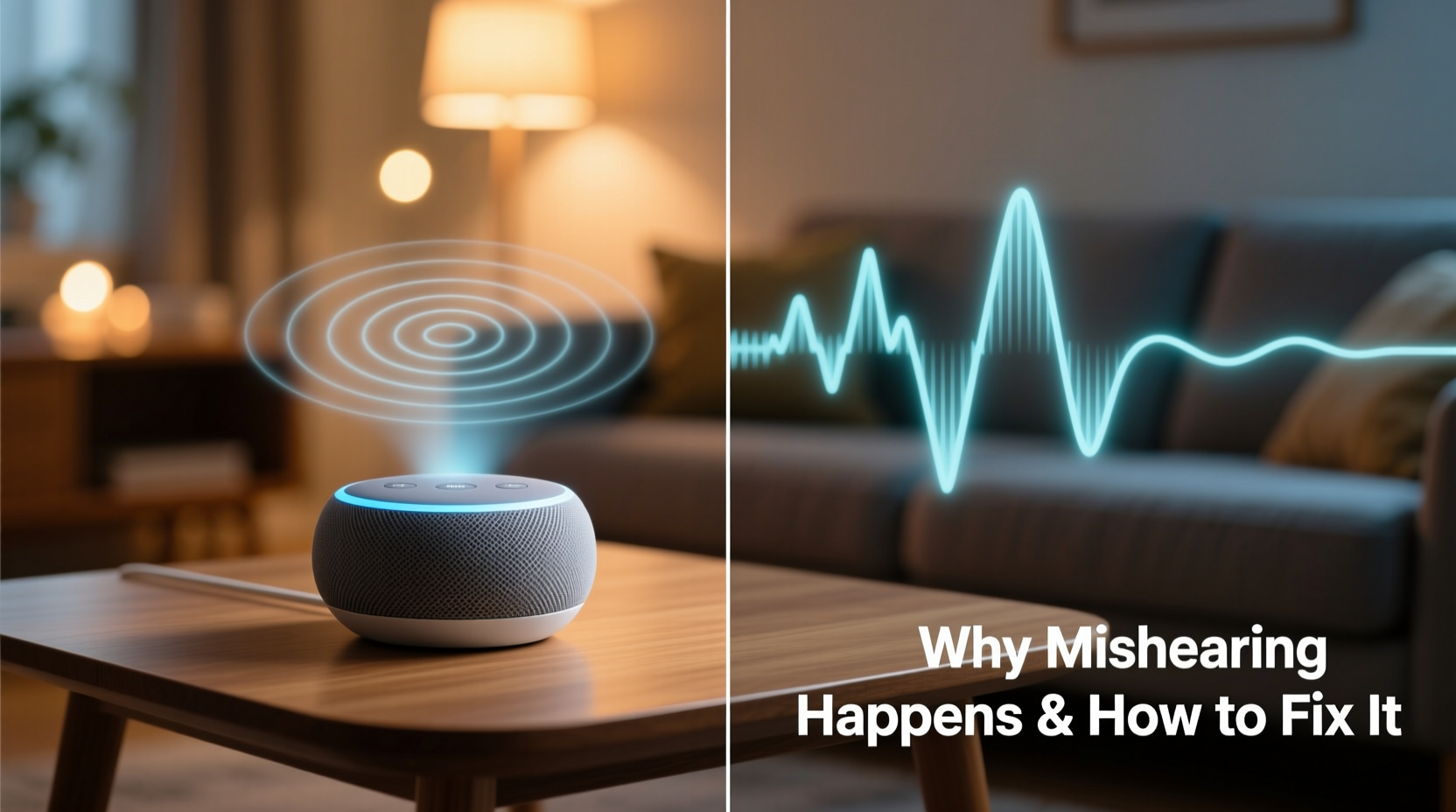
The core issue lies in how voice assistants process sound. When you speak, your smart speaker captures audio, converts it into digital data, and sends it to the cloud for analysis. There, algorithms compare your words against vast databases of speech patterns to determine intent. This system works remarkably well—until it doesn’t.
Several factors contribute to misinterpretation:
- Background noise: Vacuum cleaners, running water, TVs, and even loud pets can interfere with audio clarity.
- Distance and placement: Speaking from across the room or behind walls reduces signal strength and increases echo.
- Accent and pronunciation: While modern assistants support multiple accents, regional variations and fast speech can still confuse models trained on standardized datasets.
- Homophones and ambiguous phrasing: Words like “write” and “right,” or phrases such as “turn on the light” vs. “turn on the night,” are easily mistaken without context.
- Firmware limitations: Older devices may lack updated acoustic models or noise-canceling features found in newer versions.
“Voice recognition isn’t perfect because human speech isn’t either. The challenge is filtering intent from variability.” — Dr. Lena Patel, Computational Linguist at MIT Media Lab
Even subtle changes in tone, volume, or sentence structure can alter how a command is interpreted. For example, saying “Play something by Coldplay” might work flawlessly one day and return “Playing songs about cold pies” the next—especially if spoken quickly or during a noisy moment.
Environmental Factors That Degrade Accuracy
Your physical environment plays a bigger role than most users realize. Hard surfaces like tile floors, glass windows, and bare walls cause sound to bounce, creating echoes that distort the original voice signal. Carpets, curtains, and furniture absorb sound, improving clarity. A speaker placed in an open kitchen with stainless steel appliances will likely perform worse than one in a carpeted living room.
Additionally, competing sound sources matter. Devices use beamforming microphones to focus on the direction of the speaker, but this technology has limits. If your TV is on full blast while you're asking for weather updates, the assistant may pull keywords from both audio streams, leading to garbled results.
Another often-overlooked factor is ambient frequency interference. Some LED lights, power supplies, and poorly shielded electronics emit high-frequency noise that some microphones can pick up. While inaudible to humans, these emissions can introduce static or distortion into recorded audio.
How to Improve Voice Recognition Accuracy: A Step-by-Step Guide
Improving accuracy doesn’t require technical expertise—just consistent adjustments. Follow this sequence to optimize performance:
- Reposition your device centrally. Place the speaker at ear level in a central location, ideally 3–5 feet from where you typically stand when issuing commands. Avoid corners and enclosed shelves.
- Reduce background noise. Pause music, lower TV volume, or wait until appliances (like dishwashers) finish before giving critical commands.
- Train the assistant to recognize your voice. Use the built-in voice profile feature (available in Alexa, Google Assistant, and Siri) to register your speech patterns. This helps the system distinguish your voice from others and improves personalized responses.
- Speak clearly and consistently. Use deliberate pacing, enunciate key words, and avoid mumbling. Instead of “Turn off all the downstairs lights,” try “Alexa, turn off the downstairs lights.”
- Update firmware regularly. Manufacturers release periodic updates that enhance noise suppression, expand vocabulary, and fix bugs. Ensure automatic updates are enabled in your app settings.
- Perform a microphone sensitivity test. In your device’s companion app, run a diagnostic check to verify all microphones are functioning properly. Clean dust from grilles gently with a soft brush.
- Use confirmation prompts for sensitive actions. Enable verbal confirmations for routines like locking doors or making purchases to prevent unintended execution due to mishearing.
Optimization Checklist
✅ Smart Speaker Accuracy Optimization Checklist
- Speaker placed at central, open location
- At least 3 feet from walls and hard surfaces
- No obstructions covering microphone array
- Voice profile created and verified
- Firmware updated within last 30 days
- Background noise minimized during use
- Clear, consistent speaking habits adopted
- Confirmation required for critical tasks
- Device tested weekly with varied commands
Do’s and Don’ts for Clearer Voice Commands
| Do | Don’t |
|---|---|
| Speak at a moderate pace with clear enunciation | Mumble or speak too quickly |
| Use simple, direct phrasing (“Set alarm for 7 AM”) | Use slang or overly casual language (“Wake me up early tomorrow”) |
| Face the device when speaking | Shout commands from another room without ensuring clarity |
| Enable voice match for personalized results | Assume the assistant recognizes everyone equally well |
| Test new placements over 48 hours before finalizing | Place near appliances that generate electrical noise |
A Real-World Example: Fixing a Problem Setup
Consider Sarah, a remote worker living in a two-story townhouse with Alexa-enabled devices in her kitchen and bedroom. She frequently complained that her kitchen Echo would “play random playlists” instead of turning on the coffee maker via smart plug. After logging her commands, she noticed a pattern: misfires occurred mostly between 7:00–7:30 AM, coinciding with her morning radio show.
She took several steps: moved the speaker from behind the microwave (which blocked mic access), turned off the radio before issuing voice commands, and retrained her voice profile using clearer samples. Within three days, error rates dropped from 40% to under 5%. The fix wasn’t technical—it was behavioral and spatial.
Sarah also began prefacing commands with “Alexa, ” even though wake-word flexibility exists, because starting with the trigger word gave the system a cleaner audio onset. Over time, she developed a rhythm: pause the music, face the device, speak deliberately. Small habits made a big difference.
Advanced Tips for Persistent Issues
If basic fixes don’t resolve persistent errors, consider deeper optimizations:
- Add a second speaker for redundancy. Placing a second device in a different part of the room gives the system multiple audio inputs, increasing the chance of capturing a clean signal.
- Use routines with confirmation tones. Set up multi-step actions that require verbal confirmation before executing. For instance, “I’m about to lock the front door. Say ‘confirm’ to proceed.”
- Review voice history logs. Most apps allow you to view transcribed commands. Check these regularly to spot recurring misinterpretations and adjust phrasing accordingly.
- Switch to text input temporarily. During noisy periods (e.g., parties), use the mobile app to type commands instead of relying on voice.
- Invest in a dedicated voice amplifier. Though rare, accessories like lapel mics or Bluetooth push-to-talk buttons can help users with soft voices or speech impairments.
FAQ: Common Questions About Voice Misinterpretation
Can other people’s voices trigger my smart speaker?
Yes, unless you’ve enabled voice match or personalization. Without it, any voice saying the wake word can activate the device. Enabling voice profiles allows the system to tailor responses based on who’s speaking, reducing false triggers from guests or ads on TV.
Why does my speaker understand me better some days than others?
Variability often comes from temporary environmental changes—open windows introducing street noise, seasonal humidity affecting microphone sensitivity, or software updates altering response logic. Consistency in usage habits helps stabilize performance.
Does speaking louder help?
Not necessarily. Shouting can distort your voice and overwhelm the microphone. A steady, clear tone at normal volume is more effective than increased loudness. Think conversationally, not theatrically.
Conclusion: Speak Clearly, Live Smarter
Misheard commands aren’t inevitable—they’re signals that your setup needs refinement. By adjusting placement, refining speech habits, and leveraging built-in tools, you can dramatically improve accuracy. These improvements compound over time: fewer errors mean greater trust, which leads to broader adoption of voice control across your smart home ecosystem.
Technology should adapt to us, not the other way around. But a small amount of user adaptation unlocks far better performance. Take control today: audit your speaker’s position, record your voice, and test improvements systematically. The result? A smarter, more responsive home that listens—and understands—exactly what you mean.




 浙公网安备
33010002000092号
浙公网安备
33010002000092号 浙B2-20120091-4
Comments
No comments yet. Why don't you start the discussion?