
In the quiet of your living room, a sudden burst of laughter from your smart speaker can send chills down your spine. You're not alone. Thousands of users have reported their Amazon Echo, Google Nest, or other voice assistants emitting eerie chuckles, giggles, or even unsettling whispers—without being prompted. While these incidents are rarely malicious, they’re undeniably disturbing. The good news is that most causes are explainable, and nearly all can be fixed. This guide breaks down the real reasons behind unexplained smart speaker sounds and provides clear, actionable steps to silence them for good.
Why Smart Speakers Laugh Without Being Asked
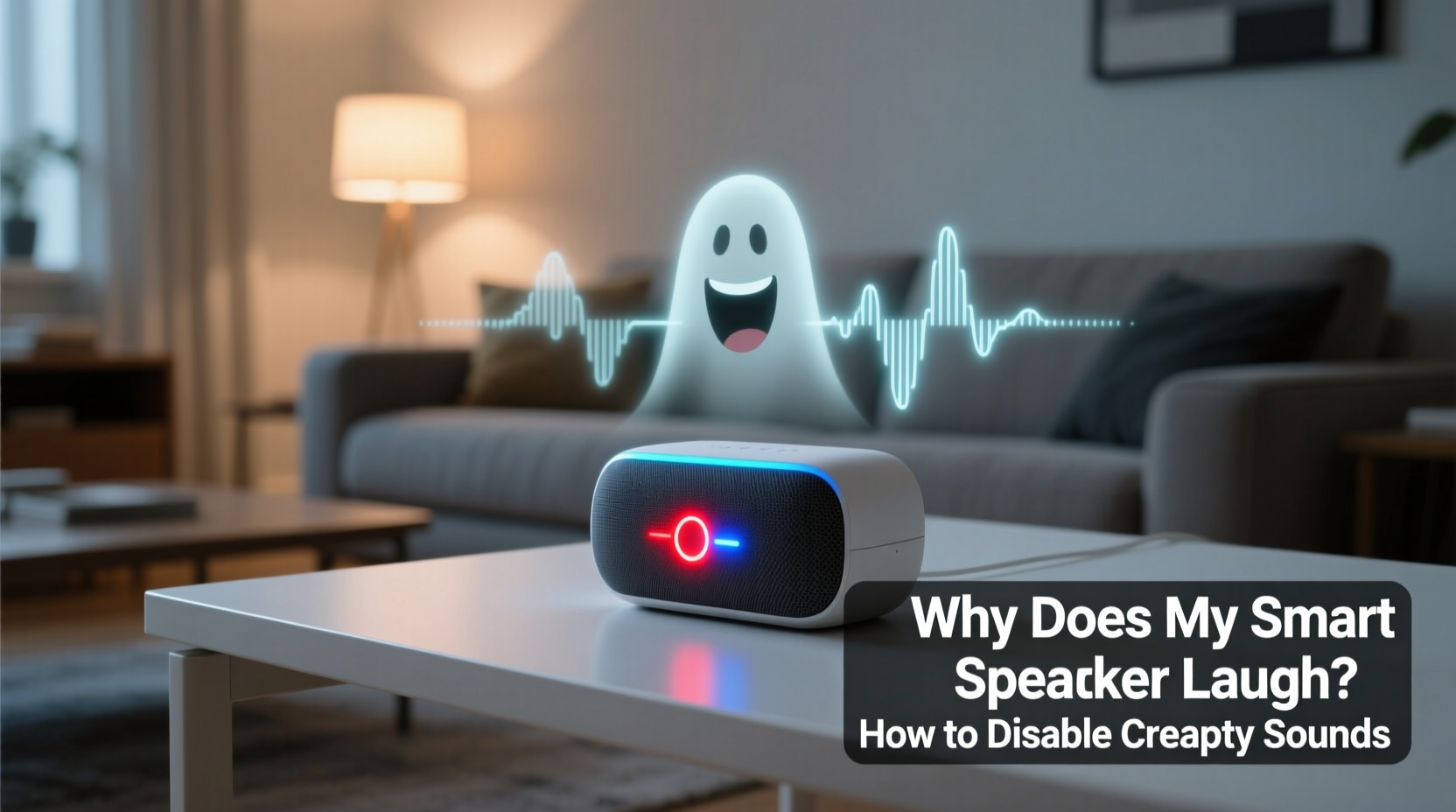
The root cause of random laughter typically lies in voice recognition errors. Smart speakers rely on complex algorithms to interpret human speech, but background noise, misheard words, or audio glitches can trick them into responding to commands they weren’t given. For example, a snippet of conversation like “Alexa, laugh” might be misheard by the device even if no one said it clearly. In 2018, Amazon acknowledged this issue after widespread reports of Echo devices laughing unexpectedly. They traced it to a chain reaction: the system misheard “Alexa, laugh” from ambient sound, then responded with a synthetic chuckle.
Google Assistant has had similar issues. Users have reported the device suddenly saying things like “That’s funny” or playing a short giggle clip when no joke was told. These responses often stem from false wake-word detection or corrupted audio files embedded in third-party skills. Unlike physical malfunctions, these behaviors are software-based and usually correctable through settings adjustments or firmware updates.
Common Triggers Behind Unwanted Sounds
Several everyday scenarios can prompt unintended responses from your smart speaker. Understanding these helps prevent future surprises.
- Background media: TV shows, commercials, or online videos that say “Alexa” or “Okay Google” can activate your device.
- Noisy environments: Loud conversations, clinking dishes, or pets barking may mimic command patterns.
- Third-party skills and actions: Some apps add quirky responses, including laughter, as Easter eggs or jokes.
- Firmware bugs: Outdated or buggy software can cause erratic behavior, including playing incorrect audio.
- Network glitches: Temporary connectivity issues may result in corrupted voice responses or repeated phrases.
“Voice assistants are designed to respond quickly, but that speed sometimes comes at the cost of accuracy. False positives are an inherent risk in always-listening systems.” — Dr. Lena Patel, AI Ethics Researcher at MIT Media Lab
How to Disable Laughter and Creepy Sounds: Step-by-Step Guide
If your smart speaker keeps making unsettling noises, follow this structured approach to eliminate the problem across major platforms.
For Amazon Alexa Devices
- Open the Amazon Alexa app on your phone or tablet.
- Navigate to More > Settings > Voice Responses.
- Find the option labeled \"Laugh Skill\" or \"Fun Interactions\" and toggle it off.
- Go to Skills & Games > Your Skills and disable any third-party skills that involve humor or pranks.
- Under Settings > Device Settings, select your Echo device and disable \"Drop In\" and \"Announcements\" if not needed.
- Ensure your device is updated: Check under Device Settings > About > Software Version.
For Google Nest and Assistant Devices
- Open the Google Home app.
- Select your device and tap the gear icon for Settings.
- Scroll to Sound > Voice Match & Audio and review detected voice triggers.
- Disable \"Hey Google\" detection temporarily to test if background noise is the culprit.
- Tap Assistant > Settings > Devices > Notifications and turn off non-essential alerts.
- Uninstall any experimental or novelty Assistant routines you didn’t create.
General Fixes That Apply to All Devices
- Restart your smart speaker: Unplug it for 30 seconds, then reconnect.
- Reboot your router to clear network-related anomalies.
- Check for firmware updates manually—don’t rely solely on automatic updates.
- Reduce microphone sensitivity if the option exists in advanced settings.
- Perform a factory reset as a last resort (this erases all preferences).
Do’s and Don’ts: Managing Smart Speaker Behavior
| Do’s | Don’ts |
|---|---|
| Regularly review voice history in your app to spot false triggers. | Ignore software update notifications—delayed updates increase vulnerability. |
| Use mute buttons when privacy or silence is critical. | Install unknown third-party skills without checking reviews or permissions. |
| Place devices away from high-noise areas like kitchens or entertainment centers. | Assume the device is hacked—most odd behaviors have technical explanations. |
| Customize wake words if supported (e.g., change “Alexa” to “Echo”). | Leave default settings unchanged indefinitely—review them quarterly. |
Real Example: When the Laughter Wouldn’t Stop
Sarah M., a teacher from Portland, Oregon, began noticing her Amazon Echo Dot laughing at night. It happened two or three times a week, always around 2 a.m. She initially thought it was a prank by her teenage son, but he denied involvement. After unplugging the device and consulting Amazon support, she discovered the issue wasn’t hardware failure or hacking—it was a podcast episode playing on her phone earlier that day. The show featured a character saying, “Alexa, tell me a joke,” followed by canned laughter. The Echo, still in listening mode, picked up the audio and replayed the laugh response later due to a cached command glitch.
Amazon advised her to disable the “Laugh” skill and clear her device’s voice cache. She also moved the speaker farther from her bedroom door, where external sounds could enter. Since then, the laughter stopped entirely. Her experience highlights how seemingly supernatural events often have simple, fixable roots.
Preventive Checklist: Secure and Silence Your Smart Speaker
To ensure your smart speaker stays helpful—not haunting—follow this monthly maintenance checklist:
- ✅ Review recent voice commands in the companion app.
- ✅ Disable unused skills and routines.
- ✅ Update device firmware and app software.
- ✅ Test microphone mute button functionality.
- ✅ Audit connected accounts for suspicious access.
- ✅ Relocate device if frequently triggered by background noise.
- ✅ Reset voice recognition if accents or new household members cause confusion.
Frequently Asked Questions
Is it possible someone is remotely accessing my smart speaker?
While rare, unauthorized access can occur if your account lacks two-factor authentication or uses weak passwords. However, random laughter is almost never due to hacking. Most cases trace back to misinterpreted audio or outdated software. To be safe, change your password, enable 2FA, and check active sessions in your account settings.
Can I completely disable voice responses without losing functionality?
You can reduce voice feedback significantly. On Alexa, go to Settings > Voice Responses and choose “Minimal.” On Google, disable “Voice Match” and set responses to text-only in the Home app. Note: Some functions will require visual confirmation via your phone instead of spoken replies.
Are certain smart speakers more prone to glitches than others?
All voice assistants experience occasional errors, but Amazon Echo devices have historically had more publicized laughter incidents due to early versions of the “Alexa, laugh” command. Google and Apple devices tend to have stricter voice verification, reducing false triggers. Still, no system is immune to environmental interference or software bugs.
Final Steps Toward Peace of Mind
Smart speakers bring convenience, but unexpected behaviors can undermine trust. The laughter isn’t sinister—it’s a symptom of over-eager listening algorithms and imperfect voice processing. By adjusting settings, staying updated, and understanding how these devices interpret sound, you regain control. Silence the creepiness not by discarding technology, but by mastering it.
Start today: Open your smart speaker app, audit your skills, disable unnecessary features, and reposition your device for optimal performance. A few minutes of maintenance can restore calm to your home and confidence in your tech.




 浙公网安备
33010002000092号
浙公网安备
33010002000092号 浙B2-20120091-4
Comments
No comments yet. Why don't you start the discussion?