
It’s unsettling when your smart speaker suddenly activates without being prompted. You’re in the middle of a quiet evening, and out of nowhere, the familiar chime sounds—followed by “I’m listening.” No one said “Hey Google” or “Alexa.” No command was given. Yet, the device is awake and waiting. This phenomenon isn’t rare. Millions of smart speaker users have reported unexplained activations. While it may feel like surveillance or malfunction, most cases stem from predictable technical behaviors, environmental factors, or software quirks. Understanding why these random wake-ups happen is the first step toward regaining control over your smart home environment.
How Voice Assistants Detect Wake Words
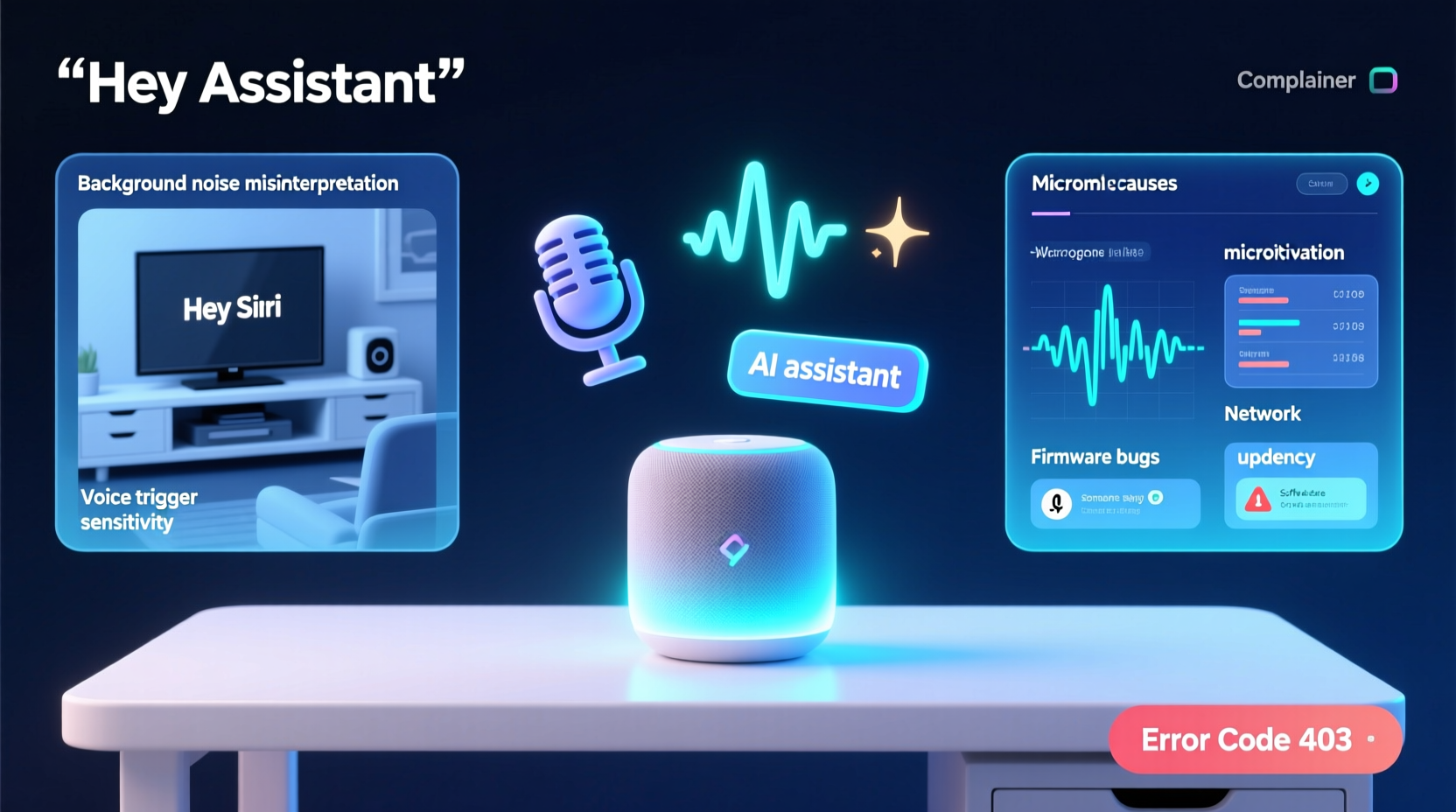
Smart speakers rely on always-on microphones to listen for specific trigger phrases—commonly called “wake words.” These include “Hey Siri,” “Alexa,” “OK Google,” or “Hey Google.” The device runs a low-power audio processing system that continuously analyzes background noise, searching for acoustic patterns that match its programmed wake word. When a close enough match is detected, the device powers up its main processor, sends the following audio to the cloud, and responds accordingly.
This system is designed for convenience but operates under constraints. It must balance sensitivity (catching real commands) with accuracy (avoiding false positives). Too sensitive, and it triggers on similar-sounding phrases; too insensitive, and it misses legitimate requests. As a result, manufacturers tune their algorithms to err slightly on the side of responsiveness—leading to occasional false activations.
“Wake word detection systems are probabilistic models. They don’t hear perfectly—they guess based on patterns. That means sometimes they’ll get it wrong, especially in noisy environments.” — Dr. Lena Patel, Audio AI Researcher at MIT Media Lab
Common Causes of Random Activations
False triggers aren’t signs of malfunction—they’re often the result of expected behavior under edge-case conditions. Here are the most frequent causes:
- Background noise mimicking wake words: Phrases like “I’ll check what Alex said” can sound enough like “Alexa” to trigger activation. Similarly, “Hey, Julie!” might resemble “Hey Google.”
- TV or radio broadcasts: Commercials, shows, or music containing wake words can activate nearby devices. Amazon once had to issue a firmware update after an ad featuring “Alexa” caused widespread unintended responses.
- Cross-talk between devices: Multiple smart speakers in one home may respond to each other’s output, creating echo loops or cascading activations.
- Poor microphone calibration: Dust, obstructions, or physical damage to the mic array can distort input, leading to misinterpretation.
- Firmware bugs or outdated software: Glitches in speech recognition code can lower detection thresholds temporarily.
- Network latency issues: Delayed signal processing may cause delayed responses that appear spontaneous.
Environmental Triggers: What Sounds Like “Alexa”?
The human ear easily distinguishes between similar phrases, but machine learning models work differently. They analyze frequency patterns, syllable stress, and phoneme sequences. A phrase doesn’t need to be identical to trigger activation—it just needs to fall within an acceptable deviation threshold.
Researchers at Stanford analyzed over 5,000 false triggers and found that certain words and sounds are disproportionately likely to activate voice assistants:
| Sounding Phrase | Resembles | Example Context |
|---|---|---|
| “Alec said…” | Alexa | “Alec said he’d come by later.” |
| “Play classic rock” | Play Alexa… | Music request on another device |
| “Hey, Judy!” | Hey Google / Hey Siri | Calling someone in another room |
| “In a sec, ah—” | “Alexa” | Mid-sentence pause with vocal emphasis |
| “OK, let’s go” | OK Google | Starting a family outing |
Even non-verbal sounds can confuse systems. Clattering dishes, dog barks, or sudden pops (like popcorn) may generate frequencies similar to wake word intonations. One user reported their smart speaker activating every time their cat jumped onto a wooden shelf—the impact created a sharp resonance picked up by the mic.
Step-by-Step Guide to Diagnose and Stop Random Activations
If your smart speaker keeps turning on unexpectedly, follow this structured troubleshooting process:
- Log recent activations: Use your assistant’s app (Google Home, Alexa, Apple Home) to review voice history. Look for timestamps matching unexplained activations. Note any audio clips if available.
- Check for media sources: Determine if a TV, radio, or streaming service might be triggering the device. Temporarily mute or relocate the speaker during broadcasts.
- Adjust wake word sensitivity: In settings, look for options like “Wake Word Sensitivity” (available on some Google Nest and Alexa devices). Lower the setting slightly to reduce false positives.
- Reposition the device: Move the speaker away from fans, vents, kitchens, or areas with high ambient noise. Ensure microphones aren’t blocked.
- Update firmware: Check for software updates in the companion app. Manufacturers regularly patch known glitch patterns.
- Disable secondary wake words: If you rarely use “OK Google,” disable it and stick with “Hey Google” (or vice versa) to reduce detection load.
- Test with mic off: Turn off the microphone manually for 24 hours. If no random activations occur, the issue is audio-based, not hardware failure.
- Factory reset (last resort): If problems persist, reset the device and reconfigure it. This clears corrupted settings or cached glitches.
Do’s and Don’ts: Managing Smart Speaker Behavior
To maintain reliable performance without sacrificing privacy or peace of mind, follow these best practices.
| Action | Do | Don’t |
|---|---|---|
| Placement | Place on flat surface, away from walls and obstructions | Install inside cabinets or behind objects that block mics |
| Sound Environment | Use near quiet living spaces or bedrooms at night | Position directly next to TVs, stereos, or kitchen appliances |
| Maintenance | Wipe mic area gently with dry cloth monthly | Use cleaning sprays or compressed air near ports |
| Privacy | Review voice history weekly and delete unwanted entries | Assume all recordings are private—treat them as potentially stored |
| Settings | Enable “Require confirmation” for smart home actions | Allow full access to contacts or messages without review |
Mini Case Study: The Family Who Thought Their Speaker Was Haunted
The Rivera family in Austin, Texas, began noticing their Amazon Echo Dot turning on around 9:15 PM nightly. No one was speaking near it. At first, they assumed it was a prank by their teenage son. But after confirming no one was home during the activation, they grew concerned.
They reviewed their Alexa app and found a consistent pattern: the device registered “Alexa” followed by silence. After disabling the microphone, the activations stopped—confirming it wasn’t a network-level bug. Then, they noticed something unusual: the activation coincided with the start of a local news broadcast on a nearby TV.
Upon closer inspection, the anchor opened the segment with: “Coming up next, Alex Azar discusses healthcare reform.” The name “Alex” pronounced clearly, followed by a pause, was enough to trigger the device repeatedly. Changing the wake word to “Computer” immediately resolved the issue.
This case illustrates how seemingly innocuous audio content can interact unpredictably with voice AI—a reminder that context matters as much as content.
When Hardware Might Be to Blame
While most glitches are software- or environment-related, hardware faults do occur. Signs of potential hardware failure include:
- Constant blue light ring with no audio trigger
- Random reboots or connectivity drops
- Distorted microphone input (e.g., recording muffled or robotic sounds)
- Activation without any wake word history logged
If you suspect hardware issues, perform a diagnostic test using the manufacturer’s app. For example, Alexa devices allow users to run a “Microphone and Speaker Test” under Device Settings > Diagnostics. Google Nest devices offer a similar tool in the Google Home app.
Persistent anomalies after resets and updates may indicate internal component degradation—especially in units exposed to moisture, dust, or extreme temperatures. In such cases, replacement or professional repair is advisable.
FAQ: Common Questions About Random Activations
Can hackers remotely activate my smart speaker?
While theoretically possible, verified cases are extremely rare. Most major brands use end-to-end encryption and require authentication for remote access. Unprompted activations are far more likely due to audio triggers than breaches. However, always use strong passwords and enable two-factor authentication for your account.
Is my smart speaker always recording me?
No. Your device only begins recording *after* detecting a wake word. Prior audio is processed locally and discarded unless the trigger phrase is recognized. That said, voice logs are stored in the cloud by default. You can disable this in settings or set automatic deletion (e.g., auto-delete after 3 or 18 months).
Can I change the wake word to something unique?
Limited options exist. Alexa allows “Echo,” “Amazon,” “Computer,” or “Alexa.” Google Assistant offers “Hey Google” and “OK Google.” Apple’s Siri does not allow wake word changes. Some third-party platforms (like Mycroft AI) support custom wake words, but mainstream consumer devices prioritize standardization for reliability.
Expert Insight: Balancing Convenience and Control
“The future of voice interfaces depends on trust. Users need transparency about when and why devices activate. Right now, we’re trading a small amount of predictability for massive usability gains—but companies must keep improving accuracy.” — Dr. Marcus Lin, Human-Computer Interaction Specialist, University of Washington
Experts agree that while today’s voice assistants are remarkably capable, they’re still evolving. The balance between accessibility and precision remains a work in progress. As neural networks grow more sophisticated, future models may incorporate contextual awareness—such as recognizing whether a wake word came from a live person or a TV screen.
Conclusion: Take Back Control of Your Smart Speaker
Random activations aren’t magic—or malice. They’re the side effect of powerful technology operating in complex real-world environments. By understanding how voice detection works, identifying common triggers, and applying practical fixes, you can significantly reduce—or eliminate—unwanted interruptions.
Your smart speaker should serve you, not surprise you. With thoughtful placement, regular maintenance, and informed settings adjustments, you can enjoy the benefits of voice control without the anxiety of unpredictable behavior. Don’t tolerate constant glitches as inevitable. Investigate, adjust, and optimize. A smarter home starts with a speaker that listens—only when you want it to.




 浙公网安备
33010002000092号
浙公网安备
33010002000092号 浙B2-20120091-4
Comments
No comments yet. Why don't you start the discussion?