
It’s common to notice your tablet warming up during charging—especially after extended use or when using fast chargers. While some warmth is normal, excessive heat can signal deeper issues that affect performance, battery life, and even safety. Understanding the science behind heat generation and recognizing when it crosses into dangerous territory helps protect both your device and personal well-being.
Tablets are designed with thermal management systems, but they aren’t immune to overheating. The combination of power delivery, internal resistance, background processes, and environmental factors all contribute to temperature changes. This article breaks down the causes, identifies red flags, and provides actionable steps to manage and prevent unsafe heating scenarios.
How Charging Generates Heat in Tablets
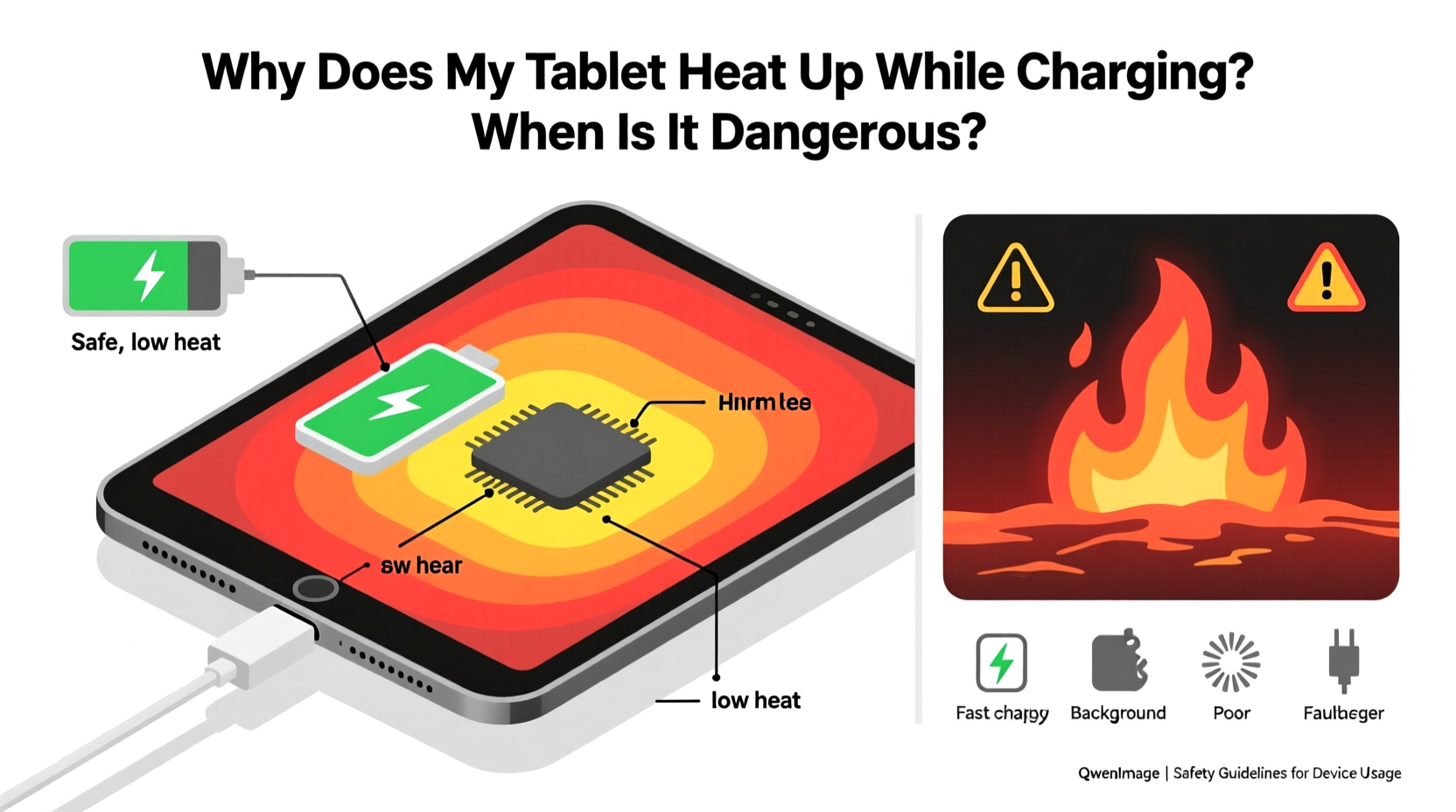
When you plug in your tablet, electrical energy flows from the charger into the battery. This process isn’t 100% efficient—some energy is lost as heat due to internal resistance in the battery cells and circuitry. Lithium-ion batteries, which power most modern tablets, generate heat naturally during chemical reactions involved in charging and discharging.
The rate at which heat builds up depends on several factors:
- Charging speed: Fast charging increases current flow, accelerating heat production.
- Battery age: Older batteries have higher internal resistance, making them more prone to heating.
- Device usage during charging: Running apps, streaming video, or playing games while charging adds processing load, increasing overall temperature.
- Environmental conditions: High ambient temperatures reduce the device’s ability to dissipate heat.
In ideal conditions, the tablet’s thermal regulation system activates cooling mechanisms—such as throttling processor speed or pausing charging temporarily—to maintain safe operating temperatures. However, if these systems are overwhelmed or compromised, heat can accumulate rapidly.
Normal vs. Dangerous Heating: What You Need to Know
Not all heat is cause for alarm. A slightly warm back panel during charging is typical, especially within the first 30 minutes of connecting to a power source. But how do you tell when warmth becomes a hazard?
Here’s a comparison of acceptable versus concerning signs:
| Aspect | Normal Heating | Dangerous Heating |
|---|---|---|
| Surface Temperature | Warm to touch (up to 40°C / 104°F) | Too hot to hold (above 50°C / 122°F) |
| Duration | Subsides after charging completes | Persists even after unplugging |
| Physical Signs | No visible changes | Case warping, screen discoloration, swelling |
| Performance | Minor slowdown possible | Frequent crashes, automatic shutdowns |
| Smell | No odor | Burning plastic or chemical smell |
If your tablet exhibits any of the \"dangerous\" indicators, stop using it immediately. Continued exposure to extreme heat can degrade the battery permanently, damage internal components, or—in rare cases—lead to fire or explosion.
“Any device that emits smoke, distorts in shape, or feels uncomfortably hot should be powered off and evaluated by a technician.” — Dr. Alan Reyes, Electrical Safety Engineer at Consumer Tech Labs
Common Causes of Excessive Tablet Heating During Charging
While some heat is inevitable, certain behaviors and hardware issues amplify the risk:
Using Non-OEM or Low-Quality Chargers
Third-party chargers may not regulate voltage and current properly. Inconsistent power delivery forces the tablet’s power management system to work harder, generating excess heat. Cheap cables with poor conductivity also increase resistance, contributing to thermal stress.
Charging Under Heavy Load
Running resource-intensive applications while charging—like video calls, GPS navigation, or high-resolution gaming—forces both the CPU and battery to operate at peak capacity. This dual demand significantly raises internal temperatures.
Blocked Ventilation or Poor Airflow
Placing a tablet on soft surfaces like beds or couches traps heat underneath. Unlike laptops, tablets lack active cooling fans, relying entirely on passive dissipation through the casing. Obstructing this process leads to heat retention.
Aging or Damaged Battery
Over time, lithium-ion batteries lose their efficiency. Internal degradation increases resistance, causing more energy to convert into heat rather than stored charge. Swollen batteries are a clear sign of internal failure and must be replaced promptly.
Software Glitches or Background Processes
Malfunctioning apps or rogue background services can keep the processor active unnecessarily. Even when the screen is off, these processes consume power and generate heat during charging.
Step-by-Step Guide to Prevent Overheating
Prevention is key to extending your tablet’s lifespan and ensuring safe operation. Follow this sequence to minimize heat risks:
- Use Original or Certified Accessories: Stick to manufacturer-approved chargers and cables. Look for certifications like USB-IF or MFi (for Apple devices).
- Charge on Hard, Flat Surfaces: Avoid fabric-covered areas. Use a wooden desk or ceramic tile to allow airflow around the device.
- Limit Usage During Charging: Pause demanding tasks until charging finishes. If you must use the tablet, stick to light activities like reading or note-taking.
- Remove Thick Cases: Protective cases made of silicone or rubber insulate heat. Take them off during long charging sessions.
- Monitor Ambient Temperature: Don’t charge in direct sunlight, near heaters, or in hot vehicles. Ideal room temperature is between 20–25°C (68–77°F).
- Update Software Regularly: OS updates often include power optimization and thermal control improvements.
- Check Battery Health: On iOS, go to Settings > Battery > Battery Health. On Android, use diagnostic tools or third-party apps like AccuBattery to assess capacity and condition.
Mini Case Study: When Overheating Led to Device Failure
Samantha, a freelance graphic designer, relied on her tablet daily for client work. She frequently used fast charging to quickly top up her device between meetings. To save time, she’d charge it while running design software, often leaving it on her bed.
After six months, she noticed the tablet becoming unusually hot—so much so that it would shut down unexpectedly during charging. One evening, she detected a faint burning smell. Upon inspection, the back cover had slightly warped, and the screen showed dark blotches near the edges.
She took it to a repair shop, where technicians found a severely degraded battery with visible swelling. They explained that continuous high-load charging in a poorly ventilated environment had accelerated thermal stress beyond safe limits. The tablet was no longer repairable due to motherboard damage caused by prolonged overheating.
This case illustrates how seemingly minor habits—like charging on a bed or multitasking during charging—can compound into serious hardware failures over time.
Checklist: Is Your Tablet Charging Safely?
Use this checklist to evaluate your current charging practices:
- ✅ I use the original or certified charger and cable
- ✅ My tablet is placed on a hard, cool surface while charging
- ✅ I avoid playing games or streaming videos during charging
- ✅ I’ve removed bulky cases during long charging sessions
- ✅ The room temperature is comfortable (not above 30°C / 86°F)
- ✅ My tablet doesn’t feel too hot to touch after 20 minutes of charging
- ✅ There are no unusual smells or physical deformities
- ✅ I’ve checked battery health recently and it’s above 80%
If you answered “no” to two or more items, your tablet may be at increased risk of overheating. Adjust your habits accordingly to prevent damage.
Frequently Asked Questions
Is it normal for my tablet to get warm during wireless charging?
Yes, wireless charging is inherently less efficient than wired charging, typically converting only 60–70% of energy into usable power. The rest becomes heat. As long as the device remains below 45°C (113°F) and shows no warning signs, mild warmth is expected.
Can overheating permanently damage my tablet’s battery?
Yes. Exposure to sustained high temperatures accelerates battery aging. Temperatures above 45°C (113°F) can reduce lithium-ion battery capacity by up to 20% within months. Repeated overheating shortens overall battery lifespan and increases the risk of swelling or failure.
What should I do if my tablet shuts down while charging?
Immediate shutdown during charging is a built-in safety response to overheating. Unplug the device, turn it off, and let it cool in a shaded area for at least 30 minutes. Do not attempt to restart or recharge until it returns to room temperature. If the issue recurs, seek professional diagnostics.
Conclusion: Stay Informed, Stay Safe
Your tablet’s tendency to heat up during charging isn’t something to ignore—but it also doesn’t need to provoke panic. With a clear understanding of what’s normal and what’s not, you can make informed decisions that protect your investment and ensure everyday safety.
Heat is a symptom, not the root problem. By addressing the underlying causes—poor chargers, environmental factors, and usage patterns—you gain control over your device’s longevity and reliability. Small adjustments today can prevent costly replacements or hazardous situations tomorrow.




 浙公网安备
33010002000092号
浙公网安备
33010002000092号 浙B2-20120091-4
Comments
No comments yet. Why don't you start the discussion?