
It’s a common scenario: you’re lying in bed, streaming your favorite show on your tablet, when suddenly the screen dims, the device feels hot to the touch, and performance slows. Overheating during video playback isn’t just uncomfortable—it can shorten your tablet’s lifespan, drain the battery faster, and even pose safety risks. While tablets are designed to handle moderate workloads, certain habits—especially those involving prolonged use in bed—can push them beyond their thermal limits. The good news is that most causes of overheating are preventable with simple adjustments. This guide breaks down why it happens, how to fix it immediately, and what long-term changes will protect your device.
Why Tablets Overheat During Video Streaming in Bed
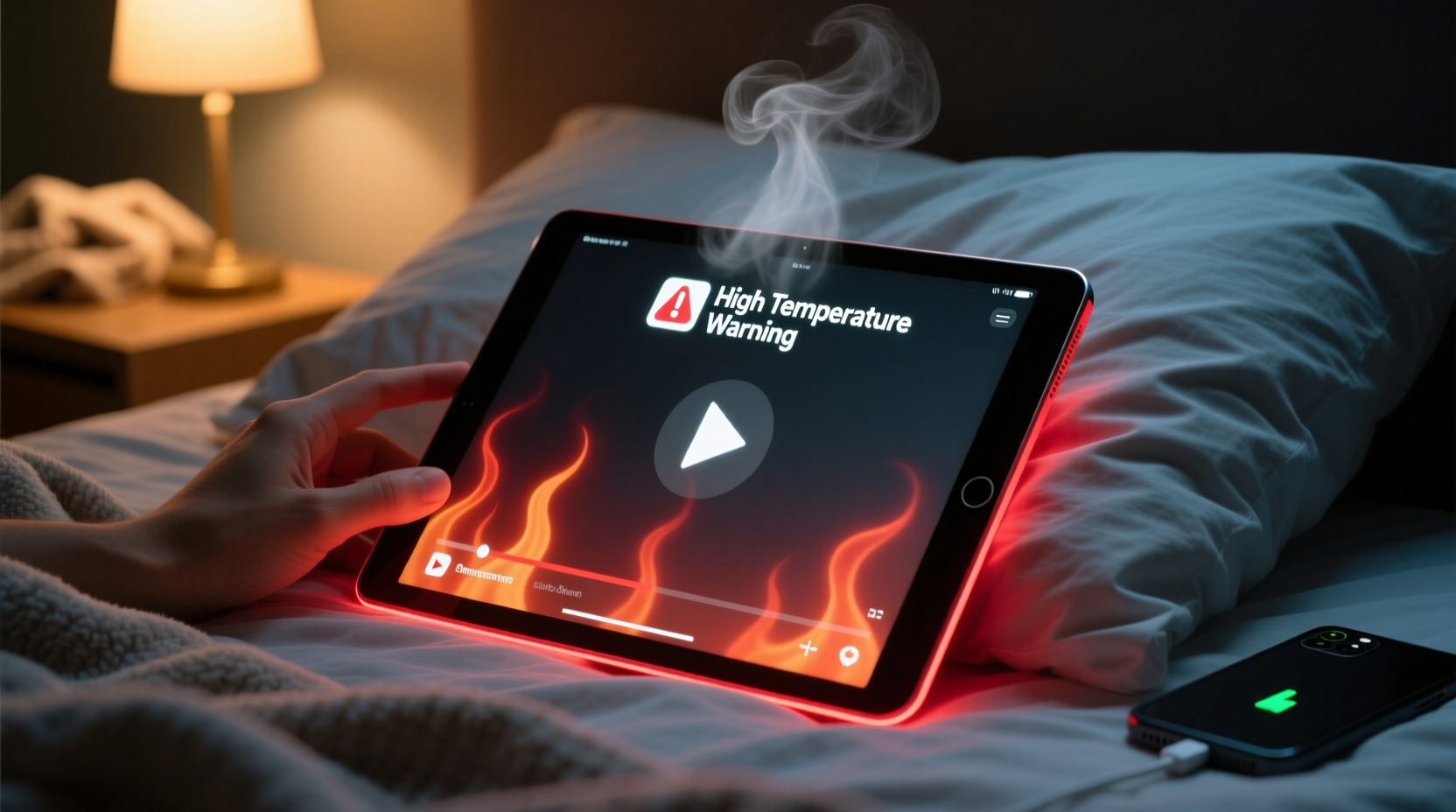
Tablets generate heat primarily through three components: the processor (CPU/GPU), the display, and the battery. When you stream high-resolution videos—especially from platforms like YouTube, Netflix, or Disney+—all three systems are under sustained load. The screen stays bright, the processor decodes video data in real time, and the battery supplies continuous power. Under normal conditions, tablets dissipate this heat through passive cooling via the chassis. However, using your tablet in bed disrupts this process.
Beds, blankets, and pillows act as insulators. When you rest the tablet on a soft surface or hold it close to your body, airflow around the device is restricted. Heat builds up because it has nowhere to escape. Even slight contact with fabric can trap warmth, especially if the room is warm or the tablet case is non-breathable. Additionally, background apps, outdated software, or poor signal strength (which forces the device to work harder to maintain a connection) can amplify heat generation.
“Thermal throttling is a built-in safety feature, but frequent overheating can degrade battery chemistry and reduce overall device longevity.” — Dr. Rajiv Mehta, Electronics Engineer & Mobile Device Consultant
Immediate Fixes That Work
If your tablet is already hot, stop using it immediately. Continuing to operate an overheated device increases the risk of permanent damage. Try these proven solutions to cool it down quickly:
- Remove it from bedding. Place the tablet on a hard, flat surface like a nightstand or desk. Avoid carpeted or upholstered areas.
- Turn off the screen and pause playback. Let the device rest for 10–15 minutes to allow internal temperatures to drop.
- Disable Wi-Fi and Bluetooth temporarily. This reduces background activity and gives the processor a break.
- Remove the case. Many tablet cases, especially thick silicone or leather ones, trap heat. Taking it off helps cooling.
- Use a small fan. Directing gentle airflow across the tablet accelerates heat dissipation without risking moisture exposure.
Once cooled, restart the tablet before resuming use. If the problem persists, consider deeper causes and long-term strategies.
Long-Term Prevention Strategies
Preventing overheating means addressing both usage habits and device settings. The following steps help maintain optimal operating temperatures during extended video sessions:
- Adjust screen brightness manually. Auto-brightness often sets levels too high indoors. Lower brightness significantly reduces heat output.
- Stream in lower resolution when possible. Switching from 1080p to 720p cuts processing demand and reduces battery strain.
- Close unused apps. Background apps consume memory and CPU cycles, contributing to heat buildup.
- Keep software updated. Manufacturers release firmware updates that improve thermal management and efficiency.
- Avoid charging while streaming. Charging generates additional heat; combining it with video playback pushes thermal limits.
Do’s and Don’ts: Tablet Use in Bed
| Do’s | Don’ts |
|---|---|
| Use a hard tray or lap desk for support | Rest the tablet directly on blankets or pillows |
| Take breaks every 30–45 minutes | Watch for hours without monitoring device temperature |
| Enable dark mode and reduce blue light | Maximize screen brightness in a dark room |
| Download videos for offline playback | Stream in 4K on a weak Wi-Fi signal |
| Remove the case during extended use | Use thick, non-ventilated cases while watching videos |
Real-World Example: How Sarah Fixed Her Overheating Tablet
Sarah, a college student, used her tablet nightly to watch lectures and unwind with shows. After two months, she noticed the device would shut down unexpectedly during use. At first, she assumed it was a battery issue. But after consulting a technician, she learned her habit of propping the tablet against her comforter while lying on her stomach was blocking ventilation ports along the sides.
She implemented several changes: she purchased a foldable bamboo lap desk, lowered her screen brightness to 50%, and began downloading episodes over Wi-Fi during the day. She also disabled auto-updates and background refresh for non-essential apps. Within a week, her tablet no longer overheated—even during two-hour study sessions. The battery also lasted longer per charge, confirming that heat reduction had improved overall efficiency.
“Simple behavioral tweaks can resolve 80% of tablet overheating issues—no hardware repair needed.” — Lena Park, Mobile Support Technician at TechCare Solutions
Step-by-Step Guide to Safe Bedtime Video Watching
To enjoy videos safely without risking device damage, follow this routine:
- Prepare your space. Set up a firm surface like a tray table or lap desk. Ensure the tablet has at least 2 inches of clearance on all sides.
- Download content in advance. Connect to Wi-Fi earlier in the day and download videos using the app’s offline feature.
- Optimize settings before playback.
- Lower screen brightness to 40–60%
- Switch to 720p resolution
- Enable dark mode and disable auto-brightness
- Turn off Bluetooth and location services
- Remove the protective case. Allow metal or glass surfaces to release heat freely.
- Start playback and monitor for 10 minutes. Touch the back of the tablet—if it warms slightly, that’s normal. If it becomes uncomfortably hot, stop and reevaluate your setup.
- Take a break every 45 minutes. Pause the video, turn off the screen, and let the tablet cool for 5–10 minutes.
- Charge only when powered off. Avoid simultaneous charging and video use.
This routine not only prevents overheating but also improves viewing comfort and extends battery cycle life.
Frequently Asked Questions
Can an overheating tablet catch fire?
While rare, lithium-ion batteries in severely overheated devices can enter thermal runaway—a condition where rising temperature causes further heating, potentially leading to swelling, leakage, or combustion. Modern tablets have multiple safety cut-offs, but persistent overheating increases risk. Always stop using a device that gets excessively hot and consult a professional.
Does screen size affect overheating?
Larger screens require more power and generate more heat, especially at high brightness. A 10-inch tablet will generally run hotter than an 8-inch model under the same conditions. However, better thermal design in premium models often compensates for size.
Is it safe to use a cooling pad designed for phones?
Cooling pads with built-in fans can help, but choose one sized appropriately for your tablet. Avoid gel-based pads or refrigerated sleeves—they may cause condensation. Passive cooling (like placing the tablet on a marble surface) is safer and equally effective.
Final Thoughts: Protect Your Device and Yourself
Overheating isn’t just a technical inconvenience—it’s a warning sign. Ignoring it can lead to degraded performance, reduced battery capacity, and in extreme cases, safety hazards. The root cause often lies not in the device itself, but in how and where we use it. Watching videos in bed is a relaxing ritual for millions, but doing so without attention to airflow and workload can silently stress your tablet.
The fixes outlined here—from adjusting settings to changing physical setups—are simple, cost-free, and highly effective. You don’t need special tools or technical expertise. What matters is consistency: making small adjustments part of your routine to preserve both your device and your viewing experience.




 浙公网安备
33010002000092号
浙公网安备
33010002000092号 浙B2-20120091-4
Comments
No comments yet. Why don't you start the discussion?