
It’s a familiar holiday frustration: you set your plug-in or smart timer to illuminate the front yard from 5:00 p.m. to 11:00 p.m., only to walk outside at 9:30 p.m. and find darkness. The lights went off at 9:15—or even earlier. You check the timer display: it reads 9:15, but your phone says 9:42. The timer is running fast. Or worse—it’s not just fast; it’s inconsistent. One night it cuts out at 9:00, the next at 10:20. This isn’t faulty wiring or a burnt-out bulb. It’s almost always a clock-setting issue—rooted in timekeeping accuracy, daylight saving transitions, power loss recovery, or mismatched time sources. Unlike modern smartphones that sync to atomic clocks via NTP, most mechanical and basic digital timers rely on internal quartz oscillators that drift, lack automatic DST adjustment, and reset unpredictably after outages. Understanding why—and how to fix it—ensures your lights shine reliably all season, without daily manual corrections.
How Timer Clocks Actually Keep Time (and Why They Drift)
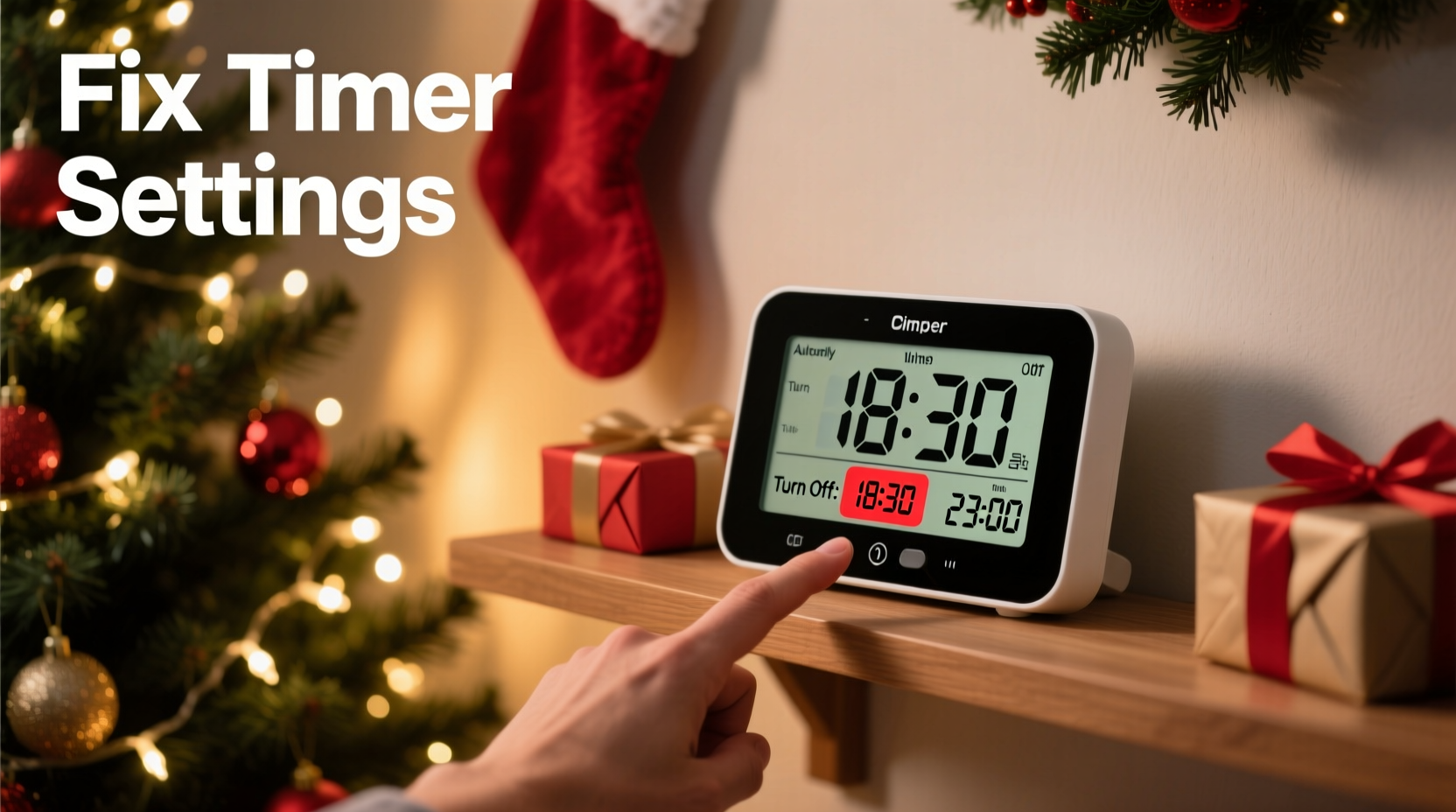
Most plug-in and outdoor-rated timers use one of two timekeeping mechanisms: quartz crystal oscillation or microcontroller-based real-time clocks (RTCs). Quartz timers generate electrical pulses by vibrating a tiny crystal at a precise frequency—typically 32,768 Hz. These pulses are divided down to produce one-second intervals. But quartz crystals are sensitive to temperature, voltage fluctuations, and aging. Even high-grade crystals can drift ±10–20 seconds per month. Lower-cost timers often use cheaper crystals with ±30–60 seconds per month drift—meaning a timer could gain or lose over two minutes in six weeks. That explains why your “5:00 p.m.” setting gradually shifts earlier each day.
Microcontroller-based timers (common in newer digital models) include dedicated RTC chips, which are more stable—but many still omit temperature compensation or battery-backed memory. When power blinks—even for half a second—the clock resets to factory default (often 12:00) or jumps erratically if the backup capacitor fails. And critically, neither type automatically adjusts for Daylight Saving Time unless explicitly programmed to do so and equipped with an internal DST algorithm (a feature found in fewer than 30% of consumer-grade timers).
The 4 Most Common Causes—and How to Diagnose Each
Not all early shutoffs stem from the same root cause. Pinpointing the pattern helps target the fix.
- Consistent daily drift (e.g., lights turn off 2 minutes earlier each day): Points to quartz oscillator inaccuracy. Check if the timer gains or loses time consistently when compared to a known-accurate source (e.g., time.gov) over 48 hours.
- Sudden jump backward (e.g., timer displays 8:00 p.m. when it should be 10:15 p.m.): Almost always caused by a brief power interruption. Look for flickering lights elsewhere in the house or check if other devices (clock radios, microwaves) also reset.
- One-time early cutoff on the second Sunday in March or first Sunday in November: A classic Daylight Saving Time misalignment. The timer either didn’t advance (spring forward) or didn’t fall back (fall back), leaving scheduled events misaligned by one hour.
- Inconsistent behavior—sometimes early, sometimes on time, sometimes late: Suggests failing internal capacitor, weak backup battery (if present), or electromagnetic interference from nearby motors (garage door openers, HVAC compressors) disrupting the timer’s circuitry.
Step-by-Step: Fixing Your Timer’s Clock Settings for Reliable Operation
Follow this sequence—not just to correct today’s error, but to prevent recurrence through the entire holiday season.
- Verify current accurate time: Use time.gov or your smartphone’s system clock (ensure “Set Automatically” is enabled). Note the exact time to the second.
- Power-cycle the timer: Unplug it completely. Wait 15 seconds. Plug it back in while pressing and holding the “Clock” or “SET” button until the display blinks or shows “CLOCK” mode.
- Set hour and minute precisely: Use the “+”/“−” buttons to adjust—don’t rush. Pause 1 second between presses to avoid skipping digits. Set to the *exact* current time, including AM/PM toggle if applicable.
- Confirm DST setting: Navigate to the DST menu (often labeled “DST ON/OFF” or “AUTO DST”). If your model supports automatic DST, enable it. If not, manually set DST status: “ON” from second Sunday in March through first Sunday in November; “OFF” otherwise.
- Program your lighting schedule: Enter “ON TIME” first (e.g., 17:00), then “OFF TIME” (e.g., 23:00). Avoid using “TIMER MODE” shortcuts like “6H” or “8H”—they rely on internal assumptions that compound drift.
- Test for 72 hours: Check the displayed time against time.gov at the same time each day. Record drift in a notebook. If deviation exceeds ±15 seconds per day, the unit likely requires replacement.
Do’s and Don’ts: Timer Setup Best Practices
Small procedural choices make a disproportionate difference in long-term reliability. Here’s what works—and what silently undermines performance.
| Do | Don’t |
|---|---|
| Plug the timer into a GFCI-protected outdoor outlet with surge protection | Plug directly into an ungrounded or overloaded extension cord |
| Use a dedicated outlet—no other high-draw devices (heaters, blowers) on the same circuit | Share the circuit with refrigerators, sump pumps, or garage door openers |
| Label the timer with date of last clock verification and observed drift rate | Assume “set and forget” applies—especially across DST transitions |
| For multi-timer setups, synchronize all units to the same reference time within 5 seconds | Set timers individually using different phones or watches |
| Replace timers older than 5 years—capacitors degrade, crystals fatigue, firmware becomes obsolete | Continue using a timer that has required manual correction more than twice in one season |
Real-World Example: The Elm Street Holiday Lights Case
In December 2023, Sarah K., a homeowner in Portland, OR, installed new LED string lights controlled by a $24 digital timer she’d purchased online. She programmed it for 4:30 p.m. to 11:00 p.m. On opening night, lights stayed on until midnight. By Day 4, they cut off at 10:15 p.m. By Day 9, darkness fell at 8:45 p.m. Frustrated, she replaced the bulbs, checked fuses, and even tested the outlet voltage—all normal. Then she noticed the timer display read 8:45 p.m. while her phone showed 9:22 p.m. A 37-minute drift in nine days—nearly 5 minutes per day. She consulted the manual and discovered the timer had no battery backup and used a low-cost quartz movement rated at ±45 sec/month. But her observed drift was 15× worse. Further inspection revealed the outlet was on the same circuit as her furnace fan, which cycled every 8–12 minutes—causing micro-interruptions the timer interpreted as full power loss, forcing repeated resets to 12:00. Moving the timer to a dedicated circuit resolved the issue instantly. Her takeaway? “The timer wasn’t broken—it was just listening to the wrong signals.”
“Consumer timers aren’t precision instruments—they’re cost-optimized appliances. Expecting atomic-clock accuracy from a $15 device is like expecting a bicycle to handle like a race car. Reliability comes from matching the tool to the environment—not pushing it beyond its design envelope.” — Mark Delaney, Electrical Product Safety Engineer, UL Solutions
FAQ: Quick Answers to Persistent Questions
Can I use a smart plug instead of a traditional timer to avoid these issues?
Yes—with caveats. Smart plugs (like those from TP-Link Kasa or Wemo) sync time via Wi-Fi to internet time servers, eliminating quartz drift and handling DST automatically. However, they require stable Wi-Fi, a functioning home hub or app, and introduce cybersecurity considerations. If your router reboots nightly or your signal drops in the garage, the plug may miss commands. For maximum reliability in seasonal use, a smart plug paired with a local automation rule (not cloud-dependent) is ideal—but verify offline scheduling capability in the app settings before purchase.
My timer has a “battery backup”—why did it still reset during a power outage?
Battery backups in timers are typically CR2032 coin cells designed to retain memory for 30–90 days—not to power the display or logic during outages. If the battery is depleted (common after 18–24 months), even a 0.5-second outage will force a full reset. Test battery voltage with a multimeter: below 2.7V indicates replacement is needed. Also ensure the battery contacts are clean and free of corrosion.
Is there a way to test if my timer’s quartz crystal is failing?
Yes. Perform a 7-day drift log: each morning at 8:00 a.m. sharp, record both the timer’s displayed time and the true time (from time.gov). Calculate daily deviation. If deviation increases non-linearly—e.g., +12 sec Day 1, +28 sec Day 2, +51 sec Day 3—the crystal is likely degrading due to thermal stress or aging. Replacement is the only reliable fix; recalibration won’t restore long-term stability.
Conclusion: Light Up Your Season—Without the Guesswork
Your Christmas lights are more than decoration—they’re tradition, warmth, and connection. Letting unreliable timing dim that experience—night after night—is unnecessary. The root causes of premature shutoff are rarely mysterious or expensive to resolve. They’re practical: a drifted quartz crystal, an overlooked DST toggle, a vulnerable power circuit, or a tired backup battery. By approaching your timer not as a “set-and-forget” gadget but as a small instrument requiring periodic calibration—just like a thermostat or oven clock—you reclaim control. Start tonight: pull out your timer, verify its time against a trusted source, check its DST setting, and note its location relative to other electrical loads. Small actions compound into consistent, joyful illumination. And if your current timer resists correction, consider upgrading to a model with true RTC architecture, Wi-Fi sync, or built-in surge protection—not as luxury, but as seasonal infrastructure. After all, the holidays deserve reliability as much as they deserve sparkle.




 浙公网安备
33010002000092号
浙公网安备
33010002000092号 浙B2-20120091-4
Comments
No comments yet. Why don't you start the discussion?